

Restoring old and blurry videos is now easier than ever thanks to advancements in artificial intelligence. AI technologies can enhance video quality by sharpening images, removing noise, and even reconstructing lost frames. With the right tools and techniques, you can turn faded memories into vibrant visual experiences. In this article, you’ll learn how AI tools work, the different methods available, and the best practices for achieving stunning results.
Understanding AI Video Restoration

At the heart of AI video restoration are powerful algorithms that analyze pixel data to identify and correct flaws in video footage. These algorithms can detect patterns and anomalies, allowing them to make educated guesses about what the original image should look like. For instance, if a video has blurry sections, the AI can infer the missing details by referencing similar pixel arrangements from clearer portions of the video.
Machine learning models play a crucial role in enhancing restoration quality. These models are trained on vast datasets containing both high-quality and low-quality video content. Through this extensive training, they learn how to distinguish between clear and unclear images, leading to improved restoration outcomes. The more data the model is exposed to, the better it becomes at making precise corrections, ultimately enhancing the viewer’s experience.
Popular AI Tools for Video Restoration
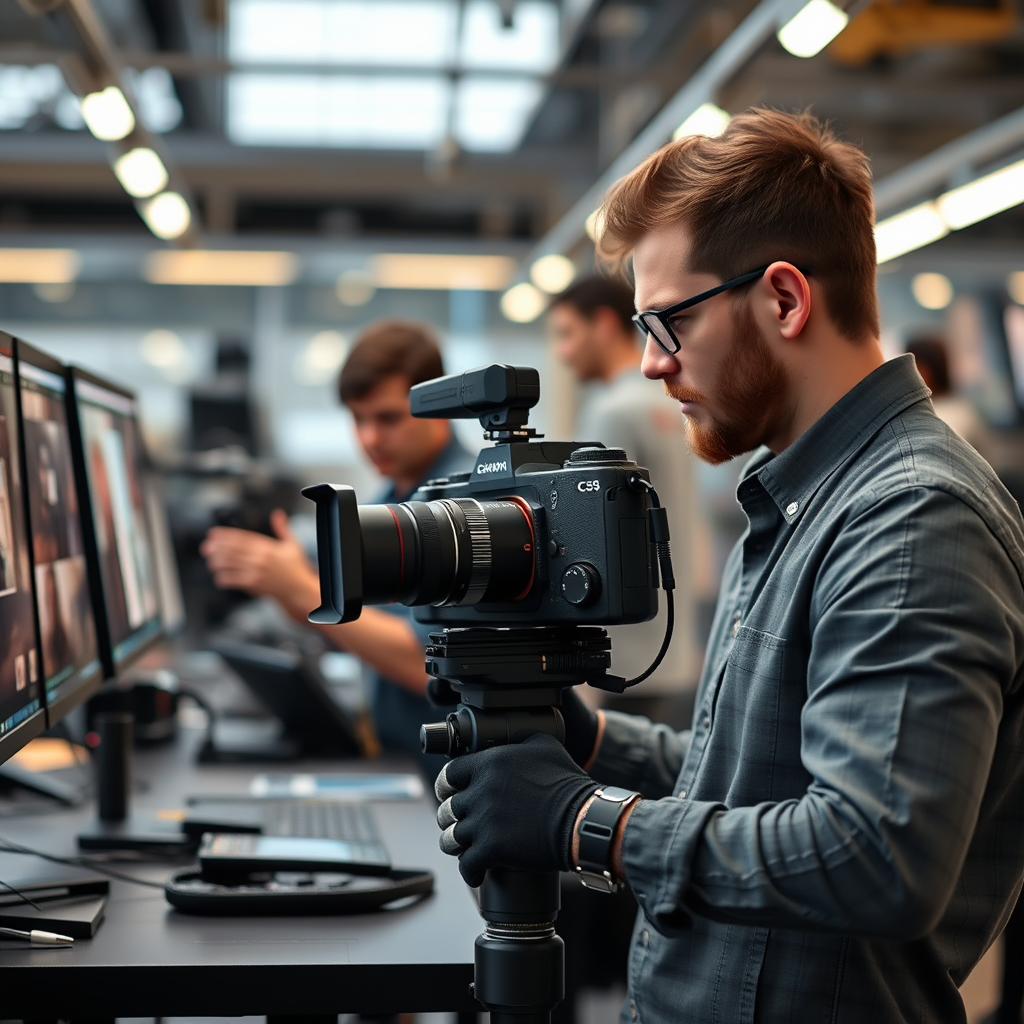
There are several AI tools available for video restoration, each offering unique features and capabilities. Two of the most popular options are Topaz Video Enhance AI and Adobe Premiere Pro.
Topaz Video Enhance AI focuses exclusively on upscaling video quality. Its user-friendly interface allows even beginners to achieve impressive results quickly. The software uses advanced machine learning algorithms to upscale footage up to 8K resolution while preserving detail and clarity. With various AI models to choose from, users can select the one that best suits their specific restoration needs.
On the other hand, Adobe Premiere Pro is a powerhouse in the video editing world and has incorporated AI features under its Adobe Sensei platform. This tool not only supports video restoration but also offers a comprehensive suite for editing, making it a go-to choice for professionals. Users can benefit from features like auto-reframe, scene edit detection, and advanced color correction, all driven by AI to streamline the editing process.
When comparing these tools, consider factors such as ease of use, cost, and the specific features you need. Topaz Video Enhance AI typically costs around $299 for a lifetime license, while Adobe Premiere Pro operates on a subscription model, starting at around $20.99 per month. Choosing the right tool depends on whether you require specialized restoration capabilities or a broader editing platform.
Techniques Used in AI Video Restoration
Several techniques are employed in AI video restoration to enhance visual quality effectively.
Upscaling is one of the primary methods used. This technique involves increasing the resolution of a video while maintaining clarity. Traditional upscaling methods can lead to pixelation and a loss of detail, but AI-driven upscaling uses learned data to intelligently fill in missing details and create smoother, sharper images. For example, a standard definition (SD) video can be transformed into high definition (HD) while retaining its original charm.
De-noising is another critical technique that removes grain and artifacts from video footage. AI algorithms can analyze the noise patterns and differentiate them from the actual image data, allowing them to eliminate undesirable noise while preserving important details. This process results in a cleaner and more visually appealing video. For instance, old family videos shot in low light often contain significant grain; AI de-noising can revitalize these clips, making them more watchable.
Steps to Restore Your Old Videos
Restoring your old videos effectively requires a systematic approach. Here are some steps to guide you through the process:
1. Selecting the Right Software: Begin by choosing the AI tool that best meets your needs. For users focused solely on video restoration, Topaz Video Enhance AI may be ideal. In contrast, if you’re looking to combine editing and restoration, Adobe Premiere Pro could be the better choice.
2. Importing and Preparing the Video Files: Once you’ve selected your software, the next step is to import your video files. Ensure you have high-quality source files to work with, as the restoration process is only as good as the original footage. Most tools allow you to preview the video before processing, so take advantage of this feature to identify sections that require more attention.
3. Applying Restoration Techniques: Depending on your software, you can now begin applying restoration techniques. Start with upscaling, then move on to de-noising. Some tools may offer additional features like stabilization or color correction, which can further enhance the video quality.
4. Exporting Your Restored Video: Once you are satisfied with the restoration process, don’t forget to export your video in the desired format. Choose settings that maintain quality while ensuring compatibility with the platforms where you plan to share or view the video.
Common Challenges and Solutions
Restoring old videos is not without its challenges. Common issues include motion blur and color distortion. Motion blur can occur when the original video was shot in low light or with shaky hands. To combat this, consider using stabilization features in your software or applying frame interpolation to create smoother motion.
Color distortion is another frequent problem, especially in older videos. AI tools can often adjust color balance automatically, but manual correction may be necessary in some cases. Familiarizing yourself with color grading techniques can significantly improve your results.
If you encounter issues during the restoration process, don’t hesitate to seek help from online forums or tutorials specific to your chosen software. Many communities of video editing enthusiasts are more than willing to share tips and tricks.
Future of AI in Video Restoration
The future of AI in video restoration is incredibly promising. Continuous advancements in machine learning and neural networks are paving the way for even better restoration techniques. We can expect AI to become more adept at understanding complex visual details, leading to more realistic and vibrant restorations.
Moreover, AI technology is not limited to personal use. The film industry is increasingly leveraging these tools for film preservation, allowing studios to restore classic films for new generations. Imagine watching a remastered version of your favorite old movie, revitalized through the power of AI!
As technology continues to evolve, we may also see AI-driven solutions that can automate the entire restoration process, making it accessible to everyone, regardless of their technical expertise.
Restoring old and blurry videos using AI is a game changer for both personal and professional projects. By understanding the tools and techniques available, you can bring your cherished memories back to life with stunning clarity. Start exploring these AI solutions today to see the remarkable transformations for yourself!
Frequently Asked Questions
What is the process by which AI restores old and blurry videos?
AI restoration of old and blurry videos typically involves several techniques, including upscaling, denoising, and frame interpolation. By utilizing deep learning algorithms, AI analyzes the existing frames to predict and reconstruct missing details, improve sharpness, and reduce noise. This process can significantly enhance the visual quality of videos that were originally low-resolution or poorly preserved.
How effective is AI in improving the quality of vintage videos?
AI has proven to be highly effective in enhancing the quality of vintage videos, often achieving results that were previously thought impossible. By leveraging advanced machine learning models trained on large datasets of high-resolution images, AI can restore clarity and detail that may have been lost due to age, compression, or poor filming techniques. Users typically report significant improvements in color accuracy, sharpness, and overall viewing experience.
Why should I use AI tools for video restoration instead of traditional methods?
AI tools offer several advantages over traditional video restoration methods, including speed, efficiency, and quality. Unlike manual restoration, which can be time-consuming and requires skilled labor, AI can process large amounts of footage quickly while maintaining a high level of precision. Additionally, AI can automatically detect and repair flaws in video content, allowing for a more consistent and often superior end result.
What are the best AI tools for restoring old videos?
Some of the best AI tools for restoring old videos include Topaz Video Enhance AI, Adobe Premiere Pro with its AI features, and DaVinci Resolve. These applications utilize sophisticated algorithms to upscale video resolution, reduce noise, and enhance clarity. When choosing a tool, consider factors like user-friendliness, specific restoration capabilities, and your budget to find the one that best meets your needs.
Which types of videos can benefit the most from AI restoration techniques?
AI restoration techniques can benefit a variety of video types, but they are especially effective for vintage films, home movies, and footage captured on older cameras that may lack modern clarity. Additionally, videos that have suffered from compression artifacts or those that were recorded in low-light conditions can experience substantial improvement through AI restoration. This makes AI a valuable tool for archivists, filmmakers, and anyone looking to preserve cherished memories.
References
- https://en.wikipedia.org/wiki/Video_upscaling
- https://www.sciencedirect.com/science/article/pii/S0957417422007121
- https://www.bbc.com/future/article/20211013-how-ai-is-helping-us-to-recover-old-footage
- https://www.nytimes.com/2020/06/22/technology/ai-video-restoration.html
- https://www.researchgate.net/publication/341739176_Deep_Learning_for_Video_Enhancement_and_Restoration
- https://www.techrepublic.com/article/how-ai-is-changing-the-game-for-video-restoration/
- https://www.wired.com/story/deep-learning-ai-video-restoration/