

Smartphones now leverage AI to significantly enhance video stabilization, resulting in smoother and more professional-looking footage. This technology effectively reduces shaky and jittery effects caused by handheld recording, making it easier for users to capture high-quality videos. In this article, we’ll explore how AI contributes to video stabilization and what this means for smartphone users.
Understanding Video Stabilization

Video stabilization is a crucial technique used to improve the quality of recordings by minimizing blurriness and shakiness. Anyone who has attempted to shoot a video while walking or running knows how challenging it can be to maintain a steady shot. Traditional video stabilization methods often rely on physical stabilization techniques, such as gimbals or optical image stabilization (OIS), which involve adding mechanical components to the camera to counteract movement. While these methods have their merits, they can be bulky and expensive. In contrast, AI-driven stabilization offers a digital alternative that analyzes and corrects video footage in real-time, allowing users to achieve smoother results without the need for additional equipment. This shift in technology has made video recording more accessible and user-friendly for everyone, from casual smartphone users to budding filmmakers.
The Role of AI in Stabilization
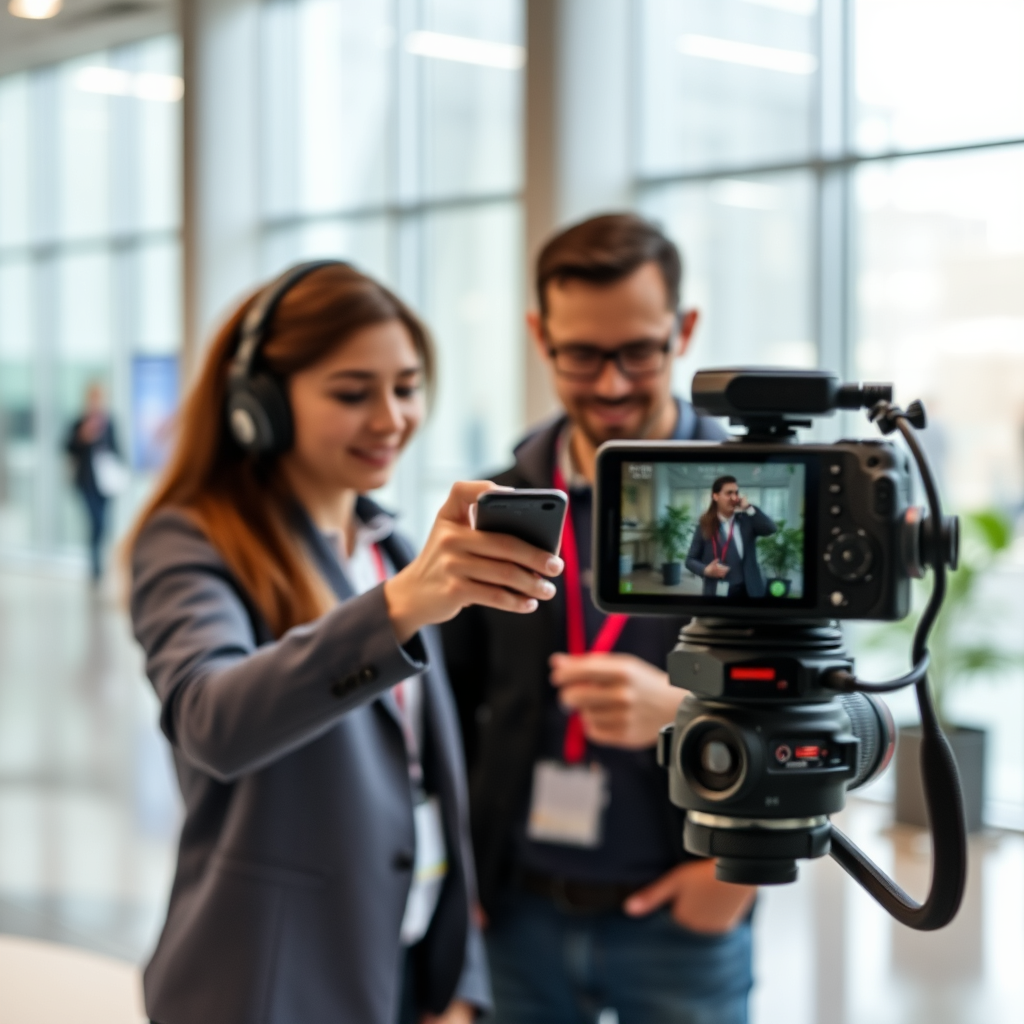
AI plays a pivotal role in modern video stabilization by employing sophisticated algorithms to analyze video frames and detect unwanted movements or shakes. These algorithms evaluate the pixels in each frame, identifying patterns of motion that indicate instability. By utilizing machine learning techniques, the software can learn from user behavior and improve its performance over time. For instance, if you frequently shoot videos while jogging, AI can adapt its stabilization techniques to better handle the specific vibrations and jerks associated with that activity. This ability to learn and adapt makes AI-driven stabilization a powerful tool for enhancing video quality, ultimately allowing users to focus on creativity rather than technical challenges.
Benefits of AI-Driven Stabilization
The benefits of AI-driven stabilization are plentiful and can significantly impact the quality of the video footage produced by smartphone users. First and foremost, enhanced video quality leads to a more professional appearance, making your videos look polished and visually appealing. This can be particularly beneficial for content creators who rely on high-quality visuals to engage their audience, such as vloggers, influencers, and marketers. Additionally, AI stabilization empowers users to capture dynamic action shots without the constant worry of poor footage. Whether you’re filming your child’s soccer game or a breathtaking hiking adventure, the technology allows for more spontaneity and creativity, resulting in memorable captures that can be shared with pride.
How It Works: The Technology Behind AI Stabilization
At the core of AI stabilization lies optical flow analysis, a technique that identifies motion between consecutive frames. When you record a video, the AI analyzes the movement of various elements in the scene, such as people, objects, and even the camera itself. It then predicts and compensates for unwanted camera movements in real-time, effectively smoothing out the footage. This process occurs almost instantaneously, allowing for seamless recording without noticeable lag or delay. Additionally, advanced algorithms can utilize depth information from multiple camera sensors to enhance stabilization further, making it even more robust in challenging environments, such as busy streets or rocky terrains.
Popular Smartphones with Advanced AI Stabilization
As AI-driven stabilization technology continues to evolve, many flagship smartphones are incorporating these advanced features. For instance, the latest models from brands like Apple, Samsung, and Google have made significant strides in this area. The iPhone 14 Pro Max, for example, utilizes advanced computational video processing to deliver incredibly stable footage, even in fast-paced scenarios. Similarly, Samsung’s Galaxy S23 Ultra employs Super Steady video technology that leverages AI to maintain smooth recording while capturing high-resolution content. Google’s Pixel series also emphasizes video stabilization, with its AI tools adapting to different shooting conditions to ensure optimal results. When comparing the video quality and stabilization capabilities of these devices, it becomes clear that users have a wealth of options tailored to their specific needs, whether for casual use or professional content creation.
Tips for Maximizing Video Stabilization
To get the most out of AI stabilization features on your smartphone, there are several best practices to keep in mind while filming. First, ensure that you enable the stabilization setting in your camera app, as some smartphones may not have it activated by default. Secondly, try to maintain a steady grip on your phone to complement the AI’s efforts, as excessive hand movements can still affect the overall stability. When filming in varying lighting conditions, consider adjusting your exposure and ISO settings to minimize noise and enhance video clarity. Lastly, consider using slower movements when panning or tilting the camera; this allows the AI to better analyze motion and compensate for any unwanted shakes, resulting in a smoother final product.
Incorporating AI into video stabilization transforms how we capture moments on our smartphones. By understanding the technology and its benefits, users can make informed decisions about their devices and filming techniques. Embrace these advancements, and start creating smoother videos today! With the right tips and knowledge, anyone can elevate their video recording game, resulting in stunning visuals that tell compelling stories.
Frequently Asked Questions
How does AI enhance video stabilization in smartphones?
AI enhances video stabilization by using advanced algorithms to analyze and predict movement in real-time. By tracking the motion of the camera and adjusting the video frame accordingly, AI can smooth out shaky footage significantly. This technology often employs machine learning techniques to refine its stabilization capabilities, providing users with a professional-looking video experience even when filming on the go.
What are the benefits of AI-driven video stabilization compared to traditional methods?
AI-driven video stabilization offers several advantages over traditional optical or digital stabilization methods. Firstly, it provides a more precise adjustment by predicting movements and compensating for them dynamically. Secondly, it reduces the cropping of frames often associated with traditional stabilization, preserving the original composition of the video. Lastly, AI can adapt to different shooting conditions and scenarios, ensuring consistent quality across various environments.
Why is video stabilization important for smartphone videography?
Video stabilization is crucial for smartphone videography because it significantly enhances the viewing experience by reducing unwanted shakes and jitters. When filming in motion—such as while walking or running—unstabilized video can appear unprofessional and distracting. By utilizing AI-powered stabilization, users can capture smoother, more cinematic footage, making their videos more enjoyable to watch and easier to share on social media platforms.
Which smartphones currently offer the best AI video stabilization features?
Some of the top smartphones known for their exceptional AI video stabilization features include the Apple iPhone 14 Pro, Samsung Galaxy S23 Ultra, and Google Pixel 7 Pro. These devices leverage sophisticated AI algorithms that provide outstanding stabilization, even in challenging shooting conditions. When choosing a smartphone for video recording, consider the camera specifications and user reviews to find the best option for your needs.
How can I improve my smartphone’s video stabilization when recording?
To improve your smartphone’s video stabilization while recording, consider using a gimbal or tripod for added support. Additionally, enable built-in stabilization features in your camera settings, as most modern smartphones come equipped with AI-driven stabilization options. Lastly, practice smooth camera movements and avoid sudden jerks, as this can complement the AI stabilization, resulting in much smoother video footage.
References
- https://en.wikipedia.org/wiki/Video_stabilization
- https://www.sciencedirect.com/science/article/pii/S187705091831067X
- https://www.nature.com/articles/s41598-018-36790-z
- https://www.wired.com/story/how-ai-is-revolutionizing-video-stabilization/
- https://www.bbc.com/news/technology-47467520
- https://www.theguardian.com/technology/2021/mar/23/how-ai-is-improving-video-stabilization
- https://www.techcrunch.com/2020/01/08/smartphone-video-stabilization-ai/