
Transforming your stereo sound system into a surround sound experience is entirely possible with the right equipment and setup. By adding specific hardware and adjusting your configuration, you can create a more immersive audio environment without needing to purchase a completely new system. This guide will walk you through the essential steps to achieve that surround sound experience, making your movie nights and music listening sessions more captivating and enjoyable.


Understanding Surround Sound Basics
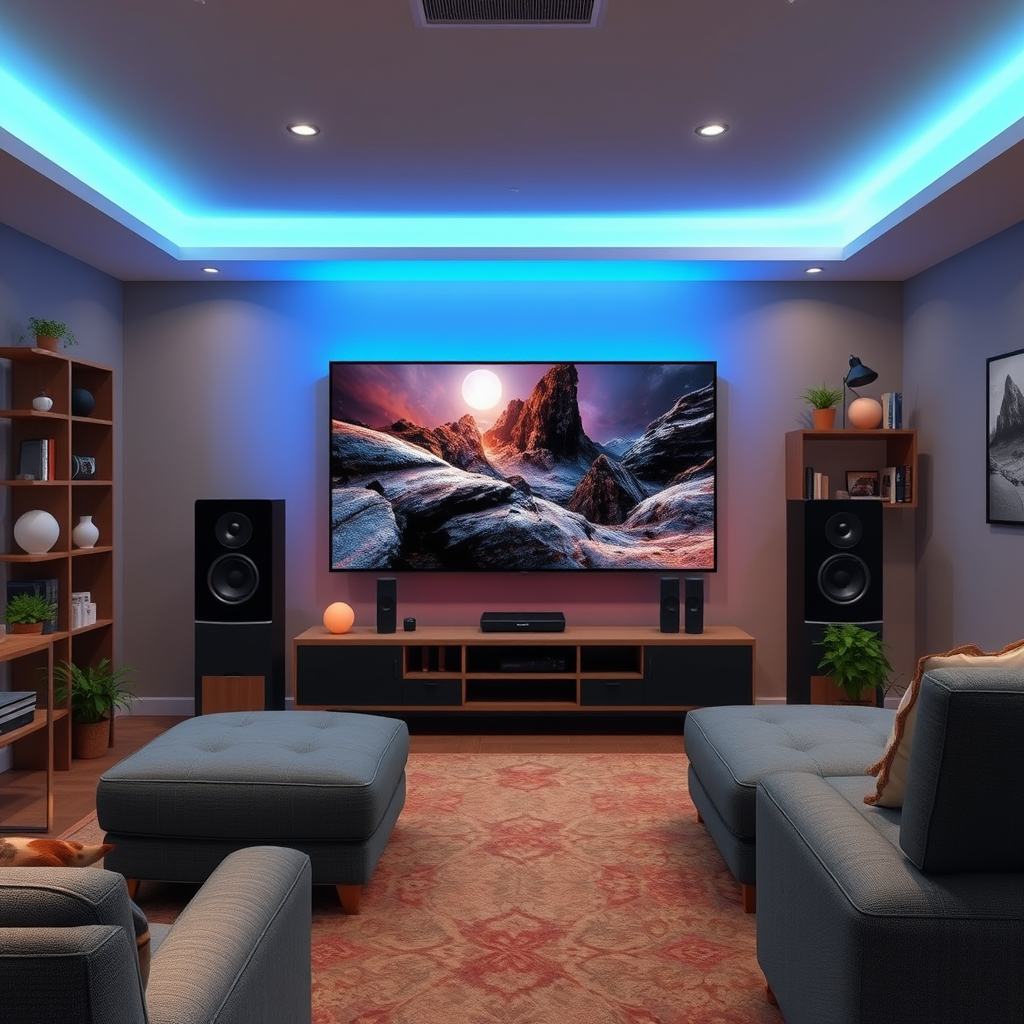
To start, let’s delve into what surround sound is. Surround sound uses multiple audio channels to create a 3D sound experience, enveloping the listener in rich audio from various directions. This is achieved by utilizing multiple speakers placed around the room, which allows sound to move and flow, mimicking the way we naturally hear sounds in our environment.
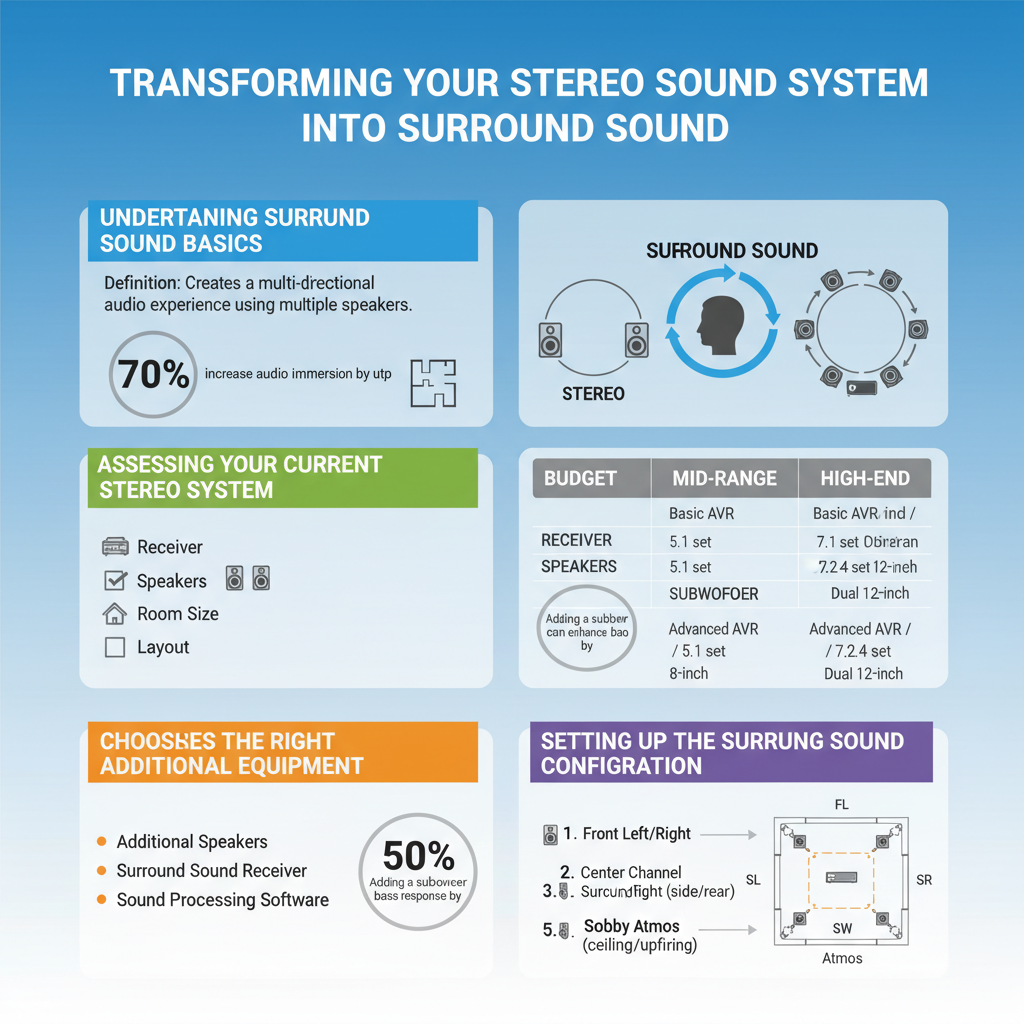
Common formats for surround sound include 5.1 and 7.1 configurations. A 5.1 system typically consists of five speakers: front left, front right, center, and two surround speakers, alongside a subwoofer for bass. The 7.1 format adds two additional rear speakers for even more depth and immersion. Understanding these basics will help you choose the right components for your upgrade.
Assessing Your Current Stereo System
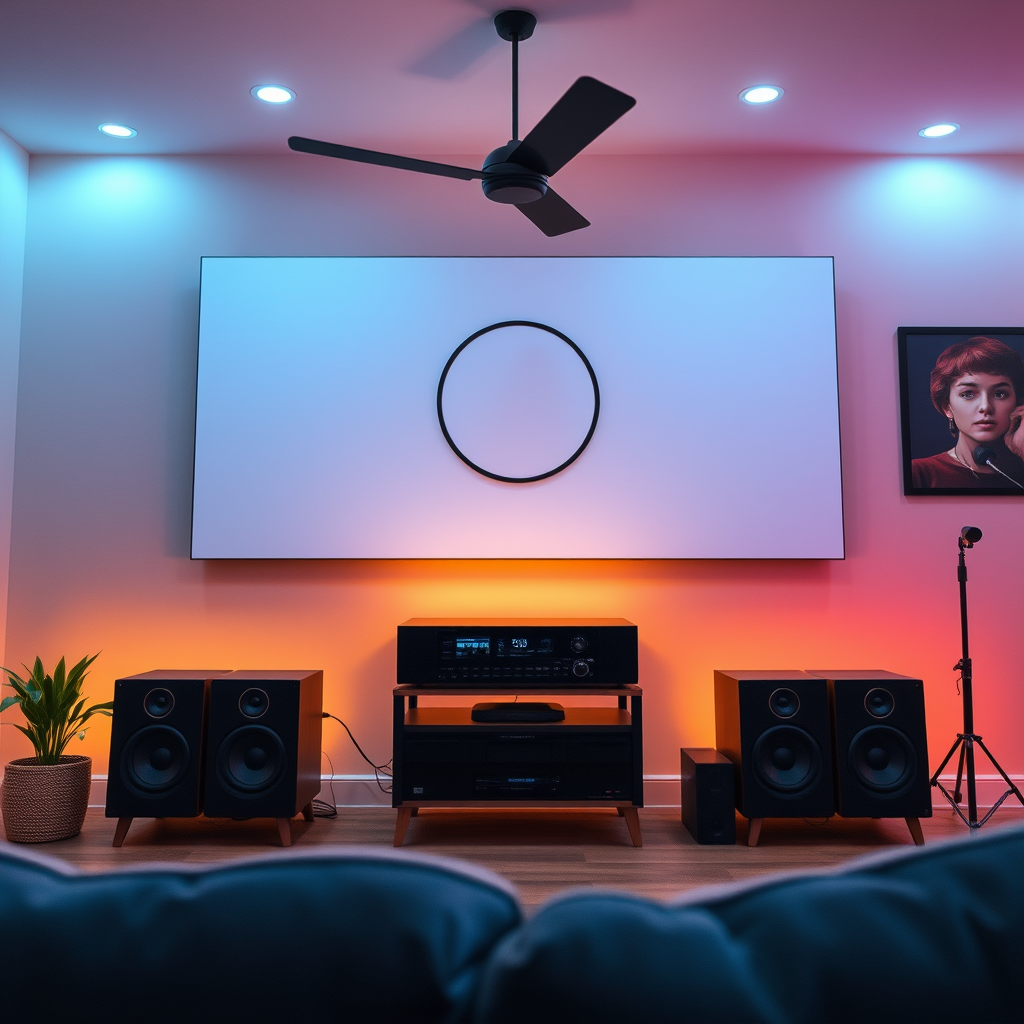
Before diving into new purchases, it’s essential to assess your current stereo system. Take a look at your receiver, which is the hub of your audio setup. Check if it has the necessary outputs and support for surround sound formats. Many older stereo receivers may only support stereo audio, so it’s crucial to ensure compatibility with multi-channel audio systems.
Next, evaluate your existing speakers. Are they of good quality? Do they have the capability to handle the additional channels you’re planning to add? Ideally, you’ll want to match your new speakers with your current ones to maintain a consistent sound quality. If your current setup is outdated, it might be time for an upgrade.
Choosing the Right Additional Equipment
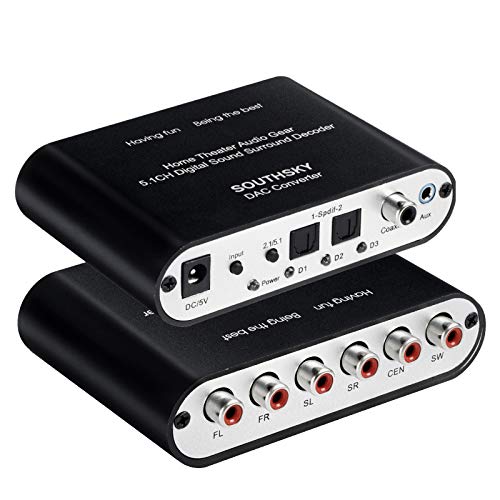
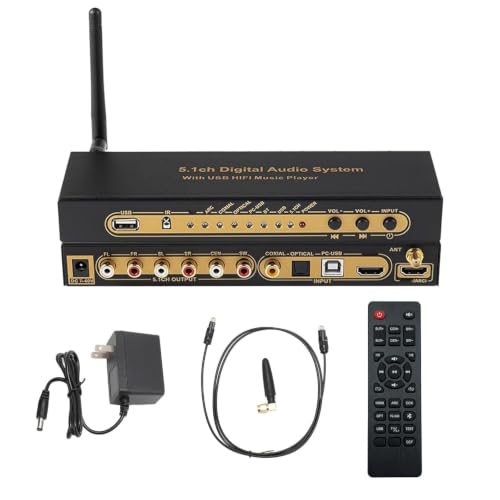
Once you have a clear picture of your current system, it’s time to consider the additional equipment you’ll need. One of the most crucial components in your upgrade will be a surround sound receiver that supports your desired format, like 5.1 or 7.1. Look for features such as HDMI inputs, support for the latest audio codecs (like Dolby Atmos), and built-in calibration tools.
Next, you’ll need to invest in compatible speakers. For a basic 5.1 setup, you will need at least a center channel speaker and two rear speakers. Brands like Klipsch, Polk Audio, and Yamaha offer great options for surround sound speakers that can enhance your audio experience. Don’t forget about the subwoofer! A good quality subwoofer will add depth to your sound, making movies and music come alive.
Setting Up the Surround Sound Configuration
With your new equipment in hand, it’s time to set up your surround sound configuration. Positioning your speakers correctly is key to achieving optimal sound distribution. For a 5.1 setup, place the front left and right speakers at ear level, about 6 to 10 feet apart, with the center speaker directly above or below your TV. The surround speakers should be placed slightly above ear level, ideally 2 to 3 feet behind the listening area.
Make sure to connect your speakers and receiver according to the manufacturer’s guidelines. Use quality speaker wire, and ensure that the polarity (positive and negative terminals) is consistent across all connections. This will help avoid phase issues that can lead to an unbalanced sound.
Calibrating Your Sound System
Calibration is a crucial step in ensuring that your surround sound system performs at its best. Many modern receivers come with built-in calibration tools that can analyze your room’s acoustics and automatically adjust speaker levels and distances for optimal performance. Follow the on-screen prompts and let the system do its magic.
If you prefer a more hands-on approach, you can manually adjust the levels of each speaker based on your listening preferences. Play a variety of audio sources, such as movies, music, and games, to test the consistency of the surround sound experience. Fine-tune the levels until you achieve a balanced sound that envelops you without overpowering any single channel.
Troubleshooting Common Issues
As with any tech setup, you might encounter some common issues while converting your stereo system to surround sound. If you experience audio syncing problems, check the settings on your receiver. Many receivers have a lip-sync correction feature that can help align the audio with the video.
If the sound feels unbalanced or distorted, double-check your speaker connections and settings. Ensure that all speakers are functioning correctly and that the receiver is set to the right surround sound mode for your content. Sometimes, simply adjusting the distance settings for each speaker can make a significant difference.
By keeping an eye out for these common issues, you can ensure that your transition to surround sound is as smooth as possible.
By following these steps, you can effectively convert your stereo system into a surround sound setup that enhances your audio experience. Start by assessing your current equipment, invest in the necessary components, and ensure proper configuration and calibration. Take the plunge into surround sound today and elevate your listening experience! You’ll find that the investment in your audio setup pays off immensely, making every song, movie, and game feel more immersive and enjoyable.
Frequently Asked Questions
What equipment do I need to convert a stereo sound system into surround sound?
To convert a stereo sound system into surround sound, you will need a few key components: a surround sound receiver, additional speakers (typically a 5.1 or 7.1 setup), and speaker wire. The surround sound receiver is crucial as it processes audio signals and outputs them to multiple speakers, creating an immersive experience. Depending on your setup, you may also need an HDMI cable to connect your devices and an audio calibration microphone to optimize sound placement.
How can I connect my stereo speakers to a surround sound system?
To connect your stereo speakers to a surround sound system, first ensure you have a compatible receiver that supports both stereo and surround formats. You can usually connect your stereo speakers to the receiver’s speaker outputs, typically labeled as ‘front left’ and ‘front right.’ Make sure to configure the receiver settings to recognize your stereo speakers as part of the surround sound setup, allowing you to enjoy enhanced audio from movies and gaming.
Why should I upgrade from a stereo sound system to a surround sound system?
Upgrading from a stereo sound system to a surround sound system enhances your audio experience significantly by providing a more immersive sound environment. Surround sound creates a multi-dimensional audio experience that allows you to hear sounds coming from different directions, making movies and games more engaging. Additionally, many modern surround sound systems offer advanced features like Dolby Atmos technology, which elevates your overall listening experience even further.
What is the best way to position speakers when converting to surround sound?
The best way to position speakers when converting to surround sound is to follow a standard layout based on the number of speakers you have. For a 5.1 setup, place the center speaker directly in front of your viewing area, the front left and right speakers at approximately 30 degrees from the center, and the rear left and right speakers behind you at a 90 to 110-degree angle. The subwoofer can be placed in various positions, but typically, placing it along a wall or in a corner can enhance bass response.
Which surround sound formats are compatible with my existing stereo system?
Most modern surround sound receivers support various formats such as Dolby Digital, DTS, and even newer technologies like Dolby Atmos. To ensure compatibility with your existing stereo system, check the receiver’s specifications for supported audio formats and connection options. Additionally, many receivers feature settings that allow you to upmix stereo sources into surround sound, providing an improved listening experience without needing to replace your entire setup.
References
- https://en.wikipedia.org/wiki/Surround_sound
- https://www.hifiengine.com/manuals/denon/avr-3300.shtml
- https://www.techhive.com/article/3192061/how-to-set-up-a-surround-sound-system.html
- https://www.cnet.com/home/audio/how-to-set-up-a-surround-sound-system/
- Steps to Fix a Speaker Channel That Isn’t Working
- https://www.soundguys.com/how-to-setup-surround-sound-25203/



