To effectively reduce motion sickness in virtual reality (VR), users can employ several strategies that enhance comfort and minimize discomfort. By adjusting settings, taking breaks, and using specific accessories, you can significantly improve your VR experience and enjoy immersive environments without the nausea. Understanding motion sickness in VR is crucial to enjoying these experiences, and this guide will walk you through practical strategies to ensure your adventures are as enjoyable as possible.



Understanding Motion Sickness in VR
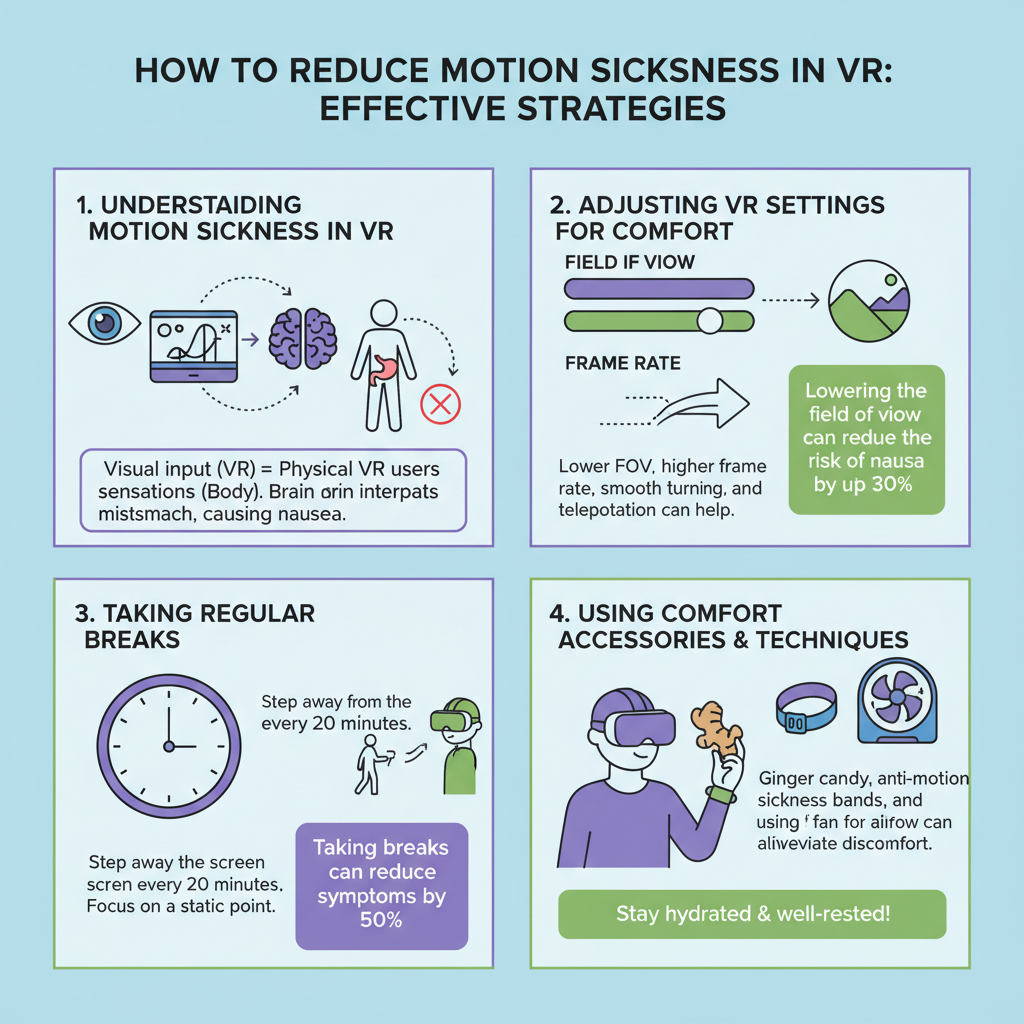
Motion sickness occurs when there’s a disconnect between visual input and physical sensations, leading to confusion in your brain. In the context of VR, this often happens when the virtual environment moves in a way that doesn’t match your body’s sense of balance. For example, if you’re moving quickly through a game but your body remains still, your brain may struggle to reconcile these conflicting signals, which can lead to symptoms such as dizziness, nausea, and disorientation. The severity of these symptoms can vary from mild discomfort to more intense feelings of sickness, making it vital for VR users to be aware of their individual limits and triggers.
In VR, factors like rapid movements, sudden changes in direction, and even the quality of the graphics can exacerbate motion sickness. Understanding this helps you to recognize that you’re not alone in experiencing these feelings, and it’s possible to mitigate them through the right strategies.
Adjusting VR Settings for Comfort
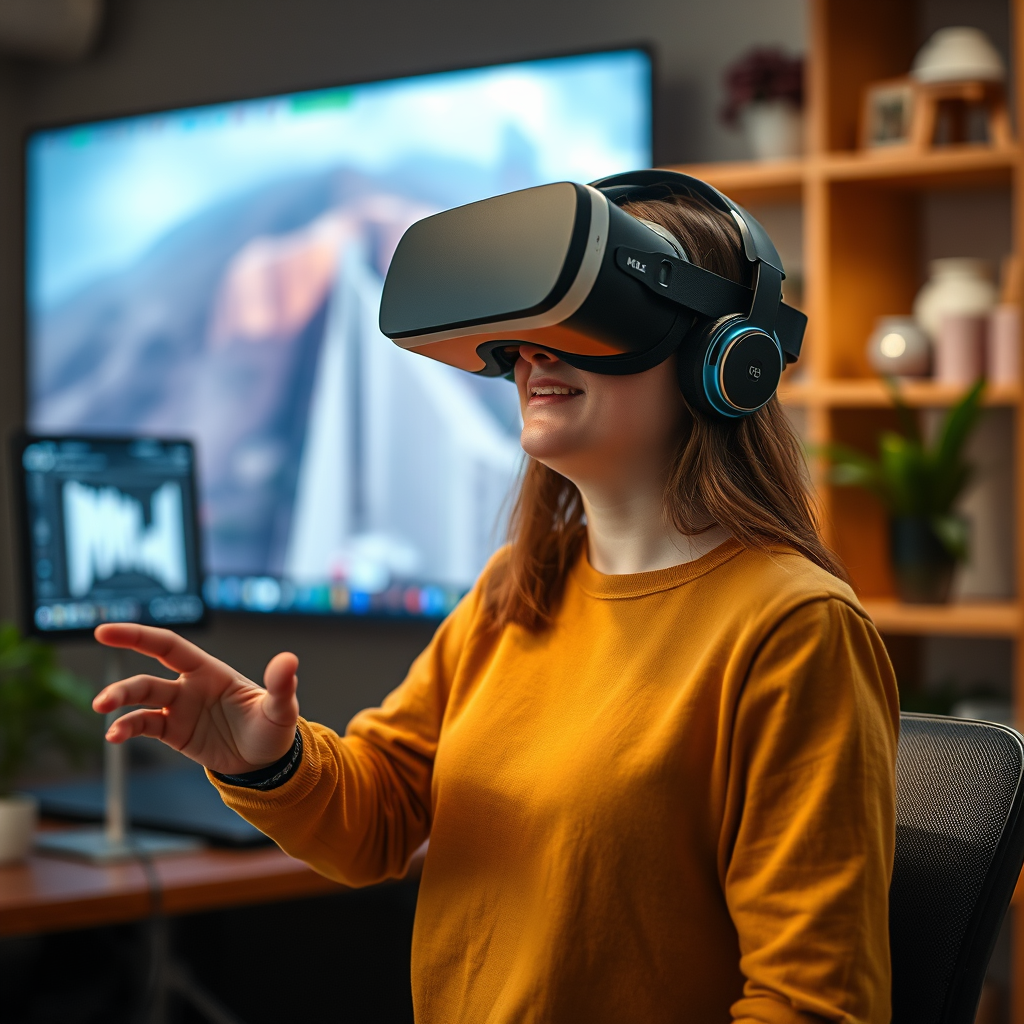
One of the first steps in reducing motion sickness is to adjust your VR settings for maximum comfort. Lowering the movement speed in VR is an effective way to align your visual perception with your physical balance. Many VR environments allow you to customize speed settings; try starting with a slower pace and gradually increasing it as you become more accustomed to the experience.
Additionally, increasing the field of view (FOV) can provide a more natural perspective that mimics real-world vision. A wider FOV helps to create a sense of immersion without overwhelming your senses. If your VR system offers options to adjust these settings, take the time to experiment with them until you find a balance that feels comfortable.
Moreover, consider enabling features like motion blur or adjusting the refresh rate of your headset. These can greatly affect how smoothly the visuals transition, which plays a crucial role in how your body perceives movement.
Taking Regular Breaks
Implementing regular breaks during your VR sessions can significantly reduce the likelihood of motion sickness. A popular guideline is the 20-20-20 rule: every 20 minutes, take a 20-second break to look at something 20 feet away. This practice helps to reset your focus and gives your brain a chance to process the sensory overload.
Moreover, shorter gaming sessions—around 15 to 30 minutes—can prevent fatigue and allow you to acclimate gradually. You might find that you can extend your sessions over time as your body adapts to the VR environment. During your breaks, consider standing up, stretching, or even walking around; this physical movement can help ground you and alleviate any lingering discomfort.
Using Comfort Features in VR
Many VR systems now come equipped with comfort features specifically designed to ease the transition into virtual worlds. Options like teleportation instead of smooth movement can be a game-changer for those prone to motion sickness. Teleportation allows you to move from one point to another without the continuous motion that can trigger nausea, creating a more manageable experience.
Snap turning is another feature worth exploring. Instead of moving your head smoothly, snap turning allows you to rotate your view in fixed increments, which can dramatically reduce the disorientation that often accompanies fluid movement.
Additionally, familiarize yourself with the VR environment through static or seated experiences before diving into more dynamic interactions. This gradual exposure to the virtual world can create a more comfortable transition, helping your body to adapt to movement when you do begin to explore.
Incorporating Anti-Motion Sickness Tools
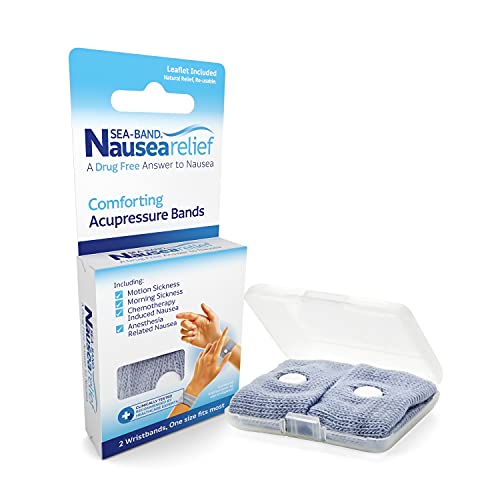
Incorporating anti-nausea tools into your VR routine can provide an extra layer of protection against motion sickness. Anti-nausea wristbands, which apply pressure to specific points on your wrist, have shown promise in alleviating symptoms for some users. Ginger supplements are another natural remedy that can help settle your stomach and reduce feelings of nausea.
Moreover, consider investing in VR-specific accessories that enhance comfort, such as head straps with better weight distribution or cushioned face pads. Not only do these accessories improve overall comfort, but they can also help stabilize your headset, minimizing additional visual disturbances that might trigger motion sickness.
Training Your Body to Adapt
Gradual exposure to VR is one of the most effective ways to train your body to adapt to this new environment. Start with experiences that require less physical movement, such as seated games or guided tours, before progressing to more active scenarios. This can help you build tolerance over time.
Engaging in VR activities that allow for controlled movements, like puzzle games or meditative experiences, can also help ease your body into the sensation of being in a virtual world. Consistency is key—regularly using VR can help your body acclimate, making longer and more dynamic sessions more enjoyable.
Seeking Professional Advice
If you find that motion sickness persists despite trying various strategies, it may be worth consulting with a healthcare professional. They can provide tailored advice based on your personal health history and help identify specific triggers that may contribute to your symptoms.
In some cases, underlying conditions might exacerbate motion sickness, so getting a professional opinion can be invaluable. Understanding your individual triggers—including specific movements, visual patterns, or even anxiety levels—can be crucial in managing and reducing motion sickness effectively.
By implementing these strategies, you can significantly reduce motion sickness while enjoying virtual reality. Experiment with different techniques to find what works best for you, and don’t hesitate to make adjustments to your VR settings for a more comfortable experience. Remember, the goal is to immerse yourself in the fantastic worlds of VR without the discomfort—so take your time, adapt, and enjoy your VR adventures!
Frequently Asked Questions
What are the common causes of motion sickness in VR?
Motion sickness in VR is primarily caused by a disconnect between visual input and physical motion. When users experience rapid movements in a virtual environment while their bodies remain still, the brain receives conflicting signals, leading to symptoms like nausea, dizziness, and sweatiness. Factors such as low frame rates, poor tracking, and large field of view can exacerbate these symptoms, making it critical for developers and users to address these issues.
How can I adjust VR settings to minimize motion sickness?
To reduce motion sickness in VR, start by adjusting the settings of your VR headset and applications. Decrease the field of view (FOV) to reduce peripheral vision distractions and ensure a higher frame rate for smoother visuals. Enabling comfort settings like teleportation movement instead of smooth locomotion can also help ease the transition and minimize disorientation. Additionally, ensuring your headset fits well can prevent discomfort that contributes to motion sickness.
Why do some people experience more motion sickness in VR than others?
Individual susceptibility to motion sickness in VR varies due to a combination of factors, including genetics, age, and previous experiences with motion sickness in real life. People who are prone to motion sickness in cars, boats, or airplanes may find VR environments particularly challenging. Additionally, users with vestibular issues or those who haven’t acclimated to VR experiences may be more likely to experience discomfort.
What are the best practices to acclimate to VR and reduce motion sickness?
To acclimate to VR and minimize motion sickness, start with shorter sessions to help your brain adjust gradually to the virtual environment. Make sure to take regular breaks, allowing your body to reset and avoid overwhelming sensations. Engaging in stationary VR experiences or games that limit movement can also be beneficial for new users. Over time, as your comfort level increases, you can gradually extend your play sessions and try more dynamic experiences.
Which VR headsets are better for reducing motion sickness?
When choosing a VR headset, look for models with high refresh rates, low latency, and advanced tracking technologies, as these features can significantly reduce the risk of motion sickness. Headsets like the Oculus Quest 2, Valve Index, and HTC Vive Pro are known for their superior motion tracking and visual fidelity, which help create a more immersive and comfortable experience. Reading user reviews and expert recommendations can also guide you towards headsets that prioritize user comfort in VR.
References
- Motion sickness
- https://www.ncbi.nlm.nih.gov/pmc/articles/PMC4984474/
- Frontiers | Medically Unexplained Symptoms and Attachment Theory: The BodyMind Approach®
- https://www.sciencedirect.com/science/article/abs/pii/S1364682617300458
- Motion Sickness | Definition & Patient Education
- Tamoxifen – StatPearls – NCBI Bookshelf
- https://www.psychologytoday.com/us/blog/brain-wise/202103/why-do-we-get-motion-sickness-when-playing-video-games
- https://www.bbc.com/future/article/20210329-why-virtual-reality-gives-us-motion-sickness-and-how-to-avoid-it
- https://www.theverge.com/2020/9/16/21436799/vr-motion-sickness-research-virtual-reality-gaming-technology