
Color grading videos like a pro is all about understanding the nuances of color theory, selecting the right software tools, and mastering techniques that enhance your visual storytelling. This guide will walk you through essential techniques and tips that can elevate your video projects to a professional level, regardless of your experience. By the end, you will have the confidence to make your footage shine and convey your narrative more effectively.
Understanding Color Theory

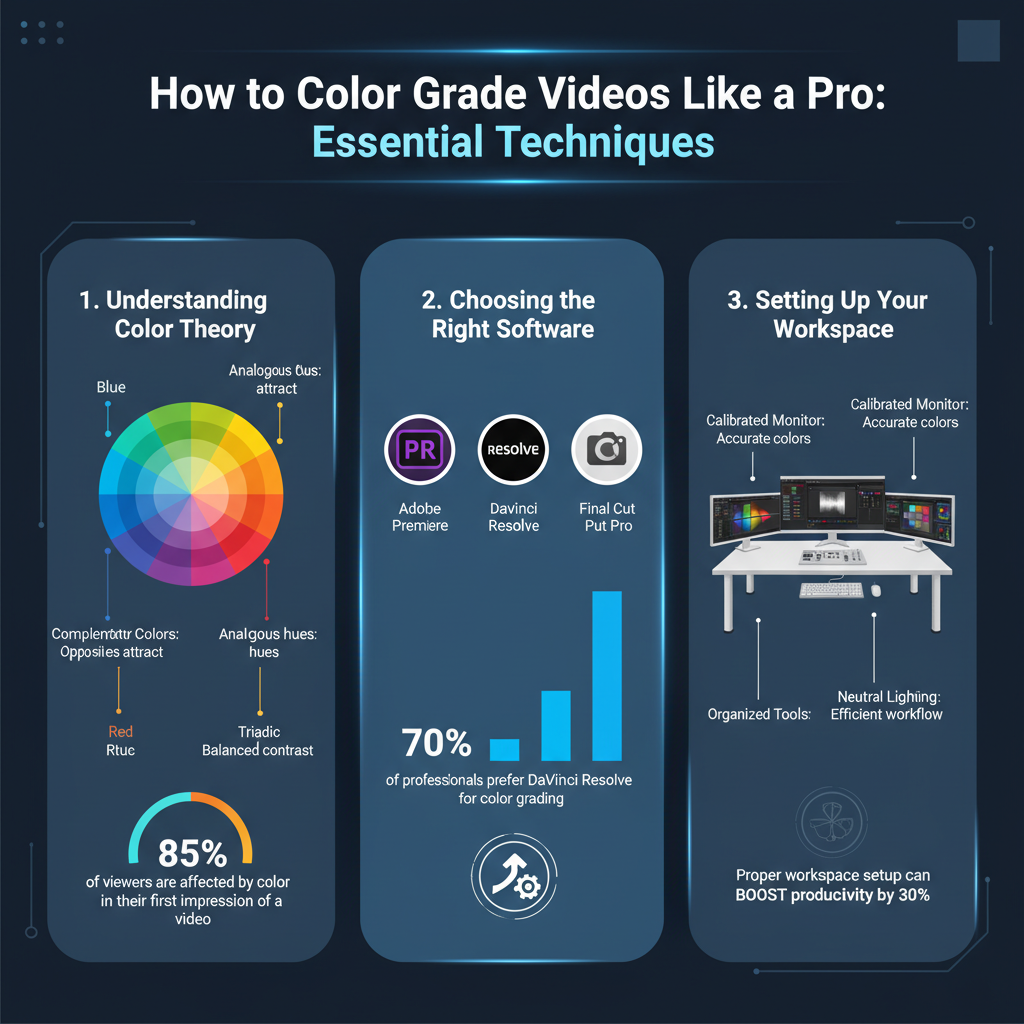
To color grade effectively, it’s crucial to grasp the basics of color theory. At its core, color theory revolves around the color wheel, a visual representation of colors arranged according to their chromatic relationship. Understanding how colors interact can help you create visually appealing videos. For instance, complementary colors—those opposite each other on the wheel, like blue and orange—can create vibrant contrasts that draw attention to specific elements in your footage.
Moreover, color plays a significant role in influencing mood and emotion. Warm colors, such as reds and yellows, can evoke feelings of excitement or warmth, while cool colors, like blues and greens, can create a sense of calm or sadness. By strategically using color to match the mood of your video, you can enhance the emotional impact on your audience. For example, a romantic scene might benefit from warm, soft colors, while a suspenseful moment could leverage darker, cooler tones.
Choosing the Right Software

When it comes to color grading, the software you choose can significantly impact your workflow and the quality of your results. Some popular options include DaVinci Resolve, Adobe Premiere Pro, and Final Cut Pro. DaVinci Resolve is renowned for its powerful color grading tools and is widely used in the film industry, making it a solid choice for those seeking professional-level results. Adobe Premiere Pro, on the other hand, is part of the Adobe Creative Cloud suite, which allows for seamless integration with other Adobe applications, making it ideal for those who are already familiar with this ecosystem. Final Cut Pro is favored by Mac users for its user-friendly interface and fast rendering times.
Choosing the right software should align with your skill level and the complexity of the projects you plan to undertake. For beginners, simpler tools like iMovie or even built-in color grading features in smartphone apps may suffice. As you grow, transitioning to more advanced software will open up a world of creative possibilities.
Setting Up Your Workspace
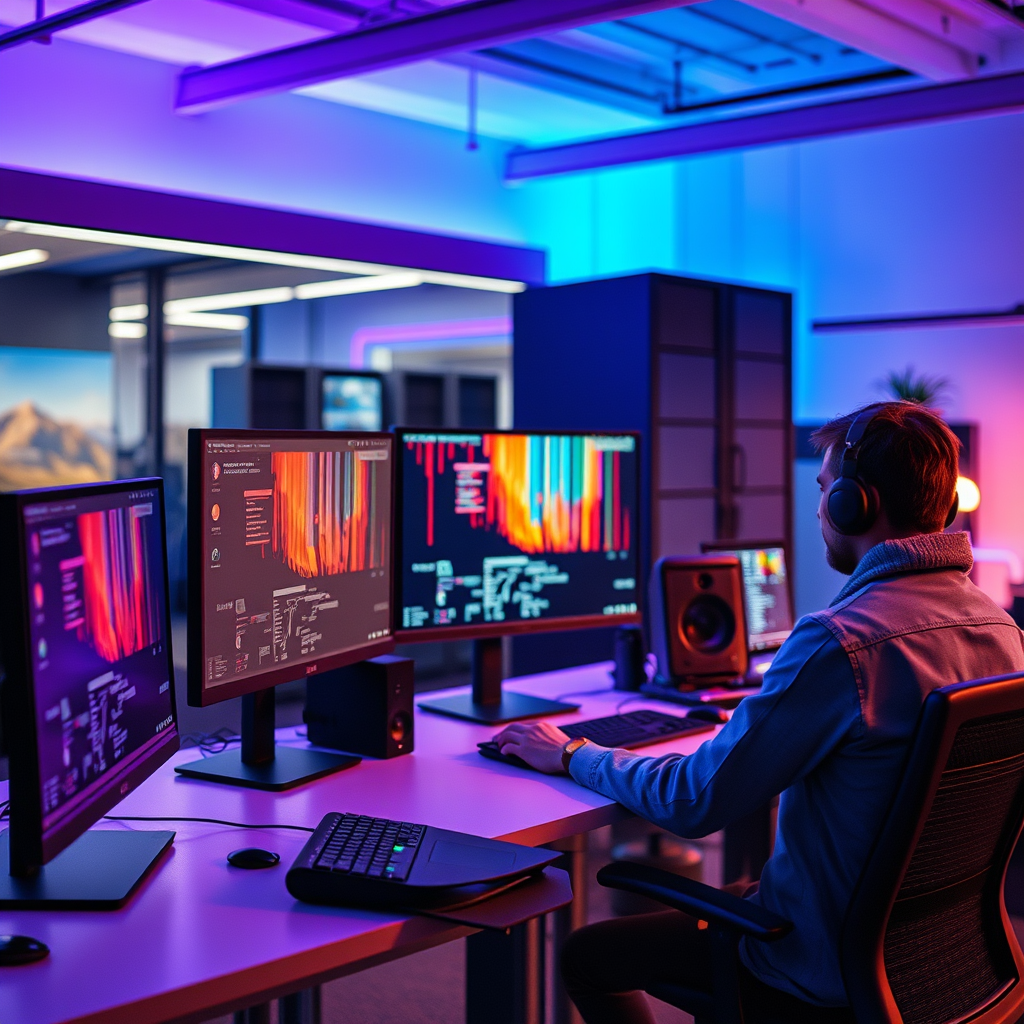
Creating a color-accurate workspace is essential for effective color grading. Start by investing in a high-quality monitor that supports a wide color gamut and is calibrated for accurate color reproduction. This ensures that what you see on screen closely matches the final output. Lighting conditions in your workspace also matter; ideally, you should work in a neutral, dimly lit environment to avoid color distortions caused by bright lights or reflections.
Familiarizing yourself with the software interface and tools available for color grading is the next step. Spend time exploring features like scopes (waveform and vectorscope), which provide a visual representation of your video’s color balance and exposure. Understanding these tools will help you make more informed decisions as you color grade.
Basic Color Correction Techniques
Before diving into creative color grading, it’s vital to establish a solid foundation through basic color correction techniques. Begin by adjusting exposure to ensure that the brightest and darkest parts of your footage are well-defined. This can be done using sliders or curves in your software. Next, adjust the contrast to add depth to your image—higher contrast can make your video look more dynamic, while lower contrast may create a softer feel.
White balance is another key aspect of color correction. Properly balancing the colors in your footage can make a significant difference in the overall look. Use the color temperature slider to warm up or cool down your footage based on the lighting conditions under which it was shot. Tools like color wheels and curves will allow you to make more precise adjustments to shadows, midtones, and highlights, ensuring a balanced and polished image.
Advanced Color Grading Techniques
Once you’ve mastered the basics, it’s time to explore advanced color grading techniques that can take your videos to the next level. One popular approach is using LUTs (Lookup Tables), which are pre-defined color profiles that can be applied to your footage to achieve specific looks quickly. For instance, using a cinematic LUT can give your video a film-like quality, while a vintage LUT can evoke nostalgia.
Additionally, color masks allow you to isolate specific colors or areas within your footage for targeted adjustments. This can help emphasize certain elements or create dramatic effects. For example, you might want to make the sky more vibrant while keeping the foreground muted. Techniques like these enable you to craft a unique visual style that sets your work apart.
Finalizing Your Color Grade
As you approach the finalization of your color grade, consistency is key. Ensure that your color grading decisions are cohesive throughout your video project. This means applying similar grading styles across scenes to maintain a unified look. It can be helpful to create a color grading preset based on your initial adjustments to streamline the process for future clips.
Once you’re satisfied with the color grade, it’s time to export your footage. Different platforms and formats may require specific settings, so be mindful of the final destination for your video. Whether it’s YouTube, Instagram, or a film festival, exporting in the correct resolution and color profile will ensure that your hard work pays off and your video looks stunning when viewed by your audience.
Tips for Enhancing Your Skills
To truly excel in color grading, it’s essential to experiment with different styles and techniques. Don’t be afraid to try new things and push the boundaries of your creativity. Online tutorials, courses, and community forums can provide valuable insights and inspiration. Seek feedback from peers or mentors to gain different perspectives on your work.
Additionally, regularly reviewing professional works can spark new ideas and help you identify trends in color grading. Pay attention to how color is used in films, commercials, and music videos. By analyzing these examples, you can refine your own approach and develop a unique style that resonates with your audience.
Mastering the art of color grading is a journey that requires practice and experimentation. By following the techniques outlined in this guide, you can significantly enhance the quality of your video projects and tell better visual stories through color. Start practicing today, and watch how color grading transforms your work into something truly special!
Frequently Asked Questions
What are the key steps to color grading videos professionally?
Color grading videos like a pro involves several key steps, starting with color correction to balance exposure, contrast, and white balance. Next, utilize color wheels and curves to enhance specific color tones and create a desired mood. Finally, apply looks or LUTs (Lookup Tables) for stylistic effects, and always preview your grading on different displays to ensure consistency across platforms.
How can I choose the right color grading software for my videos?
Choosing the right color grading software depends on your skill level and project needs. For beginners, user-friendly options like Adobe Premiere Pro or DaVinci Resolve offer intuitive interfaces and robust features. For advanced users, DaVinci Resolve is highly regarded for its professional capabilities and comprehensive tools. Always consider trial versions to test the software before committing.
Why is color grading important for video production?
Color grading is crucial in video production as it enhances the visual storytelling by establishing mood, atmosphere, and tone. Proper color grading can significantly improve the aesthetic appeal of your footage, making it more engaging to the audience. Additionally, consistent color grading across scenes helps maintain visual continuity, which is essential for a professional look.
What are some common mistakes to avoid when color grading videos?
Common mistakes in color grading include over-saturation, which can make footage look unrealistic, and neglecting skin tones, leading to unflattering results. Additionally, failing to monitor your grading on different devices can result in inconsistent appearance across platforms. Always keep an eye on your histogram and scopes to ensure your color grading is balanced and well-executed.
Which color grading techniques can enhance my video storytelling?
Techniques such as applying a teal and orange color scheme can create a cinematic look that appeals to viewers, while using color contrast can highlight key elements in your story. Experimenting with shadows and highlights can evoke specific emotions, and using vignette effects can draw attention to the subject. Incorporating these techniques thoughtfully will enhance the narrative and visual impact of your videos.
References
- Color grading
- https://www.pbs.org/wgbh/pages/frontline/shows/film/techniques/color.html
- Education | USAGov
- https://www.nyfa.edu/student-resources/color-grading-guide/
- https://www.videomaker.com/how-to/color-grading-for-beginners/
- https://www.codecademy.com/resources/blog/how-to-color-grade-your-video/
- https://www.thebalancecareers.com/what-is-color-grading-4773857
- https://www.masterclass.com/articles/how-to-color-grade-video