
The refresh rate of your monitor significantly impacts both gaming and video performance, with higher rates leading to smoother visuals and enhanced responsiveness. A higher refresh rate means that your screen can update more times per second, which translates into clearer motion and less lag during fast-paced action, making it a crucial aspect for gamers and movie enthusiasts alike. In this article, we’ll delve into how refresh rates work, their effects on gameplay, and offer tips for optimizing your viewing experience.
Understanding Refresh Rate
Refresh rate refers to the number of times your monitor updates the image on the screen per second, measured in Hertz (Hz). A typical monitor has a refresh rate of 60Hz, meaning it can refresh the image 60 times per second. Higher refresh rates, like 120Hz, 144Hz, or even 240Hz, allow for more frequent updates, resulting in smoother visuals, especially during fast motion.
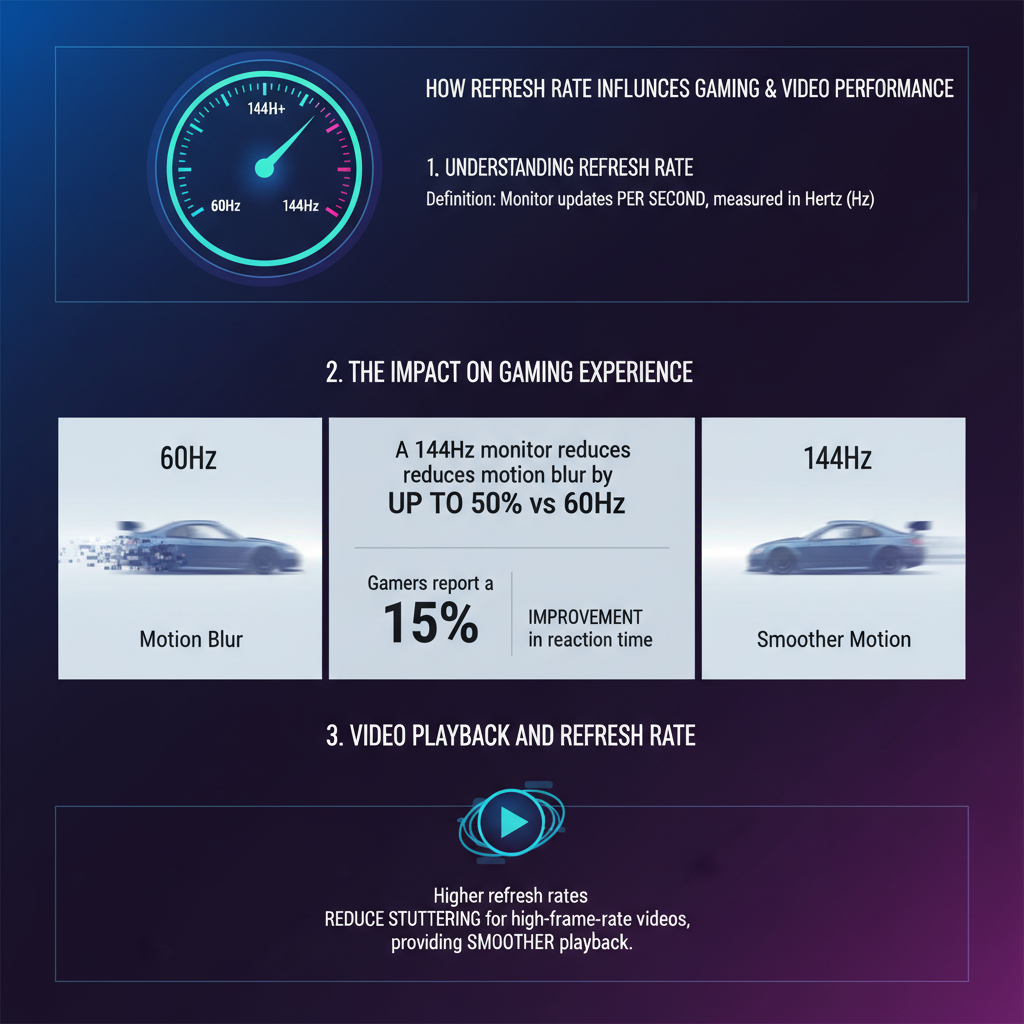
This improvement is particularly noticeable when you’re playing fast-paced video games or watching action-packed movies. The refresh rate affects how quickly the screen can display successive images, which directly correlates to motion clarity. When the refresh rate is low, you may experience motion blur or stuttering, making it difficult to track fast-moving objects or enjoy fluid animations. Understanding this concept is essential for anyone looking to enhance their visual experience, whether for gaming or video playback.
The Impact on Gaming Experience

In the realm of gaming, the refresh rate can be a game changer. Higher refresh rates reduce motion blur and ghosting, which are common issues that can detract from your gaming experience. For instance, if you’re playing a racing game or a first-person shooter, every millisecond counts. With a 144Hz monitor, you can see smoother transitions and less blur as objects move across the screen, allowing for better precision and reaction times.
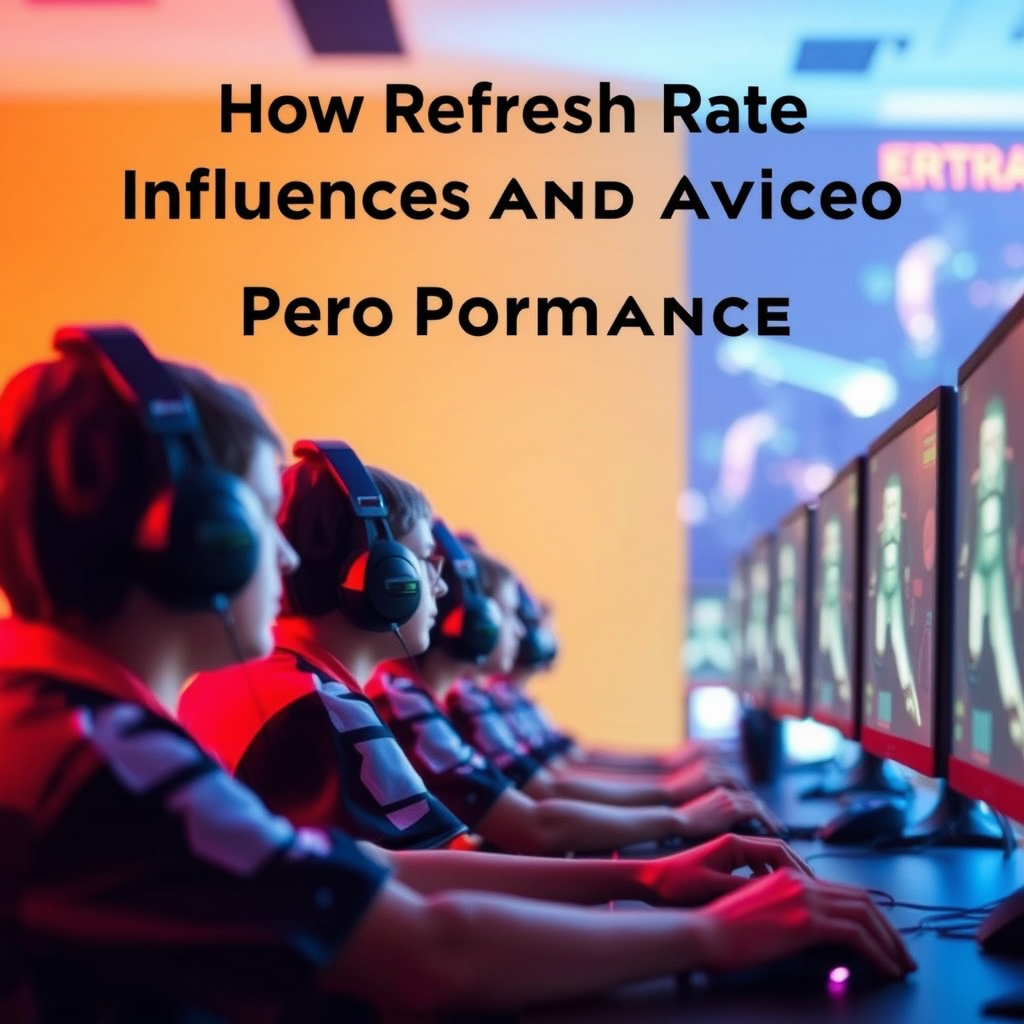
Furthermore, competitive gaming often hinges on split-second decisions, and a higher refresh rate can give players a significant advantage. Professional gamers frequently use monitors with refresh rates of 240Hz to maximize their responsiveness and visual clarity. This can mean the difference between winning and losing in intense matches, as every frame matters when you’re trying to outmaneuver an opponent.
Video Playback and Refresh Rate
When it comes to video playback, refresh rates play a critical role in delivering a cinematic experience. Movies are typically filmed at 24 frames per second (fps), which means that a 60Hz refresh rate is sufficient to provide a smooth viewing experience. However, with newer formats like 4K UHD and high frame rate (HFR) content, which can go up to 60fps or more, having a monitor with a higher refresh rate can enhance the clarity and fluidity of the visuals.
Different video formats have varying refresh rate requirements. For example, gaming consoles often output at 30 or 60fps, while high-end gaming PCs can push frame rates well above that. If you enjoy watching sports or action films, a refresh rate of 120Hz or higher can make the fast-moving scenes more enjoyable by reducing judder and improving motion smoothness. Thus, choosing the right refresh rate can significantly enhance your viewing pleasure based on the type of content you consume.
Choosing the Right Refresh Rate for Your Setup
When selecting a monitor, it’s essential to consider the refresh rate based on the types of games you play and the videos you watch. For casual gamers who enjoy single-player experiences, a 60Hz monitor may suffice. However, if you’re into competitive gaming, a refresh rate of 144Hz or higher is recommended for the best performance.
For video enthusiasts, a refresh rate of 120Hz can be beneficial, especially when watching high-action content or sports. Additionally, consider other factors like your graphics card capabilities, as it must be able to output frames that match your monitor’s refresh rate to avoid screen tearing or lag. It’s also wise to check the monitor’s response time, which should ideally be low to complement the refresh rate for optimal performance.
Common Misconceptions About Refresh Rates
There are several myths surrounding refresh rates that can lead to confusion. One common misconception is that a higher refresh rate always guarantees better visual quality. While a higher refresh rate can improve motion clarity, it doesn’t necessarily enhance static image quality. For example, if you’re working on photo editing or graphic design, a high refresh rate might not be as critical as color accuracy and resolution.
Another misunderstanding is that there are diminishing returns when it comes to refresh rates. While it’s true that the difference between 60Hz and 120Hz is more noticeable than that between 120Hz and 240Hz for most users, serious gamers can still benefit from the higher rates, especially in fast-paced games. Ultimately, it’s about finding the right balance between refresh rate, resolution, and your specific use case.
Tips for Optimizing Refresh Rate Settings
To get the most out of your monitor’s refresh rate, start by adjusting the settings within your games. Many modern games allow you to select your desired refresh rate in their graphics options. Make sure to choose the highest option available that your monitor supports. Additionally, keep your graphics drivers updated, as manufacturers often release optimizations that can enhance performance.
Utilizing software tools can also help you monitor and adjust your refresh rates. Programs like NVIDIA Control Panel or AMD Radeon Software can provide insights into your current settings and allow for fine-tuning. If you’re using a G-SYNC or FreeSync monitor, enabling these features can further reduce screen tearing and provide a smoother experience by syncing the display’s refresh rate with the frame rate output by your GPU.
In conclusion, understanding refresh rates is key to enhancing your gaming and video performance. Higher refresh rates contribute to smoother visuals, reduce motion blur, and can provide a competitive edge in gaming. When choosing a monitor, consider the refresh rates suitable for your needs and remember that it’s not just about numbers; it’s about the experience. By optimizing your settings and dispelling common myths, you can elevate your enjoyment, whether you’re in the middle of an epic gaming battle or watching your favorite films.
Frequently Asked Questions
What is refresh rate, and how does it impact gaming performance?
Refresh rate refers to the number of times per second a monitor updates with new information, measured in hertz (Hz). In gaming, a higher refresh rate (like 144Hz or 240Hz) can lead to smoother visuals and improved responsiveness, making it easier to track fast-moving objects and react quickly in competitive scenarios. This is particularly important in fast-paced games where every millisecond counts, enhancing both gameplay experience and performance.
How does refresh rate influence video playback quality?
Refresh rate plays a crucial role in video playback quality by determining how often the video frames are refreshed on the screen. For example, a monitor with a 60Hz refresh rate displays 60 frames per second, which is generally adequate for standard video content. However, higher refresh rates (like 120Hz or 240Hz) can provide smoother playback, reduce motion blur, and enhance the viewing experience, particularly for high-octane action scenes or sports.
Why is a higher refresh rate recommended for competitive gamers?
Competitive gamers benefit from a higher refresh rate because it reduces input lag and motion blur, allowing for more accurate aiming and quicker reactions. Games that run at higher refresh rates can display more frames per second, providing a visual advantage during fast-paced scenarios. This clarity and responsiveness can be the difference between winning and losing in competitive settings, making higher refresh rates essential for serious gamers.
What refresh rate is best for gaming, and does it depend on the type of game?
The best refresh rate for gaming largely depends on the type of game being played. For most casual gaming experiences, a refresh rate of 60Hz is generally sufficient. However, for fast-paced shooters or competitive esports titles, refresh rates of 144Hz or even 240Hz are recommended for optimal performance. Ultimately, pairing a high refresh rate with a capable graphics card can enhance your overall gaming experience significantly.
Which factors should I consider when choosing a monitor based on refresh rate?
When selecting a monitor based on refresh rate, consider factors such as the types of games you play, your graphics card’s capability, and your budget. Additionally, look for features like adaptive sync technologies (like G-Sync or FreeSync) that help eliminate screen tearing and stuttering at varying refresh rates. Finally, ensure that the monitor’s resolution aligns with your gaming preferences, as high refresh rates are best leveraged when paired with adequate graphical performance.
References
- Refresh rate
- https://www.techradar.com/news/what-is-refresh-rate
- https://www.howtogeek.com/705218/what-is-refresh-rate-and-why-does-it-matter/
- https://www.digitaltrends.com/computing/refresh-rate-explained/
- https://www.tomshardware.com/reviews/refresh-rate-gaming,6040.html
- https://www.nvidia.com/en-us/geforce/guides/what-is-refresh-rate/