
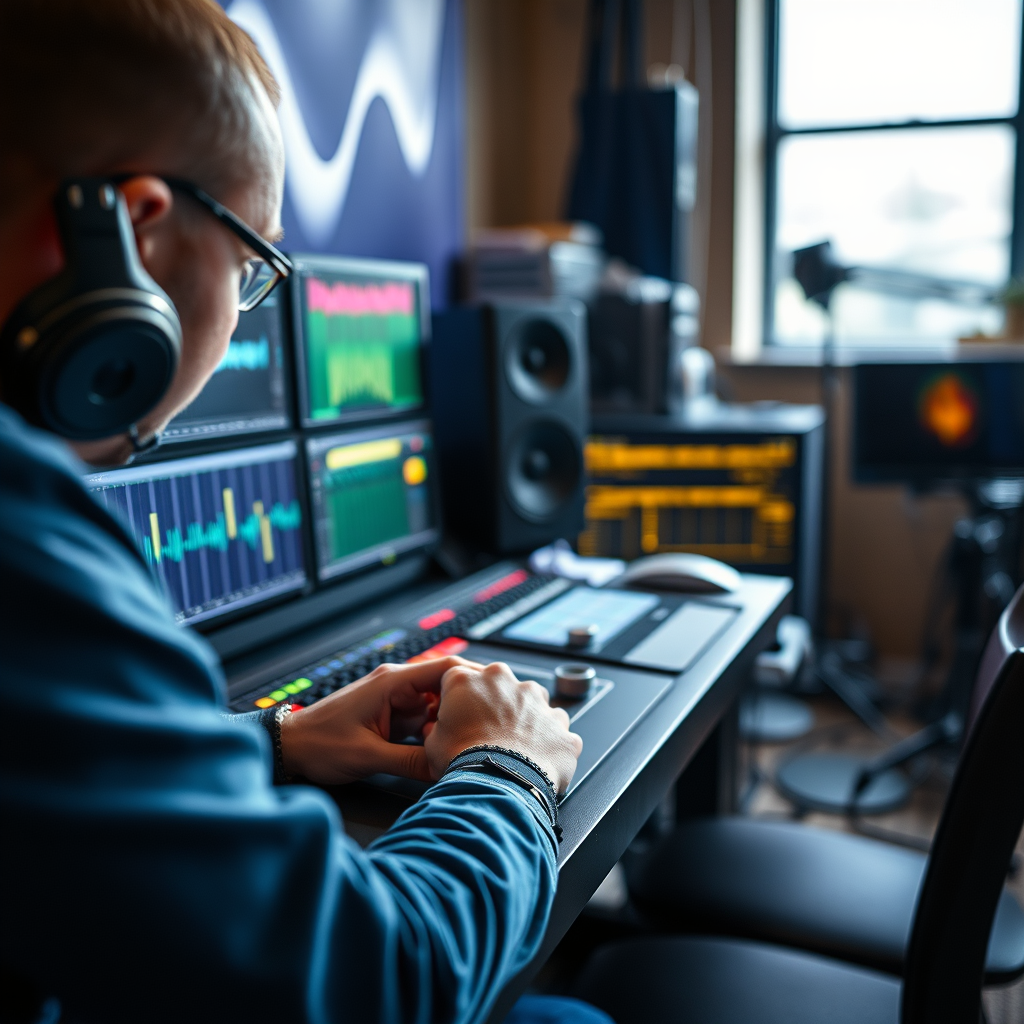
Finding the right Digital Audio Workstation (DAW) for mixing and mastering high-quality audio can significantly enhance your music production process. The best DAWs combine powerful features, user-friendly interfaces, and excellent sound quality to help you create professional-sounding tracks. In this article, you will discover the top DAWs that cater specifically to mixing and mastering, along with their unique strengths, ensuring you can make an informed choice for your music production journey.
Top DAWs for Professionals
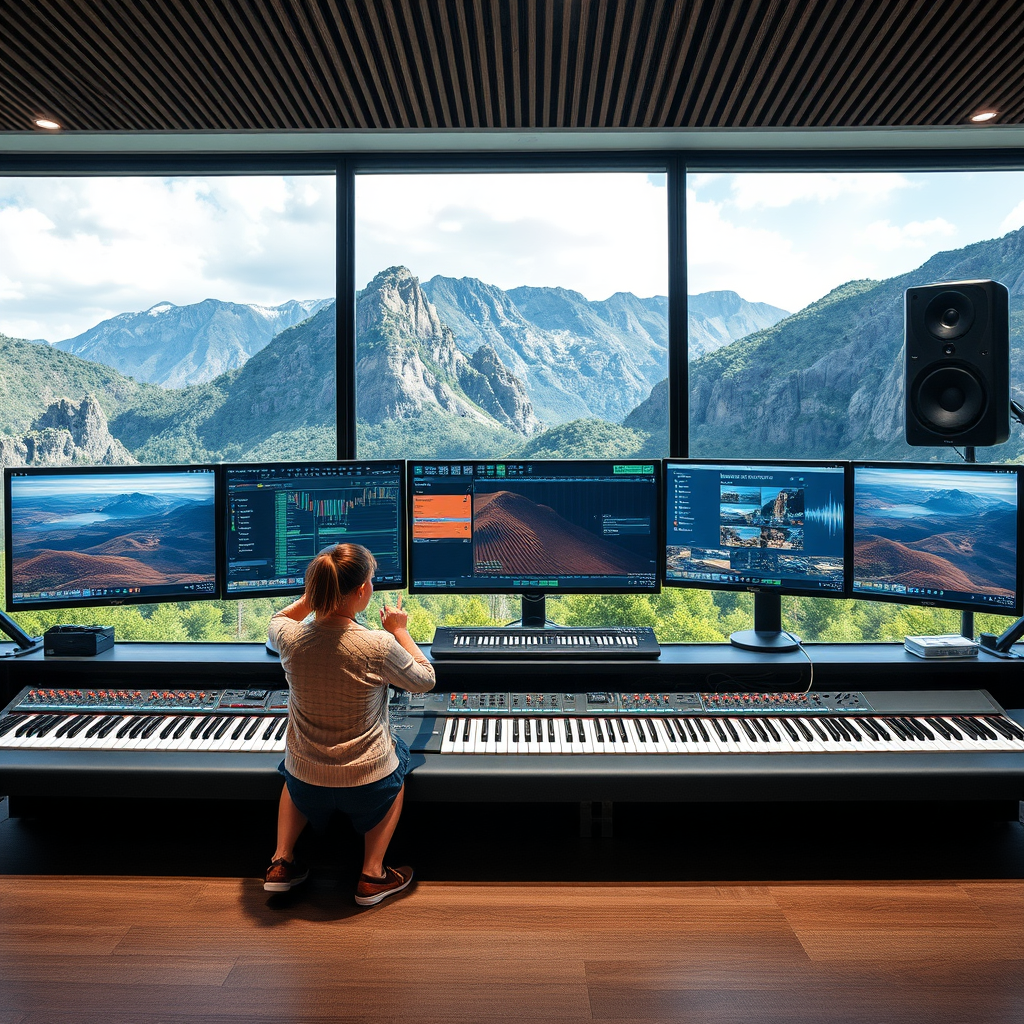
– Pro Tools: Often considered the industry standard, Pro Tools is a staple in many professional studios around the world. Its robust editing features, extensive audio tracking capabilities, and superior sound quality make it an ideal choice for mixing and mastering high-quality audio. The software is designed to handle complex sessions with numerous tracks seamlessly, which is why it’s favored by audio engineers and producers alike. Its integration with a variety of hardware, such as Avid’s MTRX audio interfaces, further enhances its capabilities, providing a versatile platform for any sound project.
– Cubase: This DAW is renowned for its advanced MIDI capabilities and comprehensive set of mixing tools. Cubase provides a flexible environment that caters to various music genres, allowing for intricate arrangements and detailed mixing. Its built-in audio engine supports high-resolution formats, ensuring that your final product retains the highest audio fidelity. Additionally, Cubase’s automation features are top-notch, allowing for precise control over levels and effects, which is crucial during the mixing and mastering phases.
User-Friendly DAWs for Beginners
– GarageBand: If you’re just starting out, GarageBand is a fantastic option. Exclusively available on Apple devices, it offers a simple interface that makes it easy for beginners to navigate. GarageBand comes equipped with essential mixing features, such as built-in EQ and reverb, making it a great platform for learning the fundamentals of audio production without being overwhelmed by complex tools. Plus, its seamless integration with other Apple software and devices allows for a smooth workflow, perfect for newcomers eager to get started in music creation.
– FL Studio: Known for its intuitive workflow, FL Studio is another excellent choice for beginners. This DAW shines with its unique pattern-based approach, making it easy to create beats and melodies quickly. The layout is visually appealing and user-friendly, which helps new users feel comfortable as they explore mixing and mastering. FL Studio also offers a variety of built-in effects and instruments, providing newcomers with everything they need to start crafting their own high-quality audio.
Features to Look For in a DAW
– Audio Quality: When choosing a DAW, audio quality should be at the top of your list. Ensure that the DAW supports high-resolution audio formats, allowing you to capture the nuances of your recordings. Look for DAWs that offer 32-bit float audio processing, as this can significantly improve the dynamic range and overall sound quality of your mixes. The better the audio quality, the more professional your final product will sound.
– Plugin Compatibility: A DAW that supports a wide range of VST (Virtual Studio Technology) and AU (Audio Units) plugins is essential for expanding your audio capabilities. The ability to integrate various third-party plugins can greatly enhance your mixing and mastering process, allowing you to add unique effects and tools tailored to your specific needs. Make sure to choose a DAW that is known for its compatibility with popular plugin formats, ensuring you have access to the latest sound-shaping tools.
Mixing Tools and Effects
– Built-in Plugins: Evaluate the quality and variety of built-in mixing tools offered by your chosen DAW. Essential tools like equalization, compression, and reverb can make or break your mix. Look for DAWs that provide high-quality native plugins, as they can save you time and money while still delivering professional results. For example, Logic Pro X is praised for its exceptional built-in plugins that cater to mixing and mastering, making it a favorite among many producers.
– Automation Features: Automation is a crucial element for creating dynamic mixes that engage listeners. A DAW with robust automation features allows you to fine-tune effects and levels over time, adding movement and depth to your tracks. Look for DAWs that offer easy-to-use automation lanes, where you can draw in changes with precision. This feature is invaluable during the mixing process, ensuring that every element of your track shines.
Mastering Capabilities
– Mastering Suite: Some DAWs come equipped with dedicated mastering tools, which can simplify the process for users. A built-in mastering suite can provide essential tools like multiband compression, limiting, and stereo widening, making it easier to achieve a polished final product. For instance, Ableton Live offers a range of mastering tools that allow you to finalize your tracks without needing to export them to another software, streamlining your workflow.
– Export Options: Versatile export options are vital for ensuring your final product meets professional standards. Look for DAWs that allow you to export in various formats and bit depths, accommodating different distribution platforms. Additionally, features like batch exporting can save you time when working on multiple tracks. DAWs like Studio One are known for their efficient export capabilities, allowing you to quickly render high-quality audio for release.
Community and Support
– User Forums: A strong online community can be a valuable resource for troubleshooting and sharing knowledge. Look for DAWs that have active user forums where you can ask questions, share tips, and learn from experienced users. Communities can provide insights into best practices and creative solutions that you might not find in manuals or tutorials.
– Learning Resources: Choosing a DAW that offers abundant tutorials and documentation can greatly enhance your learning experience. Look for platforms that provide video tutorials, online courses, and user manuals to help you master the software. Many DAWs, such as Bitwig Studio, have extensive learning resources available, making it easier for you to improve your skills and get the most out of your DAW.
Summarizing the best DAWs for mixing and mastering high-quality audio, we’ve highlighted professional favorites, user-friendly options, and essential features to consider. From the industry-standard capabilities of Pro Tools to the beginner-friendly interface of GarageBand, there’s a DAW for everyone. Assess your needs and experiment with different DAWs to find the perfect fit for your audio production journey. Start exploring these options today to elevate your mixing and mastering skills and create the high-quality audio you’ve always envisioned!
Frequently Asked Questions
What are the top features to look for in a DAW for mixing and mastering high-quality audio?
When selecting a Digital Audio Workstation (DAW) for mixing and mastering high-quality audio, look for features like advanced audio editing capabilities, a user-friendly interface, and robust plugin support. Additionally, consider built-in mixing tools such as equalizers, compressors, and reverb effects, as well as the ability to handle high sample rates and bit depths for pristine sound quality. Compatibility with VST plugins and virtual instruments is also essential for expanding your creative options.
Which DAWs are considered the best for mixing and mastering in 2023?
As of 2023, some of the best DAWs for mixing and mastering include Ableton Live, Logic Pro X, Pro Tools, and Cubase. Ableton Live is praised for its intuitive workflow and powerful audio manipulation features, while Logic Pro X offers a comprehensive suite of tools ideal for macOS users. Pro Tools is the industry standard for professional studios, particularly for mixing, and Cubase is favored for its MIDI capabilities and versatility. Each DAW has unique strengths, so the best choice depends on your specific needs and preferences.
How can I improve my mixing and mastering skills using a DAW?
To improve your mixing and mastering skills using a DAW, start by familiarizing yourself with its features and tools through tutorials and practice projects. Experiment with different mixing techniques, such as EQing, compression, and panning, to develop your ear for sound. Additionally, analyze professional mixes and try to replicate them within your DAW, which can provide valuable insights into effective audio processing. Joining online forums or communities can also offer support and feedback from other audio enthusiasts.
Why is the choice of DAW important for audio mixing and mastering?
The choice of DAW is crucial for audio mixing and mastering because it directly affects your workflow, creativity, and the final sound quality of your projects. Different DAWs offer different features, interfaces, and tools that can either enhance or hinder your ability to achieve the desired sound. A DAW that aligns with your personal workflow and preferences can lead to more efficient mixing and mastering processes, ultimately resulting in high-quality audio output that meets your artistic vision.
What is the difference between mixing and mastering in a DAW?
Mixing and mastering are two distinct stages in audio production that serve different purposes. Mixing involves balancing individual audio tracks, adjusting levels, applying effects, and creating a cohesive sound for the entire song. In contrast, mastering is the final step that polishes the mixed audio, ensuring it sounds great across all playback systems by adjusting the overall volume, dynamics, and tonal balance. Understanding these differences can help you utilize your DAW more effectively for both stages of the audio production process.
References
- Digital audio workstation
- https://www.tonmeister.ca/DAW.htm
- https://www.gearnews.com/best-daws-for-mixing-and-mastering/
- https://www.sonicstate.com/news/2021/09/03/the-best-daws-for-mixing-and-mastering/
- https://www.soundonsound.com/techniques/digital-audio-workstations-daws-explained
- https://www.techradar.com/news/best-daw
- https://www.audiomediainternational.com/news/what-is-the-best-daw-for-mixing-and-mastering
- https://www.macworld.com/article/671680/best-daw.html