
When it comes to gaming, the refresh rate of your TV can significantly impact your experience. For most gamers, a 120Hz TV is sufficient for smooth gameplay, but if you’re looking for the ultimate experience, a 144Hz or 240Hz TV may provide even better performance. Understanding the differences between these refresh rates will help you choose the best TV tailored to your gaming needs, ensuring that every pixel is rendered with clarity and responsiveness.
Understanding Refresh Rates
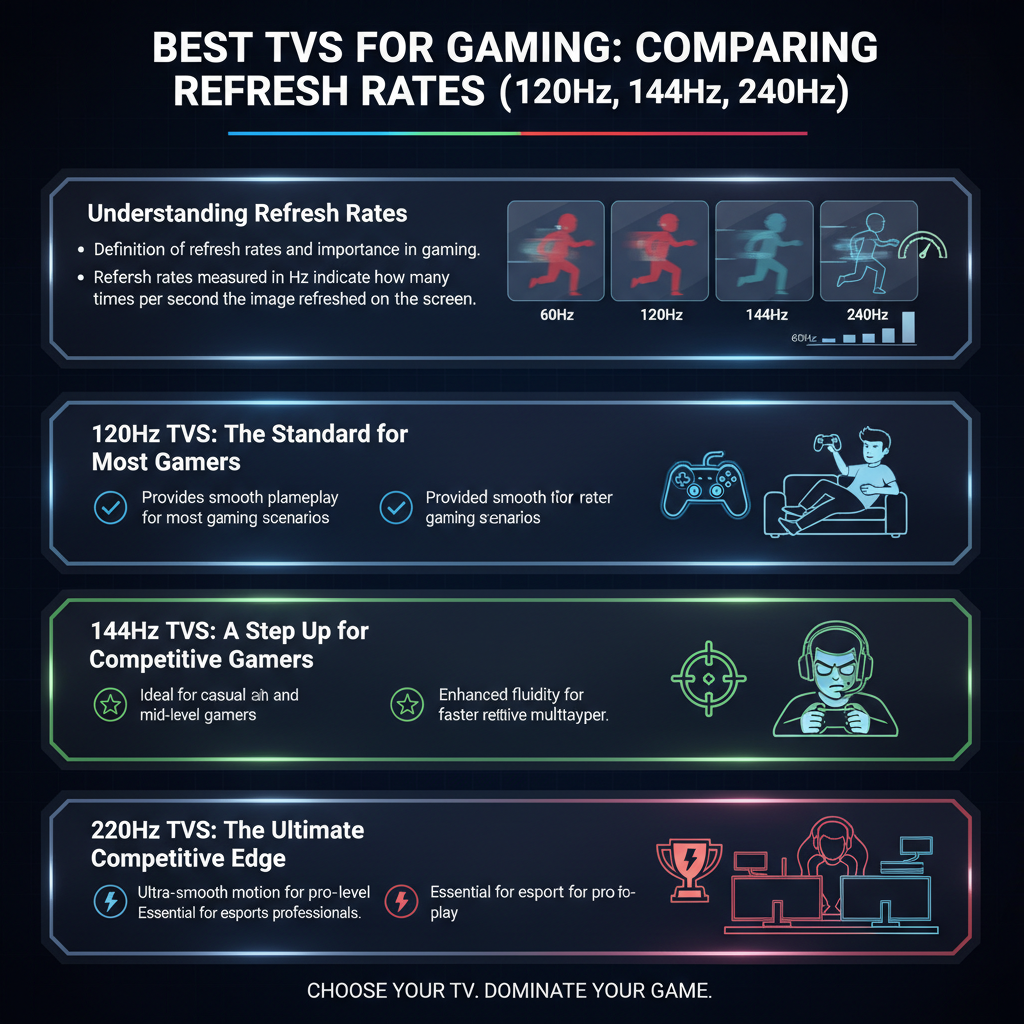
Refresh rates, measured in hertz (Hz), indicate how many times per second your TV refreshes the image on the screen. In gaming, this is crucial because higher refresh rates lead to smoother motion and improved responsiveness. For instance, a 60Hz TV refreshes the image 60 times a second, while a 120Hz TV does it 120 times. This means that fast-moving images, such as those seen in action-packed games or racing titles, will look clearer and more fluid on a higher refresh rate display. The importance of refresh rates in gaming cannot be understated: they directly influence motion clarity, reducing motion blur and providing a more immersive experience.
120Hz TVs: The Standard for Most Gamers
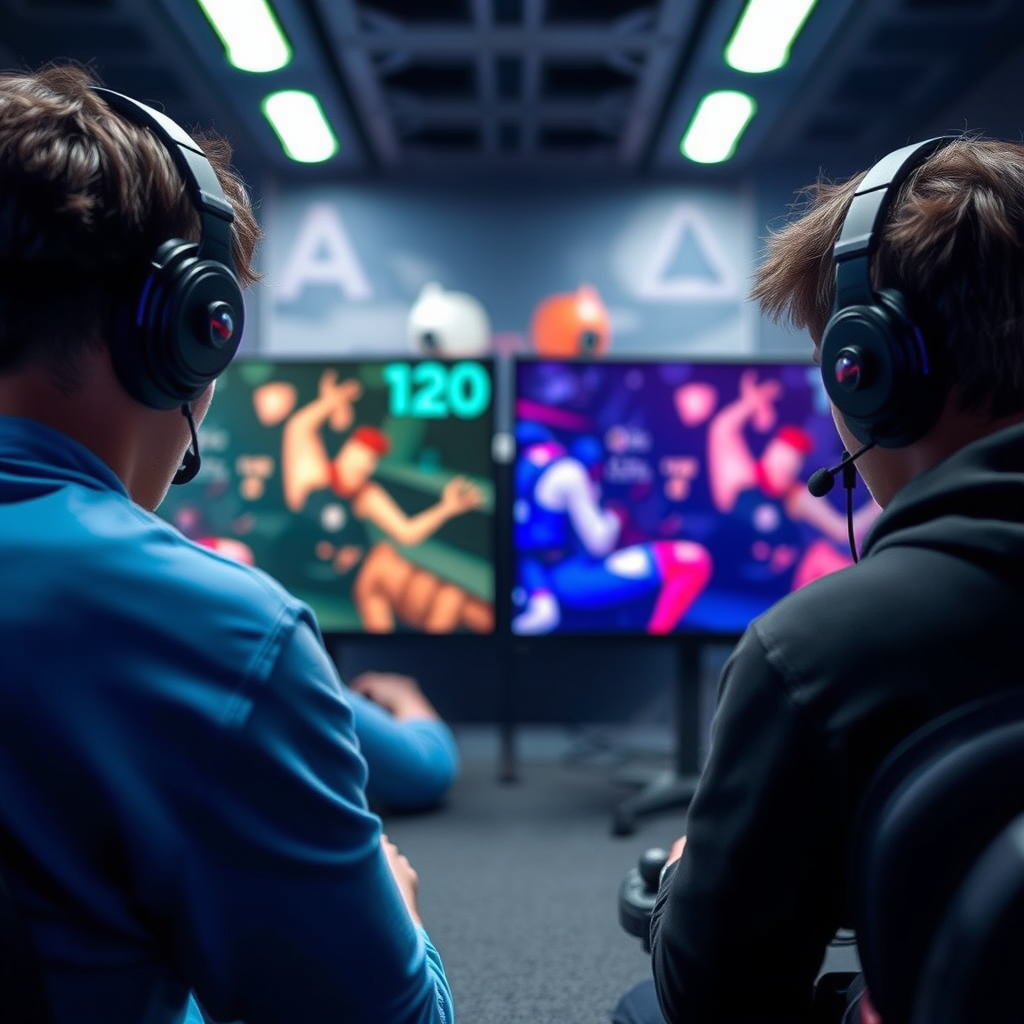
The 120Hz refresh rate is often considered the standard for most gamers, particularly those who enjoy console gaming or casual titles. This refresh rate strikes a balance between performance and affordability, making it an attractive option for a wide range of gamers. Benefits include reduced motion blur, smoother gameplay, and compatibility with the latest gaming consoles like the PlayStation 5 and Xbox Series X, which both support 120Hz output.
Popular models include the LG OLED C1 and the Samsung QN90A, both of which offer stunning visuals and excellent color accuracy. The LG OLED C1, in particular, is known for its deep blacks and vibrant colors, making it an excellent choice for immersive gaming. Additionally, many 120Hz TVs come equipped with gaming modes that minimize input lag, ensuring a responsive experience. For most gamers, a 120Hz TV provides a solid foundation for a fantastic gaming experience without breaking the bank.
144Hz TVs: A Step Up for Competitive Gamers
For those who thrive on competitiveness, especially in fast-paced games like first-person shooters or battle royale titles, a 144Hz TV can make a noticeable difference. The advantages of a 144Hz refresh rate include smoother gameplay and lower input lag, allowing for quicker reactions. This can be particularly beneficial in online multiplayer scenarios where every millisecond counts.
Recommended models that excel in gaming performance include the ASUS ROG Swift PG32UQX and the Acer Predator X27. These TVs not only support 144Hz but also feature advanced technologies like NVIDIA G-SYNC, which helps eliminate screen tearing and provides a smoother gaming experience. If you’re serious about competitive gaming, investing in a 144Hz display can give you a significant edge over your opponents, enhancing your overall performance and enjoyment.
240Hz TVs: The Pinnacle of Gaming Experience
If you’re a hardcore gamer or someone who simply wants the best of the best, a 240Hz TV may be the right choice for you. While the difference between 144Hz and 240Hz may not be as pronounced in casual gameplay, serious gamers will appreciate the extreme smoothness and responsiveness that a 240Hz refresh rate offers. This is especially true in high-action sequences where every frame counts, making it easier to track fast-moving objects and react accordingly.
Models like the Samsung QLED Q90T and the LG OLED G1 bring stunning visuals and exceptional frame rates, making them perfect for those who want to push their gaming experience to the limit. A 240Hz TV is particularly beneficial for high-end gaming PCs or competitive gaming setups where the hardware can take full advantage of such high refresh rates. However, keep in mind that to truly experience the benefits of a 240Hz display, your gaming rig needs to be capable of delivering high frame rates.
Input Lag and Response Time Considerations
While refresh rates are crucial, input lag and response time are equally important factors to consider when choosing a gaming TV. Input lag refers to the delay between your action (like pressing a button) and the result on-screen. Lower input lag is essential for an enjoyable gaming experience, especially in fast-paced genres.
Refresh rates and response times work in tandem; a high refresh rate with a high input lag can negate the benefits of smoother gameplay. Look for TVs with a response time of 5ms or lower to ensure that you experience minimal delay. Many modern gaming TVs come with features like Game Mode, which optimize performance by reducing input lag and improving response times—helping you stay ahead of the competition.
Additional Features to Consider
When selecting a TV for gaming, it’s not just about refresh rates. Factors like HDR (High Dynamic Range), resolution, and gaming modes can significantly enhance your gaming experience. HDR improves contrast and color accuracy, making visuals more lifelike, while 4K resolution provides stunning detail that can elevate your gameplay.
Moreover, many smart TVs now come with built-in gaming modes that optimize settings for the best performance. These modes typically reduce input lag and enhance motion clarity, making them ideal for gamers. Always consider the smart capabilities of the TV, as having access to streaming services directly from your TV can add an extra layer of convenience to your gaming setup.
Making the Right Choice for Your Setup
Ultimately, making the right choice for your gaming setup will depend on your gaming style and personal preferences. Casual gamers or those primarily using consoles may find that a 120Hz TV meets all their needs, while competitive gamers or those with high-end gaming PCs might benefit from a 144Hz or 240Hz option.
Budget is also a crucial consideration. While higher refresh rates can offer better performance, it’s essential to find a TV that provides good value for money without compromising on quality. Look for sales or bundles that can help you get the best deal on a gaming TV that fits your needs.
Summarizing the key differences between 120Hz, 144Hz, and 240Hz TVs reveals that your choice ultimately depends on your gaming preferences and setup. Whether you’re a casual gamer or a competitive player, investing in a suitable refresh rate will enhance your gaming experience. Explore the options available, and choose the TV that aligns best with your gaming habits and budget, ensuring that your next gaming session is as immersive and enjoyable as possible!
Frequently Asked Questions
What is the difference between 120Hz, 144Hz, and 240Hz TVs for gaming?
The primary difference between 120Hz, 144Hz, and 240Hz TVs lies in their refresh rates, which indicate how many times per second the screen refreshes the image. A 120Hz TV refreshes the image 120 times per second, suitable for most gaming experiences, while a 144Hz TV offers smoother motion, especially beneficial in fast-paced games. A 240Hz TV provides the highest refresh rate, resulting in ultra-smooth visuals and reduced motion blur, making it ideal for competitive gaming. However, the actual benefit also depends on the capabilities of your gaming console or PC.
How does refresh rate impact gaming performance on TVs?
Refresh rate significantly impacts gaming performance by determining how smoothly images are displayed on the screen. A higher refresh rate, such as 144Hz or 240Hz, leads to smoother gameplay, reduced motion blur, and enhanced responsiveness, which are crucial for fast-paced and competitive gaming scenarios. However, to fully leverage higher refresh rates, your gaming setup, including the console or PC and the graphical settings, must support them; otherwise, you may not notice significant improvements.
Which TV refresh rate is best for console gaming?
For console gaming, a 120Hz refresh rate is generally considered the best option, as it balances performance and compatibility with most current-generation consoles, such as the PlayStation 5 and Xbox Series X, which support 120Hz output. This refresh rate provides smooth visuals without overwhelming the console, ensuring an optimal gaming experience. However, if you are a competitive gamer looking for the absolute best visuals and the latest technology, a 144Hz or 240Hz TV might be worth considering.
Why should I choose a 240Hz TV for gaming?
Choosing a 240Hz TV for gaming can enhance your overall experience by offering the smoothest motion and quickest response times, particularly beneficial in fast-paced or competitive gaming environments. The increased refresh rate minimizes motion blur and ghosting, allowing for clearer visuals during intense action scenes. However, it’s essential to ensure that your gaming hardware can output at such high refresh rates; otherwise, the benefits may be less noticeable.
What should I consider when purchasing a TV for gaming?
When purchasing a TV for gaming, consider several factors, including refresh rate, input lag, resolution, HDR support, and size. A higher refresh rate (120Hz or above) will improve motion clarity, while low input lag (ideally under 20ms) ensures real-time responsiveness. Additionally, opt for a 4K resolution for sharp graphics, and look for HDR support to enhance color and contrast. Finally, ensure the size fits your gaming space for an immersive experience.
References
- Technology of television
- https://www.techradar.com/news/what-is-refresh-rate
- https://www.cnet.com/tech/home-entertainment/what-is-refresh-rate-and-why-is-it-important-for-gaming/
- https://www.rtings.com/tv/learn/refresh-rate
- The 8 best TVs for gaming in 2025, as vetted by our experts – Digital Trends
- https://www.tomsguide.com/face-off/120hz-vs-144hz-vs-240hz-refresh-rates
- https://www.wired.com/story/what-is-refresh-rate-gaming/