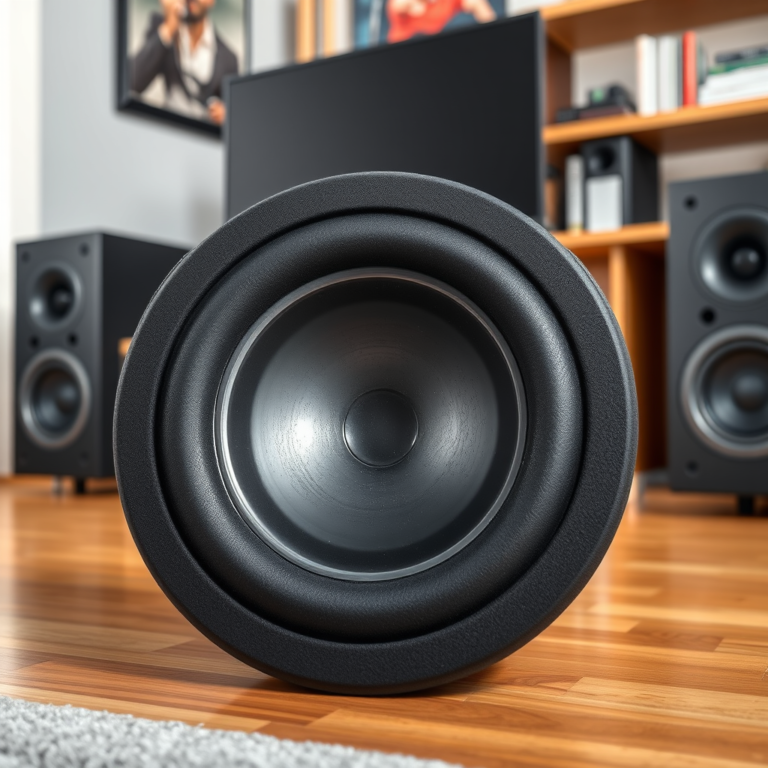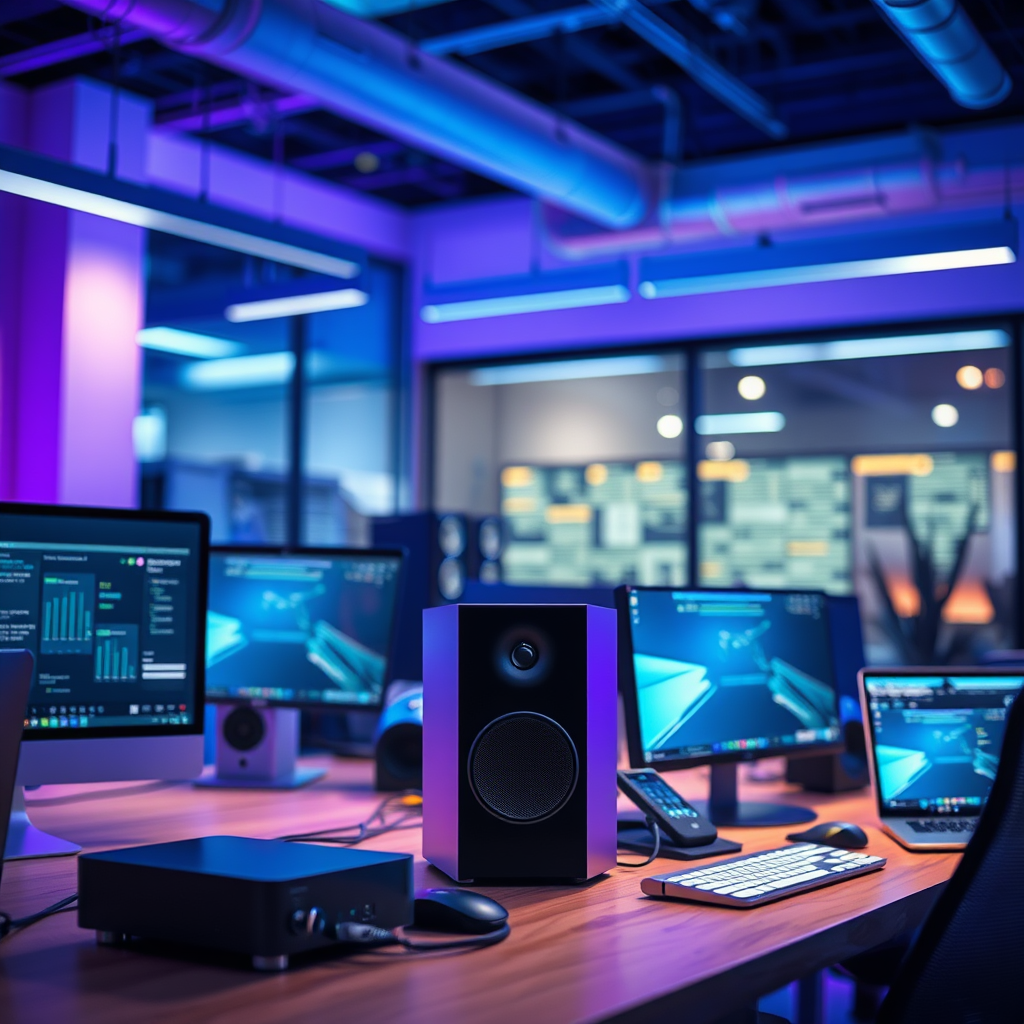

To properly calibrate your wireless speaker system, utilizing dedicated software can significantly enhance sound quality and ensure an optimal listening experience. This guide will walk you through the essential steps and tools needed for effective calibration, helping you achieve the best audio performance in your space.
Understanding Wireless Speaker Calibration

Calibration is vital for achieving optimal audio quality in any listening environment. Without proper calibration, users may experience issues such as imbalanced sound, distorted audio, and a general lack of clarity in the output. Calibration helps to adjust the various parameters of the speaker system to match the acoustics of the room, thus ensuring that every note and beat is delivered as intended.
Common issues faced without calibration include uneven frequency responses, where certain tones may sound louder or softer than others, and phase problems, which can occur when multiple speakers are out of sync. This results in audio that may be perceived as dull or lacking depth. By calibrating your wireless speaker system, you can mitigate these issues, leading to a more immersive and enjoyable listening experience.
Choosing the Right Calibration Software

When it comes to selecting calibration software, there are numerous options available that cater to different needs and budgets. Popular software options include:
1. Sonarworks SoundID Reference: Renowned for its precision, this software measures and corrects frequency response across various setups.
2. Dirac Live: A more advanced solution that offers room correction technology, optimizing sound for specific environments.
3. Audyssey MultEQ: A well-known choice among home theater enthusiasts, this software not only calibrates speakers but also optimizes subwoofers for enhanced bass response.
Key features to look for in calibration tools include:– Room Measurement Capabilities: The ability to analyze room acoustics through sound measurements.
– Automatic Calibration: Options that automatically adjust settings based on the environment.
– User-Friendly Interface: Intuitive designs that make it easy to navigate and understand.
– Comprehensive Reporting: Detailed feedback on frequency response and adjustments made.
Preparing Your Space for Calibration
Before diving into the calibration process, preparing your space is essential for achieving the best results. This preparation involves two main steps: correctly setting up your speakers and minimizing environmental interference.
Setting Up Your Speakers Correctly: Position your speakers in accordance with the manufacturer’s recommendations. Typically, this includes placing them at ear level when seated, ensuring they are equidistant from the primary listening position and angled towards it for optimal sound projection.
Minimizing Environmental Interference: Assess the room for potential sound reflections and absorption. Soft furnishings like carpets and curtains can absorb sound, while hard surfaces may reflect it. Consider using acoustic panels or bass traps to manage these reflections and create a more controlled listening environment.
Top Wireless Speaker Calibration Software (2024)
| # | Software | Key Features | Price | Rating |
|---|---|---|---|---|
| 1 | Sonarworks SoundID Reference | Frequency correction, headphone calibration | $99 | ★★★★☆ |
| 2 | Dirac Live | Room correction, detailed analysis | $349 | ★★★★★ |
| 3 | Audyssey MultEQ | Comprehensive calibration, subwoofer optimization | $199 | ★★★★☆ |
| 4 | IK Multimedia ARC | Room analysis, correction profiles | $199 | ★★★★☆ |
| 5 | Sonic Studio Amarra | High-resolution audio support | $99 | ★★★★☆ |
| 6 | FuzzMeasure | Audio analysis and measurement | $99 | ★★★☆☆ |
| 7 | Home Theater Calibration (HTC) | User-friendly, basic calibration | $49 | ★★★☆☆ |
Step-by-Step Calibration Process
With your space prepared and the right software in hand, you can now proceed to the calibration process.
Initial Setup and Software Installation: Begin by installing your chosen calibration software on your computer. Follow the on-screen instructions to complete the installation, ensuring that all necessary drivers are updated and that your wireless speakers are properly connected.
Running the Calibration Process and Understanding Results: Once the software is ready, initiate the calibration process. Most software will prompt you to place a measurement microphone in the primary listening position. The software then plays specific test tones through the speakers to analyze the audio response.
Upon completion, the software will generate a report detailing the frequency response of your system. Pay attention to the graphs and recommendations provided, as they will guide your next steps in fine-tuning your setup.
Speaker Calibration Results Comparison (2024)
Fine-Tuning Your Speaker Settings
Once you have completed the initial calibration, fine-tuning your speaker settings can further enhance audio performance.
Adjusting EQ Settings Based on Calibration Feedback: Utilize the feedback provided by the calibration software to adjust your equalizer settings. Focus on correcting any identified frequency imbalances, ensuring a balanced sound across all ranges. For example, if the calibration indicates a dip in bass frequencies, boost those settings slightly to achieve a fuller sound.
Testing Different Audio Profiles for Various Environments: Experiment with different audio profiles depending on the type of content you are listening to. For instance, you may want to adjust settings for movies versus music, as each has distinct audio characteristics. Creating and saving multiple profiles can help you switch seamlessly between settings based on your needs.
Troubleshooting Common Calibration Issues
Calibration issues can arise, and knowing how to troubleshoot them can save you time and frustration.
Identifying and Solving Common Problems: Some common issues include inaccurate measurements due to microphone placement, wireless connectivity problems, or software bugs. Ensure that the microphone is placed correctly and that all speakers are functioning properly. If you encounter software errors, consult the help section or support forums of the software provider.
When to Seek Professional Assistance: If calibration issues persist or you feel overwhelmed by the process, consider seeking professional help. Audio engineers can provide advanced calibration services, especially in complex acoustic environments or high-end setups.
Ongoing Maintenance and Adjustments
Finally, maintaining your wireless speaker system is crucial for sustained audio quality.
Regular Checks and Recalibrations: It’s advisable to recalibrate your speakers every six months or whenever you make significant changes to your room setup. Regular checks can help ensure that your system remains optimized for the best sound performance.
Keeping Software Updated for Best Performance: Always keep your calibration software updated to benefit from new features and improvements. Software updates often include enhanced algorithms for better accuracy and new measurement capabilities.
By following these steps, you’ll ensure that your wireless speaker system is finely tuned for the best possible audio experience. Whether you’re setting it up for music, movies, or gaming, proper calibration is key. Start by selecting the right software and preparing your space, then proceed through the calibration process to enjoy enhanced sound quality. Take action now and elevate your audio experience!
Frequently Asked Questions
What software is best for calibrating my wireless speaker system?
The best software for calibrating your wireless speaker system often includes options like Dirac Live, Room EQ Wizard, or Sonarworks. These programs offer advanced features such as room correction and frequency response adjustments, helping to optimize sound quality based on your unique environment.
How do I use calibration software to improve my wireless speaker system’s sound quality?
To improve your wireless speaker system’s sound quality using calibration software, start by installing the chosen application on your computer or mobile device. Follow the step-by-step instructions to create a measurement profile, which typically involves playing test tones or pink noise through your speakers and using a measurement microphone to analyze the audio output for adjustments.
Why is it important to calibrate my wireless speaker system?
Calibrating your wireless speaker system is crucial because it ensures that the sound is balanced and accurately reproduces audio across different frequencies. This process compensates for room acoustics and speaker placement, ultimately enhancing your listening experience and preventing distortion or imbalances in sound.
Which features should I look for in calibration software for wireless speakers?
When selecting calibration software for wireless speakers, look for features such as automatic measurement capabilities, detailed frequency response graphs, and user-friendly interfaces. Additionally, advanced options like equalization filters and multi-point measurements can greatly enhance the calibration process and improve sound quality.
How often should I recalibrate my wireless speaker system?
It is recommended to recalibrate your wireless speaker system at least once a year or whenever you make significant changes to your room or speaker placement. Regular recalibration helps maintain optimal sound quality by adapting to any alterations in your environment that could affect audio performance.
References
- https://en.wikipedia.org/wiki/Wireless_speaker_system
https://en.wikipedia.org/wiki/Wireless_speaker_system - Google Scholar Google Scholar
https://scholar.google.com/scholar?q=calibrating+wireless+speaker+system - Google Scholar Google Scholar
https://scholar.google.com/scholar?q=using+software+for+speaker+calibration - https://www.sciencedirect.com/topics/engineering/audio-calibration
https://www.sciencedirect.com/topics/engineering/audio-calibration - https://www.nature.com/articles/s41598-020-66870-7
https://www.nature.com/articles/s41598-020-66870-7 - https://pubmed.ncbi.nlm.nih.gov/27472874/
https://pubmed.ncbi.nlm.nih.gov/27472874/ - https://www.bbc.com/future/article/20210608-how-good-are-wireless-speakers
https://www.bbc.com/future/article/20210608-how-good-are-wireless-speakers - https://www.theguardian.com/technology/2022/jun/14/how-wireless-speakers-are-changing-the-way-we-listen-to-music
https://www.theguardian.com/technology/2022/jun/14/how-wireless-speakers-are-changing-the-way-we-listen-to-music - https://www.cdc.gov/nceh/lead/faq.htm
https://www.cdc.gov/nceh/lead/faq.htm - https://www.mayoclinic.org/healthy-lifestyle/adult-health/expert-answers/sound-therapy/faq-20058060
https://www.mayoclinic.org/healthy-lifestyle/adult-health/expert-answers/sound-therapy/faq-20058060