
Using equalizers is an effective way to tailor the audio output of wireless speakers to suit your personal preferences and listening environment. By adjusting frequency responses, you can enhance clarity, boost bass, or even soften harsh treble sounds. This article explores how equalizers function, the various types available, and practical tips for optimizing your audio experience.
Understanding Equalizers

Equalizers are audio processing tools that adjust the balance between frequency components of audio signals. Essentially, they allow you to manipulate how different frequencies are represented in sound. By boosting or cutting specific frequency ranges, equalizers enhance certain sounds or tones based on personal preferences. For instance, if you enjoy a richer bass experience, you can increase the lower frequency bands without affecting the overall quality of the audio. This ability to customize your listening experience is particularly beneficial in wireless speakers, where sound quality can vary depending on environmental factors.
Moreover, equalizers can help compensate for the acoustics of the room in which you are listening. For example, a room with hard surfaces may create a harsh sound profile, while a space filled with soft furnishings may muffle sound. By utilizing an equalizer, you can create a more balanced audio output regardless of your surroundings.
Types of Equalizers
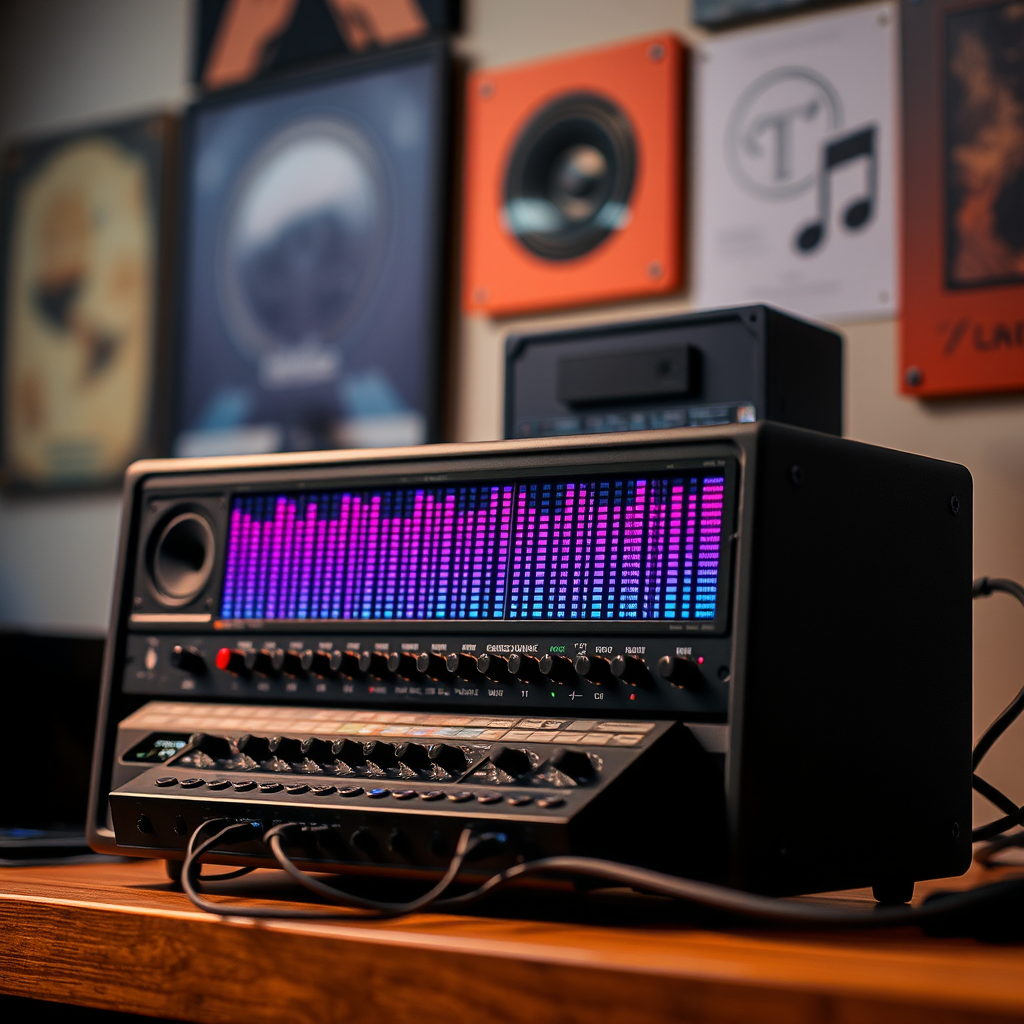
When it comes to equalizers, there are primarily two types that users encounter: graphic equalizers and parametric equalizers.
– Graphic Equalizers: These devices provide a visual representation of frequency adjustments, typically featuring sliders for different frequency bands. Users can see their changes in real-time, making it easier to understand how their adjustments impact the overall sound. Graphic equalizers usually operate on fixed frequency bands, which makes them user-friendly for those who may not have extensive audio knowledge.
– Parametric Equalizers: These offer more precise control over frequency selection, allowing for adjustments in bandwidth and gain. With a parametric equalizer, you can select specific frequencies to boost or cut, adjust the width of these frequency bands, and determine the extent of the gain. This type of equalizer is favored by audio professionals who require more granular control over their sound, as it allows for more tailored audio adjustments.
How to Access Equalizer Settings
Many wireless speakers come equipped with built-in equalizers that can be accessed via apps or physical controls. For instance, brands like Sonos and Bose have dedicated applications that allow users to adjust equalizer settings directly from their smartphones or tablets. These apps often provide both graphic and parametric equalizer options, giving users the flexibility to fine-tune their audio output according to their preferences.
Additionally, many streaming services and music apps, such as Spotify and Apple Music, include equalizer options for customization. Users can access these settings within the app to create presets that enhance their listening experience based on the genre of music they are enjoying. By syncing these equalizer settings with your wireless speakers, you can ensure a more cohesive audio experience.
Popular Wireless Speakers with Built-in Equalizers (2024)
| # | Speaker Model | Type of Equalizer | Control Method | Price ($) |
|---|---|---|---|---|
| 1 | Sonos One | Graphic | App | 199 |
| 2 | Bose SoundLink Revolve | Parametric | App | 199 |
| 3 | JBL Charge 5 | Graphic | Physical | 179 |
| 4 | Ultimate Ears MEGABOOM 3 | Graphic | App | 199 |
| 5 | Apple HomePod mini | Parametric | App | 99 |
| 6 | Anker Soundcore Motion+ | Graphic | Physical | 99 |
| 7 | Marshall Emberton | Graphic | Physical | 149 |
Best Practices for Using Equalizers
To achieve the best audio experience, consider these best practices when using equalizers:
1. Start with a Flat Setting: Begin your adjustments with a flat setting, which means that no frequencies are boosted or cut. This serves as a neutral starting point, allowing you to assess how the music sounds before making any changes. Gradual adjustments help prevent overwhelming sound that can arise from excessive boosts.
2. Use Preset Equalizer Settings: Many equalizers come with preset settings tailored for different music genres, such as rock, jazz, or classical. Leveraging these presets can simplify the customization process and provide a good starting point for further adjustments.
3. Avoid Over-Boosting: While it may be tempting to crank up the bass or treble, excessive boosts can lead to distortion and negatively impact sound quality. A balanced approach is crucial; subtle adjustments often yield the best results.
4. Tailor Adjustments to the Listening Environment: Consider the room in which you are listening. For instance, if you are in a small space with hard surfaces, you may want to reduce higher frequencies to avoid harshness. Conversely, in a larger room with softer furnishings, you may boost those frequencies for clarity.
Troubleshooting Common Issues
Even with the best equalizer settings, you may encounter some common audio issues:
– Deteriorating Sound Quality: If you notice that sound quality has worsened after making adjustments, check that the equalizer settings are not overly boosted. Sometimes, small adjustments can make a significant difference in clarity and overall audio quality.
– Firmware Updates: Ensure that your speaker’s firmware is up to date. Manufacturers often release updates to improve sound performance and fix bugs that might affect audio quality. Regularly checking for updates can help maintain optimal performance.
– Connectivity Issues: Wireless speakers can occasionally experience connectivity problems that affect audio output. If you notice interruptions or distortion, check the Bluetooth connection and ensure there are no obstructions between the speaker and the source device.
User Satisfaction with Equalizer Features (2024)
Enhancing Your Listening Experience
To enhance your listening experience, it’s essential to experiment with different settings while listening to a variety of music genres. Different genres often benefit from distinct equalizer settings; for example, bass-heavy genres like hip-hop may require a boost in lower frequencies, while classical music may sound better with a flatter response.
Additionally, consider your environment. Room acoustics can significantly influence how sound is perceived. Hard surfaces can create echo and harshness, while softer furnishings can absorb sound, leading to a warmer but potentially muffled audio experience. Adjust your equalizer settings based on these environmental factors to achieve optimal sound quality.
Finally, do not hesitate to revisit your settings occasionally. As your musical preferences evolve, so too might your desired sound profile. Regularly revisiting your equalizer settings can ensure that your audio experience remains enjoyable and tailored to your current tastes.
In summary, customizing audio output in wireless speakers with equalizers is not only about personal preferences but also about adapting to your listening environment. By understanding how equalizers work, exploring different types, and implementing best practices, you can significantly enhance your overall audio experience.
By following these guidelines, you can effectively use equalizers to enhance your audio experience with wireless speakers. Whether you’re an audiophile or just want better sound quality for your music, customizing your audio output will significantly improve your overall enjoyment.
Frequently Asked Questions
What is an equalizer and how does it work in wireless speakers?
An equalizer is a tool that allows users to adjust the balance between frequency components of audio signals. In wireless speakers, equalizers can manipulate bass, midrange, and treble frequencies to enhance sound quality based on personal preference or room acoustics, ensuring a tailored listening experience.
How can I use an equalizer to improve audio output on my wireless speakers?
To improve audio output using an equalizer, first access the equalizer settings through your speaker’s app or interface. Experiment with boosting or cutting specific frequency ranges, such as increasing bass for music genres like hip-hop and lowering treble for smoother sounds, until you find a setting that complements your listening environment and personal taste.
Why is it important to customize audio output with an equalizer in wireless speakers?
Customizing audio output with an equalizer is important because it allows you to adapt the sound profile to suit your listening environment and personal preferences. Different rooms and music genres can significantly influence audio quality, and a tailored equalizer setting can enhance clarity, detail, and overall listening enjoyment.
What are the best equalizer settings for different music genres on wireless speakers?
The best equalizer settings often vary by genre; for example, boost bass frequencies (around 60-80 Hz) for hip-hop and electronic music, enhance midrange (around 300-1000 Hz) for vocals and acoustic tracks, and increase treble (around 3-5 kHz) for pop and rock to add brightness. Experimenting with these settings can help you find the perfect balance for each genre.
Which apps or devices offer effective equalizer features for wireless speakers?
Effective equalizer features can be found in various apps and devices, including music streaming services like Spotify and Apple Music, as well as dedicated sound enhancement apps like Equalizer FX or Wavelet. Many wireless speakers also come with built-in apps that provide customizable equalizer settings, allowing you to fine-tune audio output directly from your smartphone or tablet.
References
- https://en.wikipedia.org/wiki/Equalizer_(audio
https://en.wikipedia.org/wiki/Equalizer_(audio - https://www.sciencedirect.com/topics/engineering/equalizer
https://www.sciencedirect.com/topics/engineering/equalizer - https://pubmed.ncbi.nlm.nih.gov/33978043/
https://pubmed.ncbi.nlm.nih.gov/33978043/ - https://www.nature.com/articles/s41598-020-71834-7
https://www.nature.com/articles/s41598-020-71834-7 - Google Scholar Google Scholar
https://scholar.google.com/scholar?q=Using+Equalizers+for+Customizing+Audio+Output+in+Wireless+Speakers - Google Scholar Google Scholar
https://scholar.google.com/scholar?q=Audio+Equalization+in+Wireless+Speakers - https://www.bbc.com/future/article/20201209-the-science-of-sound-how-to-choose-the-perfect-speakers
https://www.bbc.com/future/article/20201209-the-science-of-sound-how-to-choose-the-perfect-speakers - https://www.theguardian.com/technology/2021/feb/09/how-to-set-up-audio-for-video-conferencing
https://www.theguardian.com/technology/2021/feb/09/how-to-set-up-audio-for-video-conferencing - https://www.cdc.gov/niosh/topics/noise/default.html
https://www.cdc.gov/niosh/topics/noise/default.html - https://www.earbudz.com.au/why-you-need-an-equalizer/
https://www.earbudz.com.au/why-you-need-an-equalizer/