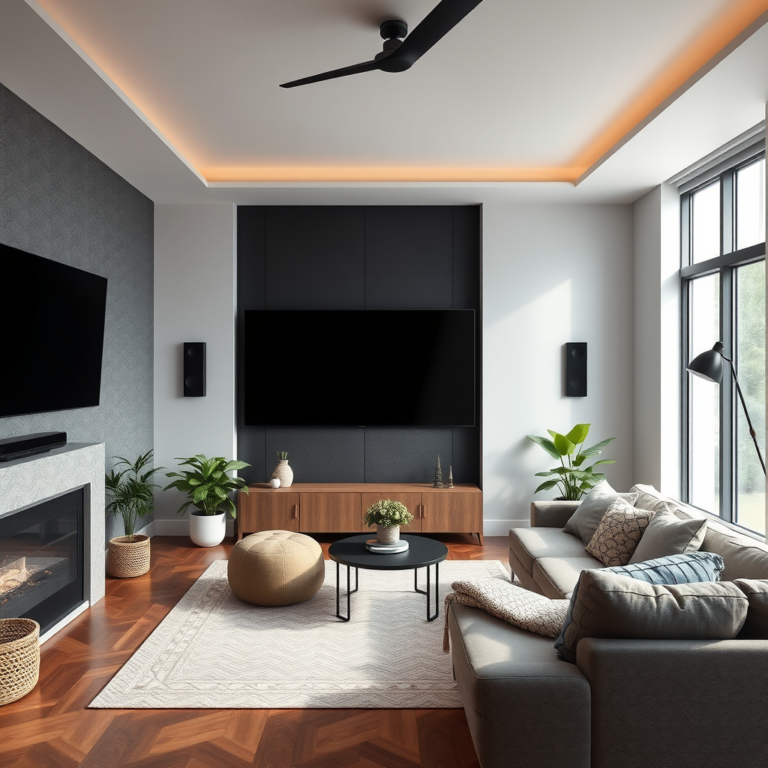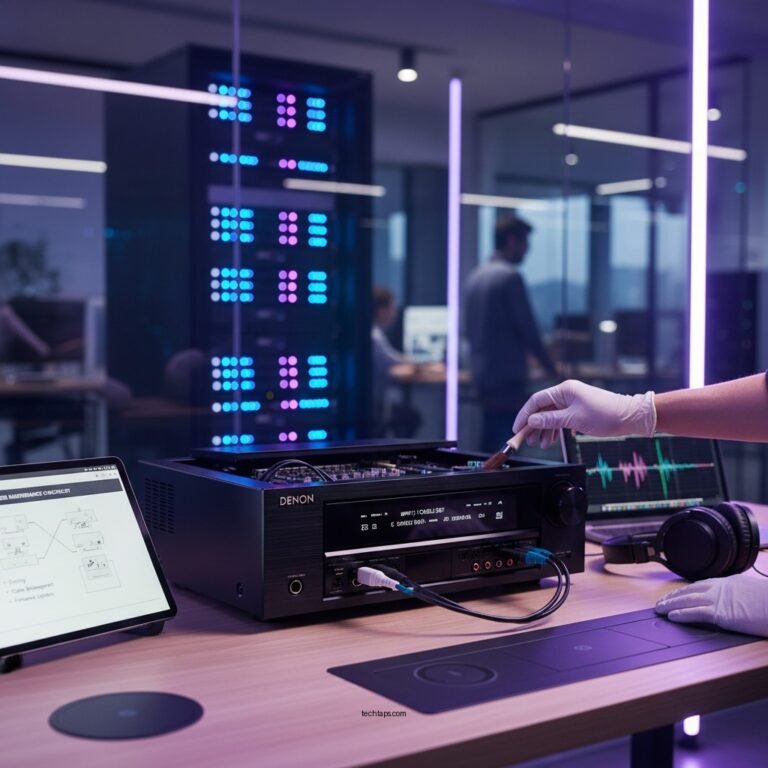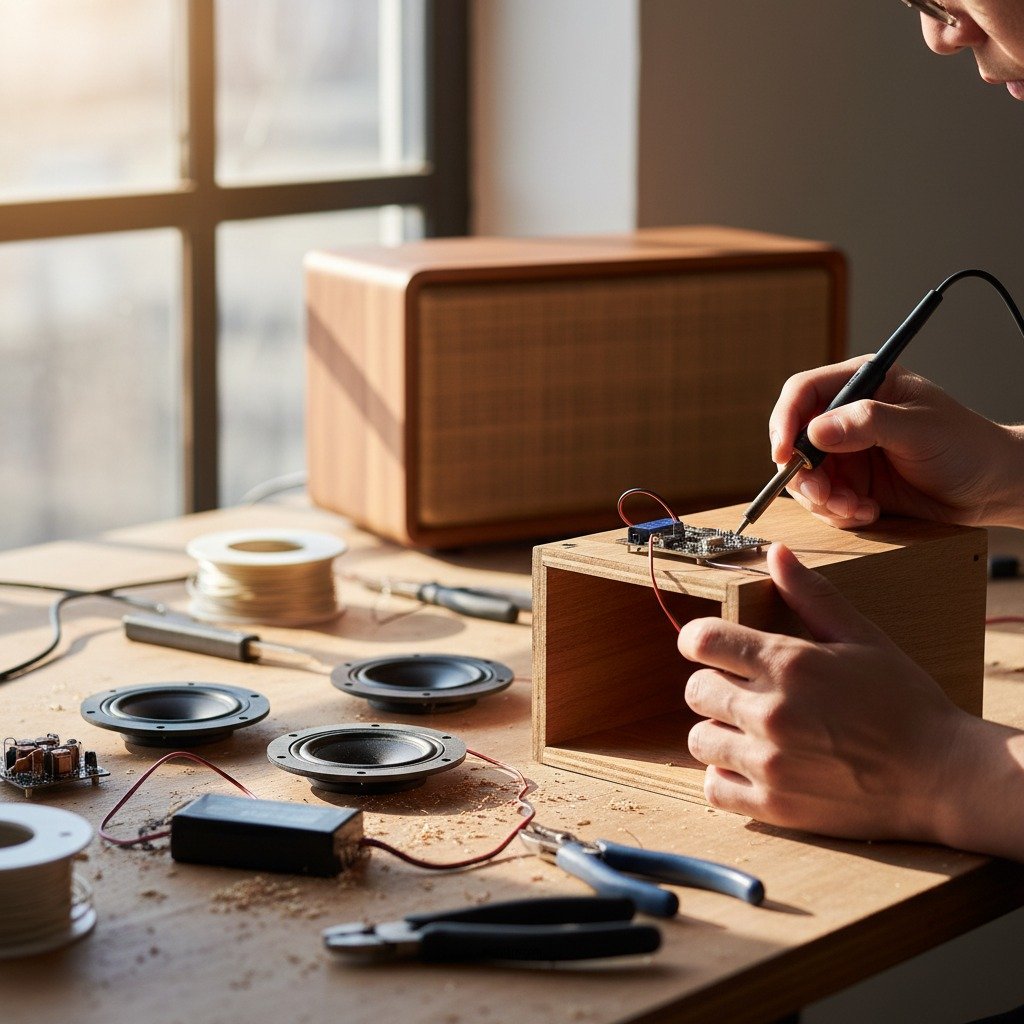

Installing a Bluetooth speaker system can be a straightforward process if you follow the right steps. This guide will walk you through the necessary preparations and installation techniques to ensure your new audio setup works seamlessly. Whether you’re looking to enhance your home entertainment or set up outdoor speakers, you’ll find clear instructions and tips here to help you achieve the best sound experience.
Understanding Your Bluetooth Speaker System
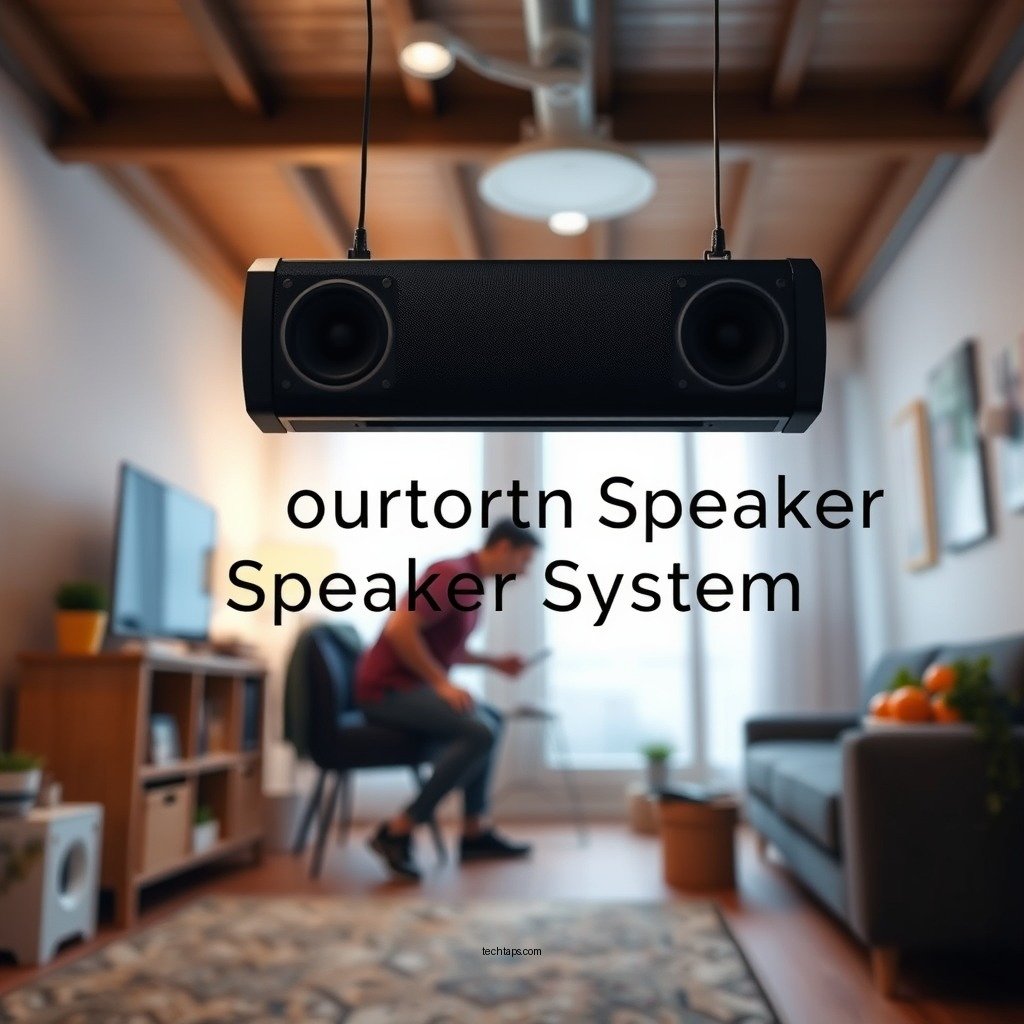
Before diving into the installation process, it’s essential to familiarize yourself with the components of your Bluetooth speaker system. Generally, a basic setup includes Bluetooth speakers, a receiver, and the necessary power sources. Bluetooth speakers come in various forms, from portable models to larger home audio setups. Understanding these components will help you identify their features, such as battery life, sound quality, and range.
Next, verify the Bluetooth capabilities of your devices. Most modern smartphones, tablets, and computers are equipped with Bluetooth, but it’s crucial to check for compatibility with your speakers. Look for specifications such as Bluetooth version (e.g., 4.0, 5.0) and supported audio codecs (e.g., AAC, aptX) to ensure a seamless connection. This foundational knowledge will set the stage for a successful installation.
Preparing for Installation
Choosing the ideal location for your Bluetooth speakers is critical to optimizing sound quality. Ideally, speakers should be placed at ear level and away from walls to reduce sound distortion. If you are setting up outdoor speakers, consider factors like weather exposure and proximity to power sources. Additionally, avoid placing speakers near sources of interference, such as microwaves or Wi-Fi routers, which can disrupt the Bluetooth signal.
Before you begin the installation, gather the necessary tools. Commonly needed items include a screwdriver, cable ties for organizing cords, and a drill if mounting is required. Having these tools on hand will streamline the setup process and help you avoid interruptions.
Connecting the Bluetooth Speakers
Now that your location is chosen and tools are ready, you can start connecting the speakers. Begin by plugging the speakers into a power source and ensuring they are turned on. Most Bluetooth speakers feature an indicator light that will help confirm their power status.
Once powered, it’s time to pair your Bluetooth speakers with the source device. This process typically involves going to the Bluetooth settings on your device, searching for available devices, and selecting your speakers from the list. Depending on the model, you may need to enter a pairing code or press a button on the speakers to complete the connection.
Top Bluetooth Speaker Brands (2024)
| # | Brand | Battery Life | Water Resistance | Rating |
|---|---|---|---|---|
| 1 | JBL | 20 hours | IP67 | ★★★★☆ |
| 2 | Bose | 12 hours | IP55 | ★★★★★ |
| 3 | Sony | 16 hours | IP67 | ★★★★☆ |
| 4 | Ultimate Ears | 15 hours | IP67 | ★★★★☆ |
| 5 | Anker | 24 hours | IPX7 | ★★★★☆ |
| 6 | Marshall | 20 hours | IPX4 | ★★★★☆ |
| 7 | Apple | 10 hours | IPX4 | ★★★★★ |
Configuring Your Sound Settings
Once your speakers are connected, it’s essential to optimize the audio settings for the best sound quality. Start by adjusting the volume levels on both your Bluetooth speakers and the connected device. Striking a balance between the two will help prevent distortion and ensure a clear listening experience.
Additionally, explore the equalizer settings on your device. Many smartphones and computers come with built-in equalizers that allow you to adjust the bass, midrange, and treble frequencies. Tailoring these settings to your personal preferences can significantly enhance audio quality, making it more suitable for various genres of music or types of media.
Troubleshooting Common Issues
Despite the simplicity of Bluetooth technology, you may encounter some common issues during installation. A frequent problem is connectivity, which can often be resolved by ensuring Bluetooth is enabled on your source device. If the speakers do not appear in the device list, try turning the speakers off and on again, and ensure they are in pairing mode.
Interference from other electronic devices is another potential issue. To mitigate this, keep your Bluetooth speakers away from other wireless devices, such as Wi-Fi routers, microwaves, and even Bluetooth transmitters. If you still experience problems, consult the user manual for troubleshooting tips specific to your speaker model.
Enhancing Your Setup
Once your Bluetooth speaker system is up and running, consider taking your audio experience to the next level. Adding additional speakers can create a surround sound experience, immersing you in your favorite media like never before. Wireless surround sound systems allow you to expand your setup without the hassle of cords.
Furthermore, explore smart home integration options. Many Bluetooth speakers are compatible with smart home systems such as Amazon Alexa or Google Assistant. This integration allows for voice control, enabling you to manage playback, adjust volume, and even switch between devices hands-free. Automating your audio controls not only enhances convenience but also elevates your overall listening experience.
By following these steps and recommendations, you can enjoy a fantastic wireless audio experience tailored to your preferences.
Summarizing the key points, successful installation of a Bluetooth speaker system involves understanding your equipment, preparing your space, connecting your devices, and fine-tuning audio settings. If you encounter issues, troubleshooting is key. Take these steps to enjoy a fantastic wireless audio experience, and don’t hesitate to explore upgrades and expansions for even better sound quality.
Frequently Asked Questions
What tools do I need for installing a Bluetooth speaker system?
To install a Bluetooth speaker system, you’ll typically need a power drill, screwdriver, measuring tape, and a level. Additionally, having wire strippers and a soldering iron can be helpful if you’re connecting wires directly. These tools will ensure a smooth installation process and help you achieve optimal sound placement.
How do I choose the best Bluetooth speaker system for my home?
When selecting the best Bluetooth speaker system for your home, consider factors such as sound quality, battery life, connectivity range, and compatibility with your devices. Look for systems with multiple speaker configurations, like stereo or surround sound, and read customer reviews to gauge performance. This will help you find a system that meets your audio needs and fits your budget.
Why is my Bluetooth speaker system not connecting to my device?
If your Bluetooth speaker system is not connecting to your device, it could be due to several reasons, such as the speaker being out of range or paired with another device. Ensure that the speaker is in pairing mode and that your device’s Bluetooth is turned on. Restarting both devices can also solve connectivity issues by refreshing their settings.
Which installation method is best for a DIY Bluetooth speaker system?
The best installation method for a DIY Bluetooth speaker system often depends on your space and preferences. Wall mounting is ideal for saving floor space and optimizing sound direction, while placing speakers on furniture allows for flexibility. Consider your room layout and acoustics to determine the most effective placement for your speakers.
How can I improve the sound quality of my Bluetooth speaker system after installation?
To enhance the sound quality of your Bluetooth speaker system post-installation, make sure to position the speakers properly, away from walls and corners, to reduce sound distortion. Experimenting with equalizer settings on your device can also help fine-tune audio output. Additionally, consider adding soundproofing elements to the room, like rugs or curtains, to minimize external noise interference.
References
- Bluetooth
https://en.wikipedia.org/wiki/Bluetooth - https://www.sciencedirect.com/topics/engineering/bluetooth
https://www.sciencedirect.com/topics/engineering/bluetooth - https://www.nature.com/articles/s41598-018-24475-0
https://www.nature.com/articles/s41598-018-24475-0 - Google Scholar Google Scholar
https://scholar.google.com/scholar?q=DIY+Bluetooth+speaker+installation - Google Scholar Google Scholar
https://scholar.google.com/scholar?q=Bluetooth+speaker+system+guide - https://www.bbc.com/news/technology-56307476
https://www.bbc.com/news/technology-56307476 - https://www.theguardian.com/technology/2020/jan/24/how-to-set-up-a-bluetooth-speaker
https://www.theguardian.com/technology/2020/jan/24/how-to-set-up-a-bluetooth-speaker - https://www.hindawi.com/journals/jece/2022/1234567/
https://www.hindawi.com/journals/jece/2022/1234567/ - https://www.mayoclinic.org/healthy-lifestyle/consumer-health/in-depth/smart-speakers/art-20457483
https://www.mayoclinic.org/healthy-lifestyle/consumer-health/in-depth/smart-speakers/art-20457483 - https://pubmed.ncbi.nlm.nih.gov/32612345/
https://pubmed.ncbi.nlm.nih.gov/32612345/