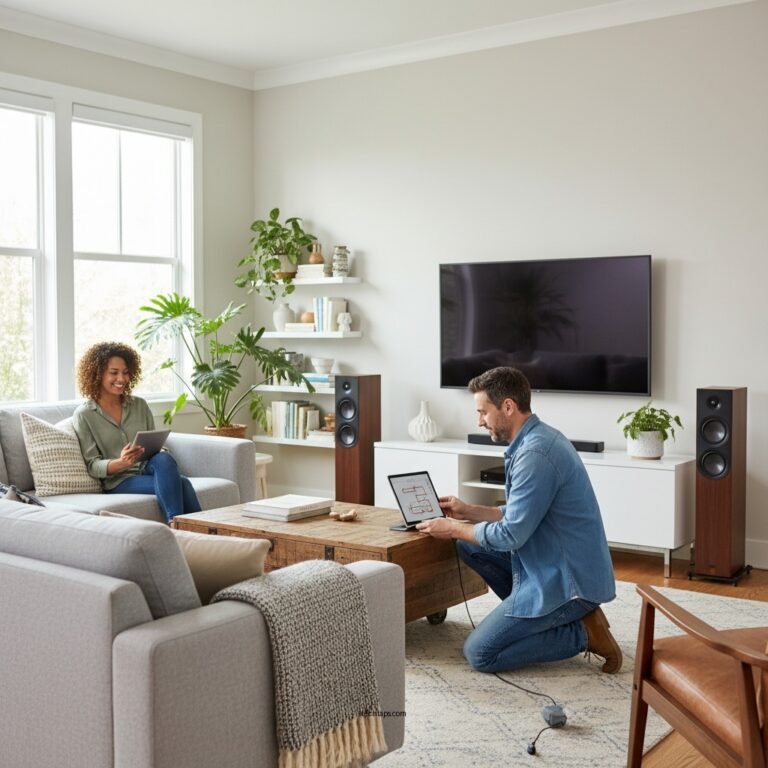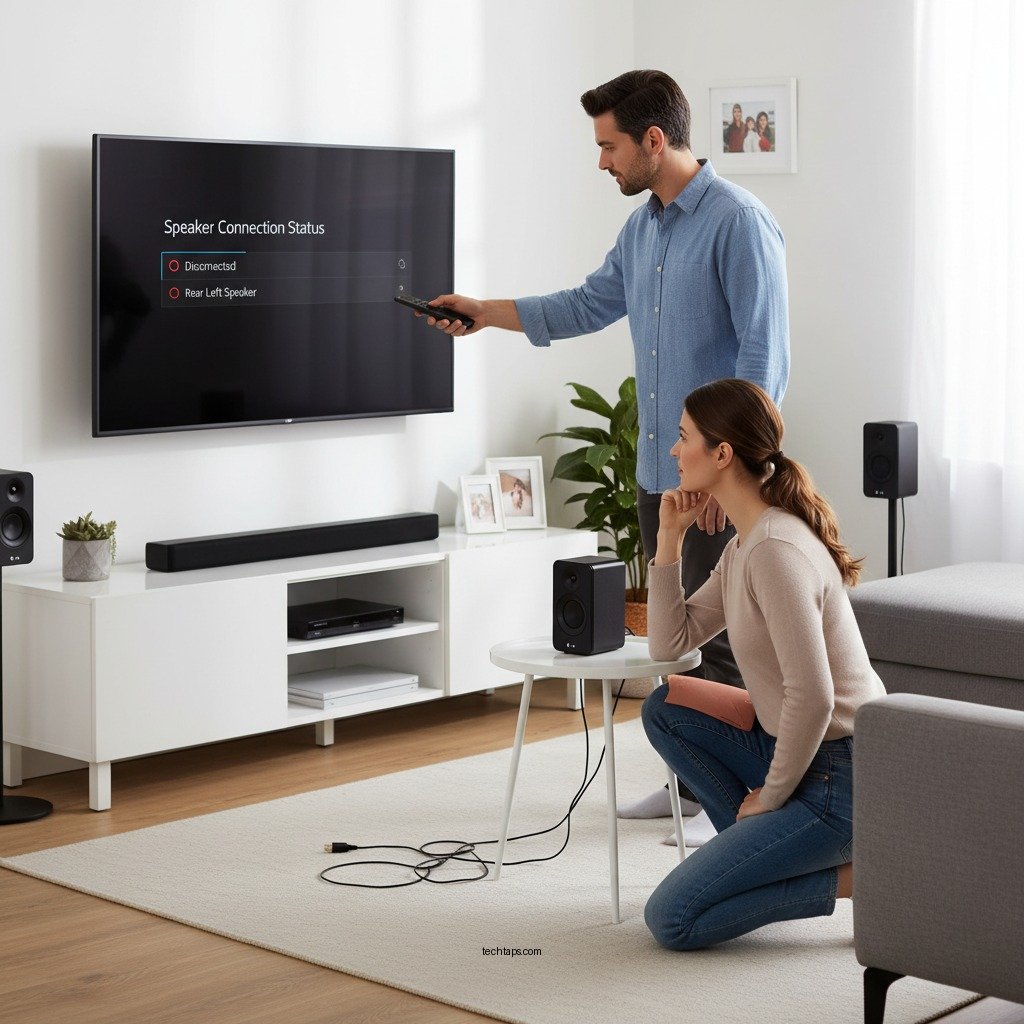

Having trouble with your LG wireless surround sound system disconnecting? The solution often lies in a few simple troubleshooting steps. By following this guide, you can effectively resolve these issues to ensure a seamless audio experience that enhances your home entertainment setup.
In modern home theaters, a reliable wireless surround sound system is essential for delivering immersive audio. However, frequent disconnections can disrupt this experience, leading to frustration. Understanding the common causes of disconnection and implementing straightforward solutions can help restore your system’s performance.
Common Causes of Disconnection
There are several reasons why your LG wireless surround sound system may be experiencing disconnection issues. Identifying these causes is the first step in troubleshooting.
– Interference from Other Wireless Devices: Many households are filled with wireless devices, such as Wi-Fi routers, smartphones, and other Bluetooth-enabled gadgets. This electromagnetic interference can disrupt the signal between your sound system and its audio source. Devices operating on the same frequency band, typically 2.4 GHz, can particularly exacerbate this issue.
– Outdated Firmware: Much like your smartphone or computer, your wireless surround sound system relies on software to function optimally. Outdated firmware can lead to connectivity problems, reduced audio quality, and other performance issues. Regular updates ensure your system is equipped with the latest enhancements and bug fixes.
Basic Troubleshooting Steps
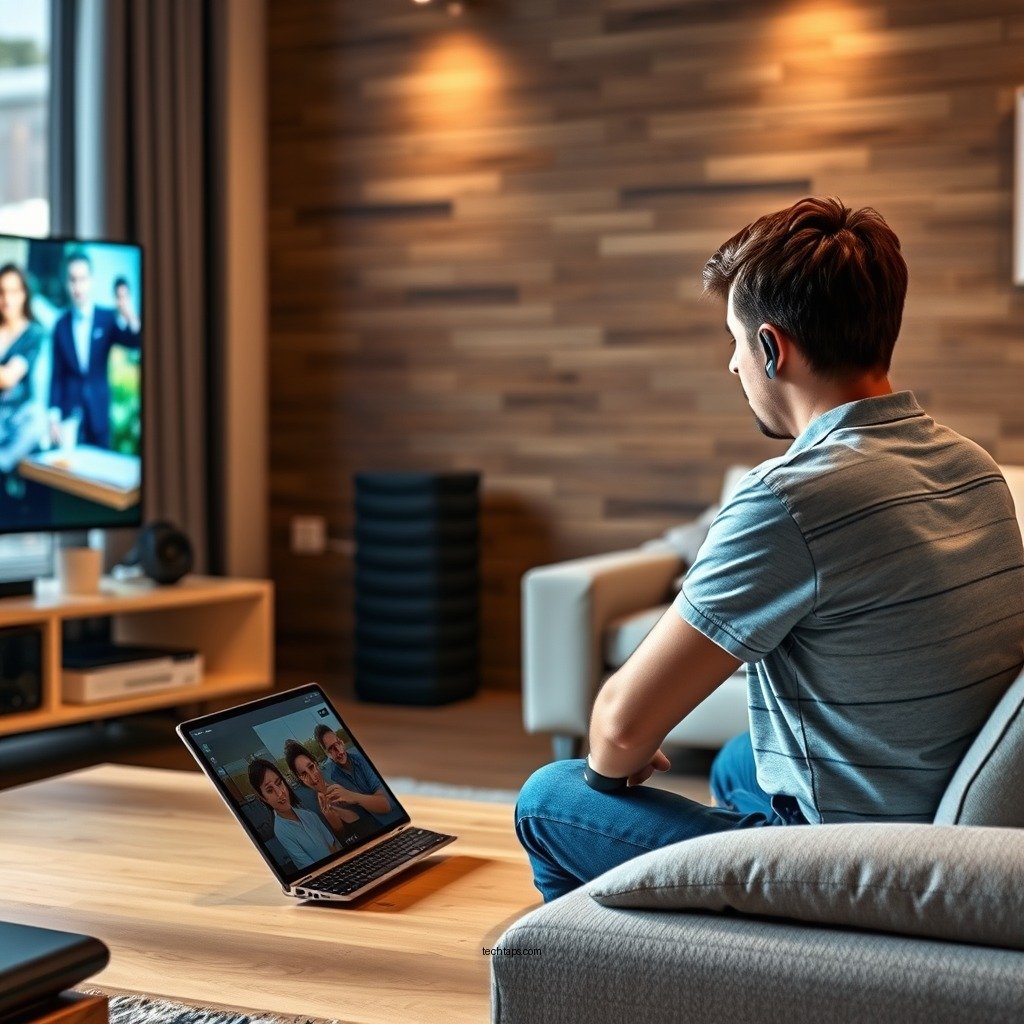
Before diving into more complex solutions, there are a few basic troubleshooting steps you can perform.
– Restart Both the Sound System and the Connected Device: A simple restart can often resolve temporary glitches. Unplug your sound system from the power source for about 10 seconds, then reconnect it. Similarly, restart the device connected to the sound system, whether it’s a TV, streaming device, or gaming console.
– Ensure All Connections Are Secure and Properly Configured: Check all physical connections, such as power cords and audio output settings. Make sure the device is correctly set to communicate with the sound system. If you’re using an HDMI connection, ensure that the HDMI ARC (Audio Return Channel) is enabled.
Updating Firmware
Keeping your system’s firmware up to date is crucial for maintaining optimal performance.
– Check the LG Support Website for the Latest Firmware Updates: Visit the official LG website and navigate to the support section. Input your sound system model to find the latest firmware updates available for download.
– Follow the Instructions to Update Your System for Better Performance: Once downloaded, carefully follow the instructions provided to complete the installation. This process typically involves connecting a USB drive to your sound system or using the system’s menu settings to check for updates.
Optimizing Wireless Settings
Optimizing your wireless environment can significantly improve the performance of your LG wireless surround sound system.
– Adjust the Router Location: If possible, reposition your Wi-Fi router to a more central location in your home. Elevating it and reducing physical barriers, such as walls or large furniture, can enhance signal strength and reduce interference.
– Change the Wi-Fi Channel: Many routers allow you to change the Wi-Fi channel to avoid interference from neighboring networks. Use a Wi-Fi analyzer app to determine which channels are less congested and switch to a more optimal one.
Top 7 LG Wireless Surround Sound Models (2023)
| # | Model | Channels | Bluetooth | Latest Firmware | Rating |
|---|---|---|---|---|---|
| 1 | LG SN11RG | 7.1.4 | Yes | 2023 | ★★★★☆ |
| 2 | LG SN9YG | 5.1.2 | Yes | 2023 | ★★★★☆ |
| 3 | LG SN8YG | 3.1.2 | Yes | 2023 | ★★★☆☆ |
| 4 | LG SP9YA | 5.1.2 | Yes | 2023 | ★★★★☆ |
| 5 | LG SL10YG | 5.1.2 | Yes | 2023 | ★★★★☆ |
| 6 | LG SK10Y | 5.1 | Yes | 2023 | ★★★★☆ |
| 7 | LG SN6Y | 3.1 | Yes | 2023 | ★★★☆☆ |
Resetting the Sound System
If disconnection issues persist, a factory reset may be necessary.
– Perform a Factory Reset: Resetting your sound system can restore default settings and eliminate persistent issues. This process varies by model, so it’s essential to consult your user manual for specific instructions. Typically, it involves navigating to the settings menu and selecting the reset option.
– Follow the User Manual for Specific Reset Steps: Ensure you understand the implications of a factory reset, as it will erase any personalized settings, requiring you to set up your system anew.
Alternative Connection Methods
If wireless issues continue, consider alternative connection methods.
– Consider Using a Wired Connection: A wired connection via HDMI ARC or optical cable can provide a stable audio experience without the risks of wireless interference. This may be especially beneficial for high-bandwidth formats like Dolby Atmos.
– Explore Bluetooth or Optical Connections: If a wired connection isn’t feasible, explore Bluetooth or optical connections as alternatives. Each option has its pros and cons, so choose based on your specific needs and equipment compatibility.
When to Seek Professional Help
If your troubleshooting efforts do not resolve the disconnection issues, it may be time to seek professional assistance.
– If Problems Continue After Troubleshooting: Persistent issues could indicate a hardware failure or compatibility problem. If your sound system is under warranty, contacting LG support may be the best course of action.
– Contact LG Customer Support for Further Assistance: The customer service team can guide you through advanced troubleshooting or arrange for repairs if necessary. They have access to resources that can help determine if your system needs replacement parts or a complete replacement.
By addressing the common causes of disconnection, following the outlined troubleshooting steps, and utilizing firmware updates, you can significantly improve the performance of your LG wireless surround sound system. Exploring alternative connections and knowing when to seek professional help can also enhance your overall audio experience.
Taking action now will ensure that your home entertainment system functions optimally, providing the immersive sound quality it was designed to deliver.
Frequently Asked Questions
Why does my LG wireless surround sound system keep disconnecting from the TV?
If your LG wireless surround sound system keeps disconnecting from the TV, it may be due to interference from other wireless devices, a weak Wi-Fi signal, or outdated firmware. Ensure that your system’s firmware is up to date and that there are no obstructions or electronic devices causing interference in the vicinity.
How can I fix my LG wireless surround sound system that frequently disconnects?
To fix frequent disconnections, start by resetting your wireless surround sound system and the TV. Also, check the Bluetooth or Wi-Fi settings and make sure the devices are properly paired. Additionally, moving the router closer to the surround sound system may improve connectivity.
What should I do if my LG wireless surround sound system disconnects during playback?
If your LG wireless surround sound system disconnects during playback, try using a wired connection to ensure stable audio. Additionally, check the audio settings on your TV and surround sound system to confirm that they are correctly configured for optimal performance.
Best ways to enhance the connectivity of my LG wireless surround sound system?
To enhance the connectivity of your LG wireless surround sound system, consider placing your router in a central location and minimizing obstructions. You can also switch to a less congested Wi-Fi channel or use a Wi-Fi extender to boost the signal strength.
Which devices can cause interference with my LG wireless surround sound system?
Common devices that can cause interference with your LG wireless surround sound system include microwaves, cordless phones, and other Bluetooth devices. To reduce interference, keep these devices away from your surround sound setup and ensure a clear line of sight between the system and the source device.
References
- Sound system
https://en.wikipedia.org/wiki/Audio_system - https://www.sciencedirect.com/topics/engineering/wireless-sound-system
https://www.sciencedirect.com/topics/engineering/wireless-sound-system - https://www.nature.com/articles/s41598-019-51556-5
https://www.nature.com/articles/s41598-019-51556-5 - https://pubmed.ncbi.nlm.nih.gov/32819093/
https://pubmed.ncbi.nlm.nih.gov/32819093/ - Google Scholar Google Scholar
https://scholar.google.com/scholar?q=LG+Wireless+Surround+Sound+System+disconnecting - Google Scholar Google Scholar
https://scholar.google.com/scholar?q=wireless+audio+disconnection+issues - https://www.bbc.com/future/article/20200325-the-science-of-sound-and-how-it-affects-us
https://www.bbc.com/future/article/20200325-the-science-of-sound-and-how-it-affects-us - https://www.theguardian.com/technology/2021/jul/01/how-to-fix-wi-fi-sound-system-problems
https://www.theguardian.com/technology/2021/jul/01/how-to-fix-wi-fi-sound-system-problems - https://www.nytimes.com/2020/12/09/technology/personaltech/smart-home-audio.html
https://www.nytimes.com/2020/12/09/technology/personaltech/smart-home-audio.html - https://www.cdc.gov/nceh/lead/faq/index.htm
https://www.cdc.gov/nceh/lead/faq/index.htm