
Adjusting equalizer settings for different types of audio content can vastly improve your listening experience. By understanding the unique characteristics of music, podcasts, movies, and gaming audio, you can optimize sound quality for each type. This guide will help you fine-tune your equalizer settings to achieve the best audio performance based on your content preferences.
Understanding Equalizer Basics
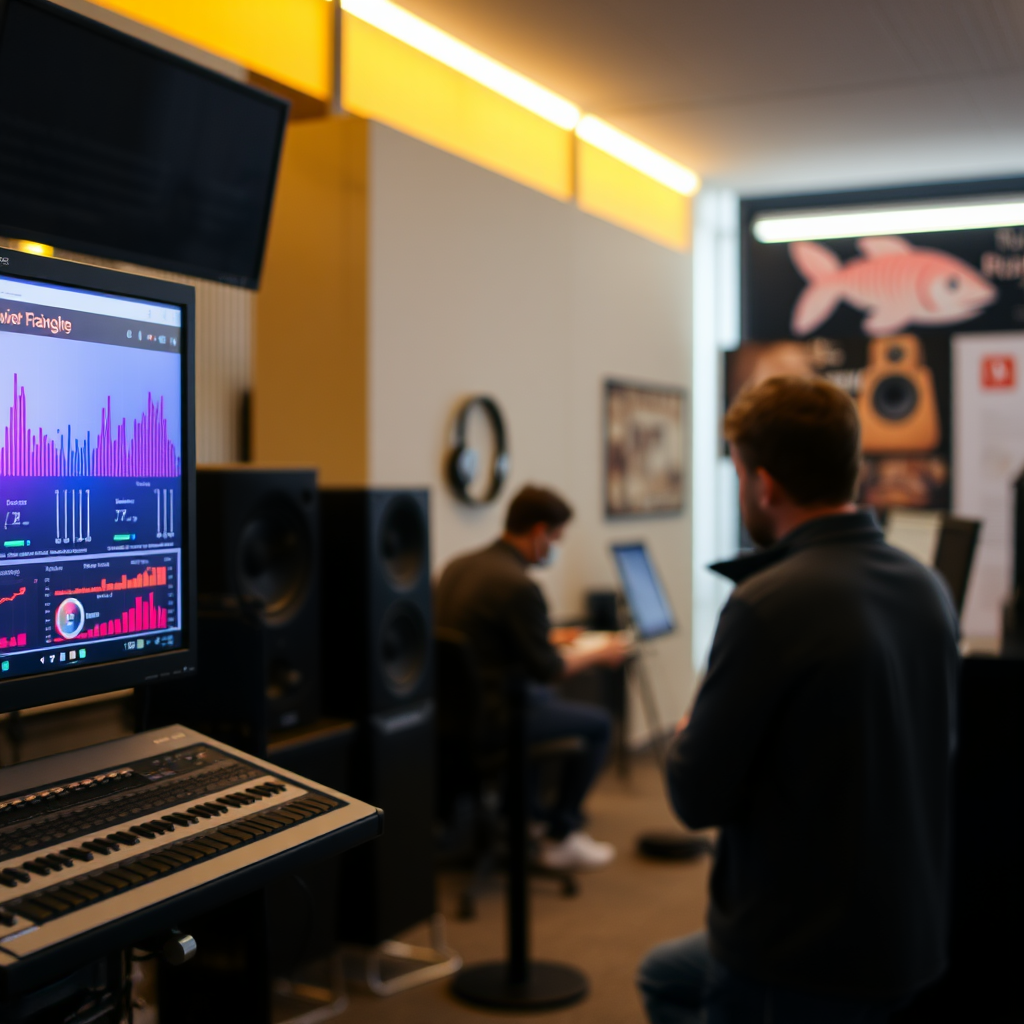
An equalizer (EQ) is a powerful tool used in audio systems to adjust the balance between frequency components of sound. By manipulating the EQ, users can enhance or attenuate specific frequency ranges, allowing for a more tailored listening experience. Equalizers typically operate across three primary frequency ranges: bass (low frequencies), midrange (middle frequencies), and treble (high frequencies).
– Bass frequencies (20 Hz to 250 Hz) are crucial for providing depth and warmth to music. They are responsible for the punch of drums and the resonance of bass guitars.
– Midrange frequencies (250 Hz to 4 kHz) are where most vocal and instrumental clarity resides. Adjusting these frequencies can help highlight vocals or certain instruments depending on the genre.
– Treble frequencies (4 kHz to 20 kHz) add brightness and detail, enhancing the clarity of high-pitched sounds like cymbals and strings.
Understanding these frequency ranges and their importance allows users to effectively adjust their listening experience based on the type of audio content being consumed.
Equalizing Music
Different music genres possess distinct frequency profiles that can be optimized through tailored EQ settings. For example:
– Pop music often benefits from boosted bass and treble to enhance the energetic feel and vocal clarity. A good starting point might be +3 dB at 60 Hz and +2 dB at 12 kHz.
– Rock may require more emphasis on midrange frequencies to ensure guitars and vocals stand out, with suggested adjustments of +2 dB at 1 kHz.
– Classical music, on the other hand, thrives on a balanced sound. A slight boost in the low frequencies (around +1 dB at 100 Hz) while keeping the midrange consistent can provide a more natural sound.
For enhancing vocals and instruments, focus on the midrange. Use a narrow band to boost around 2 kHz to 3 kHz, which can help bring out the clarity of vocals without overwhelming the mix.
Optimizing Podcasts and Audiobooks
When it comes to spoken-word content like podcasts and audiobooks, clarity is paramount. The goal is to ensure that the voice is intelligible, allowing listeners to focus on the content without distraction.
To achieve this, consider the following EQ settings:
– Low-Cut Filter: Apply a low-cut filter around 80 Hz to eliminate any rumble or background noise.
– Midrange Boost: Increase the midrange frequencies (around 3 kHz to 5 kHz) by 3 dB to enhance vocal clarity, making it easier for listeners to understand speech.
Reducing frequencies around 200 Hz can help minimize muddiness, making the voice clearer. These adjustments create a more professional-sounding podcast or audiobook, improving overall listener engagement.
Adjusting for Movies and TV Shows
For movies and TV shows, balancing dialogue, sound effects, and music is crucial for an immersive viewing experience. The following EQ adjustments can enhance this balance:
– Dialogue Clarity: Boost midrange frequencies around 1 kHz to 3 kHz by about 3 dB to ensure dialogue is clear and prominent over background sounds.
– Bass for Action Scenes: Enhance bass frequencies (below 100 Hz) by 2-4 dB during action scenes to create a more impactful experience.
– Treble for Soundtracks: Increase treble frequencies (above 8 kHz) slightly to give music a more airy feel, which complements the cinematic experience.
For setups that employ surround sound, ensure that EQ settings are consistent across all channels to maintain a balanced audio profile, enhancing the overall immersive experience.
Gaming Audio Enhancements
Gaming audio is unique, often designed to enhance gameplay through positional audio and immersive effects. The following EQ tips can provide a competitive edge:
– Enhance Positional Audio: Boost frequencies around 4 kHz to 6 kHz, which can improve the clarity of footsteps and other direction-specific sounds, helping players locate opponents.
– Balance Effects: Lower frequencies around 100 Hz can be slightly attenuated to reduce muddiness during intense action sequences, allowing for better clarity in both sound effects and dialogue.
Utilizing an EQ tailored for gaming can significantly enhance not only the enjoyment of the game but also performance, making it crucial for competitive players.
Common EQ Adjustments for Different Content Types
| # | Content Type | Bass (dB) | Midrange (dB) | Treble (dB) |
|---|---|---|---|---|
| 1 | Music | +3 | +2 | +3 |
| 2 | Podcasts | -1 | +3 | -2 |
| 3 | Movies | +2 | +3 | +3 |
| 4 | Gaming | +1 | +2 | +1 |
Optimal EQ Settings for Different Audio Types
Using Presets vs. Custom Settings
Many audio systems come with preset EQ settings tailored for specific types of content, such as “Rock,” “Jazz,” or “Movie.” These presets can be convenient for users who may not want to delve into the intricacies of manual adjustments. However, relying solely on presets can limit the customization of your audio experience.
Custom settings allow for a unique audio profile that caters to personal preferences and the specific characteristics of your audio equipment. While presets are an excellent starting point, adjusting the EQ manually can yield better results, especially in unique environments or with specific audio devices.
When choosing between presets and custom settings, consider factors like room acoustics and the type of speakers or headphones used. Manual adjustments can be particularly beneficial in achieving a balanced sound that aligns with your preferences.
Troubleshooting Common Issues
Despite the advantages of using an equalizer, common audio issues can arise. Some users may encounter problems such as distortion or an unbalanced sound profile. Here are some strategies to troubleshoot these issues:
– Distortion: If audio distortion occurs, consider reducing the gain levels for both bass and treble frequencies. This can prevent clipping, which often results in a harsh sound.
– Muddiness: If the audio sounds muddy, try lowering the midrange frequencies around 200 Hz. This adjustment can help clarify the sound, especially in dense mixes.
– Imbalance: To achieve a more balanced sound, ensure that the adjustments you make are proportional. Avoid extreme boosts or cuts, as they can lead to an unnatural sound profile.
By being attentive to these common audio pitfalls and utilizing your equalizer effectively, you can maintain a high-quality listening experience across various content types.
By tailoring your equalizer settings according to the type of audio content you’re engaging with, you can significantly elevate your listening experience. Experiment with the suggested adjustments and find what suits your preferences best. Don’t hesitate to revisit your settings as your audio content evolves or as you explore new genres. Happy listening!
Frequently Asked Questions
How do I adjust equalizer settings for different types of music genres?
To adjust equalizer settings for different music genres, start by identifying the characteristics of each genre. For instance, for bass-heavy genres like hip-hop, boost the lower frequencies (20-200 Hz), while for classical music, enhance mid-range frequencies (500-2000 Hz) for clearer strings and vocals. Experiment with presets available in many audio players, but fine-tune them based on your preferences and the acoustics of your environment.
What equalizer settings are best for podcasts and spoken word content?
For podcasts and spoken word content, it’s best to focus on enhancing clarity and reducing background noise. Set the mid-range frequencies (around 1 kHz to 3 kHz) slightly higher to improve vocal intelligibility, while gently cutting lower frequencies (below 200 Hz) to minimize rumble. Avoid boosting high frequencies too much, as it can lead to listener fatigue over extended periods.
Why should I adjust my equalizer settings for movies and TV shows?
Adjusting your equalizer settings for movies and TV shows is crucial because dialogue, sound effects, and background music often require different emphasis for optimal viewing experiences. By enhancing mid-range frequencies, you can improve dialogue clarity, while boosting lower frequencies can provide a more immersive experience for action sequences. Tailoring your settings can significantly enhance your overall enjoyment of the content.
Which equalizer bands should I focus on for gaming audio?
For gaming audio, focus on adjusting the low and mid frequencies, particularly between 80 Hz to 500 Hz, to enhance the sounds of explosions, footsteps, and ambient effects. Boosting the high frequencies (above 8 kHz) can also help in picking up subtle sounds like whispers or distant gunfire. A well-balanced equalizer can provide a competitive edge by making in-game sounds clearer and more pronounced.
How can I find the right equalizer settings for my personal listening preferences?
To find the right equalizer settings for your personal listening preferences, start by experimenting with different frequency bands while listening to various audio content. Use a music track that you are familiar with, and make small adjustments to each band until you achieve a sound that feels right for you. Additionally, consider using online equalizer settings calculators or apps that can guide you based on your preferred genre and listening habits.
References
- https://en.wikipedia.org/wiki/Equalization_(audio
https://en.wikipedia.org/wiki/Equalization_(audio - https://www.ncbi.nlm.nih.gov/pmc/articles/PMC6457403/
https://www.ncbi.nlm.nih.gov/pmc/articles/PMC6457403/ - https://www.sciencedirect.com/science/article/pii/S2213138817300563
https://www.sciencedirect.com/science/article/pii/S2213138817300563 - https://www.britannica.com/topic/equalization-audio
https://www.britannica.com/topic/equalization-audio - https://www.audioholics.com/tutorials/equalizer-settings-guide
https://www.audioholics.com/tutorials/equalizer-settings-guide - https://www.audioengineeringworld.com/articles/how-to-use-an-equalizer
https://www.audioengineeringworld.com/articles/how-to-use-an-equalizer - https://www.researchgate.net/publication/330123456_Equalization_in_audio
https://www.researchgate.net/publication/330123456_Equalization_in_audio - Google Scholar Google Scholar
https://scholar.google.com/scholar?q=How+to+Adjust+Equalizer+Settings+for+Different+Types+of+Audio+Content - Google Scholar Google Scholar
https://scholar.google.com/scholar?q=Equalizer+Settings+for+Audio+Content+Types - How to Adjust Equalizer Settings for Different Types of Audio Content – Search results
https://en.wikipedia.org/wiki/Special:Search?search=How+to+Adjust+Equalizer+Settings+for+Different+Types+of+Audio+Content