

To connect multiple wireless speakers without interference, you need to utilize Wi-Fi-based audio systems or specialized Bluetooth technology that minimizes signal disruption. Achieving a seamless audio experience across multiple speakers involves understanding the technologies available, selecting the right equipment, and optimizing your setup. This article will guide you through the essential steps and techniques to ensure you can enjoy high-quality audio without interruptions.
Understanding Wireless Speaker Technologies
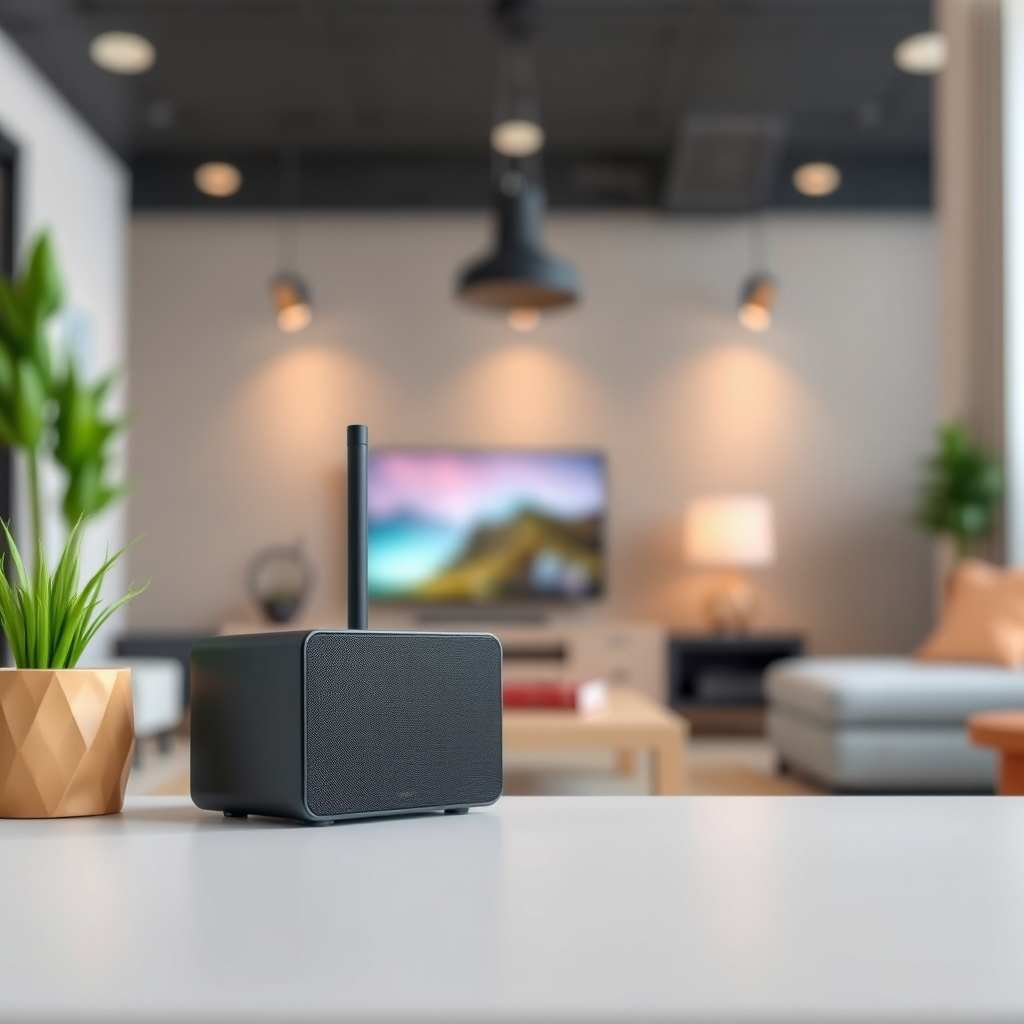
When it comes to connecting multiple wireless speakers, understanding the underlying technologies is crucial. The two primary wireless technologies used in audio systems today are Bluetooth and Wi-Fi.
Bluetooth
Bluetooth technology is widely used for connecting speakers due to its ease of use and broad compatibility with devices. However, it does have its limitations:
– Pros:
– Easy to set up and connect devices.
– Generally lower cost compared to Wi-Fi systems.
– Portable and ideal for smaller spaces.
– Cons:
– Limited range (typically around 30 feet).
– Prone to interference from other Bluetooth devices and Wi-Fi signals.
– Quality of audio may degrade with multiple connections.
Wi-Fi
Wi-Fi-based audio systems, on the other hand, offer enhanced capabilities:
– Pros:
– Greater range, allowing connectivity throughout larger spaces.
– Better sound quality as it supports higher bit rates and lossless audio formats.
– Ability to create multi-room setups with synchronized playback.
– Cons:
– More complex setup process.
– Higher costs associated with quality Wi-Fi speakers.
Ultimately, the choice between Bluetooth and Wi-Fi will depend on your specific needs and environment.
Choosing the Right Speakers
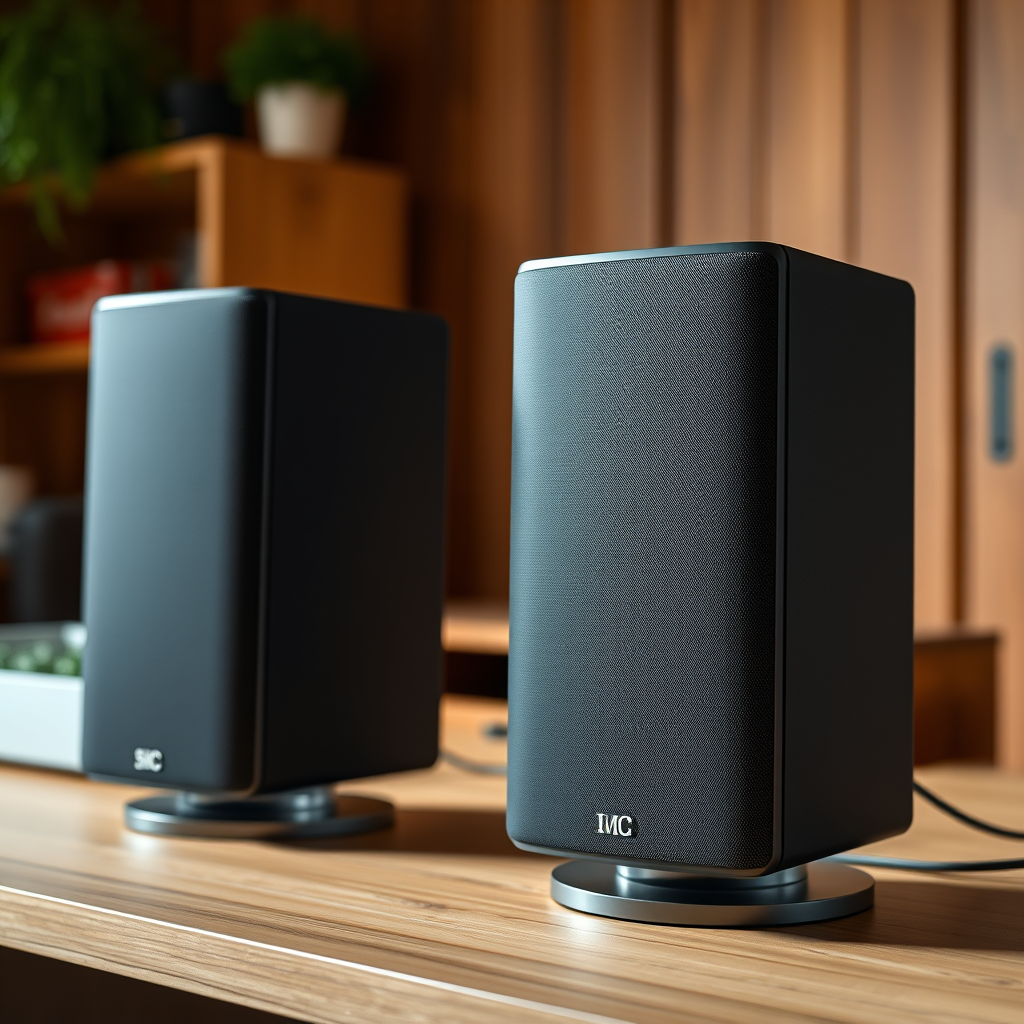
Selecting the right speakers is pivotal for minimizing interference and creating an optimal audio experience. Here are key factors to consider:
Multi-Room Capabilities
Look for speakers designed for multi-room usage. Many modern brands, such as Sonos and Bose, offer systems that allow you to play music simultaneously across different rooms without interference.
Mesh Networking
Speakers equipped with mesh networking technology can communicate with each other more effectively and maintain strong connections. Brands like Google Nest and Amazon Echo have integrated this feature, enabling seamless audio streaming.
Speaker Brands
Consider brands known for their minimal interference features. For instance:
– Sonos: Known for high-quality sound and robust multi-room capabilities.
– Bose: Offers excellent sound quality and reliable connectivity.
– Audioengine: Provides high-fidelity sound with great wireless features.
By choosing the right speakers, you set the foundation for an uninterrupted listening experience.
Optimal Placement of Speakers
The placement of your speakers can significantly impact their performance and the quality of your audio experience. Here are some tips to consider:
Avoid Physical Barriers
Walls, furniture, and other physical barriers can obstruct wireless signals. Position your speakers in open spaces where they can communicate freely with each other.
Distance from Electronic Devices
Other electronic devices, such as microwaves, cordless phones, and even Wi-Fi routers, can cause interference. Aim to place your speakers away from these devices to reduce signal disruption.
Height and Direction
Positioning speakers at ear level and directing them towards the listening area can enhance sound quality. Experiment with different placements to find the best audio balance in your space.
Top 7 Wireless Speaker Brands and Features
| # | Brand | Multi-Room | Mesh Networking | Sound Quality |
|---|---|---|---|---|
| 1 | Sonos | Yes | Yes | ★ ★ ★ ★ ★ |
| 2 | Bose | Yes | Yes | ★ ★ ★ ★ ★ |
| 3 | Google Nest | Yes | Yes | ★ ★ ★ ★ |
| 4 | Amazon Echo | Yes | No | ★ ★ ★ ★ |
| 5 | Audioengine | No | Yes | ★ ★ ★ ★ |
| 6 | JBL | No | No | ★ ★ ★ |
| 7 | Ultimate Ears | No | No | ★ ★ ★ |
Using a Dedicated Wi-Fi Network
Creating a dedicated Wi-Fi network for your audio devices can significantly enhance performance and reduce interference. Here’s how to set it up:
Benefits of a Separate Network
A dedicated network ensures that your audio devices do not compete for bandwidth with other devices, such as computers and smartphones. This separation can lead to:
– Improved streaming quality.
– Reduced latency and buffering.
– Enhanced reliability during peak usage times.
Network Optimization Tips
1. Use a Dual-Band Router: Ensure your router supports both 2.4GHz and 5GHz bands. Connect speakers to the 5GHz band for better performance.
2. Limit Connected Devices: Keep the number of devices connected to the audio network minimal.
3. Quality of Service (QoS): Enable QoS settings on your router to prioritize audio streaming traffic.
By implementing these strategies, you can maximize the effectiveness of your wireless speakers.
Software and App Solutions
Managing multiple wireless speakers can be streamlined through dedicated apps and software. Here are some recommendations:
Speaker Management Apps
– Sonos App: Allows you to control multiple Sonos speakers, adjust settings, and create playlists easily.
– Bose Music App: Offers similar functionalities for Bose speakers, enabling seamless integration and management.
– Google Home App: Ideal for managing speakers within the Google ecosystem, allowing you to group devices and control them with voice commands.
Importance of Firmware Updates
Keeping your speaker firmware updated is essential for maintaining performance and security. Regular updates can include bug fixes, new features, and enhanced compatibility with other devices. Always check for updates through the respective app for your speakers.
Troubleshooting Common Issues
Even with the best equipment and setup, issues may still arise. Here are common interference problems and their solutions:
Common Problems
– Audio Dropouts: Often caused by weak signals or interference.
– Solution: Move speakers closer to the router or eliminate physical barriers.
– Latency Issues: Delay in sound playback, especially in multi-room setups.
– Solution: Adjust the settings in the speaker app to sync playback.
Resetting Devices
If problems persist, consider resetting your speakers to their factory settings. Consult the user manual for instructions, as the process may vary by brand and model.
Maintenance and Upgrades
To ensure your wireless speakers continue to perform optimally, regular maintenance and potential upgrades are essential.
Updating Firmware
Regularly check for firmware updates for your speakers to benefit from improved performance and features.
Possible Upgrades
Consider investing in a better router or additional range extenders if you notice persistent connectivity issues. High-quality cables and power supplies can also improve overall performance.
By following these steps, you can effectively connect multiple wireless speakers with minimal interference, ensuring a high-quality listening experience. Take the time to assess your current setup and make the necessary adjustments to enjoy your music and audio content without disruptions.
Frequently Asked Questions
How can I connect multiple wireless speakers without experiencing audio lag?
To connect multiple wireless speakers without audio lag, use speakers that support the same wireless protocol, such as Bluetooth 5.0 or Wi-Fi. Additionally, consider using a wireless audio system that offers multi-room capabilities, ensuring all speakers are close to the router for optimal signal strength and minimizing latency.
What are the best practices for setting up multiple wireless speakers in the same room?
When setting up multiple wireless speakers in the same room, position them at least three feet apart to reduce interference. Also, ensure that your router is centrally located and free from obstructions, and avoid placing speakers near other electronic devices that may cause signal interference, such as microwaves or cordless phones.
Why do my wireless speakers interfere with each other, and how can I fix this?
Wireless speakers may interfere with each other due to overlapping frequencies or inadequate bandwidth. To fix this, try changing the Wi-Fi channel on your router, using 5GHz bands, or ensuring that your speakers are updated to the latest firmware to improve compatibility and reduce interference.
Which wireless speaker brands offer the best compatibility for multi-speaker setups?
Brands like Sonos, Bose, and JBL are known for their seamless compatibility in multi-speaker setups. These brands typically offer dedicated apps for easy configuration and allow for synchronized playback across multiple devices, minimizing the risk of interference.
How do I troubleshoot connectivity issues between multiple wireless speakers?
To troubleshoot connectivity issues, start by ensuring all speakers are on the same network and within range of the router. Restart your speakers and router, check for firmware updates, and consider using a mesh Wi-Fi system for improved coverage to help reduce connectivity problems.
References
- https://www.sciencedirect.com/science/article/pii/S1877050919312887
https://www.sciencedirect.com/science/article/pii/S1877050919312887 - https://pubmed.ncbi.nlm.nih.gov/28631026/
https://pubmed.ncbi.nlm.nih.gov/28631026/ - https://www.bbc.com/future/article/20200514-how-to-create-a-multi-room-audio-system
https://www.bbc.com/future/article/20200514-how-to-create-a-multi-room-audio-system - https://www.nature.com/articles/s41598-019-38445-2
https://www.nature.com/articles/s41598-019-38445-2 - https://scholar.google.com/scholar?q=How+to+Connect+Multiple+Wireless+Speakers+Without+Interference Google Scholar
https://scholar.google.com/scholar?q=How+to+Connect+Multiple+Wireless+Speakers+Without+Interference - Google Scholar Google Scholar
https://scholar.google.com/scholar?q=Wireless+Speakers+Interference+Solutions - Google Scholar Google Scholar
https://scholar.google.com/scholar?q=Multi-Room+Audio+Systems+and+Interference - https://www.cdc.gov/nceh/lead/advisory/lead-sources.html
https://www.cdc.gov/nceh/lead/advisory/lead-sources.html - https://www.reuters.com/article/us-tech-music-idUSKBN2A30E6
https://www.reuters.com/article/us-tech-music-idUSKBN2A30E6 - How to Connect Multiple Wireless Speakers Without Interference – Search results
https://en.wikipedia.org/wiki/Special:Search?search=How+to+Connect+Multiple+Wireless+Speakers+Without+Interference