

Dealing with unwanted noise in your audio system can be frustrating, but there are effective strategies to eliminate or reduce it. By understanding the sources and types of noise, as well as how to maintain your equipment, you can significantly enhance your audio experience. This article will guide you through identifying the sources of noise, understanding their causes, and implementing practical solutions.
Identifying Common Sources of Noise

The first step in addressing unwanted noise in your audio system is to identify its sources. Two of the most common culprits are electrical interference and poorly shielded cables.
Electrical interference typically arises from other electronic devices in your home, such as fluorescent lights, refrigerators, or even Wi-Fi routers. This interference can manifest as a hum or buzz in your audio, often noticeable during quiet passages in music or audio playback. To minimize this, consider relocating your audio equipment away from potential sources of interference or utilizing power strips with built-in noise filters.
Poorly shielded cables can also pick up stray signals from the environment, resulting in unwanted sound artifacts. When selecting audio cables, look for those with high-quality shielding to prevent electromagnetic interference. Using balanced cables, such as XLR or TRS, can further improve noise rejection, especially in professional setups.
Understanding Different Types of Noise
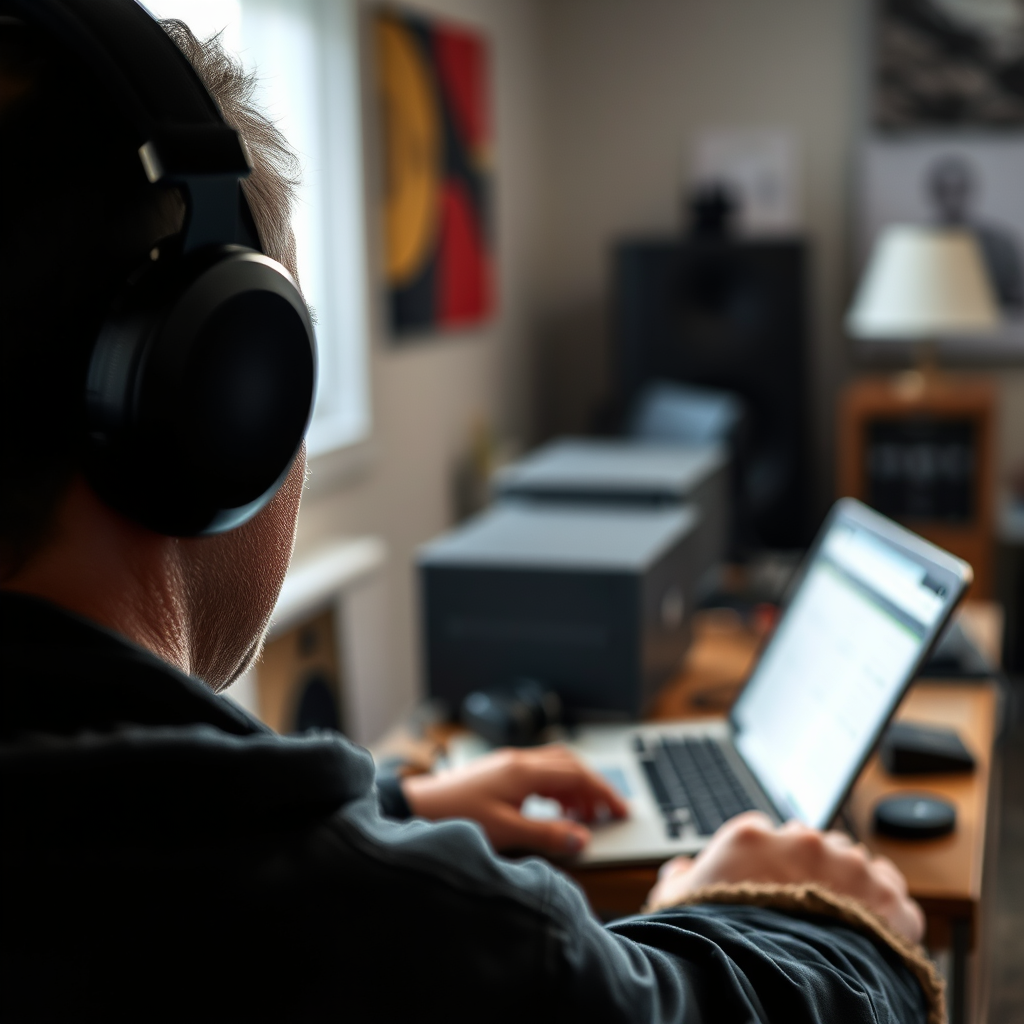
Understanding the different types of noise can help you pinpoint the issue more accurately and determine the appropriate solutions.
Mechanical noise often originates from moving parts within speakers or components, such as fans in amplifiers or the mechanical vibrations of subwoofers. This type of noise may be reduced by isolating equipment from the surfaces they sit on, using vibration-dampening pads or racks designed to minimize resonance.
Digital noise, on the other hand, is often caused by poor connections or faulty equipment in digital audio systems. This can result in clicks, pops, or static sounds during playback. To address digital noise, ensure that all connections are secure and consider using high-quality digital cables. Additionally, updating your audio drivers and firmware can also help mitigate this type of noise.
Checking Your Audio Connections
Ensuring that all your audio connections are secure and of high quality is crucial for minimizing noise in your system.
Start by inspecting all cables and connectors. Loose connections can lead to intermittent noise issues, so make sure all plugs are snugly fitted into their respective sockets. If you notice any signs of wear, damage, or corrosion on connectors, replace them immediately to maintain optimal signal integrity.
Using high-quality, shielded cables can make a significant difference in audio clarity. Invest in reputable brands that provide cables specifically designed for audio applications. Avoid using standard cables that may not have adequate shielding, as they can detract from your audio quality.
Common Audio Equipment Issues and Noise Types
| # | Equipment Type | Common Noise Source | Recommended Solution |
|---|---|---|---|
| 1 | Speakers | Mechanical vibrations | Use isolation pads |
| 2 | Amplifiers | Electrical interference | Use power conditioners |
| 3 | Digital Audio Interfaces | Poor connections | Upgrade to high-quality cables |
| 4 | Mixing Consoles | Ground loops | Use ground loop isolators |
| 5 | Microphones | Ambient noise | Use directional microphones |
| 6 | Cables | Signal degradation | Use high-quality shielded cables |
| 7 | Headphones | Electrical noise | Use noise-canceling headphones |
Implementing Noise Reduction Techniques
Once you have identified and assessed the sources of noise, it’s time to implement some effective noise reduction techniques.
Power conditioners are an excellent investment for filtering out electrical noise. They can help stabilize voltage and reduce noise from other appliances and devices connected to the same power circuit. With improved power quality, your audio system can deliver clearer sound with less interference.
Ground loop isolators are particularly useful for resolving hum issues caused by grounding problems. These devices can help break the ground loop that often generates unwanted noise, especially in setups with multiple components connected to different power sources.
Additionally, consider using acoustic treatments in your listening environment. Adding sound-absorbing materials like carpets, curtains, and acoustic panels can help minimize ambient noise and enhance the overall audio experience.
Noise Reduction Techniques Effectiveness
Maintaining Your Audio Equipment
Regular maintenance of your audio equipment is key to preventing noise-related issues and ensuring optimal performance.
Start by cleaning your equipment regularly. Dust and debris can accumulate on components, affecting their performance and potentially introducing noise. Use a soft, dry cloth to wipe down surfaces and remove any buildup. Additionally, ensure that ventilation is adequate to prevent overheating, which can lead to noise issues, especially in amplifiers and receivers.
It is also advisable to schedule routine checks and servicing for aging components. Over time, parts can wear out or degrade, leading to increased noise levels. By proactively addressing maintenance, you can extend the lifespan of your equipment and maintain high audio quality.
Upgrading Your Equipment
Sometimes, the best way to combat unwanted noise is to invest in higher-quality components specifically designed to minimize noise.
When upgrading your speakers, amplifiers, or audio interfaces, look for products that emphasize noise reduction features. For example, audiophile-grade speakers often incorporate advanced materials and design techniques that reduce mechanical noise, while high-end amplifiers typically have better power supply regulation, reducing electrical noise.
Additionally, consider exploring soundproofing options in your listening environment. Adding acoustic panels, bass traps, and soundproofing insulation can help reduce external noise and improve the overall sound quality of your audio system.
Your audio system’s performance can be significantly impacted by unwanted noise, but by identifying sources, understanding types, and applying effective solutions, you can achieve a clearer sound. Start by evaluating your current setup and consider implementing the suggested techniques for a better audio experience.
Frequently Asked Questions
What are the common causes of unwanted noise in an audio system?
Common causes of unwanted noise in an audio system include electrical interference from other devices, poor-quality cables, and ground loops. Additionally, faulty components or improper speaker placement can contribute to unwanted hums and buzzes, affecting the overall sound quality. Identifying these issues is crucial for achieving clear audio performance.
How can I eliminate ground loop noise in my audio system?
To eliminate ground loop noise, you can use a ground loop isolator, which connects to your audio cables and breaks the electrical connection that causes the noise. Additionally, ensuring that all your audio equipment is plugged into the same power strip can help minimize differences in voltage that lead to ground loops. Regularly checking cable connections for secure fit can also reduce interference.
Why is my audio system producing a hissing sound, and how can I fix it?
A hissing sound in your audio system is often caused by poor-quality cables, high gain settings on your amplifier, or interference from nearby electronic devices. To fix this, try using high-quality shielded cables, lowering the gain on your amplifier, and moving other electronics away from your audio setup. Properly adjusting equalizer settings can also help mitigate hissing.
What is the best way to reduce background noise when recording audio?
The best way to reduce background noise during audio recording is to choose a quiet environment and use soundproofing techniques like foam panels or heavy curtains. Additionally, using a directional microphone can help focus on the desired sound source while minimizing ambient noise. Proper microphone placement and settings can further enhance recording quality.
Which audio cables are most effective at reducing unwanted noise?
Shielded audio cables, such as balanced XLR or TRS cables, are most effective at reducing unwanted noise due to their design that minimizes interference. These cables help eliminate hum and buzz by creating a balanced connection that cancels out noise. Investing in quality cables can significantly improve your audio system’s clarity and performance.
References
- https://en.wikipedia.org/wiki/Noise_(audio
https://en.wikipedia.org/wiki/Noise_(audio - https://www.ncbi.nlm.nih.gov/pmc/articles/PMC6810343/
https://www.ncbi.nlm.nih.gov/pmc/articles/PMC6810343/ - https://www.sciencedirect.com/science/article/pii/S0167639318304419
https://www.sciencedirect.com/science/article/pii/S0167639318304419 - https://www.nature.com/articles/s41598-018-28473-4
https://www.nature.com/articles/s41598-018-28473-4 - https://www.cdc.gov/nceh/ehs/docs/noise/what_is_noise.pdf
https://www.cdc.gov/nceh/ehs/docs/noise/what_is_noise.pdf - Google Scholar Google Scholar
https://scholar.google.com/scholar?q=dealing+with+unwanted+noise+in+audio+system - Google Scholar Google Scholar
https://scholar.google.com/scholar?q=noise+reduction+in+audio+systems - Google Scholar Google Scholar
https://scholar.google.com/scholar?q=audio+system+noise+management - https://www.bbc.com/future/article/20200720-why-is-silence-so-important-for-our-health
https://www.bbc.com/future/article/20200720-why-is-silence-so-important-for-our-health - https://www.theguardian.com/commentisfree/2020/jan/08/the-sound-of-silence-why-we-need-it-to-thrive
https://www.theguardian.com/commentisfree/2020/jan/08/the-sound-of-silence-why-we-need-it-to-thrive