
To eliminate electrical interference in your audio system, start by identifying and isolating the sources of noise. Common culprits include improperly shielded cables and devices placed too close to interference sources. This article will guide you through effective strategies to reduce or eliminate interference, ensuring you enjoy crystal-clear sound.
Understanding the intricate workings of audio systems is crucial for audiophiles and casual listeners alike. Electrical interference can significantly degrade sound quality, resulting in unwanted noise that detracts from the listening experience. By taking proactive steps to identify and mitigate these sources of interference, you can enhance the clarity and fidelity of your audio playback.
Understand the Sources of Electrical Interference
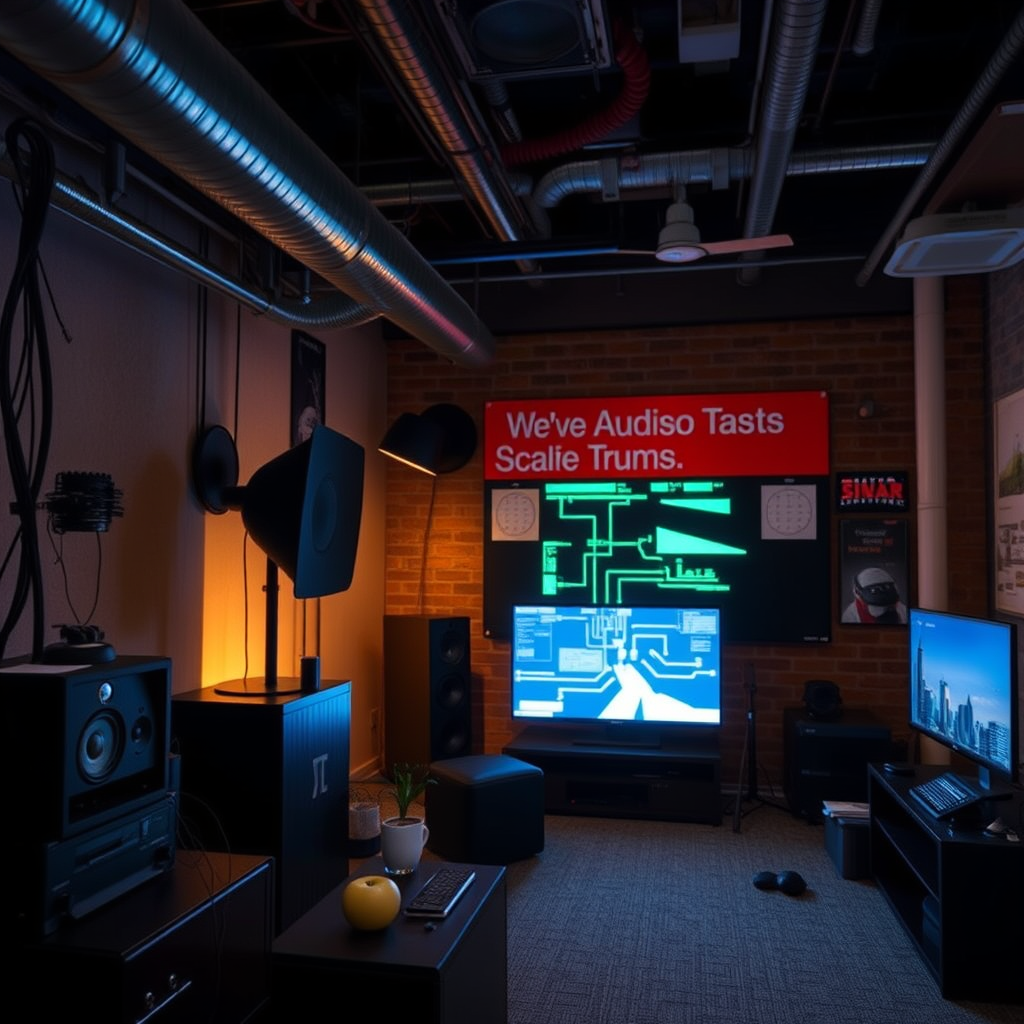
Electrical interference can come from various sources, both external and internal to your audio setup. Common culprits include:
1. Fluorescent Lights: These lights often emit electromagnetic interference that can affect audio signals.
2. Wi-Fi Routers: The wireless signals can create interference, particularly in setups that include wireless audio devices.
3. Other Electronic Devices: Items such as computers, televisions, and even microwaves can generate noise that interferes with audio signals.
4. Power Supplies: Unstable or low-quality power supplies can introduce hum and noise into your audio system.
Identifying these sources is the first step toward effectively managing interference. Conducting a thorough inspection of your environment and recognizing which devices may contribute to noise will empower you to take decisive actions toward improvement.
Use Shielded Cables and Connectors
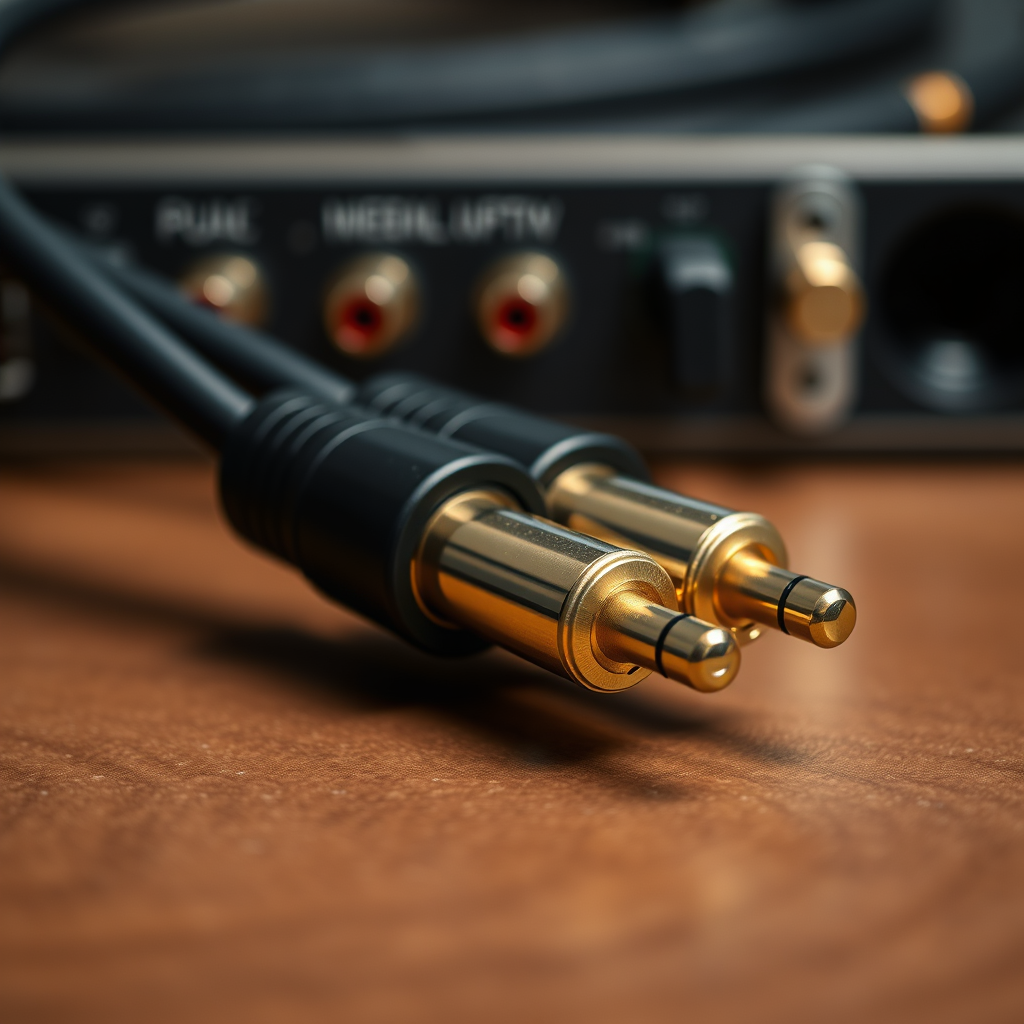
One of the most effective methods to combat electrical interference is to upgrade your cables and connectors. High-quality shielded cables are designed to minimize electromagnetic interference. Here are some recommendations:
– Invest in High-Quality Cables: Look for cables that are specifically labeled as shielded. These typically feature a conductive layer that protects the audio signal from external noise.
– Secure Connections: Ensure all connectors are tightly fastened. Loose connections can act as antennas, picking up unwanted noise and introducing it into your audio system.
Using the right cables is not just about quality; it’s also about compatibility with your audio equipment. Always check that your cables match the specifications of your devices for optimal performance.
Optimize Device Placement
The placement of your audio components is crucial for minimizing interference. Here are some strategies to consider:
– Distance from Interference Sources: Keep audio equipment away from potential interference sources, such as power outlets, transformers, and other electronics. A distance of at least three feet is generally advisable.
– Cable Management: Arrange your cables to maximize distance from other electronics. Avoid running audio cables parallel to power cables to reduce the risk of interference.
– Use of Isolation Pads: Consider using isolation pads for speakers and other equipment to further reduce vibrations and noise that can be transmitted through surfaces.
By being mindful of placement, you can create an audio environment that is more conducive to high-quality sound reproduction.
Common Sources of Electrical Interference
| # | Source of Interference | Impact Level | Mitigation Techniques |
|---|---|---|---|
| 1 | Fluorescent Lights | High | Use LED lights |
| 2 | Wi-Fi Routers | Moderate | Use wired connections |
| 3 | Computers | High | Distance from audio equipment |
| 4 | Power Supplies | High | Use power conditioners |
| 5 | Transformers | Moderate | Isolate with distance |
| 6 | Microwaves | Low | Limit usage during audio playback |
| 7 | Other Electronics | High | Keep separate and distanced |
Implement Proper Grounding Techniques
Grounding is a fundamental aspect of audio system setup that can significantly reduce noise and hum. Here’s how to ensure your system is properly grounded:
– Check Ground Connections: Ensure that all equipment is grounded according to manufacturer specifications. This typically involves using a three-prong plug and ensuring the outlet is properly wired.
– Identify Ground Loops: Ground loops occur when there are multiple grounding paths, creating a loop that can introduce noise. Utilize ground lift adapters or isolate devices to break these loops.
– Use Balanced Connections: Whenever possible, use balanced connections (like XLR or TRS) as they are designed to minimize noise interference by canceling out electromagnetic interference.
Proper grounding not only enhances sound quality but also protects your equipment from potential damage due to electrical surges.
Utilize Power Conditioners and Filters
Power conditioners and filters are essential tools for maintaining clean power to your audio system. They can eliminate noise from the electrical supply, which is crucial for high-fidelity sound reproduction. Consider the following:
– Power Conditioners: These devices regulate voltage and provide surge protection, ensuring that your audio components receive stable power. They can filter out unwanted electrical noise.
– Power Filters: Specifically designed to eliminate noise from the electrical supply, these filters can drastically improve sound quality, especially in environments with multiple devices drawing power.
Investing in quality power management equipment can yield immediate benefits in sound clarity and overall system performance.
Experiment with Different Audio Setups
Each audio system is unique, and what works for one setup may not work for another. Here are some tips for experimenting with your audio configuration:
– Try Different Component Arrangements: The interaction between components can lead to varying levels of interference. Rearranging your audio setup can sometimes lead to significant improvements.
– Swap Out Equipment: If you suspect a particular component is causing interference, try replacing it with another unit to see if the noise diminishes.
– Test Different Cable Types: Experiment with various cable types and lengths, as these can also influence sound quality and interference levels.
Taking the time to experiment with your audio setup can lead to discovering the optimal arrangement for minimal interference and maximum sound quality.
Regular Maintenance and Monitoring
Regular maintenance is key to ensuring the longevity and performance of your audio system. Consider the following practices:
– Keep Equipment Clean: Dust and debris can accumulate on connections and components, leading to poor performance. Regularly clean your equipment and check for corrosion or buildup.
– Monitor Sound Quality: Pay attention to any changes in sound quality, as they may indicate issues with cables, grounding, or interference. Address these changes promptly to maintain optimal performance.
– Inspect Cables and Connections: Regularly check for loose or damaged cables, as these can introduce noise into your system. Replacing worn-out cables can significantly enhance sound quality.
By implementing a routine maintenance schedule, you can ensure your audio system remains in peak condition, free from the negative effects of electrical interference.
By implementing these strategies, you can significantly reduce electrical interference in your audio system, leading to a more enjoyable listening experience. Take the time to assess your setup and make the necessary adjustments, and enjoy the improved sound quality that comes from a well-optimized audio environment.
Frequently Asked Questions
What are the common sources of electrical interference in audio systems?
Common sources of electrical interference in audio systems include fluorescent lights, computers, and wireless devices. These sources emit electromagnetic fields that can disrupt audio signals, leading to unwanted noise or hum. Understanding these sources can help you identify and mitigate interference effectively.
How can I reduce electrical interference in my home audio system?
To reduce electrical interference, start by ensuring that your audio cables are well-shielded and properly grounded. Additionally, keep your audio equipment away from potential sources of interference, like routers or power supplies, and consider using power conditioners to stabilize voltage and reduce noise.
Why is grounding important in eliminating electrical interference in audio systems?
Grounding is crucial because it provides a safe path for stray electrical currents, helping to prevent hum and noise in your audio system. A properly grounded system minimizes the risk of interference by ensuring that electrical signals have a stable reference point, leading to clearer sound quality.
What is the best way to shield audio cables from electrical interference?
The best way to shield audio cables from interference is to use cables with a high-quality shield, such as braided copper or foil shielding. Additionally, running cables away from electrical sources and using twisted pair cables can further enhance their resistance to interference and improve overall audio performance.
Which equipment should I invest in to help eliminate electrical interference in my audio system?
Investing in a high-quality power conditioner or audio isolation transformer can significantly help eliminate electrical interference. These devices filter out noise and stabilize voltage, ensuring that your audio equipment operates at optimal performance while minimizing the impact of electrical disturbances.
References
- Electromagnetic interference
https://en.wikipedia.org/wiki/Electromagnetic_interference - https://www.sciencedirect.com/topics/engineering/electromagnetic-interference
https://www.sciencedirect.com/topics/engineering/electromagnetic-interference - https://www.nature.com/articles/s41598-020-77138-4
https://www.nature.com/articles/s41598-020-77138-4 - https://www.britannica.com/science/electromagnetic-interference
https://www.britannica.com/science/electromagnetic-interference - https://pubmed.ncbi.nlm.nih.gov/30258048/
https://pubmed.ncbi.nlm.nih.gov/30258048/ - Google Scholar Google Scholar
https://scholar.google.com/scholar?q=Eliminate+Electrical+Interference+in+Audio+System - Google Scholar Google Scholar
https://scholar.google.com/scholar?q=Audio+system+interference+solutions - Google Scholar Google Scholar
https://scholar.google.com/scholar?q=Electromagnetic+Interference+in+Audio+Systems - https://www.cdc.gov/nceh/radiation/emf.html
https://www.cdc.gov/nceh/radiation/emf.html - https://www.audioholics.com/education/technical-articles/electromagnetic-interference
https://www.audioholics.com/education/technical-articles/electromagnetic-interference