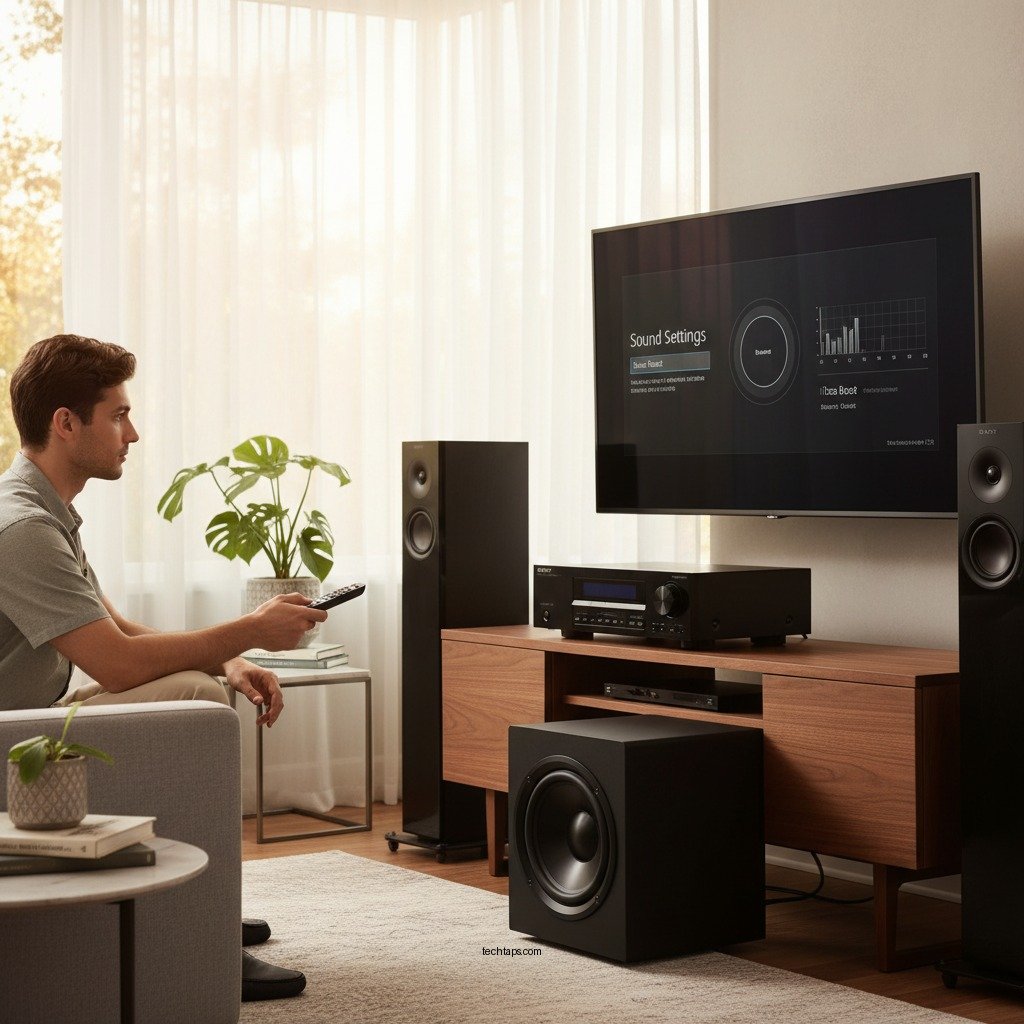

To improve bass on your Sony home theater system, start by adjusting the equalizer settings to boost low frequencies and ensure your subwoofer is optimally placed. Enhancing the bass can create a more immersive audio experience, whether you’re watching movies, playing video games, or listening to music. In this guide, we will explore various methods and tips that can significantly enhance your bass experience, helping you achieve richer sound quality in your home entertainment setup.
Adjusting Equalizer Settings
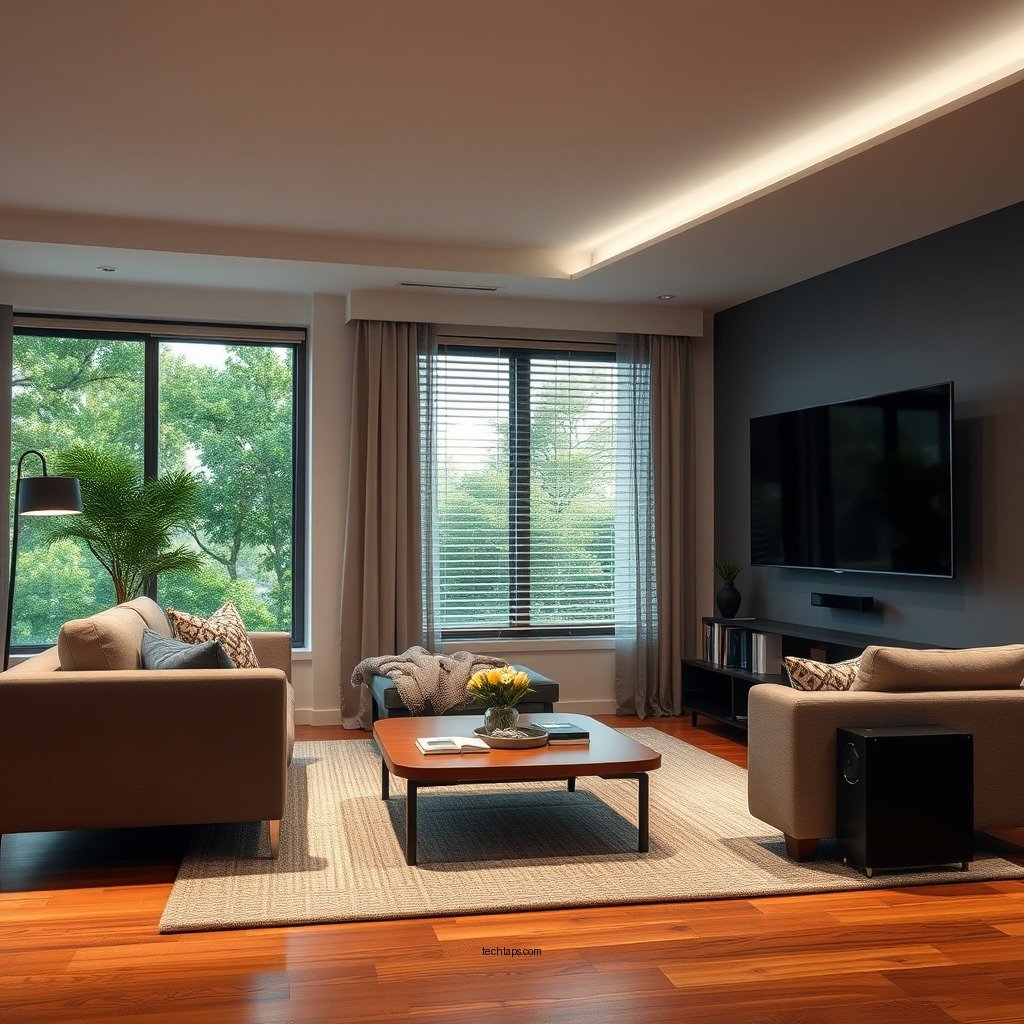
Accessing the audio settings on your Sony home theater system is the first step toward enhancing bass. Most Sony systems come equipped with an equalizer that allows you to adjust various frequency ranges to suit your listening preferences. To optimize the low-frequency response, focus on the range between 60 Hz and 120 Hz, which is where the majority of bass frequencies reside.
Begin by increasing the gain in this range incrementally while listening to a variety of content. Pay attention to how different adjustments affect the overall sound. A slight boost can add depth without overwhelming other frequencies. Remember, the goal is a balanced sound profile that enhances your viewing or listening experience.
Subwoofer Placement
The placement of your subwoofer significantly affects the quality of bass in your home theater setup. Experiment with different locations, as the acoustics of a room can vary dramatically based on where you position your subwoofer. Ideally, placing the subwoofer in a corner can amplify its output, but this may also lead to muddiness in the sound.
Conduct some tests by moving the subwoofer around the room. A common strategy is the “subwoofer crawl,” where you place the subwoofer in your main listening position and crawl around the room to find spots where the bass sounds best. Once you identify these locations, position the subwoofer there for optimal performance. Avoid placing the subwoofer too close to walls or inside cabinets, as this can create unwanted resonance and muddled sound.
Room Acoustics
The acoustics of your room play a crucial role in the overall sound quality of your home theater system. Hard surfaces like tile and glass can reflect sound waves, creating echoes that detract from your listening experience. To improve the acoustics, consider adding soft furnishings such as carpets, rugs, curtains, and upholstered furniture, which can absorb sound and reduce echo.
Additionally, rearranging your furniture might help minimize sound obstruction. Ensure that speakers are not blocked by large furniture pieces, and try to create a clear path for sound waves from the speakers to your ears. This can greatly enhance clarity, depth, and the overall bass response.
Top 7 Sony Subwoofers for Enhanced Bass (2024)
| # | Model | Power (Watts) | Frequency Response (Hz) | Rating |
|---|---|---|---|---|
| 1 | Sony SA-CS9 | 115 | 28-200 Hz | ★★★★☆ |
| 2 | Sony HT-S350 | 320 | 30-300 Hz | ★★★★★ |
| 3 | Sony SACS9 | 200 | 20-200 Hz | ★★★★☆ |
| 4 | Sony HT-G700 | 400 | 30-200 Hz | ★★★★★ |
| 5 | Sony SA-Z9R | 100 | 25-300 Hz | ★★★★☆ |
| 6 | Sony HT-X8500 | 300 | 30-200 Hz | ★★★★★★ |
| 7 | Sony SRS-ZR7 | 80 | 40-200 Hz | ★★★★☆ |
Using a Bass Management System
Many Sony home theater systems feature a bass management system that can optimize the delivery of low frequencies. Enabling this feature allows the receiver to redirect low-frequency sounds to the subwoofer, enhancing overall performance. This is particularly beneficial when using a combination of satellite and subwoofer speakers.
Adjusting crossover settings is essential to ensure a smooth transition between your speakers and the subwoofer. A common crossover frequency is around 80 Hz, but this may vary depending on your specific speaker configuration. Fine-tuning these settings can lead to a more cohesive sound and prevent bass from sounding disconnected from the rest of the audio.
Upgrading Equipment
If you find that your current setup still lacks the desired bass response, it might be time to consider upgrading your equipment. Investing in a more powerful subwoofer can dramatically improve low-frequency performance. Look for subwoofers that can handle lower frequencies more effectively and have a higher wattage output.
Additionally, the quality of your speaker cables and connectors can affect sound transmission. High-quality cables can minimize signal loss, ensuring that your system performs at its best. Furthermore, consider the possibility of adding additional speakers to your setup, which can enhance the overall sound stage and improve bass response.
Firmware Updates
Regularly checking for firmware updates for your Sony home theater system is crucial for maintaining optimal performance. Manufacturers often release updates that can improve audio settings, fix bugs, and introduce new features. Keeping your system updated ensures that you are not missing out on the latest enhancements.
To check for updates, refer to your user manual or the manufacturer’s website. Some systems may even allow for automatic updates via the internet. Ensuring your firmware is up to date can also enhance compatibility with other devices and improve the overall user experience.
Experimenting with Sound Modes
Many Sony home theater systems come equipped with various sound modes designed to optimize audio output for specific content types. Experimenting with these modes, such as “Cinema” or “Music,” can help you find the best setting for bass performance. These modes adjust the equalization and surround sound processing to enhance the listening experience for different types of media.
Additionally, the “Night Mode” feature can help balance sound levels without sacrificing bass impact. This mode compresses dynamic range, allowing you to enjoy rich bass without overwhelming sound levels, making it ideal for late-night viewing.
By following these strategies, you can maximize the bass potential of your Sony home theater system, leading to a more immersive audio experience. Don’t hesitate to experiment with these various settings and techniques to find what works best for your specific setup. The combination of proper adjustments, equipment upgrades, and room acoustics can transform your home entertainment experience, making it more enjoyable and engaging.
Frequently Asked Questions
How can I adjust the bass settings on my Sony home theater system?
To adjust the bass settings on your Sony home theater system, access the sound settings menu through your remote control. Look for the “Audio” or “Sound Effects” section, where you can find options to increase the subwoofer level or adjust the equalizer settings. Fine-tuning these settings can significantly enhance the bass performance for a more immersive audio experience.
What are the best placement options for my subwoofer to improve bass?
The placement of your subwoofer plays a crucial role in bass performance. For optimal sound, position the subwoofer in a corner of the room or along a wall to enhance low frequencies. Experiment with different locations, and consider using the “subwoofer crawl” method by placing the subwoofer in your listening position and moving around the room to find the spot with the best bass response.
Why does my Sony home theater system have weak bass output?
Weak bass output in your Sony home theater system can be due to improper setup, such as incorrect speaker connections or insufficient subwoofer settings. Additionally, the room’s acoustics may affect sound quality, with reflective surfaces diminishing the bass response. Ensure your subwoofer is properly connected and calibrated, and consider using acoustic treatments to enhance sound quality.
Which settings should I use for the best bass response on my Sony home theater system?
For the best bass response, set your subwoofer’s crossover frequency to around 80 Hz, ensuring it blends well with your main speakers. Use a bass boost or dynamic range control feature if available, and adjust the volume level of the subwoofer to match your main speakers. Regularly test different settings while watching movies or listening to music to find the optimal configuration.
What audio formats enhance bass performance on a Sony home theater system?
Audio formats such as Dolby Atmos, DTS:X, and high-resolution audio files can significantly enhance bass performance on your Sony home theater system. These formats support immersive sound experiences with rich bass elements, making them ideal for action movies and music genres that rely heavily on low frequencies. Ensure your system supports these formats for the best audio quality.
References
- Home cinema
https://en.wikipedia.org/wiki/Home_theater - https://www.sciencedirect.com/topics/engineering/home-theater-systems
https://www.sciencedirect.com/topics/engineering/home-theater-systems - https://www.nytimes.com/2020/09/04/technology/personaltech/home-theater-systems.html
https://www.nytimes.com/2020/09/04/technology/personaltech/home-theater-systems.html - https://www.bbc.com/future/article/20200727-how-to-set-up-the-perfect-home-theatre
https://www.bbc.com/future/article/20200727-how-to-set-up-the-perfect-home-theatre - Google Scholar Google Scholar
https://scholar.google.com/scholar?q=Improve+Bass+Sony+Home+Theater+System - Google Scholar Google Scholar
https://scholar.google.com/scholar?q=Home+Theater+Audio+Enhancement - Google Scholar Google Scholar
https://scholar.google.com/scholar?q=Home+Theater+Bass+Optimization - https://www.audioholics.com/home-theater-connection/home-theater-setup-guide
https://www.audioholics.com/home-theater-connection/home-theater-setup-guide - Google Scholar Google Scholar
https://scholar.google.com/scholar?q=How+to+Improve+Bass+on+a+Sony+Home+Theater+System - How to Improve Bass on a Sony Home Theater System – Search results
https://en.wikipedia.org/wiki/Special:Search?search=How+to+Improve+Bass+on+a+Sony+Home+Theater+System