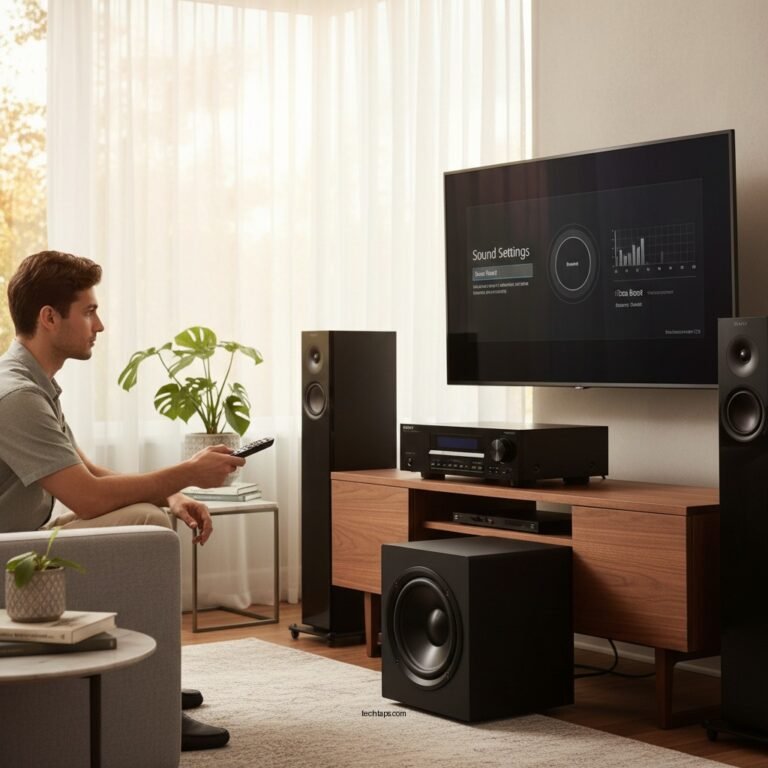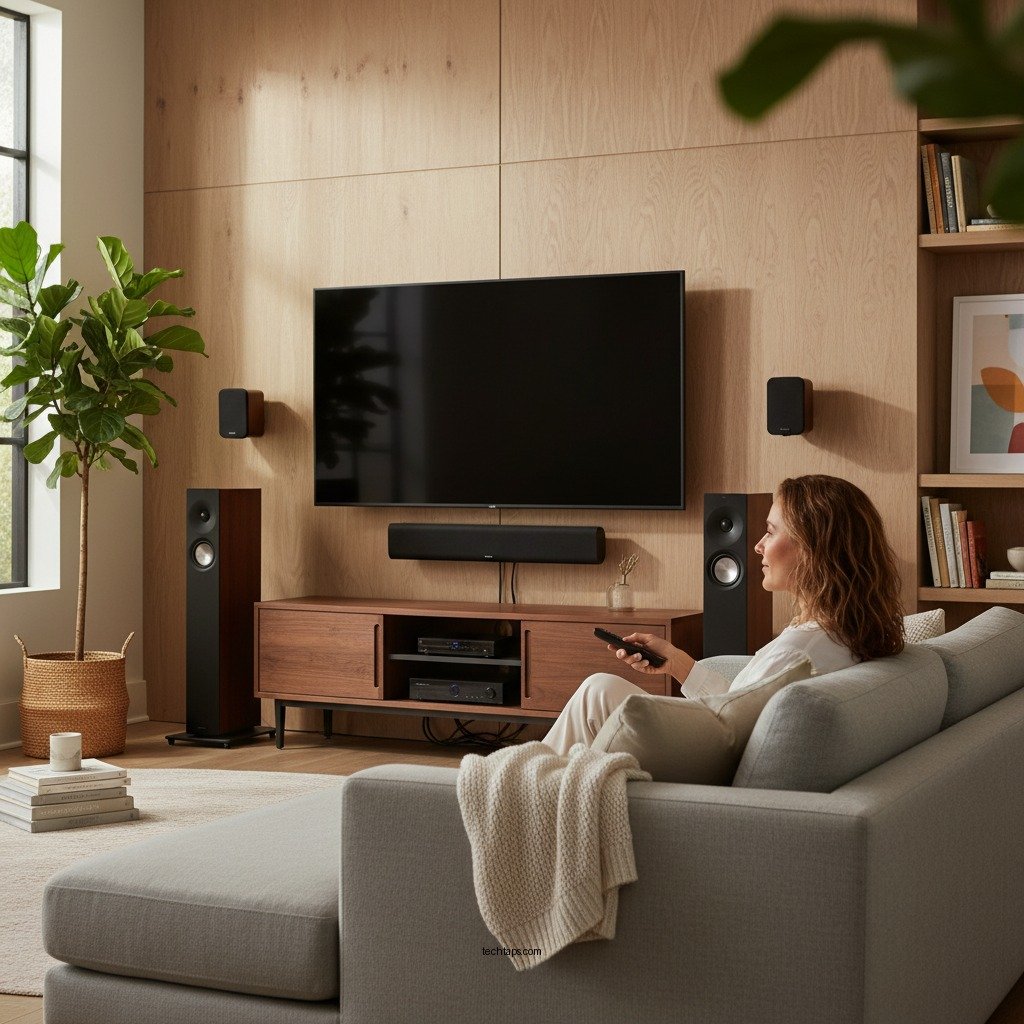

To improve sound quality on your Polk home theater system, start by optimizing your speaker placement and adjusting audio settings. By making these adjustments, you can significantly enhance your audio experience, ensuring that your home theater delivers crisp, immersive sound for movies, music, and gaming. This article will guide you through essential steps and tips to elevate your home audio experience, ensuring you get the most out of your system.
Optimize Speaker Placement
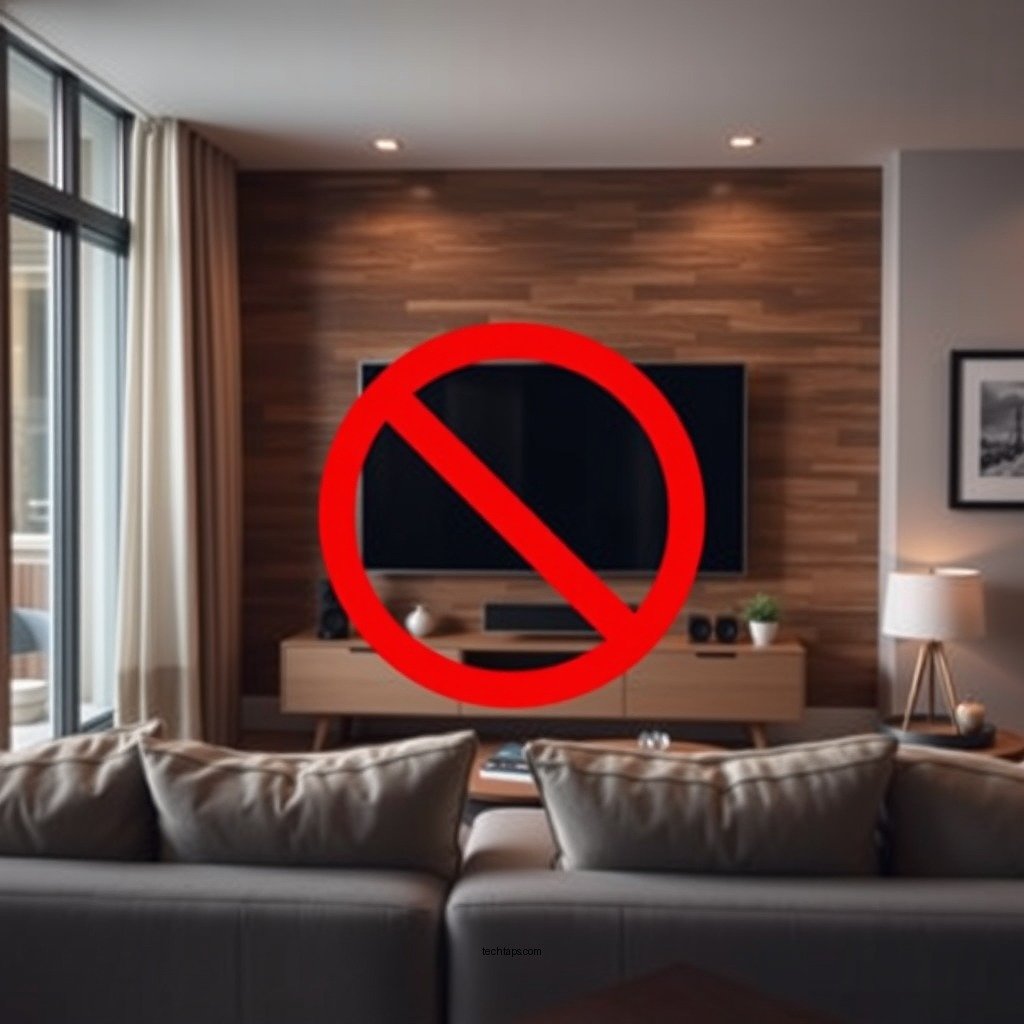
Surround speakers should also be positioned thoughtfully. Ideally, they should be placed slightly above ear level and positioned at an angle towards the listening area. A distance of about 3-6 feet from the main seating area is often recommended. This setup creates a more immersive sound environment, enveloping the listener in audio that mimics a real-life experience, such as the rustle of leaves or the distant roar of an explosion.
Adjust Audio Settings
Once your speakers are optimally placed, the next step is to fine-tune your audio settings. Most Polk home theater systems come equipped with built-in equalizers, which allow you to balance sound frequencies according to your personal preferences. For example, if you enjoy bass-heavy music, you might increase the lower frequencies while slightly reducing the mids and highs.
Additionally, many systems offer various surround sound modes tailored for different types of content. Whether you are watching a movie, listening to music, or playing video games, experimenting with these settings can lead to a more tailored audio experience. For instance, activating the “Movie” mode may enhance sound effects, while the “Music” mode may provide a more balanced output.
Upgrade Your Cables
Investing in high-quality cables can make a significant difference in sound quality. Poor-quality speaker wires and HDMI cables can lead to signal loss, resulting in distorted sound and interference. When selecting cables, look for those that are well-shielded and have a thicker gauge, as these tend to deliver better performance.
Furthermore, ensuring that connections are secure is essential to prevent audio dropouts. Loose connections can disrupt the flow of audio signals, causing interruptions or diminished sound quality. Regularly checking and re-securing your cables can help maintain a consistent audio experience.
Use Acoustic Treatments
Acoustic treatments can further enhance the sound quality of your Polk home theater system. Hard surfaces in a room can create echoes, which may muddle the audio you hear. To combat this issue, consider adding rugs, curtains, or wall panels to dampen sound reflections. These materials absorb sound waves, allowing for cleaner audio playback.
Additionally, speaker isolation pads can be beneficial. These pads help minimize vibrations that speakers may transmit to surrounding surfaces, which can interfere with sound clarity. By using these treatments, you can create a more controlled listening environment, allowing your system to perform at its best.
Calibrate Your System
Many modern Polk home theater systems come equipped with an automatic calibration tool designed to optimize sound settings based on the specific acoustics of your room. This feature analyzes speaker placement, room dimensions, and ambient noise to make adjustments that improve overall sound quality.
After running the automatic calibration, it’s advisable to manually adjust some settings according to your personal preferences. Fine-tuning aspects such as volume levels for individual speakers or adjusting the subwoofer’s output can lead to a more personalized and satisfying sound experience.
Comparison of Sound Quality Enhancements for Home Theaters
| # | Enhancement Method | Impact on Sound Quality | Cost | Ease of Implementation |
|---|---|---|---|---|
| 1 | Speaker Placement | High | $0 | Easy |
| 2 | Audio Settings Adjustment | Medium | $0 | Moderate |
| 3 | Cable Upgrade | High | $50-$200 | Easy |
| 4 | Acoustic Treatments | High | $100-$500 | Moderate |
| 5 | System Calibration | Medium | $0 | Easy |
| 6 | Speaker Isolation Pads | Medium | $30-$100 | Easy |
| 7 | Regular Maintenance | Low | $0 | Easy |
Regular Maintenance
Regular maintenance is essential to ensure that your Polk home theater system continues to perform at its best. Dust can accumulate on speakers and connections, potentially degrading sound quality over time. Cleaning your speakers and connections regularly will help prevent any sound issues caused by dust buildup.
Additionally, check for software updates on compatible devices. Many modern home theater systems come with firmware that can enhance performance or fix bugs. Keeping your system updated ensures that you benefit from the latest improvements and features offered by the manufacturer.
By following these steps, you can significantly enhance the sound quality of your Polk home theater system, making your audio experience more enjoyable. Start implementing these tips today and enjoy a richer, more immersive sound while watching movies or listening to music.
Frequently Asked Questions
What are the best settings to improve sound quality on a Polk home theater system?
To enhance sound quality on a Polk home theater system, start by adjusting the equalizer settings to balance bass, midrange, and treble according to your room’s acoustics. Additionally, enable features like Dolby Atmos or DTS:X if your system supports them, and ensure that the speakers are properly calibrated using an auto-calibration feature or a sound meter for precise placement and balance.
How can I optimize speaker placement for better sound on my Polk home theater system?
For optimal sound quality, position your front speakers at ear level and at least 6-8 feet apart to create a wide soundstage. The subwoofer should be placed in a corner or near a wall to enhance bass response, while surround speakers should be positioned slightly above ear level and behind the main seating area to provide an immersive experience.
Why is my Polk home theater system not producing clear sound, and how can I fix it?
If your Polk home theater system is lacking clarity, check for proper connections and ensure all cables are securely plugged in. Additionally, inspect the speaker settings in your audio receiver for any incorrect configurations, and consider adjusting the crossover frequency to ensure that the subwoofer complements the main speakers without overpowering them.
Which accessories can enhance sound quality in a Polk home theater setup?
To improve sound quality in your Polk home theater setup, consider investing in high-quality speaker cables and interconnects to minimize signal loss. Acoustic panels or soundproofing materials can also be added to the room to reduce echo and enhance overall clarity, while a dedicated subwoofer isolation pad can eliminate unwanted vibrations and improve bass performance.
What common mistakes should I avoid when setting up a Polk home theater system for the best sound quality?
Common mistakes include placing speakers too close to walls, which can distort sound, and failing to calibrate the system properly. Additionally, neglecting to use the correct settings for your content type (such as movies vs music) can lead to an unsatisfactory audio experience. Always ensure your room is arranged to minimize interference and optimize listening positions for the best results.
References
- Home cinema
https://en.wikipedia.org/wiki/Home_theater - Google Scholar Google Scholar
https://scholar.google.com/scholar?q=improve+sound+quality+home+theater - Google Scholar Google Scholar
https://scholar.google.com/scholar?q=Polk+Home+Theater+system+sound+quality - https://www.researchgate.net/publication/323457429_Home_Theater_Systems_and_Sound_Quality
https://www.researchgate.net/publication/323457429_Home_Theater_Systems_and_Sound_Quality - https://www.audioholics.com/home-theater-101/setup-home-theater-systems
https://www.audioholics.com/home-theater-101/setup-home-theater-systems - Google Scholar Google Scholar
https://scholar.google.com/scholar?q=How+to+Improve+Sound+Quality+on+a+Polk+Home+Theater+System - How to Improve Sound Quality on a Polk Home Theater System – Search results
https://en.wikipedia.org/wiki/Special:Search?search=How+to+Improve+Sound+Quality+on+a+Polk+Home+Theater+System - https://www.ncbi.nlm.nih.gov/search/research-articles/?term=How+to+Improve+Sound+Quality+on+a+Polk+Home+Theater+System
https://www.ncbi.nlm.nih.gov/search/research-articles/?term=How+to+Improve+Sound+Quality+on+a+Polk+Home+Theater+System