
Improving the sound quality of your Bluetooth speakers is essential for an enjoyable listening experience. By following a few practical tips and techniques, you can significantly elevate the audio performance of your devices. This guide will help you discover effective ways to optimize sound quality, ensuring your music sounds its best.
Understanding Bluetooth Speaker Sound Quality
To enhance the sound quality of your Bluetooth speakers, it is imperative to understand the various factors that influence audio performance. Speaker design and materials play a crucial role; high-quality drivers, cones, and enclosures can produce a more accurate sound. For instance, speakers made with better materials can minimize distortion and enhance clarity.
Moreover, audio codecs significantly impact sound transmission. Codecs such as SBC, AAC, aptX, and LDAC determine how audio data is compressed and transmitted over Bluetooth. For example, aptX and LDAC offer higher bit rates than SBC, resulting in better audio quality. Understanding these technical aspects can guide you in selecting Bluetooth speakers that align with your sound quality expectations.
Placement and Environment
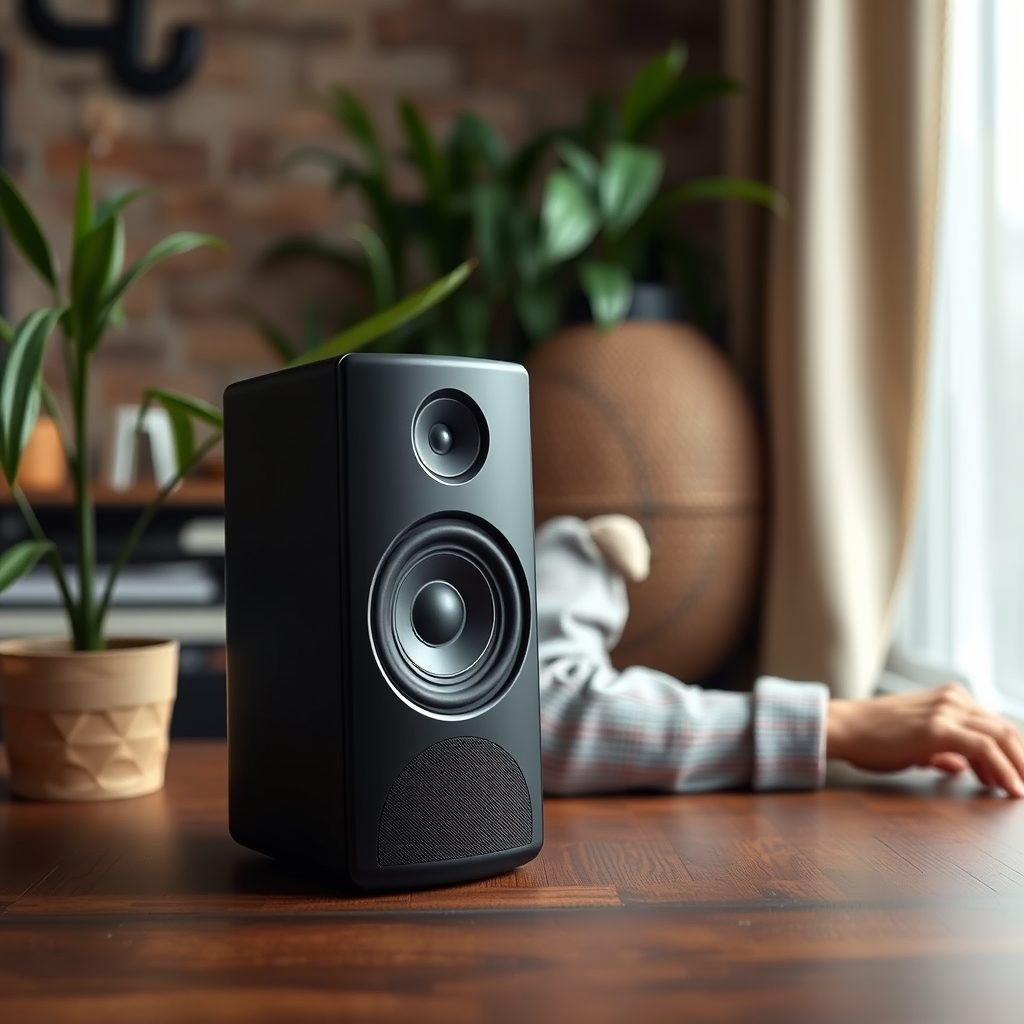
Speaker placement is vital for achieving optimal sound clarity and bass response. Positioning your Bluetooth speakers at ear level can significantly enhance clarity and detail. Avoid placing them in corners or enclosed spaces as this can lead to muddled sound and excessive bass, often referred to as “boomy” audio.
Environmental factors such as room acoustics also contribute to sound quality. Hard surfaces like walls and floors can create reflections that distort sound. Consider using soft furnishings to absorb sound and improve acoustics. Additionally, be mindful of nearby obstacles such as furniture that may obstruct sound waves, leading to a less immersive listening experience.
Adjusting Audio Settings
Many Bluetooth speakers come equipped with customizable audio settings, including equalizers (EQ). Utilizing these settings allows you to tailor the sound to your personal preferences, whether you prefer boosted bass or clearer vocals. Experimenting with different EQ presets can help you find the perfect balance for your music genre.
Additionally, some Bluetooth speakers offer special sound modes, such as surround sound or party mode. These modes can enhance your listening experience depending on the context, whether you are hosting a gathering or enjoying a quiet evening at home.
Top 7 Bluetooth Speaker Features to Consider (2024)
| # | Feature | Impact on Sound Quality | User Rating | Price Range |
|---|---|---|---|---|
| 1 | Quality Drivers | High | ★★★★☆ | $100-$300 |
| 2 | Audio Codecs | Medium | ★★★☆☆ | $50-$200 |
| 3 | Equalizer Settings | High | ★★★★☆ | $30-$150 |
| 4 | Battery Life | Medium | ★★☆☆☆ | $50-$250 |
| 5 | Connectivity Options | High | ★★★★☆ | $40-$180 |
| 6 | Design and Build Quality | Medium | ★★★☆☆ | $30-$200 |
| 7 | Water Resistance | Low | ★★☆☆☆ | $20-$120 |
Using High-Quality Audio Sources
The quality of audio sources is another critical factor that influences sound quality. Compressed audio formats, like MP3, sacrifice some audio data to reduce file size, which can lead to a loss of clarity. In contrast, uncompressed formats, such as WAV and FLAC, retain original audio quality. For the best listening experience, consider using high-resolution audio files.
When streaming music, opt for services that provide high-resolution audio options. Platforms like Tidal and Amazon Music HD offer lossless audio streaming, allowing you to enjoy your favorite tracks in superior quality. By prioritizing audio source quality, you ensure that your Bluetooth speakers perform at their best.
Regular Maintenance and Care
To maintain optimal performance, regular maintenance of your Bluetooth speakers is essential. Dust and debris can accumulate on speakers over time, leading to reduced sound quality. Clean your speakers gently with a soft, dry cloth to remove dust and avoid using abrasive materials that may scratch the surface.
Additionally, keeping your firmware and software up to date is crucial. Manufacturers often release updates that enhance performance and introduce new features. Regularly check for updates to ensure that your speakers benefit from the latest technological advancements.
Accessories and Enhancements
For audiophiles, investing in accessories can significantly improve audio fidelity. External Digital-to-Analog Converters (DACs) can enhance sound quality by converting digital audio signals into analog formats with higher precision than built-in DACs in many devices. This upgrade can bring out nuances in your music that standard connections might miss.
Moreover, consider exploring compatible audio cables and adapters. High-quality cables can minimize signal loss and interference, improving overall sound quality. Additionally, using Bluetooth transmitters with aptX HD or LDAC support can enhance audio streaming quality when connecting to your Bluetooth speakers.
Experimenting with Additional Sound Devices
To achieve an even more immersive listening experience, consider pairing your Bluetooth speakers with additional sound devices. Adding a subwoofer can enhance bass response, creating a richer sound profile. Some Bluetooth speakers can be wirelessly connected to subwoofers, allowing for seamless integration into your audio setup.
Furthermore, multi-room audio setups enable you to spread sound across different rooms, creating an engaging listening experience throughout your home. Systems such as Sonos allow you to control multiple speakers in various locations, ensuring consistent sound quality and volume levels.
Average Sound Quality Ratings by Feature (2024)
Improving the sound quality of your Bluetooth speakers is achievable with the right techniques and knowledge. By understanding sound principles, optimizing your environment, and using quality audio sources, you can transform your listening experience. Take action now to implement these tips and enjoy a richer, clearer sound from your Bluetooth speakers.
Frequently Asked Questions
How can I enhance the bass quality of my Bluetooth speakers?
To enhance the bass quality of your Bluetooth speakers, consider adjusting the equalizer settings on your device or application. Increasing the lower frequency levels can significantly boost bass response. Additionally, placing the speakers near walls or corners can amplify the bass due to sound reflection, creating a richer sound experience.
What are the best Bluetooth speakers for sound quality?
Some of the best Bluetooth speakers for sound quality include the Bose SoundLink Revolve, Sonos Roam, and JBL Charge 5. These models are renowned for their impressive audio performance, featuring balanced sound profiles and deep bass. When choosing a Bluetooth speaker, consider factors like size, battery life, and additional features that enhance sound quality.
Why does my Bluetooth speaker sound muffled, and how can I fix it?
A muffled sound from your Bluetooth speaker can result from several factors, including obstructions or poor audio source quality. Ensure that the speaker is positioned correctly and not obstructed by objects. Additionally, check the audio source’s settings and try streaming higher-quality audio files for clearer sound.
How can I ensure my Bluetooth speaker is positioned for optimal sound quality?
To position your Bluetooth speaker for optimal sound quality, place it on a stable surface at ear level and avoid corners that may cause sound distortion. Make sure there are no obstacles blocking the speaker’s sound path, and experiment with angles to find the best sound projection. Creating some space around the speaker can also improve sound clarity and depth.
Which audio settings should I adjust to improve the sound quality on my Bluetooth device?
To improve the sound quality on your Bluetooth device, start by adjusting the equalizer settings to enhance specific frequencies, such as boosting the bass or treble. Additionally, ensure that your Bluetooth codec settings are optimized for quality, such as using aptX or AAC for better sound fidelity. Experimenting with these settings can lead to a more enjoyable listening experience.
References
- https://www.sciencedirect.com/science/article/pii/S0167639318301725
https://www.sciencedirect.com/science/article/pii/S0167639318301725 - Bluetooth
https://en.wikipedia.org/wiki/Bluetooth - https://pubmed.ncbi.nlm.nih.gov/33214309/
https://pubmed.ncbi.nlm.nih.gov/33214309/ - https://www.nature.com/articles/s41598-018-35781-8
https://www.nature.com/articles/s41598-018-35781-8 - https://www.bbc.com/future/article/20200601-how-to-make-your-bluetooth-speaker-sound-better
https://www.bbc.com/future/article/20200601-how-to-make-your-bluetooth-speaker-sound-better - https://www.theguardian.com/technology/2020/oct/08/how-to-get-the-best-sound-from-your-bluetooth-speakers
https://www.theguardian.com/technology/2020/oct/08/how-to-get-the-best-sound-from-your-bluetooth-speakers - https://www.nytimes.com/2020/09/01/technology/personaltech/bluetooth-speaker-guide.html
https://www.nytimes.com/2020/09/01/technology/personaltech/bluetooth-speaker-guide.html - https://www.mayoclinic.org/healthy-lifestyle/consumer-health/in-depth/what-to-know-about-bluetooth-technology/art-20411669
https://www.mayoclinic.org/healthy-lifestyle/consumer-health/in-depth/what-to-know-about-bluetooth-technology/art-20411669 - Google Scholar Google Scholar
https://scholar.google.com/scholar?q=Improve+Sound+Quality+Bluetooth+Speakers - Google Scholar Google Scholar
https://scholar.google.com/scholar?q=Bluetooth+Speaker+Sound+Quality+Enhancement