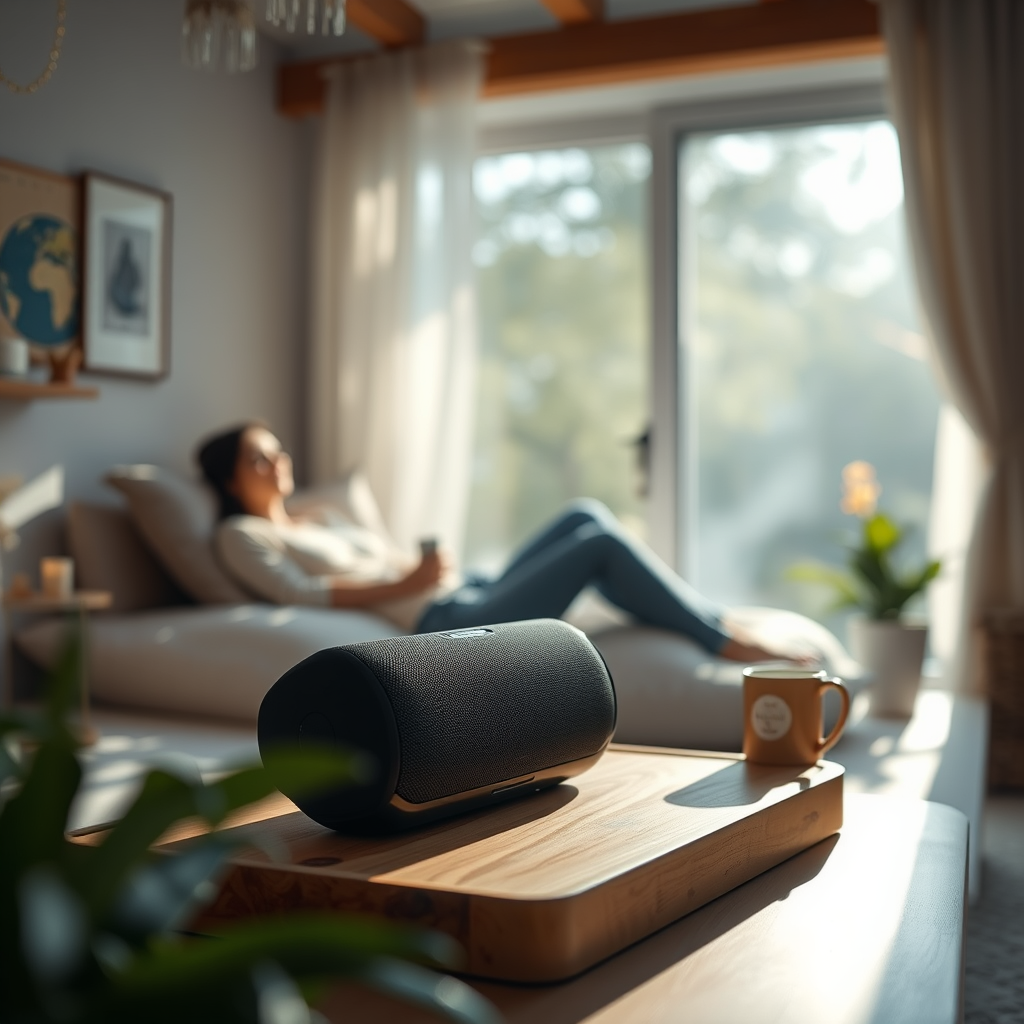

To extend the life of your wireless speakers, prioritize proper care and maintenance practices that can significantly enhance their longevity. Simple yet effective techniques can ensure that your speakers continue to deliver exceptional sound quality for years to come. In this article, we’ll explore a variety of essential tips and techniques that will help you maximize the lifespan of your beloved wireless audio devices.
Proper Charging Techniques

One of the most crucial aspects of maintaining your wireless speakers is how you charge them. Overcharging can lead to battery degradation, reducing the overall lifespan of your device. It’s best to unplug your speakers once they’re fully charged, ideally before they reach 100%, to avoid stress on the battery. If your speakers come equipped with smart charging technology, such as automatic shut-off when fully charged, then you’re in luck, but it’s still a good habit to keep an eye on the charging process.
Using the original charger is equally important. Third-party chargers might seem convenient, but they can deliver inconsistent power levels that may harm the battery. Many speaker manufacturers design their chargers to optimize battery health, so sticking to the original ensures that your speakers are getting exactly what they need.
Safe Placement and Usage

Where you place your wireless speakers can have a profound impact on their durability. It’s essential to keep your speakers away from extreme temperatures and humidity. For instance, exposing them to direct sunlight can cause overheating, while high humidity can lead to moisture-related damage. Ideally, store your speakers in a climate-controlled environment to keep them safe.
Additionally, using your speakers on stable surfaces is crucial. An accidental bump or a playful pet can send them tumbling, potentially damaging both the exterior and internal components. Consider using a designated shelf or table for your speakers, away from the edges, to minimize the risk of falls.
Regular Cleaning and Maintenance
Like any electronic device, wireless speakers require regular cleaning to maintain their performance. Dust accumulation can interfere with sound quality, so it’s wise to dust your speakers with a soft, dry cloth regularly. Avoid using any abrasive materials that could scratch the surface, as a gentle touch goes a long way in keeping your speakers looking new.
Don’t forget about the ports and connections! These areas can collect debris and dust that may hinder connectivity and sound performance. Use a soft-bristled brush or a can of compressed air to carefully clean these areas, ensuring they remain clear for optimal operation. Regular maintenance checks can help you catch any issues early, making it easier to address them before they escalate.
Software and Firmware Updates
In the digital world, software updates are vital for ensuring that your devices perform at their best. Wireless speakers often come equipped with features that improve sound quality, connectivity, and battery management through firmware updates. Check the manufacturer’s website or app regularly to see if updates are available for your model. These updates not only enhance performance but also fix bugs that could impact your experience.
Updating firmware can be a simple process, usually done through an app or software provided by the manufacturer. Make it a routine to check for updates every few months, ensuring that your speakers take advantage of the latest technological advancements.
Optimal Volume Levels
Playing music at maximum volume might seem tempting, but consistently operating your speakers at high levels can lead to premature wear and tear. Over time, this may damage the internal components, including the speakers themselves. Instead, try to keep the volume at a moderate level to protect the speaker parts and extend battery life.
If you love blasting tunes at parties, consider using a sound meter app to measure the decibel level. Keeping the sound within a reasonable range not only protects your speakers but also creates a more enjoyable listening environment. Remember that lower volumes can often provide a clearer sound, enhancing your overall audio experience.
Storage Tips When Not in Use
When you’re not using your wireless speakers, proper storage is essential to prolong their life. Store them in a cool, dry place away from direct sunlight, which can lead to overheating or fading of the materials. If you plan to store your speakers for an extended period, it’s a good idea to remove the batteries if applicable. This prevents battery leakage and corrosion, which can damage your speakers over time.
Additionally, consider using a protective case if you travel frequently with your speakers. A soft case can shield them from bumps and scratches, ensuring they remain in top condition for whenever you need them.
Avoiding Environmental Hazards
Wireless speakers can be sensitive to their surroundings, so it’s crucial to keep them away from potential environmental hazards. Water and liquids are the most obvious threats; even a small spill can lead to significant damage. If your speakers aren’t waterproof, make sure they’re placed well away from drinks or areas where spills may occur.
Moreover, dust, pets, and young children can pose risks too. Dust can accumulate in the speakers and ports, while pets may accidentally knock them over or chew on the wires. If you have children or pets, consider placing your speakers on high shelves or in rooms that are off-limits to them.
By implementing these strategies, you can significantly enhance the lifespan of your wireless speakers. Regular care, mindful usage, and attention to your speakers’ environment can make a substantial difference in maintaining their performance. Take these tips to heart, and you’ll be able to enjoy your audio experience for years to come!
Frequently Asked Questions
What are some best practices for charging wireless speakers to prolong battery life?
To prolong the battery life of your wireless speakers, it’s essential to avoid letting the battery drain completely before recharging. Ideally, charge your speakers when they reach around 20-30% battery life. Additionally, avoid overcharging by unplugging them once they reach 100%, as constant charging can degrade battery performance over time.
How can I protect my wireless speakers from physical damage?
Protecting your wireless speakers from physical damage involves using a sturdy case or cover when transporting them. It’s also important to keep them on stable surfaces and away from edges to prevent falls. Regularly cleaning the device to remove dust and debris can help maintain both aesthetics and functionality, ensuring your speakers last longer.
Why is it important to keep wireless speakers updated, and how can I do it?
Keeping your wireless speakers updated is crucial for enhancing performance, fixing bugs, and improving battery life. Manufacturers often release firmware updates that can optimize battery usage and introduce new features. You can update your speakers by connecting them to their companion app or via the manufacturer’s website, ensuring that you have the latest enhancements for better longevity.
Which environmental factors can negatively affect the lifespan of wireless speakers?
Environmental factors such as excessive heat, humidity, and dust can significantly impact the lifespan of wireless speakers. High temperatures can cause battery swelling, while humidity can lead to corrosion of internal components. To ensure longevity, store your speakers in a cool, dry place and use them in environments that are not overly humid or dusty.
What are the best ways to maintain sound quality, and how does it relate to speaker lifespan?
Maintaining sound quality is closely linked to the lifespan of your wireless speakers. Regularly cleaning the speaker grilles to remove dust and debris can enhance audio performance. Additionally, avoiding high volume levels for extended periods can prevent speaker distortion and damage, ensuring that the sound remains clear over time and prolonging the overall life of the device.
References
- https://www.wikihow.com/Extend-the-Lifespan-of-Your-Wireless-Speakers
- https://www.lifewire.com/how-to-care-for-wireless-speakers-4774996
- https://www.pcmag.com/how-to/how-to-extend-the-battery-life-of-your-bluetooth-speakers
- https://www.cnet.com/how-to/how-to-extend-the-battery-life-of-bluetooth-speakers/
- https://www.consumerreports.org/wireless-speakers/wireless-speaker-buying-guide/
- https://www.wired.com/story/how-to-keep-your-bluetooth-speaker-in-top-shape/