
If you’re experiencing low volume issues with your home audio speakers, the solution often lies in adjusting settings, checking connections, or troubleshooting the equipment. In this article, you’ll learn practical steps to enhance your audio output and enjoy your favorite music or movies at a comfortable volume. A well-functioning audio system is essential for an immersive experience, and understanding the common pitfalls that lead to low volume can make all the difference.
Check Your Audio Source
The first step in addressing low volume issues is to examine your audio source. This could be a smartphone, computer, streaming device, or any other gadget you use to play music or movies. Start by ensuring the volume is turned up on the device itself. Sometimes, the audio source might have its own volume controls independent of your speakers.
Additionally, check the playback application or software settings. Many music and video streaming services have their own volume controls that could be set lower than expected. For instance, applications like Spotify or Netflix often allow users to adjust volume within the app, which can lead to confusion if your device’s main volume is high but the app’s volume is low.
Inspect Speaker Connections
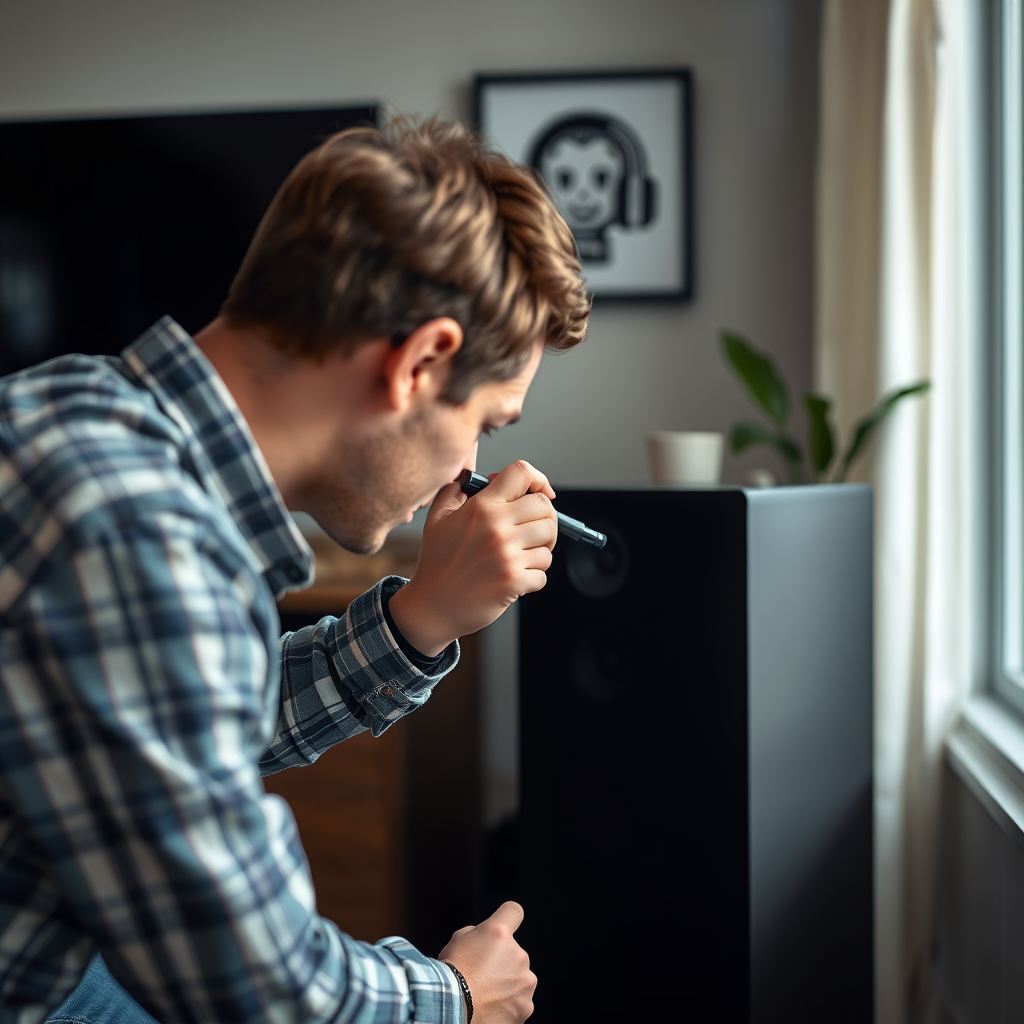
Another common cause of low volume is poor or faulty connections between your audio source and speakers. Begin by inspecting all the cables and connections to ensure they are secure and undamaged. Loose connections can lead to significant audio loss.
Moreover, if you suspect a cable may be the issue, consider swapping it out with a different one. This could mean using a different speaker wire or audio cable to connect your speakers. A faulty cable can severely impact sound quality and volume, so testing with new cables is a wise move.
Adjust Amplifier Settings
If your audio setup includes an amplifier, take a moment to review its settings. Ensure that the amplifier is powered on and set to the correct input source. Many amplifiers also have settings that can limit volume output, such as volume limiters or dynamic range controls.
Additionally, check the equalizer settings, which can dramatically alter how sound is produced. For example, boosting certain frequencies might enhance clarity but could lead to an overall reduction in volume. Make sure to reset the equalizer to a neutral position and gradually adjust to find a suitable balance.
Common Speaker Connection Types
| # | Connection Type | Common Use | Quality | Ease of Use |
|---|---|---|---|---|
| 1 | RCA | Home Audio | Good | Easy |
| 2 | Optical | TV to Speakers | Excellent | Moderate |
| 3 | HDMI | Home Theater | Excellent | Easy |
| 4 | Bluetooth | Wireless Devices | Good | Easy |
| 5 | XLR | Professional Audio | Excellent | Moderate |
| 6 | 3.5mm Jack | Portable Devices | Good | Very Easy |
| 7 | USB | Digital Audio | Good | Moderate |
Test Different Speaker Positions
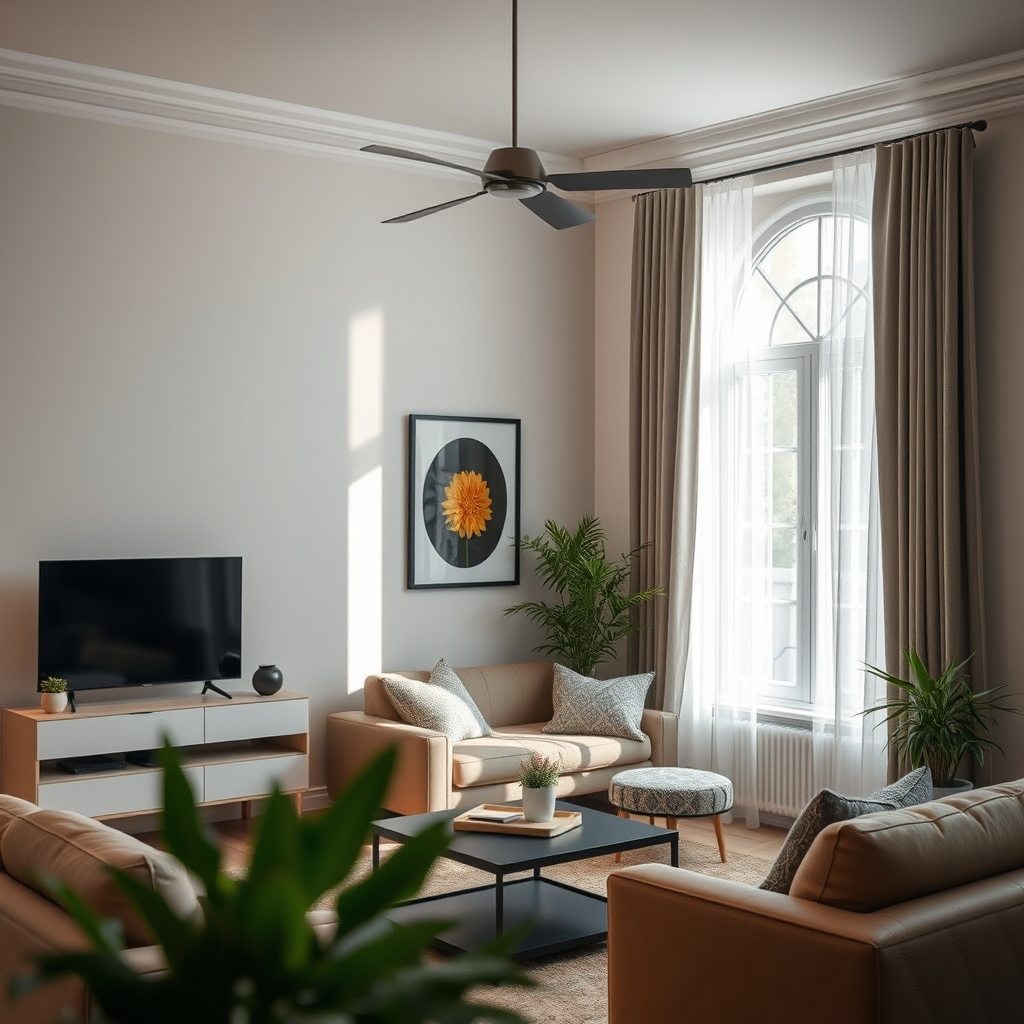
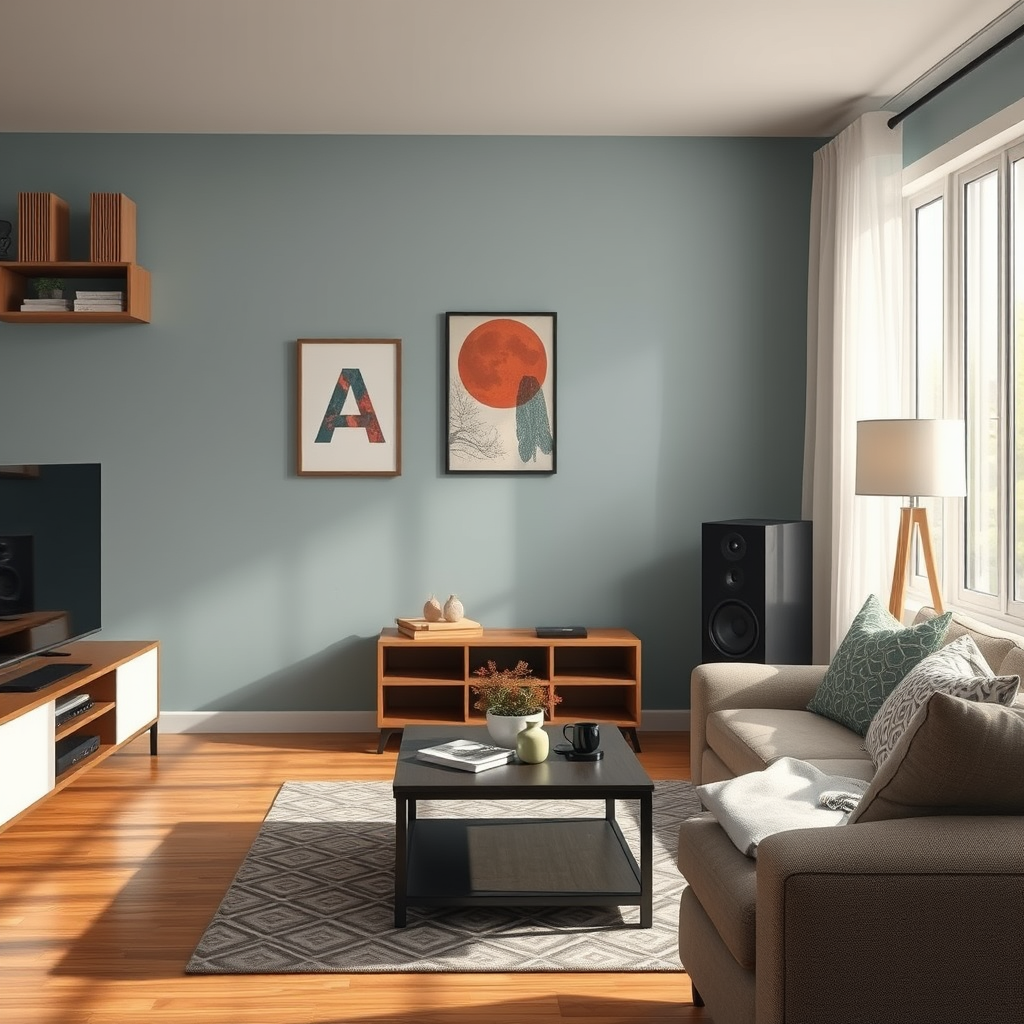
The placement of your speakers can significantly impact the audio experience. It’s essential to experiment with different speaker positions to optimize sound quality and volume. For instance, placing speakers in corners may amplify bass but can muffle overall sound, leading to a perception of low volume.
Try positioning your speakers at ear level when seated, and ensure they are at least a few feet away from walls and large furniture to prevent sound obstruction. Additionally, using speaker stands or mounts can help achieve ideal placement. Room acoustics vary widely, and minor adjustments can often yield noticeable improvements in sound clarity and volume.
Impact of Speaker Placement on Sound Quality
Update or Reset Your Equipment
Keeping your audio equipment updated is essential for optimal performance. Check for software and firmware updates for your audio devices, as manufacturers often release updates that can enhance functionality and sound quality. This is particularly relevant for smart speakers or devices connected to the internet.
If you’ve tried the previous steps and still experience issues, consider resetting your audio equipment to factory settings. This can resolve any lingering configuration issues that might be affecting performance. Just ensure you back up any customized settings or presets that you wish to retain before performing a reset.
Consider Speaker Specifications
Understanding the specifications of your speakers is crucial when troubleshooting low volume issues. Review the power rating of your speakers to ensure they are adequate for your room size and audio needs. If your speakers are underpowered for the space, you may not achieve the desired volume levels.
For instance, a small pair of bookshelf speakers may struggle in a large room, while a robust floor-standing model may be more appropriate. Additionally, consider the sensitivity rating of your speakers; higher sensitivity ratings mean louder volumes with less power. If your current speakers are insufficient, it may be time to consider upgrading to a more powerful model tailored to your audio environment.
Seek Professional Help
If the aforementioned steps do not resolve your volume issues, it may be time to consult a professional audio technician. Professionals can diagnose complex problems that may not be apparent to the average user, such as internal speaker damage or issues with the audio source.
Additionally, if your equipment is still under warranty, explore your warranty options for repairs or replacements. Manufacturers often provide support for defective products, ensuring that you can enjoy the audio experience you expect without incurring significant costs.
By following these steps, you can effectively troubleshoot and fix low volume issues in your home audio speakers. Whether it’s adjusting settings, checking connections, or considering an upgrade, there are multiple avenues to explore to enhance your listening experience. For the best results, try implementing these solutions step-by-step, and enjoy improved sound quality in your home.
Frequently Asked Questions
What are the common causes of low volume issues in home audio speakers?
Low volume issues in home audio speakers can be caused by several factors, including improper speaker placement, low-quality audio sources, or issues with your amplifier or receiver settings. Additionally, damaged speaker wires or connections can lead to poor sound output. It’s essential to troubleshoot these areas to identify the root cause of the problem.
How can I increase the volume on my home audio speakers?
To increase the volume on your home audio speakers, start by checking the volume settings on both your audio source and the amplifier or receiver. Ensure that all connections are secure and that the speaker wires are not damaged. If the issue persists, consider adjusting the equalizer settings or using a sound booster app for digital sources to enhance the audio output.
Why is my speaker volume lower than expected even when set to maximum?
If your speaker volume is lower than expected even at maximum settings, it may indicate a problem with the audio source or the speakers themselves. Check the audio format; lower-quality files may not deliver optimal sound. Additionally, examine your speaker settings, and consider testing with different devices to rule out compatibility issues.
What is the best way to troubleshoot low volume in home audio speakers?
The best way to troubleshoot low volume in home audio speakers involves a systematic approach: start by testing the speakers with different audio sources to isolate the issue. Next, check all connections and wires for damage, and ensure your amplifier is functioning correctly. Finally, review your audio settings, including balance and equalizer adjustments, to optimize sound levels.
Which audio equipment can help improve the volume of my home speakers?
To improve the volume of your home speakers, consider investing in a high-quality amplifier or receiver, which can significantly enhance sound output. Additionally, using a powered subwoofer can complement your speakers and provide a richer audio experience. Upgrading your speaker cables to higher gauge can also ensure better signal transmission and improved volume levels.
References
- https://en.wikipedia.org/wiki/Speaker_(audio
https://en.wikipedia.org/wiki/Speaker_(audio - https://www.sciencedirect.com/topics/engineering/audio-speaker
https://www.sciencedirect.com/topics/engineering/audio-speaker - https://www.bbc.com/future/article/20200505-how-to-make-your-home-sound-system-sound-better
https://www.bbc.com/future/article/20200505-how-to-make-your-home-sound-system-sound-better - https://www.nature.com/articles/s41598-020-69052-8
https://www.nature.com/articles/s41598-020-69052-8 - https://scholar.google.com/scholar?q=How+to+Fix+Low+Volume+Issues+in+Home+Audio+Speakers Google Scholar
https://scholar.google.com/scholar?q=How+to+Fix+Low+Volume+Issues+in+Home+Audio+Speakers - Google Scholar Google Scholar
https://scholar.google.com/scholar?q=Home+Audio+Speaker+Volume+Problems - https://scholar.google.com/scholar?q=Audio+Speaker+Volume+Solutions Google Scholar
https://scholar.google.com/scholar?q=Audio+Speaker+Volume+Solutions - https://pubmed.ncbi.nlm.nih.gov/29149563/
https://pubmed.ncbi.nlm.nih.gov/29149563/ - Loudspeaker | Definition, Types, & Facts | Britannica
https://www.britannica.com/technology/loudspeaker - https://www.cdc.gov/niosh/topics/noise/default.html
https://www.cdc.gov/niosh/topics/noise/default.html