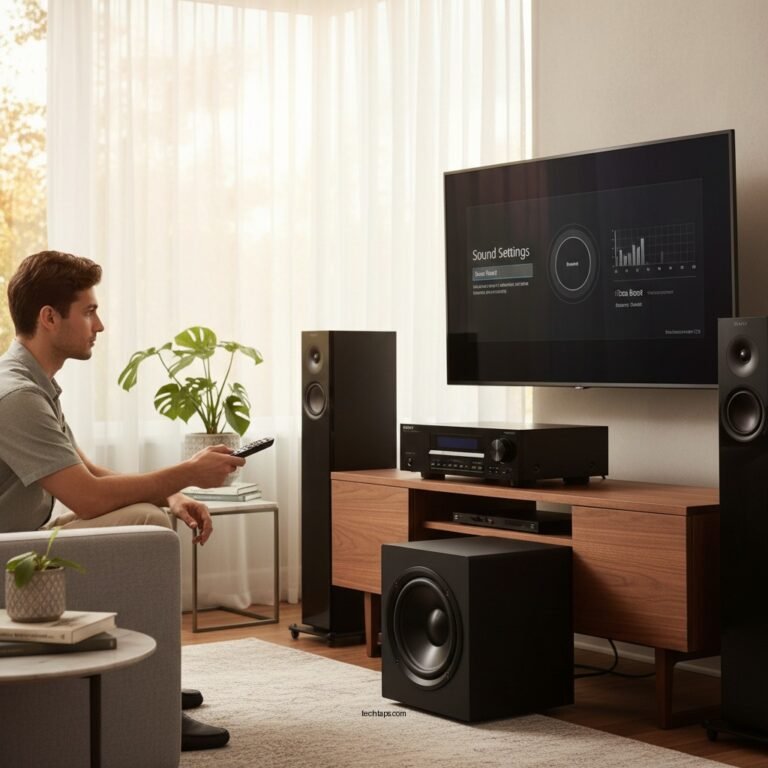

Addressing power failures in your home audio system often involves checking connections, resetting devices, and ensuring proper power supply. By following a structured approach, you can effectively diagnose and resolve common issues that disrupt your audio experience. This article will guide you through practical steps to restore your audio system’s functionality and ensure a seamless listening experience.
Check Power Connections
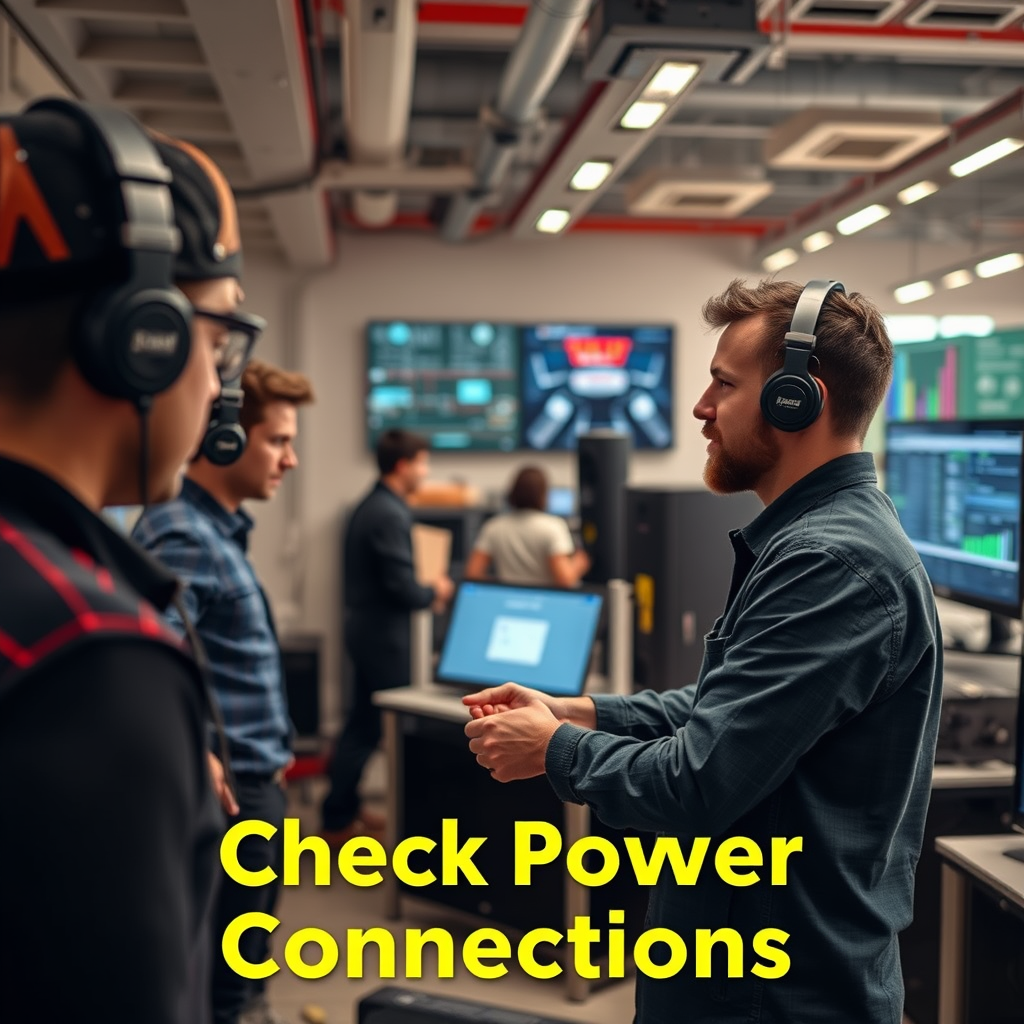
The first step in troubleshooting power failures in your audio system is to check all power connections. Begin by inspecting all power cables for any visible signs of damage such as fraying or cuts. A damaged cable can lead to poor connectivity or total failure of the unit. Make sure that all power connectors are securely plugged into their respective devices and outlets. Loose connections can result in intermittent power loss, so ensure that everything is firmly in place.
Additionally, confirm that all devices are connected to a functional power outlet. You can do this by plugging in a different device to see if it operates normally. If you suspect an outlet might be faulty, try using another outlet in your home. In some cases, power strips or extension cords can also cause issues; therefore, it is wise to test your audio equipment with a direct connection to the wall outlet.
Reset Your Audio Equipment
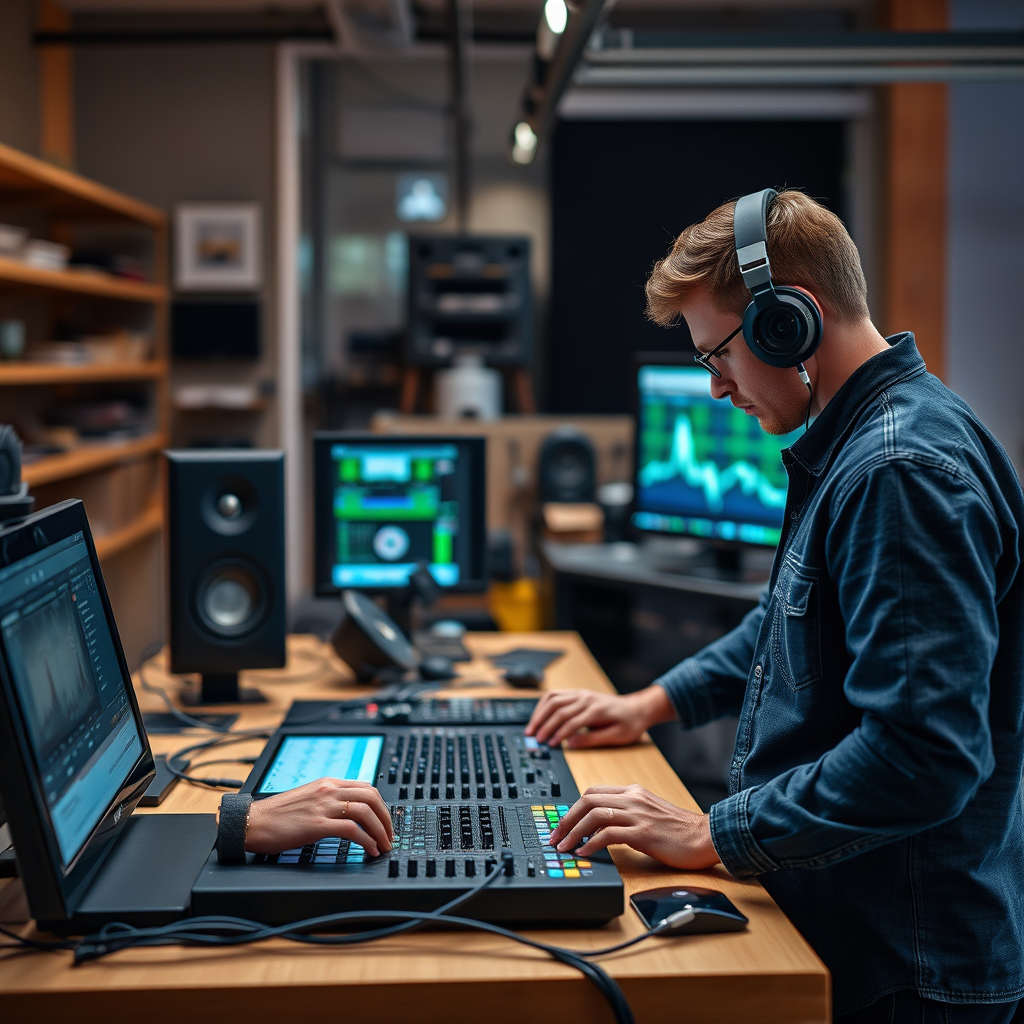
If all connections appear to be secure and functional, the next step is to reset your audio equipment. Power cycling, a simple yet effective troubleshooting step, involves unplugging your audio system from the power source for a few minutes. This allows the internal components to reset and may resolve any temporary glitches causing the power failure.
After a few minutes, plug the system back in and power it on. If problems persist, consult your manufacturer’s instructions for performing a factory reset. This process varies by brand and model, but it generally restores the device to its original settings, which can often clear up persistent issues.
Examine the Power Source
Examining the power source is critical in diagnosing power issues. To confirm that your outlet is indeed functional, plug in a different device—such as a lamp or phone charger—into the same outlet. If the alternate device works, the outlet is functioning properly, and the issue lies within your audio system. If it doesn’t, you may need to check your circuit breaker or consult an electrician to investigate further.
To protect your audio equipment from future power fluctuations, consider using a surge protector. This device not only safeguards against power spikes that can damage your system but also ensures a stable power supply.
Common Causes of Power Failures in Audio Systems
| # | Cause | Frequency (%) | Impact Level (1-5) |
|---|---|---|---|
| 1 | Loose Connections | 35% | 3 |
| 2 | Faulty Outlet | 25% | 4 |
| 3 | Damaged Cables | 20% | 5 |
| 4 | Overheating | 10% | 4 |
| 5 | Surge Protection Issues | 5% | 5 |
| 6 | Internal Component Failure | 5% | 5 |
| 7 | Others | 0% | 1 |
Inspect for Overheating
Overheating is another common cause of power failures in audio systems. It is essential to ensure that your audio components have adequate ventilation. Poor airflow can lead to excessive heat buildup, which may cause devices to shut down or experience reduced performance. To mitigate this risk, arrange your audio equipment with sufficient space around it, avoiding the placement of devices in enclosed spaces or on carpets that could obstruct airflow.
Check for any visible signs of overheating, such as discoloration of the casing or unusual smells. If you notice any abnormalities, discontinue use immediately and allow the equipment to cool down. Regularly clean your audio components to prevent dust accumulation, which can also contribute to overheating.
Update Firmware and Software
Keeping your audio system’s firmware and software updated is crucial for optimal performance. Manufacturers often release updates to fix bugs, improve functionality, and enhance compatibility with other devices. Check the manufacturer’s website or the audio system’s app for available updates.
Installing updates can not only resolve existing issues but also prevent future problems by ensuring that your equipment operates with the latest features and optimizations. It is advisable to schedule regular checks for updates to maintain the health of your audio system.
Consult the User Manual
Your audio system’s user manual is an invaluable resource for troubleshooting power issues. Most manuals contain a dedicated troubleshooting section that provides specific guidance on resolving common problems. Familiarizing yourself with these instructions can save time and frustration.
If you encounter issues that are not addressed in the manual, look for the manufacturer’s customer support contact information. They can provide tailored assistance for your specific model, helping you resolve power failures effectively.
Seek Professional Help
If the power failures persist after you have performed all the suggested troubleshooting steps, it may be time to seek professional help. Contacting a qualified technician can provide an in-depth diagnosis of your audio system. They can identify underlying issues that may not be immediately apparent to the average user, such as internal component failures or complex electrical problems.
Look for local audio repair shops or certified service centers with positive reviews to ensure you receive quality service. Investing in professional assistance can extend the life of your audio equipment and enhance your overall listening experience.
Addressing power failures in your home audio system can be straightforward if you follow these steps. By checking connections, resetting devices, and ensuring a reliable power source, you can restore your audio experience. Don’t hesitate to reach out for professional assistance if needed; your enjoyment of music and sound is worth it!
Frequently Asked Questions
What are the common causes of power failure in a home audio system?
Common causes of power failure in a home audio system include faulty power cables, blown fuses, and issues with the electrical outlet. Additionally, power surges or inadequate power supply can also disrupt the performance of your audio equipment. Identifying the specific cause is essential for an effective resolution.
How can I troubleshoot my audio system if it won’t turn on?
To troubleshoot your audio system, first check if it’s properly plugged into a functioning outlet. Next, inspect power cables for any visible damage, and try resetting the device by unplugging it for a few minutes. If the issue persists, consult the user manual for specific reset instructions or consider checking for internal fuse issues.
Why is my audio system experiencing intermittent power loss?
Intermittent power loss in your audio system can be caused by loose connections, overheating components, or fluctuating voltage from the power supply. Ensure all connections are secure and verify that the system is not overheating by providing adequate ventilation. If issues continue, consider using a power conditioner to stabilize voltage.
What is the best way to prevent power failure in my home audio system?
The best way to prevent power failure in your home audio system is to use a surge protector to guard against power spikes and ensure your equipment is plugged into a dedicated circuit. Regularly check and replace any worn-out cables, and maintain a clean environment to avoid dust buildup, which can cause overheating.
Which tools do I need to fix power issues in my audio system?
To fix power issues in your audio system, you may need basic tools such as a multimeter to test electrical connections, a screwdriver for accessing internal components, and replacement fuses or cables. Additionally, a power conditioner can be useful for protecting your equipment from surges and ensuring stable power supply.
References
- Sound system
https://en.wikipedia.org/wiki/Audio_system - https://www.ni.gov/
https://www.ni.gov/ - https://www.bbc.com/news/technology-56987674
https://www.bbc.com/news/technology-56987674 - https://www.sciencedirect.com/topics/engineering/home-audio-system
https://www.sciencedirect.com/topics/engineering/home-audio-system - Google Scholar Google Scholar
https://scholar.google.com/scholar?q=home+audio+system+power+failure - Google Scholar Google Scholar
https://scholar.google.com/scholar?q=fixing+audio+system+power+issues - https://pubmed.ncbi.nlm.nih.gov/
https://pubmed.ncbi.nlm.nih.gov/ - The New York Times – Breaking News, US News, World News and Videos
https://www.nytimes.com/ - https://www.reuters.com/technology/home-audio-systems-2021-04-15/
https://www.reuters.com/technology/home-audio-systems-2021-04-15/ - Google Scholar Google Scholar
https://scholar.google.com/scholar?q=How+to+Fix+Power+Failure+in+Your+Home+Audio+System