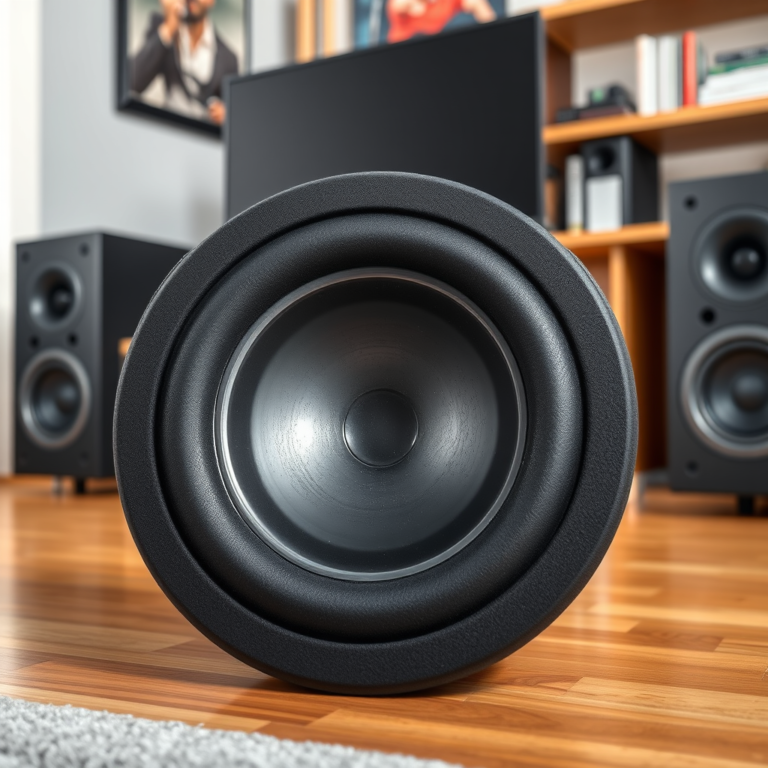

Improving the signal strength of your wireless home audio system can significantly enhance your listening experience. To achieve this, consider optimizing your router placement, minimizing interference, and upgrading your equipment. By implementing these strategies, you will not only boost your audio system’s connectivity but also elevate sound quality, ensuring a seamless music streaming experience throughout your home.
Optimize Router Placement
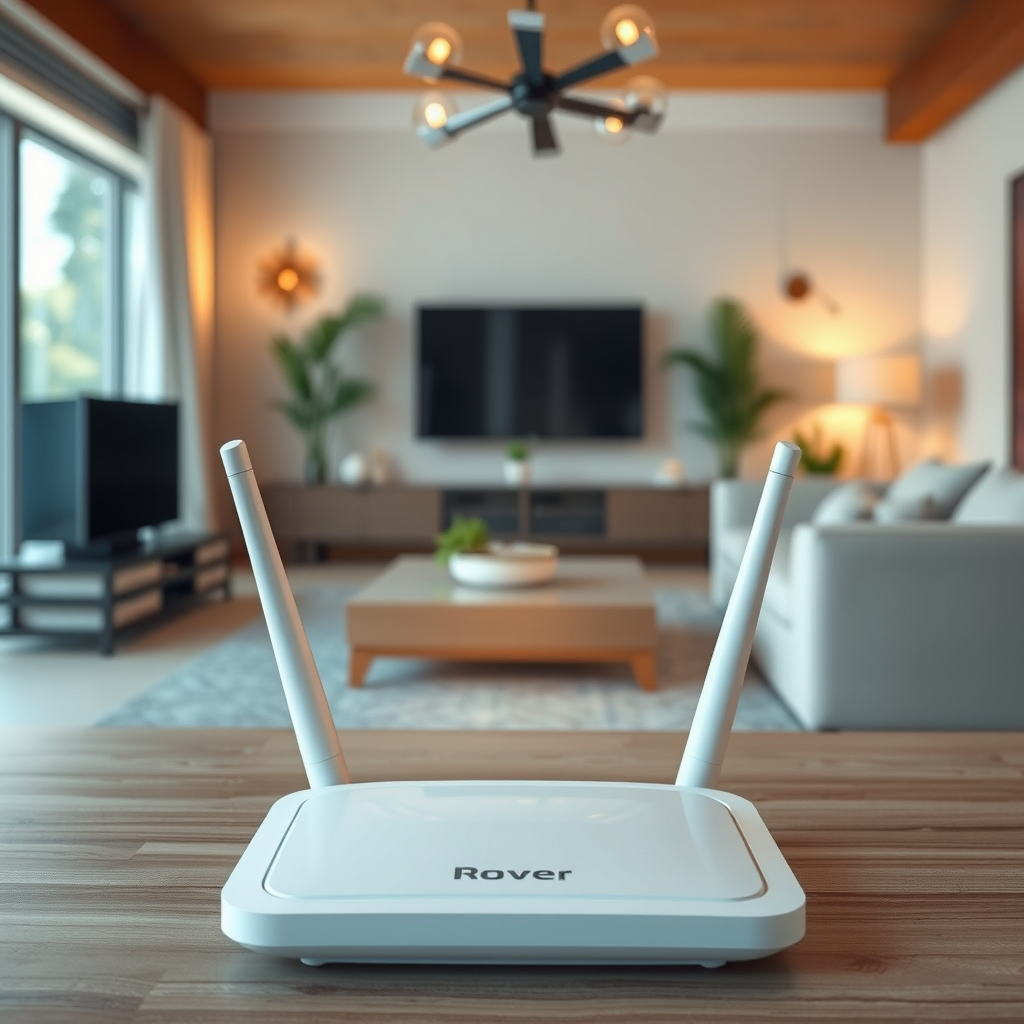
To maximize the performance of your wireless home audio system, the first step is to optimize the placement of your router. The location of your router plays a critical role in determining the strength and coverage of your Wi-Fi signal.
Positioning your router in a central location within your home is essential. This ensures that the signal can reach all areas effectively. Ideally, the router should be placed in a high, unobstructed area, such as on a shelf or mounted on a wall. Elevating the router reduces potential obstructions, such as furniture, walls, and appliances, that may weaken the signal.
Additionally, avoid placing your router near large metal objects or devices that emit electromagnetic interference, like microwaves and cordless phones. These devices can disrupt the Wi-Fi signal, leading to choppy audio and connection drops.
Minimize Interference

Interference from other electronic devices can severely impact the performance of your wireless audio system. To minimize this interference, identify and reduce the number of electronic devices that operate on the same frequency as your Wi-Fi network, primarily the 2.4 GHz band.
For many home users, switching to the 5 GHz frequency band is an effective solution. The 5 GHz band typically experiences less congestion compared to the 2.4 GHz band, allowing for a more stable and reliable connection. While the 5 GHz band has a shorter range, it offers higher speeds and is less susceptible to interference, making it a suitable choice for streaming high-quality audio.
Moreover, consider relocating electronic devices that may cause interference, such as Bluetooth speakers, baby monitors, or wireless security cameras. By doing so, you can create a clearer path for your wireless signals, which is crucial for maintaining audio quality.
Upgrade Your Equipment
Investing in high-quality wireless audio receivers and streaming devices is a strategic way to enhance your audio system’s performance. Modern receivers often support the latest wireless technologies, such as Wi-Fi 6, which provides faster speeds and better reliability compared to older standards. This upgrade can make a significant difference in audio quality and stability.
For larger homes, where Wi-Fi coverage may be an issue, consider implementing range extenders or a mesh Wi-Fi system. Range extenders amplify the signal and help eliminate dead zones, while a mesh system employs multiple nodes to create a seamless Wi-Fi network throughout your home. This is particularly beneficial for ensuring consistent audio streaming in areas that were previously challenging due to weak signal strength.
Top Wireless Audio Receivers (2024)
| # | Receiver Model | Wi-Fi Standard | Audio Formats Supported | Price |
|---|---|---|---|---|
| 1 | Denon AVR-X3700H | Wi-Fi 6 | Dolby Atmos, DTS:X | $1,199 |
| 2 | Yamaha RX-V6A | Wi-Fi 6 | Dolby Atmos, DTS:X | $899 |
| 3 | Sony STR-DN1080 | Wi-Fi 5 | Dolby Atmos, DTS:X | $599 |
| 4 | Onkyo TX-NR696 | Wi-Fi 5 | Dolby Atmos, DTS-HD | $549 |
| 5 | Marantz NR1510 | Wi-Fi 5 | Dolby TrueHD, DTS-HD | $649 |
| 6 | NAD T758 V3 | Wi-Fi 5 | Dolby Atmos, DTS:X | $1,199 |
| 7 | Pioneer VSX-LX504 | Wi-Fi 6 | Dolby Atmos, DTS:X | $1,199 |
Adjust Audio System Settings
Configuring your audio system’s settings is a crucial step in optimizing network performance. Ensure that your audio device is connected to the most stable band available—whether it’s 2.4 GHz or 5 GHz. Some devices may allow you to prioritize the frequency band used for connection, ensuring that you always have the best signal possible.
Regularly updating the firmware of your audio devices is also essential. Manufacturers frequently release updates that improve performance and security. These updates can address known bugs, enhance compatibility with new wireless standards, and optimize the audio streaming experience.
Additionally, check your audio settings to ensure that the quality of the audio output is maximized. Many modern audio systems offer settings that allow you to adjust the output quality based on your network capabilities.
Use Wired Connections When Possible
For critical listening situations, using wired connections can significantly bypass potential wireless issues. Ethernet connections provide a stable and high-speed link, eliminating the variability associated with wireless streaming. This is particularly important for audiophiles who demand the highest quality audio without interruptions.
For homes where running Ethernet cables is impractical, consider using powerline adapters. These devices utilize your home’s electrical wiring to extend your network, allowing you to connect your audio system to the internet without the need for long cable runs. Powerline adapters can offer a reliable alternative to traditional Wi-Fi connections, especially in areas of your home that are far from the router.
Comparison of Connection Types for Home Audio Systems
| Connection Type | Speed | Stability | Cost | Best For |
|---|---|---|---|---|
| Ethernet | Up to 1 Gbps | Very High | Moderate | Critical Listening |
| Powerline Adapter | Up to 500 Mbps | High | Low | Large Homes |
| Wi-Fi 5 | Up to 3.5 Gbps | Moderate | Low | Casual Listening |
| Wi-Fi 6 | Up to 9.6 Gbps | High | High | Streaming High-Res Audio |
Test Signal Strength Regularly
Regularly testing the signal strength in different areas of your home is vital to ensure optimal performance of your wireless audio system. Utilize apps or tools available for smartphones and tablets to measure Wi-Fi signal strength. These apps can provide real-time feedback on the strength and quality of your wireless connection, helping you identify areas that may require adjustments.
By assessing performance over time, you can spot trends or changes that could indicate potential issues with your network. For instance, if you notice a gradual decrease in signal strength in specific areas, it may be time to reposition your router or consider investing in additional range extenders or a mesh Wi-Fi system.
Moreover, testing your audio system’s streaming quality while playing high-resolution audio files can also reveal the effectiveness of your network setup. This proactive approach ensures that your home audio system remains consistently reliable and enjoyable.
In summary, enhancing the signal strength of your wireless home audio system involves strategic placement of your router, reducing interference, and upgrading your equipment. By following these tips, you can ensure a more reliable and enjoyable audio experience. Take action today to optimize your system and enjoy uninterrupted music streaming!
Frequently Asked Questions
What are the common causes of weak signal strength in a wireless home audio system?
Weak signal strength in a wireless home audio system can be caused by several factors, including physical obstructions like walls and furniture, interference from other electronic devices, and the distance between the audio source and the speakers. Additionally, outdated equipment and improper network settings can also contribute to a diminished audio experience.
How can I enhance the Wi-Fi signal for my wireless audio system?
To enhance the Wi-Fi signal for your wireless audio system, consider repositioning your router to a central location in your home, away from walls and obstructions. You can also use Wi-Fi range extenders or mesh networks to expand coverage and reduce dead zones, ensuring a stronger and more stable connection for your audio devices.
Why is it important to update the firmware of my wireless audio system?
Updating the firmware of your wireless audio system is crucial because it can improve performance, enhance security, and fix bugs that may be affecting signal strength. Manufacturers often release updates that optimize connectivity and compatibility, which can lead to a more reliable audio experience and reduced interruptions.
What is the best placement for my wireless speakers to improve signal strength?
The best placement for your wireless speakers is to position them at least a few feet away from walls and large metal objects, which can block signals. Ideally, place the speakers in an open area and at an elevation to reduce interference, ensuring they are within a reasonable distance from the Wi-Fi router for optimal connectivity.
Which wireless audio system brands offer the best signal strength performance?
Brands like Sonos, Bose, and Yamaha are known for their reliable wireless audio systems that often deliver superior signal strength performance. These brands typically incorporate advanced technology to minimize interference and enhance connectivity, making them excellent choices for a seamless audio experience in your home.
References
- Wireless
https://en.wikipedia.org/wiki/Wireless_audio - https://www.nature.com/articles/s41598-018-28941-0
https://www.nature.com/articles/s41598-018-28941-0 - https://www.sciencedirect.com/science/article/pii/S2351978917301880
https://www.sciencedirect.com/science/article/pii/S2351978917301880 - https://www.ncbi.nlm.nih.gov/pmc/articles/PMC6348384/
https://www.ncbi.nlm.nih.gov/pmc/articles/PMC6348384/ - https://www.bbc.com/news/technology-56323573
https://www.bbc.com/news/technology-56323573 - https://www.theguardian.com/technology/2021/mar/24/how-to-boost-your-wifi-signal
https://www.theguardian.com/technology/2021/mar/24/how-to-boost-your-wifi-signal - Google Scholar Google Scholar
https://scholar.google.com/scholar?q=Improve+Signal+Strength+Wireless+Home+Audio+System - Google Scholar Google Scholar
https://scholar.google.com/scholar?q=Wireless+Audio+System+Signal+Strength+Improvement - Google Scholar Google Scholar
https://scholar.google.com/scholar?q=Wireless+network+signal+strength+enhancement - https://www.cdc.gov/niosh/topics/noise/default.html
https://www.cdc.gov/niosh/topics/noise/default.html