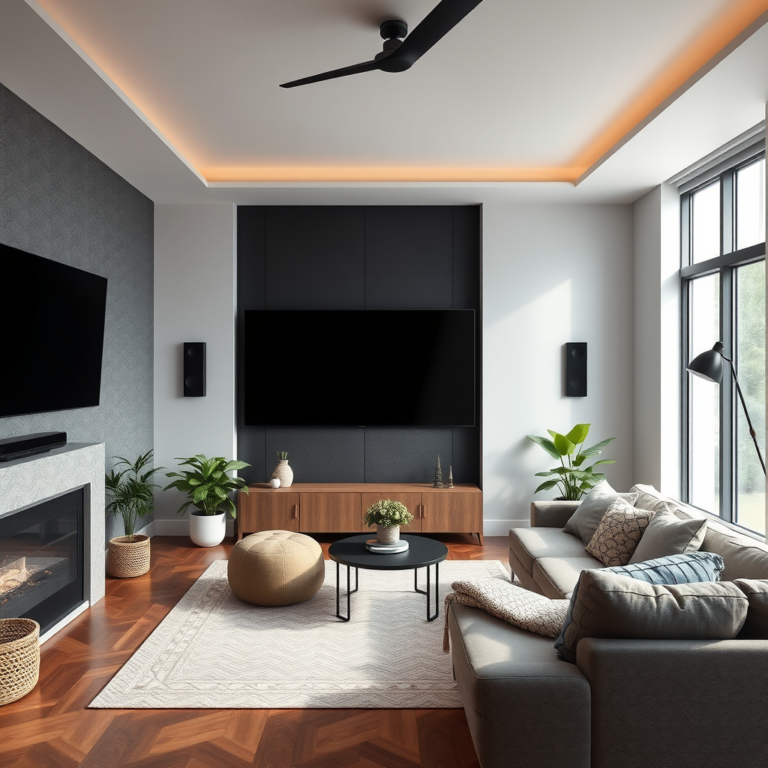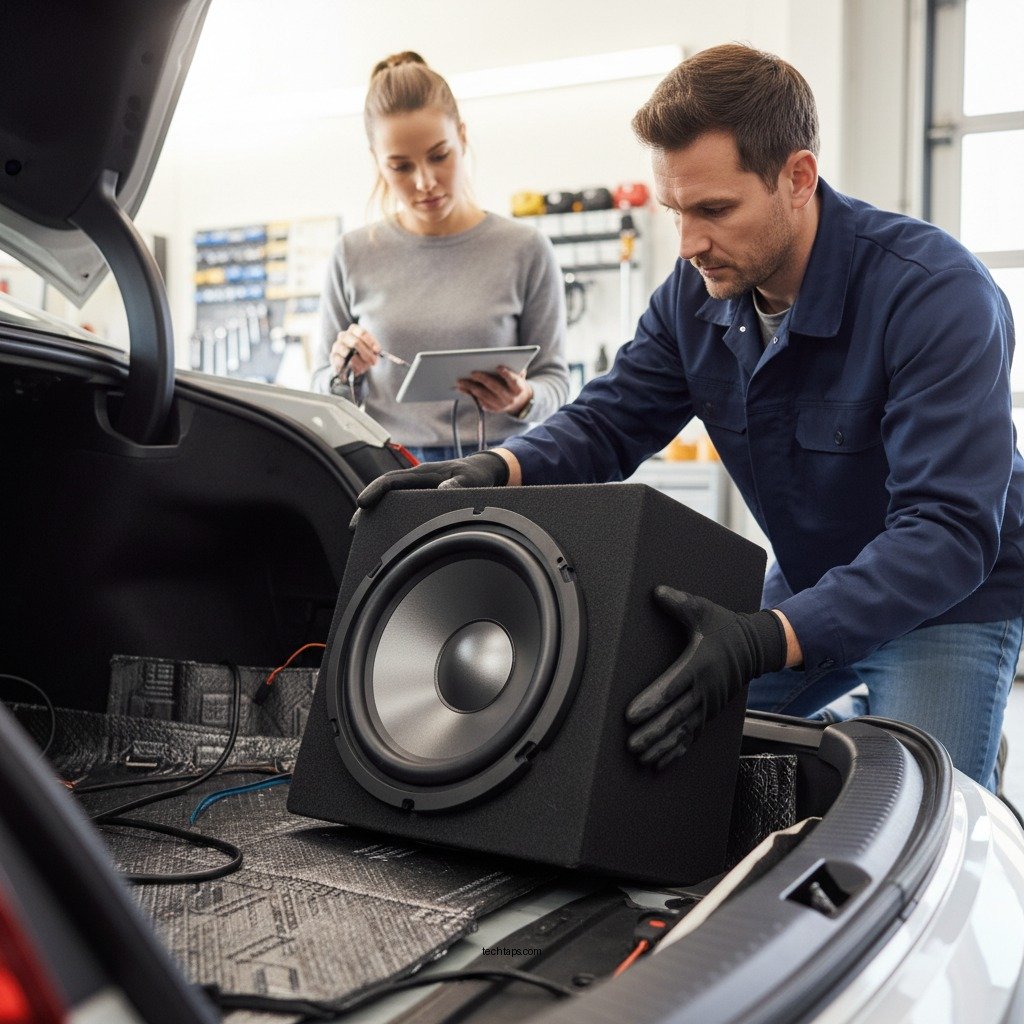

Installing a subwoofer properly is essential for achieving maximum bass performance in your audio system. Whether you’re setting it up in a home theater or a car audio system, understanding the installation process can significantly enhance your listening experience. This guide will walk you through the necessary steps and considerations to ensure you get the most out of your subwoofer.
Choosing the Right Location
The placement of your subwoofer is crucial for optimal bass response. One effective strategy is to position the subwoofer in a corner or against a wall. This placement can amplify the bass frequencies as the sound waves reflect off the surfaces, creating a richer sound. However, avoid placing the subwoofer inside a closed cabinet or confined space, as this can lead to sound distortion and a muddy bass response. Ideally, the subwoofer should be placed in a location where it can breathe and disperse sound freely.
Additionally, consider your room’s acoustics. The shape and materials of the room can affect how sound travels. For instance, rooms with hard surfaces may enhance bass, while those with soft furnishings may absorb it. Thus, experimenting with different placements is often necessary to find the sweet spot for your subwoofer.
Gathering Necessary Tools and Materials
Before you dive into the installation process, gathering the essential tools and materials is vital. Here’s a list of what you’ll need:
– Tools:
– Screwdriver (flathead and Phillips)
– Wire stripper
– Measuring tape
– Level (for ensuring proper alignment)
– Materials:
– RCA cables or speaker wire (depending on your subwoofer type)
– Power cable (if your subwoofer requires external power)
– Speaker connectors (if necessary)
Having the right tools and materials on hand will streamline the installation process and help you avoid unnecessary trips to the store.
Connecting the Subwoofer to Your Audio System
Once you’ve chosen the right location and gathered your tools, it’s time to connect your subwoofer to your audio system. Here’s how to do it:
1. Identify the Correct Output: Most receivers have a dedicated subwoofer output (often labeled as “Sub Out” or “LFE”). Connect your RCA cable from this output to the corresponding input on your subwoofer.
2. Secure Connections: Ensure that all connections are tight and secure. Loose connections can lead to signal loss or interference, which can negatively impact sound quality.
3. Connect Power: If your subwoofer requires a power source, plug it into an outlet. Ensure that the power cable is not stretched or pinched, as this can cause damage.
4. Double-Check Everything: Before you power up your system, double-check all your connections to ensure everything is in order.
Top 7 Subwoofers for Optimal Bass Performance (2024)
| # | Model | Power (W) | Frequency Response | Price |
|---|---|---|---|---|
| 1 | SVS SB-1000 | 300 | 24-260 Hz | $499 |
| 2 | Klipsch R-100SW | 300 | 32-120 Hz | $399 |
| 3 | Yamaha NS-SW300 | 300 | 28-200 Hz | $499 |
| 4 | Polk Audio PSW505 | 300 | 23-160 Hz | $399 |
| 5 | BIC America F12 | 475 | 25-200 Hz | $299 |
| 6 | JBL Stage 1200B | 300 | 35-200 Hz | $349 |
| 7 | Monoprice 12-Inch Subwoofer | 150 | 40-250 Hz | $199 |
Adjusting Settings for Optimal Sound
After connecting your subwoofer, adjusting the settings is crucial for achieving high-quality sound. Here are some key adjustments to consider:
1. Crossover Frequency: Set the crossover frequency on your subwoofer to blend seamlessly with your main speakers. A typical starting point is around 80 Hz, but this may vary based on your speaker specifications.
2. Phase Adjustment: The phase setting helps align the sound waves from your subwoofer with those from your main speakers. If you notice a lack of bass or muddy sound, try adjusting the phase switch to see if it improves the clarity.
3. Volume Level: Start with a moderate volume level and adjust according to your preference. It’s essential to find a balance where the subwoofer complements the overall sound without overpowering other frequencies.
4. Room Calibration: Some modern receivers come with room calibration tools that automatically adjust settings based on your room’s acoustics. Utilize these tools for an optimized experience.
Testing and Fine-Tuning Your Setup
Testing your setup is an integral part of the installation process. Play a variety of music genres and movie scenes that feature impactful bass. This will help you assess the effectiveness of your subwoofer placement and settings. Pay attention to the following:
– Bass Response: Ensure that the bass feels full and rich without any distortion. If the bass sounds exaggerated or lacking in detail, consider making incremental adjustments to the placement and settings.
– Clarity: A good test is to listen for clarity in bass-heavy tracks. The subwoofer should add depth without overshadowing the mid-range and high frequencies.
– Listening Position: Test the sound from your main listening position, as this is where you will experience the audio the most. Adjust the subwoofer’s position if necessary to enhance sound quality.
Common Issues and Solutions
Even with careful installation, you may encounter common issues. Here are some potential problems and their solutions:
– Humming or Buzzing Noise: This may result from ground loop issues or loose connections. Check all cables and consider using a ground loop isolator if the problem persists.
– Distortion at High Volumes: If the subwoofer distorts when playing at high volumes, it may be overdriven. Lower the volume on the subwoofer itself or your audio receiver.
– Room Acoustics: If sound quality is still lacking, consider the acoustics of your room. Adding soft furnishings or acoustic panels can help absorb excess sound and improve overall clarity.
Maintenance Tips for Longevity
To ensure your subwoofer performs optimally over time, regular maintenance is crucial. Here are some tips to keep your subwoofer in top shape:
– Check Connections: Periodically inspect all connections to ensure they are tight and free of corrosion. Loose connections can lead to sound quality issues.
– Inspect Cables: Regularly check your cables for wear and tear. Replace any damaged cables to prevent signal loss.
– Clean the Surface: Dust and debris can accumulate on your subwoofer, affecting performance. Use a soft, dry cloth to regularly clean the exterior.
– Avoid Overexertion: Be mindful of how loud you play your subwoofer. Consistently playing at high volumes can lead to overheating and damage.
By following these maintenance tips, you can extend the life of your subwoofer and enjoy optimal bass performance for years to come.
Summarizing the steps to install a subwoofer correctly ensures you enjoy rich, deep bass in your audio experience. Follow the outlined sections to set up your subwoofer effectively, and don’t hesitate to experiment with placement and settings for the best results. If you found this guide helpful, consider sharing it with fellow audio enthusiasts!
Frequently Asked Questions
How do I choose the right subwoofer for my home audio system?
To choose the right subwoofer, consider factors like the size of your room, the type of music you enjoy, and the power handling capabilities of the subwoofer. For smaller spaces, a compact model with a built-in amplifier may suffice, while larger rooms may benefit from a more powerful, floor-standing subwoofer. It’s also essential to match the subwoofer’s frequency response with your main speakers to ensure seamless audio integration.
What is the best way to position a subwoofer for maximum bass performance?
The best way to position a subwoofer is to place it near a wall or corner, as this can enhance the bass response due to boundary reinforcement. However, experimenting with placement is key; try the “subwoofer crawl” method by placing the subwoofer at your listening position and moving around the room to find the spot where the bass sounds best. This will help you achieve optimal bass performance.
How do I connect my subwoofer to my audio system?
To connect your subwoofer, use either an RCA cable or speaker wire, depending on your audio system’s outputs. If your receiver has a dedicated subwoofer output (often labeled “LFE”), connect it using a single RCA cable. For non-powered subwoofers, you’ll need to connect the speaker wire from your amplifier to the subwoofer’s input terminals, ensuring proper polarity for optimal sound.
Why is my subwoofer not producing enough bass, and how can I fix it?
If your subwoofer is not producing enough bass, check the volume settings on both the subwoofer and your receiver to ensure they are appropriately adjusted. Additionally, verify that the subwoofer is correctly positioned and that the phase switch is set correctly, as incorrect phasing can cancel out bass frequencies. Lastly, inspect the crossover settings to make sure they are compatible with your main speakers for optimal bass performance.
Which type of subwoofer is best for home theater use?
For home theater use, a powered subwoofer is typically the best choice, as it includes a built-in amplifier and can handle the low frequencies required for movie soundtracks and special effects. Look for a subwoofer with a good frequency response, typically between 20Hz and 200Hz, to ensure deep, impactful bass. Brands like SVS, Klipsch, and Polk Audio are popular for their high-quality home theater subwoofers.
References
- Subwoofer
https://en.wikipedia.org/wiki/Subwoofer - https://www.purdue.edu/innovativelearning/teaching-resources/teaching-strategies/audio-visual/installation-of-subwoofers.html
https://www.purdue.edu/innovativelearning/teaching-resources/teaching-strategies/audio-visual/installation-of-subwoofers.html - https://www.mtu.edu/enterprise/education/instructional-resources/audio-visual/faq/subwoofer-installation.html
https://www.mtu.edu/enterprise/education/instructional-resources/audio-visual/faq/subwoofer-installation.html - Google Scholar Google Scholar
https://scholar.google.com/scholar?q=How+to+Install+a+Subwoofer+for+Maximum+Bass+Performance - Google Scholar Google Scholar
https://scholar.google.com/scholar?q=subwoofer+installation+techniques - https://www.cmu.edu/engineering/undergraduate/academic_advising/resources/installation-guides/subwoofer-installation.html
https://www.cmu.edu/engineering/undergraduate/academic_advising/resources/installation-guides/subwoofer-installation.html - https://www.nichd.nih.gov/health/topics/noise/conditioninfo/impact
https://www.nichd.nih.gov/health/topics/noise/conditioninfo/impact - https://www.sciencedirect.com/topics/engineering/subwoofer
https://www.sciencedirect.com/topics/engineering/subwoofer - https://www.bbc.com/future/article/20200325-why-does-sound-matter-what-it-says-about-us
https://www.bbc.com/future/article/20200325-why-does-sound-matter-what-it-says-about-us - How to Install a Subwoofer for Maximum Bass Performance – Search results
https://en.wikipedia.org/wiki/Special:Search?search=How+to+Install+a+Subwoofer+for+Maximum+Bass+Performance