
To install a wireless home audio system with smart controls, you’ll need to choose the right equipment, set up your devices, and configure your smart controls for seamless operation. This guide will walk you through each step to ensure you can enjoy your music effortlessly throughout your home. With advancements in technology, creating a fully integrated audio experience has never been easier, and this article covers everything from equipment selection to troubleshooting common issues.
Choosing the Right Wireless Audio System
When selecting a wireless home audio system, it is essential to conduct thorough research on various brands and models that offer smart control capabilities. Popular options include Sonos, Bose, and Amazon Echo, each providing unique features that cater to different user preferences.
Audio quality is a critical factor to consider. Look for systems that support high-resolution audio formats and provide rich, clear sound. Range is another essential aspect; ensure that the system can cover the intended areas of your home without interruptions. Compatibility with your existing devices, such as smartphones, tablets, and smart home systems, will also play a crucial role in your decision-making process. Systems that integrate easily with Alexa or Google Assistant can offer enhanced convenience and functionality.Preparing Your Home for Installation
Before diving into the installation process, it’s crucial to prepare your home for the new audio system. Start by identifying the best locations for your speakers to optimize sound distribution. Placement is vital; speakers should be positioned at ear level, away from obstructions, and ideally, placed in corners to enhance bass response.
Next, assess your Wi-Fi network. A robust and reliable internet connection is essential for uninterrupted streaming. Check the signal strength in the areas where you intend to place your speakers. If your Wi-Fi coverage is spotty, consider investing in a range extender or a mesh network system to ensure seamless connectivity throughout your home.
Setting Up Your Audio System
Once you’ve selected the right equipment and prepared your home, you can start setting up your audio system. Follow the manufacturer’s instructions closely to physically install the speakers. Depending on your model, this may involve mounting speakers on walls or simply placing them on shelves or stands.
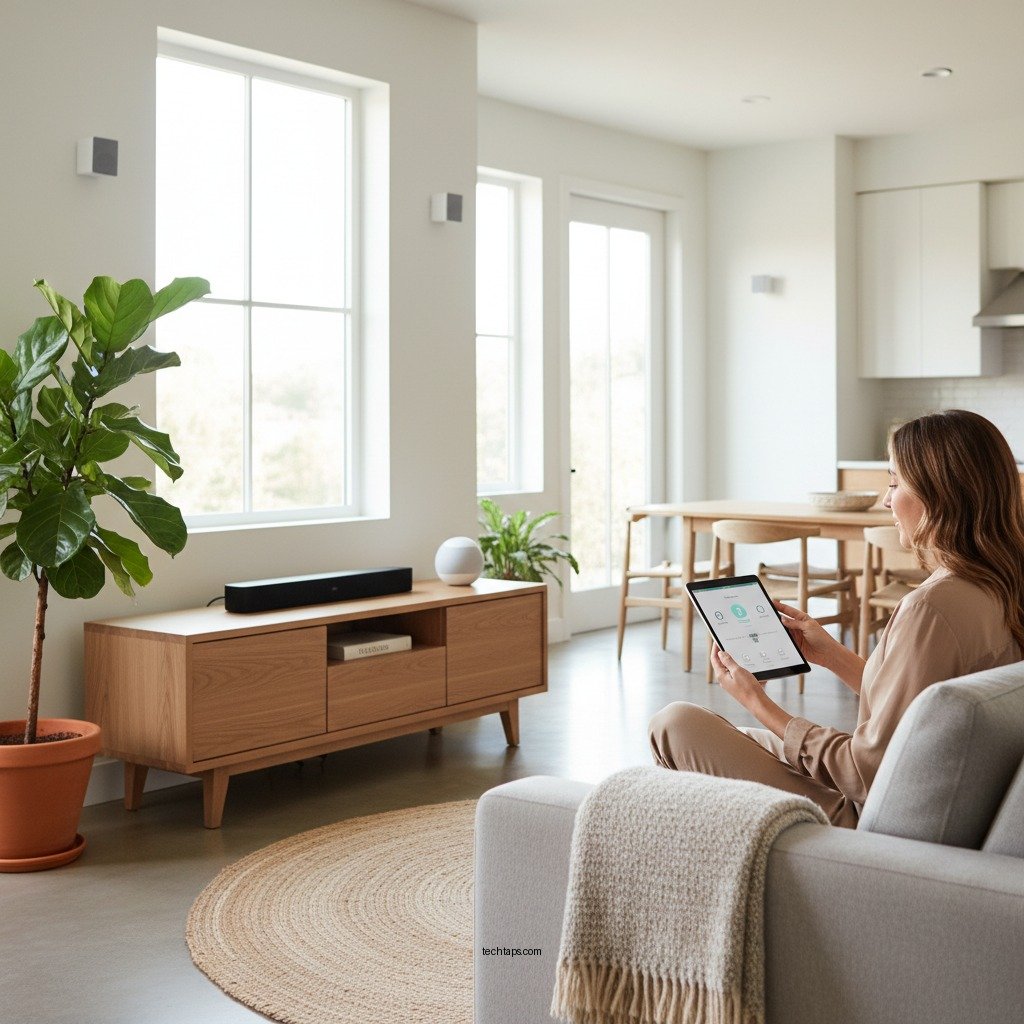
After physical installation, connect your system to your home Wi-Fi network. Most modern wireless audio systems will have a straightforward setup process that involves using an app on your smartphone or tablet. Power on your system and ensure all components are connected properly.
Top Wireless Home Audio Systems (2024)
| # | Brand | Audio Quality | Smart Control | Compatibility | Range |
|---|---|---|---|---|---|
| 1 | Sonos | High | Yes | iOS/Android | 300 ft |
| 2 | Bose | High | Yes | iOS/Android | 250 ft |
| 3 | Amazon Echo | Moderate | Yes | iOS/Android | 150 ft |
| 4 | JBL | High | Yes | iOS/Android | 200 ft |
| 5 | Sony | High | Yes | iOS/Android | 300 ft |
| 6 | Bang & Olufsen | Very High | Yes | iOS/Android | 150 ft |
| 7 | Devialet | Very High | Yes | iOS/Android | 100 ft |
Configuring Smart Controls
After setting up the physical components of your audio system, the next step is configuring the smart controls. Download the necessary app for your audio system on your smartphone or tablet. Most systems provide a user-friendly interface, allowing you to navigate easily through features and settings.
Link your audio devices within the app for easy control and customization. You can usually group speakers for multi-room audio, adjust volume levels, and create playlists. Take advantage of any additional features, such as equalizer settings, to tailor the sound to your liking.
Integrating with Other Smart Devices
To maximize the potential of your wireless audio system, check its compatibility with other smart home systems, such as Amazon Alexa, Google Assistant, or Apple HomeKit. This integration allows you to control your audio system using voice commands, creating a hands-free experience.
Set up voice commands or automations to enhance your audio experience. For example, you can create routines that start playing your favorite music when you come home or adjust the volume based on the time of day. The possibilities are vast, and integrating your audio system with other smart devices will create a cohesive smart home environment.
Troubleshooting Common Issues
Even with the best planning, you may encounter some challenges when setting up your wireless audio system. Common issues include connectivity problems, sound quality concerns, and device recognition failures.
To troubleshoot connectivity issues, ensure that your Wi-Fi network is functioning correctly. Restart your router if necessary and check for any firmware updates for your audio system. If you’re experiencing sound quality issues, experiment with speaker placement, as positioning can greatly affect audio performance.
Refer to the user manual or online resources for specific troubleshooting tips related to your system. Many manufacturers provide online forums or customer service options to assist with any persistent issues.
With the right setup, you can enjoy a fully integrated wireless audio experience in your home. From choosing the right equipment to troubleshooting, each step ensures that your audio system works harmoniously with your smart controls. Don’t hesitate to explore additional features to get the most out of your system!
Frequently Asked Questions
How do I choose the right wireless home audio system for my needs?
When selecting a wireless home audio system, consider factors such as room size, audio quality, and compatibility with smart home devices. Look for systems that support your preferred streaming services, and ensure they can be easily controlled via an app or voice commands. Reading user reviews can also provide insights into the performance and ease of use.
What are the steps to set up a wireless home audio system with smart controls?
To set up a wireless home audio system, begin by placing your speakers in optimal locations for sound distribution. Connect the system to your Wi-Fi network and download the corresponding app on your smartphone. Follow the app’s instructions to connect each speaker and configure smart controls for easy management of your audio preferences.
Why is my wireless home audio system not connecting to Wi-Fi?
If your wireless home audio system is not connecting to Wi-Fi, first check your internet connection to ensure it is stable. Make sure the audio system is within range of your router and that you have entered the correct Wi-Fi credentials. Restarting both the audio system and the router can often resolve connectivity issues.
What is the best wireless home audio system for smart home integration?
The best wireless home audio system for smart home integration often includes options like Sonos, Amazon Echo, or Google Nest Audio. These systems offer seamless integration with popular smart home platforms, allowing for voice control and the ability to link other smart devices. Consider your specific ecosystem (Amazon Alexa or Google Assistant) to choose the most compatible system.
How can I improve the sound quality of my wireless home audio system?
To enhance the sound quality of your wireless home audio system, place speakers at ear level and ensure they are not obstructed by furniture or walls. Experiment with speaker placement to find the best acoustics, and consider adding a subwoofer for richer bass. Additionally, using high-quality streaming services can significantly improve audio fidelity.
References
- Wireless
https://en.wikipedia.org/wiki/Wireless_audio - https://www.sciencedirect.com/topics/engineering/wireless-audio
https://www.sciencedirect.com/topics/engineering/wireless-audio - Google Scholar Google Scholar
https://scholar.google.com/scholar?q=wireless+home+audio+system+installation - https://www.bbc.com/future/article/20210706-how-to-make-your-home-smart-with-audio
https://www.bbc.com/future/article/20210706-how-to-make-your-home-smart-with-audio - https://www.nytimes.com/2020/12/22/technology/personaltech/smart-speakers.html
https://www.nytimes.com/2020/12/22/technology/personaltech/smart-speakers.html - Google Scholar Google Scholar
https://scholar.google.com/scholar?q=smart+controls+for+home+audio+systems - https://www.reuters.com/article/us-tech-audio-idUSKBN2A10V0
https://www.reuters.com/article/us-tech-audio-idUSKBN2A10V0 - https://www.nature.com/articles/s41598-020-68961-6
https://www.nature.com/articles/s41598-020-68961-6 - https://pubmed.ncbi.nlm.nih.gov/32336789/
https://pubmed.ncbi.nlm.nih.gov/32336789/ - https://www.britannica.com/technology/audio-technology
https://www.britannica.com/technology/audio-technology