Setting up a home audio system for streaming is a breeze when you follow a few key steps. By carefully selecting the right components and ensuring everything is properly connected, you can create an immersive audio experience that elevates your streaming content. This guide will walk you through the essential elements, from choosing speakers to optimizing your audio settings, so you can enjoy high-quality sound in your own home.
Choosing the Right Audio Components

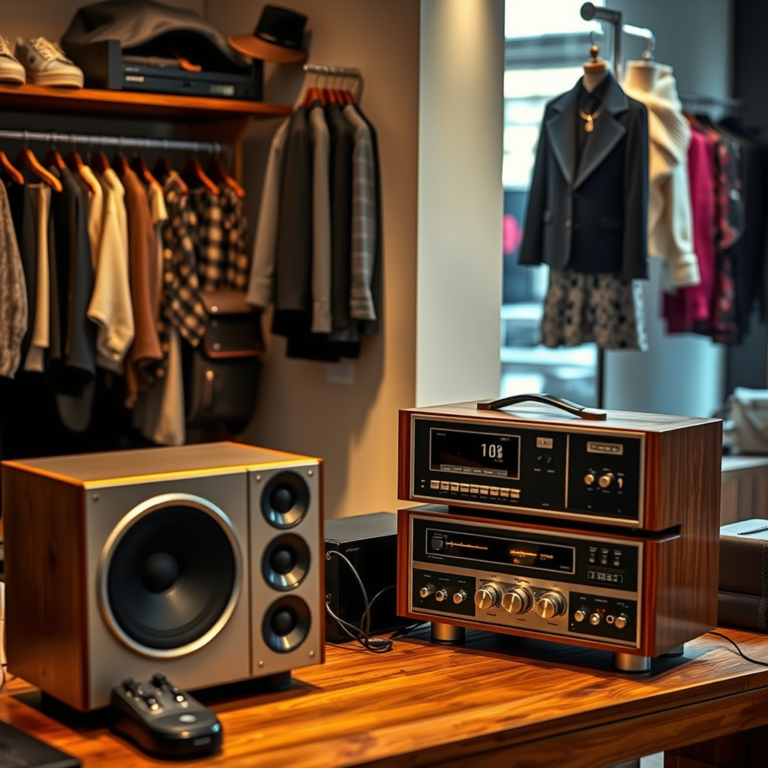
The first step in establishing your home audio system is to identify your primary audio sources. Are you streaming from a smart device, a computer, or perhaps a gaming console? Knowing this will guide your choices for other components. Once you have that figured out, it’s time to select high-quality speakers that fit your space and sound preference. For example, if you have a smaller room, bookshelf speakers might be ideal, while larger spaces may benefit from floor-standing speakers that can fill the room with sound.
Next, consider an AV receiver that supports streaming services, such as Spotify, Apple Music, and others. A good receiver not only acts as the hub of your audio system but also ensures compatibility with various formats and devices. Look for models that feature Bluetooth and Wi-Fi connectivity, as this will make streaming a lot simpler. Brands like Denon and Yamaha offer reliable options that cater to different budgets while providing excellent sound quality.
Setting Up Your Streaming Device

Connecting your streaming device to your audio system is crucial for getting the most out of your setup. Most modern devices can connect through HDMI or optical cables, both of which can deliver high-quality audio. Make sure your streaming device is compatible with your audio equipment and the services you plan to use.
After physical connections are made, you’ll need to configure network settings to ensure reliable streaming performance. This might mean connecting to your home Wi-Fi or using Ethernet for a more stable connection. If you’re using a smart TV or streaming device like a Roku or Amazon Fire Stick, check that all firmware is up to date for optimal performance.
Connecting and Positioning Your Speakers
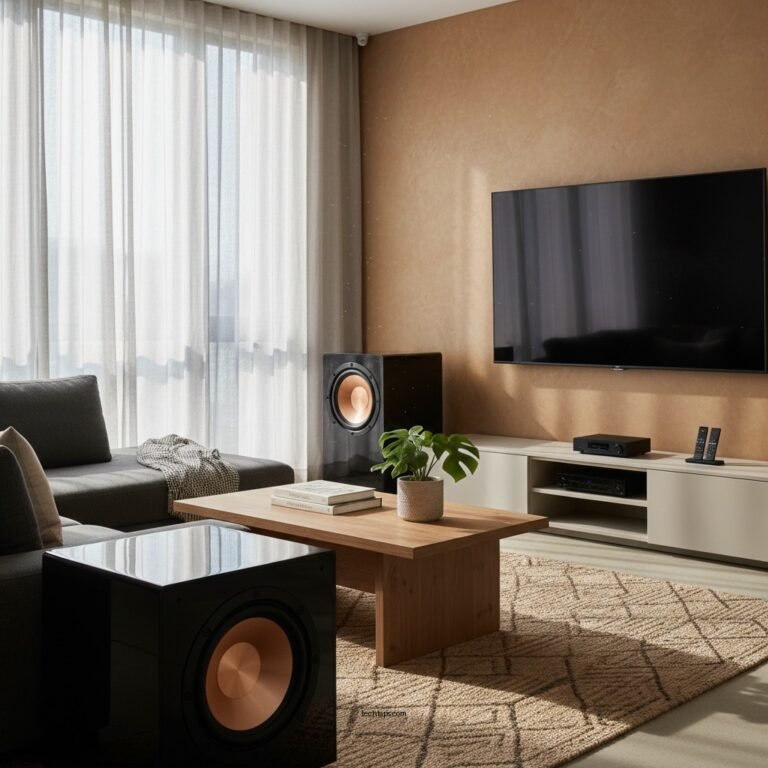
Once your components are selected and connected, it’s time to focus on speaker placement. For the best sound distribution, speakers should be positioned at ear level and kept away from walls to avoid unwanted resonance. A general rule of thumb is to create an equilateral triangle between the speakers and your listening position. This helps to create a balanced sound stage.
If you’re using wired speakers, make sure to use quality speaker wire and ensure connections are secure. For wireless setups, ensure that your speakers are within range of your streaming device or receiver. Don’t forget to experiment with speaker placement; moving them a few inches can significantly impact audio clarity and bass response. Try out different configurations until you find what sounds best in your space.
Optimizing Audio Settings
To truly personalize your audio experience, adjusting your audio settings is essential. Most receivers come with built-in equalizers that allow you to tailor the sound to your preferences. For example, if you love bass-heavy music, you might want to boost the lower frequencies.
Additionally, many modern receivers offer calibration tools that automatically adjust settings based on your room’s acoustics. This can be particularly helpful if you’re unsure of how to balance the sound. If you want to enhance your setup even further, consider adding a subwoofer for deeper bass or a soundbar for a more cinematic experience.
Streaming Service Integration
Once everything is set up, it’s time to integrate your favorite streaming services. Choose compatible services that suit your listening habits—Spotify, Apple Music, and Tidal are popular options. Download their respective apps on your streaming device and create accounts if you haven’t already.
Customizing playlists or libraries can also help streamline your experience, making it easy to access your favorite tracks. Before diving into your music or shows, take a moment to test the audio quality and latency to ensure everything is working seamlessly. A good home audio system should provide crisp sound without noticeable delays.
Troubleshooting Common Issues
Even with a well-set-up home audio system, you may encounter some common issues. If you experience connectivity problems, start by checking your cables and ensuring your network signal is strong. Sometimes simple fixes, like unplugging and replugging cables or restarting your router, can resolve these issues.
Audio sync problems between video and audio streams can also occur, particularly when using HDMI connections. If this happens, look for an audio delay setting within your receiver or streaming device’s settings to help align the sound and picture. Finally, keep your devices updated with the latest firmware; updates can often resolve bugs and improve performance.
In summary, setting up a home audio system for streaming involves careful selection of the right components, proper connections, and thoughtful positioning of your speakers. By integrating your favorite streaming services and optimizing audio settings, you can create a rich listening experience in your home. Don’t hesitate to experiment with different configurations and settings to discover what truly resonates with you!
Frequently Asked Questions
What equipment do I need to set up a home audio system for streaming?
To set up a home audio system for streaming, you’ll need a few essential components: a streaming device (like a smart speaker or a dedicated streaming media player), an amplifier, and quality speakers. Additionally, consider using a DAC (Digital-to-Analog Converter) for enhanced sound quality and an HDMI or optical cable for connecting your devices. Don’t forget speaker wire and a power source, as well as a stable Wi-Fi connection to ensure smooth streaming.
How do I connect my audio system to Wi-Fi for streaming?
To connect your audio system to Wi-Fi for streaming, first ensure that your streaming device or smart speaker supports Wi-Fi connectivity. Access the device’s settings menu, select your Wi-Fi network, and enter the password when prompted. For devices that don’t have built-in Wi-Fi, you may need to use an Ethernet cable to connect directly to your router, ensuring a consistent and reliable connection for high-quality audio streaming.
Why is sound quality important when streaming music at home?
Sound quality is crucial when streaming music at home because it significantly affects your listening experience. High-quality audio allows you to appreciate the nuances in music, such as the clarity of vocals and the richness of instruments. Investing in a good audio system and using high-bitrate streaming services can provide a more immersive experience, making your favorite tracks sound their best and enhancing your overall enjoyment of music.
What are the best streaming services for high-quality audio?
The best streaming services for high-quality audio include Tidal, Qobuz, and Amazon Music HD, as they offer lossless audio formats that preserve the original sound quality of recordings. Spotify and Apple Music also provide quality streaming options, but they may use compressed formats that could compromise sound fidelity. When selecting a streaming service, consider factors such as your music library preferences, subscription costs, and whether you prioritize sound quality over other features.
Which speakers are best for a home audio system designed for streaming?
The best speakers for a home audio system designed for streaming depend on your space and listening preferences. For smaller rooms, compact bookshelf speakers like the Audioengine A5+ or KEF Q150 can deliver excellent sound without taking up much space. If you have a larger area, consider floor-standing speakers like the Klipsch RP-8000F or Bowers & Wilkins 603 for a fuller sound. Always ensure that the speakers you choose are compatible with your amplifier and streaming device to achieve optimal performance.
References
- Sound system
- https://www.cnet.com/home/audio/how-to-set-up-your-home-audio-system/
- Page not found – HomeTheaterHifi.com
- https://www.lifewire.com/how-to-set-up-a-home-audio-system-1846465
- https://www.soundguys.com/how-to-set-up-a-home-audio-system-15019/
- https://www.techhive.com/article/3156132/how-to-set-up-a-home-audio-system.html