
Setting up a multi-room wireless audio system allows you to enjoy music throughout your home seamlessly. This process involves selecting the right equipment, ensuring proper network configuration, and optimizing speaker placement for the best sound quality. In this guide, you will learn how to create an immersive audio experience in multiple rooms.
Choose the Right Equipment
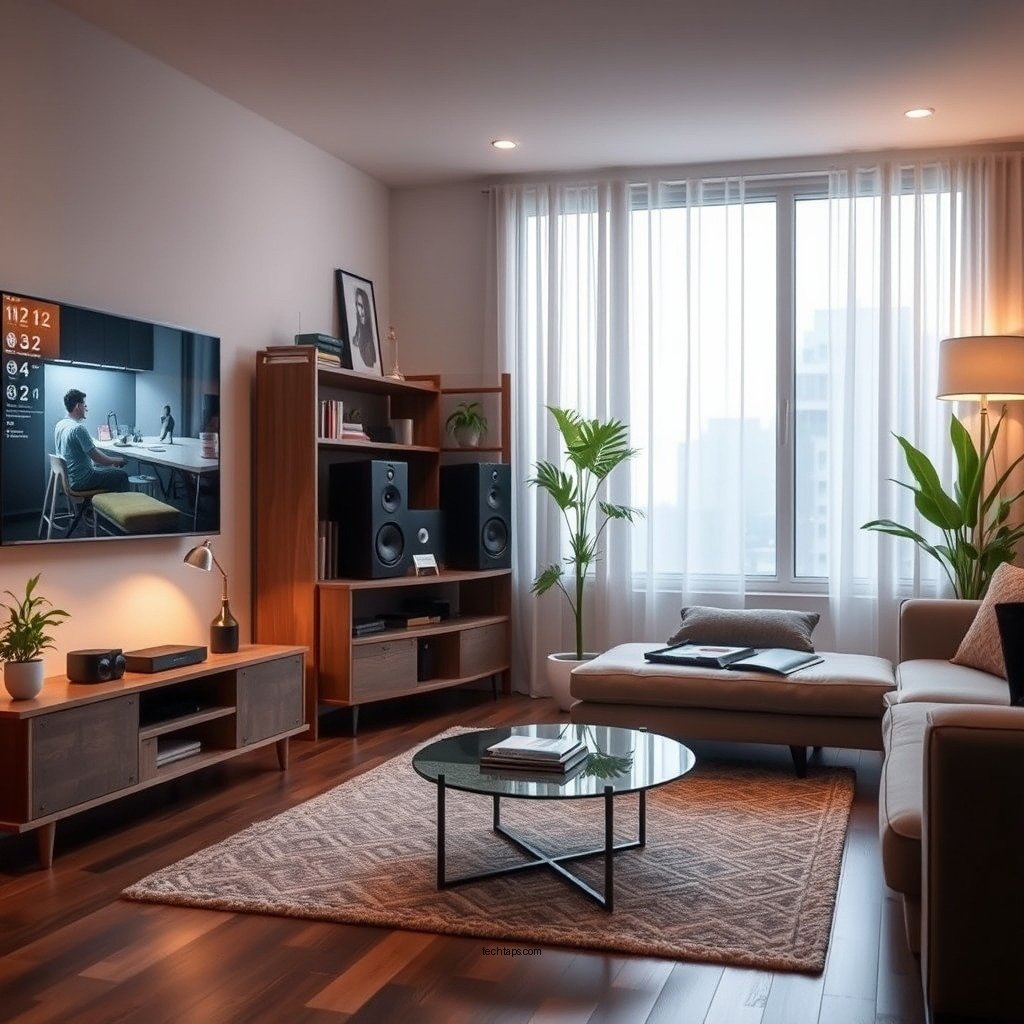
To begin your journey toward a multi-room audio setup, you first need to determine your budget for speakers and receivers. Prices can range significantly based on brand, features, and audio quality. Budget-friendly options might include brands like Amazon Echo or Google Nest, while premium systems could feature Sonos or Bose products.
Research various wireless audio systems to find one that suits your needs. For instance, Sonos is known for its excellent sound quality and expansive compatibility with music services. Bose is often praised for its rich audio experience and stylish design, while Google Nest integrates seamlessly with smart home devices. Evaluate features such as sound quality, ease of setup, and app functionality before making a purchase.
Assess Your Home’s Wi-Fi Network
A robust Wi-Fi network is crucial when setting up a multi-room audio system. Ensure your router can handle multiple devices simultaneously without lag, as streaming high-quality audio requires significant bandwidth. Ideally, your router should have dual-band capabilities (2.4 GHz and 5 GHz) to accommodate various devices more effectively.
For larger homes or spaces with Wi-Fi dead zones, consider investing in a mesh Wi-Fi system. These systems consist of multiple nodes placed throughout your home, ensuring consistent coverage and eliminating dead spots. This setup is particularly beneficial for streaming audio in multiple rooms simultaneously, providing a reliable connection for your wireless speakers.
Plan Your Speaker Placement
Placement is key to achieving the best audio experience in your multi-room setup. Identify the areas in your home where you want to install speakers, considering where you spend most of your time. Common locations include the living room, kitchen, and outdoor spaces.
When positioning your speakers, aim for optimal sound distribution. Use wall mounts or stands to ensure that speakers are at ear level when seated, which enhances audio clarity and fullness. Additionally, avoid placing speakers in corners or too close to walls, as this can muddle sound and create unwanted echoes.
Top Wireless Audio Systems (2024)
| # | Brand | Price Range | Features | Sound Quality |
|---|---|---|---|---|
| 1 | Sonos | $199 – $699 | Multi-room setup, voice control | ★★★★★ |
| 2 | Bose | $250 – $700 | Deep bass, Alexa and Google Assistant | ★★★★☆ |
| 3 | Google Nest | $129 – $300 | Smart home integration, voice control | ★★★★☆ |
| 4 | Amazon Echo | $99 – $249 | Affordable, Alexa-enabled | ★★★☆☆ |
| 5 | Ultimate Ears | $149 – $299 | Portable, waterproof, great for outdoor | ★★★★☆ |
| 6 | Apple HomePod | $299 | High fidelity, Siri integration | ★★★★☆ |
| 7 | JBL | $149 – $299 | Rugged design, good bass | ★★★☆☆ |
Connect and Configure Your System
Once you have selected your equipment and planned your speaker placements, it’s time to connect and configure your system. Start by following the manufacturer’s instructions to connect each speaker to your Wi-Fi network. Most systems will require you to download a specific app that facilitates the connection process.
After connecting your speakers, use the app to configure settings such as grouping rooms, adjusting volume levels, and fine-tuning sound profiles. Many systems allow you to create zones, enabling you to play different audio in different rooms or the same music throughout the house. Pay attention to firmware updates, as these can enhance functionality and improve audio quality.
Test and Optimize Audio Quality
With everything set up, it’s essential to test the audio quality in each room. Play a variety of audio genres to assess sound clarity and balance. Adjust the volume levels individually for each speaker to ensure a consistent listening experience throughout your home.
Most audio apps come with equalizer settings that allow you to tailor the sound to your specific environment. Experiment with bass, treble, and midrange levels to achieve the best sound quality. Don’t forget to consider the acoustics of your rooms; soft furnishings can help absorb sound and reduce echo, enhancing your overall audio experience.
Explore Multi-Room Features
One of the most exciting aspects of a multi-room wireless audio system is the ability to explore its multi-room features. Learn how to create playlists that can be played simultaneously in all rooms or individually in selected spaces. This functionality allows you to host gatherings with a unified playlist or enjoy personalized audio experiences in different areas of your home.
If your system supports smart assistants like Alexa or Google Assistant, experiment with voice control options. This feature enables you to change audio tracks, adjust volume, and control playback hands-free, adding convenience to your listening experience.
Troubleshooting Common Issues
While setting up your multi-room wireless audio system is typically straightforward, you may encounter some common issues. Connectivity problems can arise; if you experience lag or disconnections, check your router settings to ensure optimal performance. Sometimes, repositioning your speakers can improve signal strength, especially if they are too far from the router.
Should you face any specific challenges, consult the user manual or visit online resources for troubleshooting tips tailored to your audio system. Communities and forums can also be a valuable resource for advice and solutions from other users.
By following these steps, you can successfully set up a multi-room wireless audio system that enhances your home audio experience. Enjoy the freedom of listening to your favorite music throughout your living space, whether you’re cooking in the kitchen or relaxing in the living room. Take the plunge and start transforming your home audio setup today!
Frequently Asked Questions
What components do I need for a multi-room wireless audio system?
To set up a multi-room wireless audio system, you will need wireless speakers or audio receivers, a reliable Wi-Fi network, and a compatible audio source such as a smartphone, tablet, or computer. Additionally, consider a multi-room audio app that allows you to control playback across different rooms seamlessly.
How do I connect multiple speakers to a multi-room wireless audio system?
To connect multiple speakers, ensure they are all compatible with your chosen multi-room audio system. Use the corresponding app to add each speaker to your network, following the prompts to connect them to your Wi-Fi. Once connected, you can group them for synchronized playback or control them individually.
Why is my multi-room wireless audio system experiencing lag or delay?
Lag or delay in a multi-room wireless audio system can often result from a weak Wi-Fi signal or network congestion. To resolve this, ensure your router is optimally placed, consider upgrading to a mesh Wi-Fi system, and minimize interference from other devices. Regularly updating your audio system’s firmware can also help improve performance.
What is the best multi-room wireless audio system for home use?
The best multi-room wireless audio system for home use often depends on individual preferences, budget, and compatibility with existing devices. Popular options include Sonos for its user-friendly app and extensive speaker range, and Bose for superior sound quality. Researching customer reviews and system features will help you make an informed decision.
Which streaming services are supported by multi-room wireless audio systems?
Most multi-room wireless audio systems support popular streaming services like Spotify, Apple Music, Amazon Music, and Tidal. Check the specifications of your chosen system to confirm compatibility and ensure you can access your preferred services easily across all connected rooms.
References
- Wireless
https://en.wikipedia.org/wiki/Wireless_audio - https://www.sciencedirect.com/topics/engineering/wireless-audio
https://www.sciencedirect.com/topics/engineering/wireless-audio - https://www.bbc.com/news/technology-51123139
https://www.bbc.com/news/technology-51123139 - https://www.nytimes.com/2020/01/09/technology/personaltech/smart-home-audio.html
https://www.nytimes.com/2020/01/09/technology/personaltech/smart-home-audio.html - https://www.theguardian.com/technology/2020/jan/09/sonos-smart-speakers-multi-room-audio
https://www.theguardian.com/technology/2020/jan/09/sonos-smart-speakers-multi-room-audio - Google Scholar Google Scholar
https://scholar.google.com/scholar?q=Multi-Room+Wireless+Audio+System - Google Scholar Google Scholar
https://scholar.google.com/scholar?q=Setting+Up+Wireless+Audio+System - https://pubmed.ncbi.nlm.nih.gov/32971282/
https://pubmed.ncbi.nlm.nih.gov/32971282/ - https://www.mayoclinic.org/healthy-lifestyle/consumer-health/in-depth/home-audio-systems/art-20421778
https://www.mayoclinic.org/healthy-lifestyle/consumer-health/in-depth/home-audio-systems/art-20421778 - https://www.nature.com/articles/s41586-020-2989-4
https://www.nature.com/articles/s41586-020-2989-4