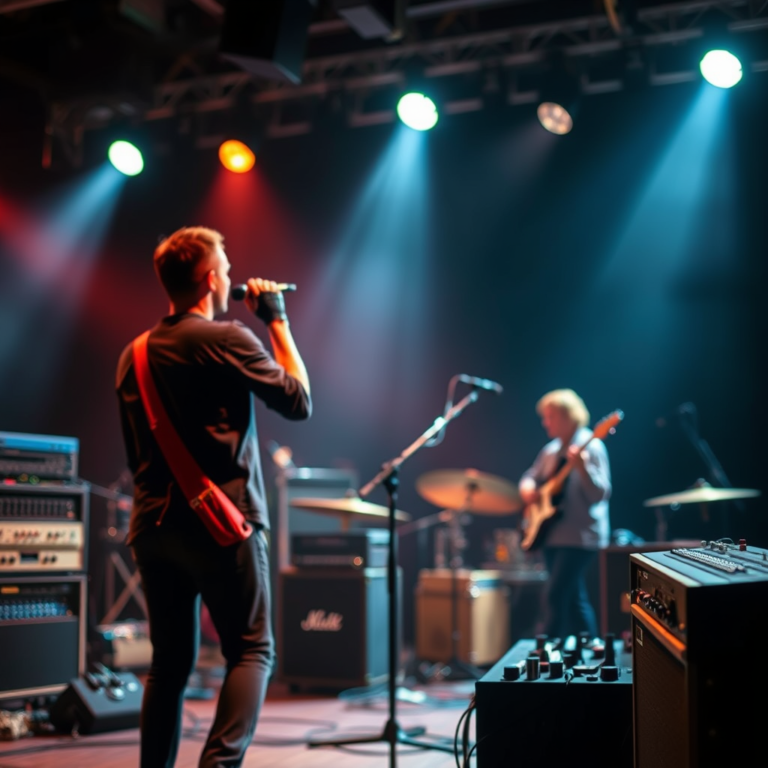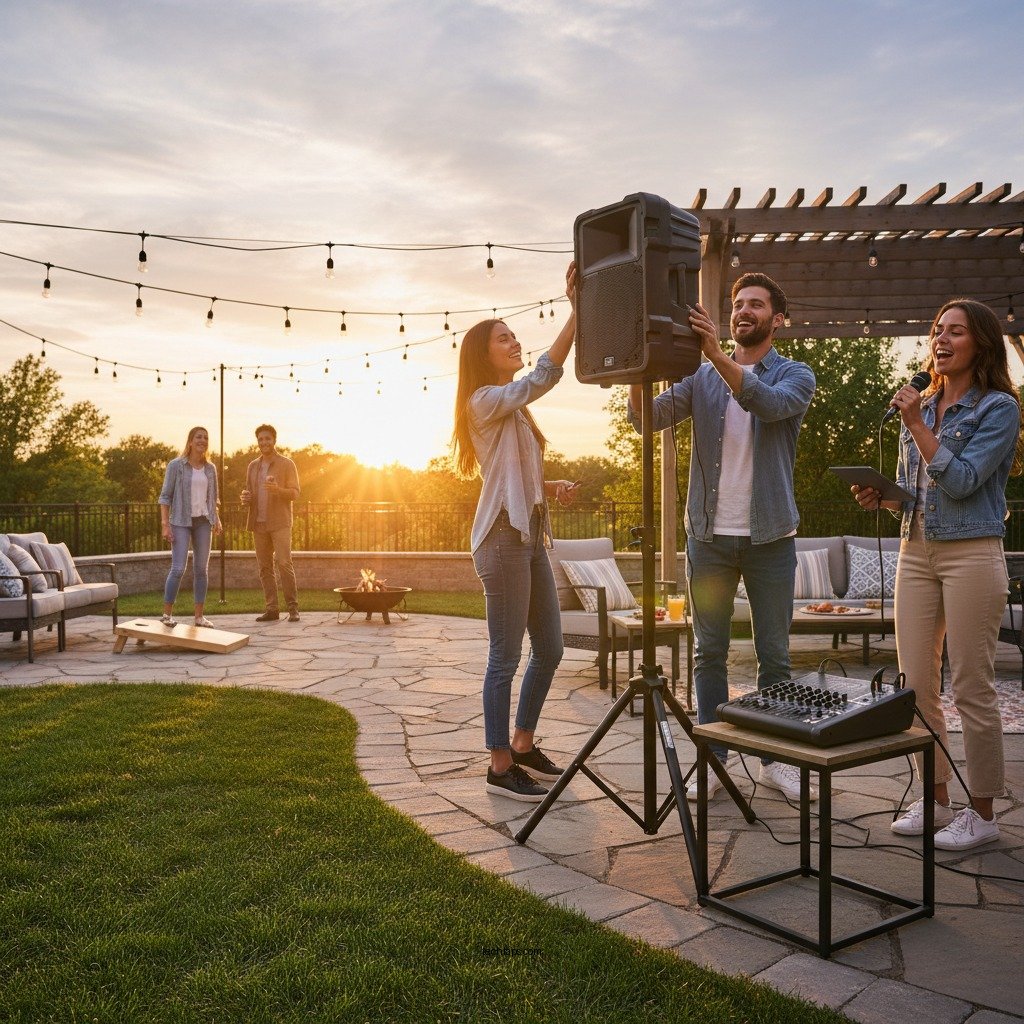

Setting up wireless audio systems for outdoor use requires careful selection of equipment and understanding of the environment to ensure optimal sound quality and connectivity. In this guide, you will learn the essential steps to successfully install a wireless audio system that can enhance your outdoor events, whether it’s a backyard party or a larger gathering. With the right approach, you can create an immersive audio experience that captivates your audience and elevates your event.
Choosing the Right Wireless Audio Equipment
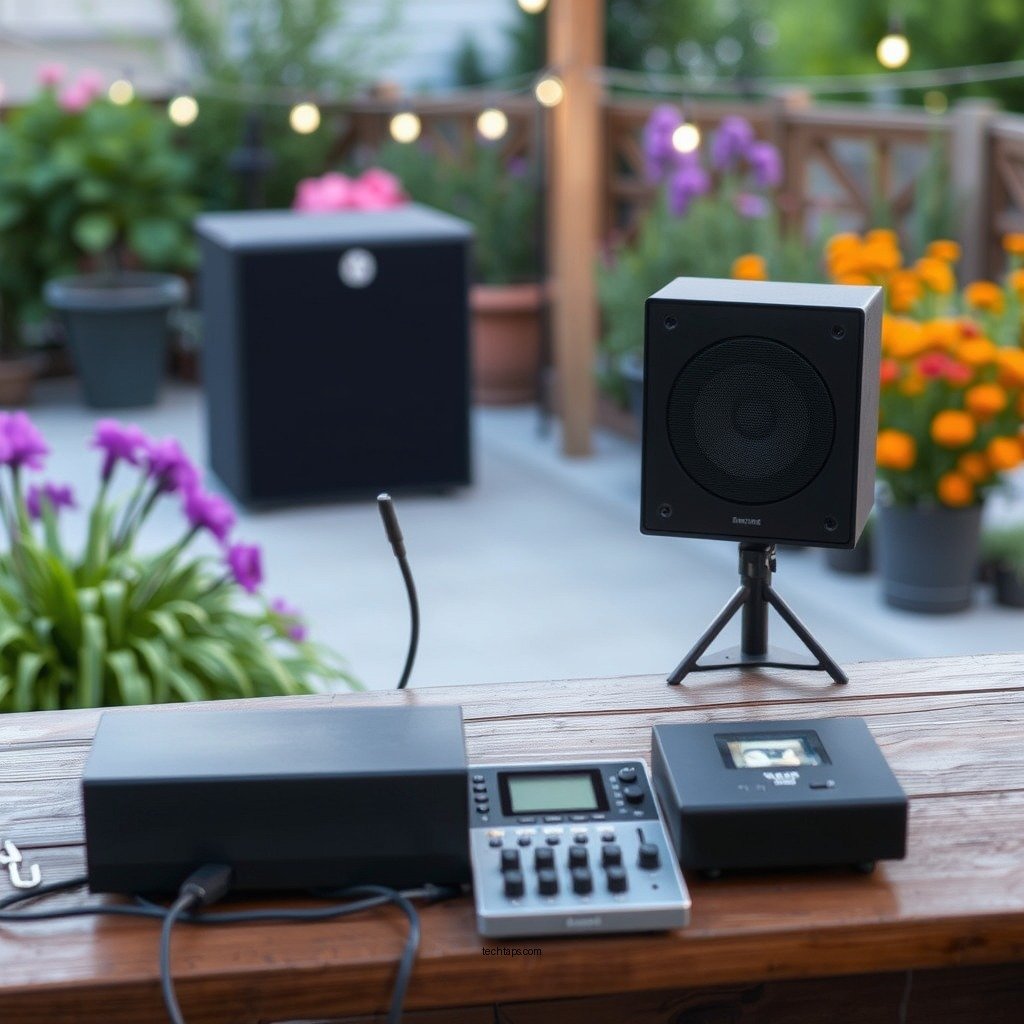
When it comes to outdoor audio systems, the first step is identifying your audio needs. Consider the size of the area where the event will take place and the number of attendees. For example, a small backyard gathering may only require a portable Bluetooth speaker, while a larger outdoor venue might need multiple speakers with higher power output. It’s crucial to choose equipment that can deliver adequate volume without distortion, ensuring that every guest enjoys the sound.
Additionally, weather-resistant options are essential for outdoor use. Look for equipment specifically designed to withstand outdoor conditions, such as moisture and temperature fluctuations. Features such as water resistance (IP ratings), UV protection, and durable casing can be beneficial. Brands like JBL and Bose offer a range of outdoor speakers built to endure the elements while providing excellent audio quality.
Placement Considerations
Evaluating the environment is key to effective sound distribution. Take a moment to assess the layout of your outdoor space, including any obstacles such as trees, walls, or furniture that could hinder sound travel. Open areas allow for better sound dispersion, while enclosed spaces may require strategic speaker placement to avoid echoes and dead spots.
Optimizing speaker height and angle is equally important. Ideally, speakers should be positioned at ear level to ensure that sound reaches the audience effectively. Angling the speakers towards the audience can enhance clarity and reduce feedback, especially in settings where guests may be spread out. Experimenting with different placements can lead to discovering the optimal setup for your specific venue.
Setting Up Wireless Connections
Selecting a reliable wireless protocol is critical for ensuring consistent audio quality. You can choose between Bluetooth, Wi-Fi, or RF (radio frequency) depending on your range and connectivity requirements. Bluetooth is suitable for short-range applications, typically under 30 feet, while Wi-Fi can support larger areas with multiple devices connected simultaneously. RF systems often provide the best range, making them ideal for larger outdoor events.
Minimizing interference is essential for maintaining a stable connection. Keep your audio devices away from other electronics that may disrupt the signal, such as microwaves or Wi-Fi routers. If possible, conduct a site survey to identify potential sources of interference and adjust your setup accordingly.
Top Wireless Audio Systems for Outdoor Use (2024)
| # | Model | Battery Life | Power Output | Water Resistance | Price |
|---|---|---|---|---|---|
| 1 | JBL Charge 5 | 20 hours | 30W | IP67 | $179.95 |
| 2 | Bose SoundLink Flex | 12 hours | 30W | IP67 | $149.00 |
| 3 | Ultimate Ears MEGABOOM 3 | 20 hours | 20W | IP67 | $199.99 |
| 4 | Sonos Move | 11 hours | 40W | IP56 | $399.00 |
| 5 | Anker Soundcore Motion+ | 15 hours | 30W | IPX7 | $99.99 |
| 6 | Marshall Emberton | 20 hours | 20W | IPX7 | $149.99 |
| 7 | Sony SRS-XB43 | 24 hours | 30W | IP67 | $249.99 |
Power Supply Solutions
Considering power supply options is vital when setting up a wireless audio system outdoors. Battery-operated systems are often the most practical choice for flexibility. Portable speakers, such as the JBL Charge 5 and Bose SoundLink Flex, offer impressive battery life, allowing for hours of uninterrupted music without the need for power outlets. When selecting battery-operated systems, look for features such as quick charging and the ability to connect multiple speakers for a more robust sound experience.
Another eco-friendly option is exploring solar power solutions for longer events. Solar-powered speakers and portable solar panels can provide a sustainable energy source, reducing reliance on traditional electricity. Many outdoor events are well-suited to solar options, especially those held during daylight hours. This approach not only supports a greener environment but also ensures that your audio system remains operational without the clutter of extension cords.
Testing and Troubleshooting
Conducting thorough sound checks before your event is essential to ensure the audio levels and clarity are to your liking. Test your connections, speaker placements, and audio quality in the actual environment to identify any potential issues. Pay attention to background noise and make adjustments as needed to optimize the audio experience for your audience.
Being prepared for common issues is equally important. Have backup plans for connectivity problems, such as wired alternatives or extra batteries. Familiarize yourself with troubleshooting techniques for your specific equipment. For instance, if you experience Bluetooth dropouts, consider switching to a Wi-Fi connection or adjusting the distance between your device and the speakers to maintain a stable link.
Enhancing the Audio Experience
To further enhance the audio experience at your outdoor events, consider incorporating additional features. Using mixers or microphones can significantly improve sound quality and create opportunities for speeches or live performances. A quality microphone can ensure your voice carries clearly, while a mixer allows for adjustments to sound levels and effects, providing a professional touch to your event.
Utilizing mobile applications for control can also add an element of convenience. Many modern wireless audio systems come with accompanying apps that allow you to manage your audio setup remotely. These applications can enable you to adjust volume levels, switch tracks, and even set up speaker groups, making it easier to cater to the dynamic nature of outdoor events.
By following these guidelines, you can effectively set up a wireless audio system that meets your outdoor event needs. Prioritize the right equipment, placement, and connectivity to ensure that your music or announcements are heard clearly, regardless of the setting.
Take action today by assessing your specific outdoor audio requirements and starting your setup process for a successful event experience!
Frequently Asked Questions
What equipment do I need to set up a wireless audio system for outdoor use?
To set up a wireless audio system for outdoor use, you will need wireless speakers or a wireless receiver, a compatible audio source (like a smartphone or laptop), and a reliable power source. Additionally, consider investing in outdoor-rated equipment to ensure durability against weather conditions and use a Bluetooth or Wi-Fi connection for seamless streaming capabilities.
How do I choose the best wireless audio system for outdoor settings?
When selecting the best wireless audio system for outdoor settings, consider factors such as sound quality, battery life, range, and weather resistance. Look for systems that offer robust Bluetooth connectivity or Wi-Fi capabilities, and ensure they have adequate volume output to overcome outdoor noise. Reading user reviews and checking for compatibility with your devices can also guide you to the right choice.
Why is wireless audio preferable for outdoor events compared to wired systems?
Wireless audio systems are preferable for outdoor events because they eliminate the hassle of tangled wires and allow for greater flexibility in speaker placement. They also provide a cleaner setup, making it easier to move around and adjust the system on the fly. Furthermore, many wireless systems are designed to withstand outdoor environments, ensuring reliable performance.
Which wireless audio systems are best for large outdoor gatherings?
The best wireless audio systems for large outdoor gatherings include brands like Bose, Sonos, and JBL, which offer high-quality sound and powerful battery life. Look for systems with multiple speakers that can be paired together for a fuller sound experience. Additionally, consider systems that support multi-room audio for seamless connectivity across your outdoor space.
How can I troubleshoot connectivity issues with my wireless audio system outdoors?
To troubleshoot connectivity issues with your wireless audio system outdoors, first, ensure that your audio source is within the recommended range of the speakers. Check for any obstructions that may interfere with the signal, such as walls or large trees. If problems persist, try resetting both the audio source and the speakers, and ensure that all firmware is up to date for optimal performance.
References
- Wireless
https://en.wikipedia.org/wiki/Wireless_audio - https://www.sciencedirect.com/topics/engineering/wireless-audio
https://www.sciencedirect.com/topics/engineering/wireless-audio - https://www.bbc.com/future/article/20201201-how-to-set-up-your-own-outdoor-sound-system
https://www.bbc.com/future/article/20201201-how-to-set-up-your-own-outdoor-sound-system - https://www.nature.com/articles/s41598-020-68907-2
https://www.nature.com/articles/s41598-020-68907-2 - Google Scholar Google Scholar
https://scholar.google.com/scholar?q=Wireless+Audio+Systems+for+Outdoor+Use - Google Scholar Google Scholar
https://scholar.google.com/scholar?q=Setting+Up+Wireless+Audio+Systems - https://pubmed.ncbi.nlm.nih.gov/30575323/
https://pubmed.ncbi.nlm.nih.gov/30575323/ - https://www.nyserda.ny.gov/-/media/Files/Publications/Research/Environmental/Outdoor-Audio-Systems-Workshop.pdf
https://www.nyserda.ny.gov/-/media/Files/Publications/Research/Environmental/Outdoor-Audio-Systems-Workshop.pdf - https://www.osti.gov/servlets/purl/1501345
https://www.osti.gov/servlets/purl/1501345 - https://www.researchgate.net/publication/327346823_Setting_Up_Wireless_Audio_Systems_for_Outdoor_Events
https://www.researchgate.net/publication/327346823_Setting_Up_Wireless_Audio_Systems_for_Outdoor_Events