
Streaming music to old stereo systems is simpler than you might think! With the right tools, like Bluetooth adapters, streaming devices, or Wi-Fi-enabled solutions, you can easily integrate your vintage audio equipment into today’s digital music landscape. This article will walk you through different methods to connect your cherished old stereo to modern streaming services, ensuring you can enjoy your favorite tunes without missing a beat.
Understanding Your Stereo System
Before diving into the world of streaming, it’s essential to understand your stereo system’s capabilities. Start by identifying the audio inputs available on your stereo. Most older systems will have standard RCA inputs (the red and white ports), a 3.5mm AUX input, or even optical inputs for more modern setups. Knowing what inputs your stereo has will help you choose the right streaming solution.
Additionally, check if your stereo has any built-in streaming capabilities. Some vintage systems may come equipped with features like FM radio that can be enhanced with modern technology. Understanding your equipment will serve as the foundation for any upgrades you make, allowing for a more seamless integration of streaming options.
Using a Bluetooth Adapter
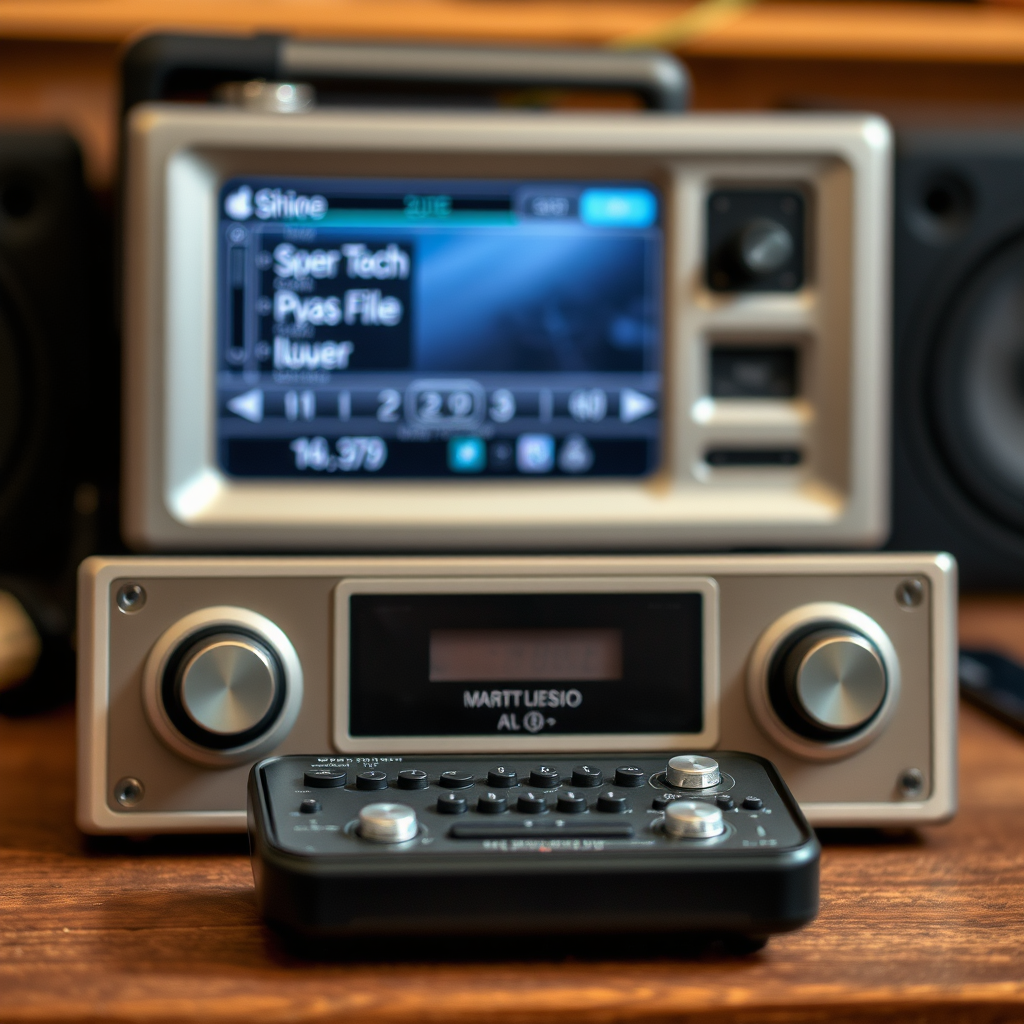
One of the most popular and user-friendly methods to stream music to old stereo systems is by using a Bluetooth adapter. These devices come in various forms, and you’ll want to choose one that is compatible with your stereo’s input options. For instance, if your stereo has RCA inputs, you’ll want an adapter that offers RCA output. Alternatively, if your stereo has a 3.5mm AUX input, look for a Bluetooth receiver with that output.
Once you have your Bluetooth adapter, setting it up is typically straightforward. Connect the receiver to your stereo using the appropriate cables, plug it into a power source, and switch on your stereo. Pair the adapter with your smartphone or tablet by enabling Bluetooth on your device and selecting the adapter from the list of available connections. Once paired, you can begin streaming music directly from your device to your stereo, enjoying the rich sound quality of your old equipment.
Exploring Streaming Devices
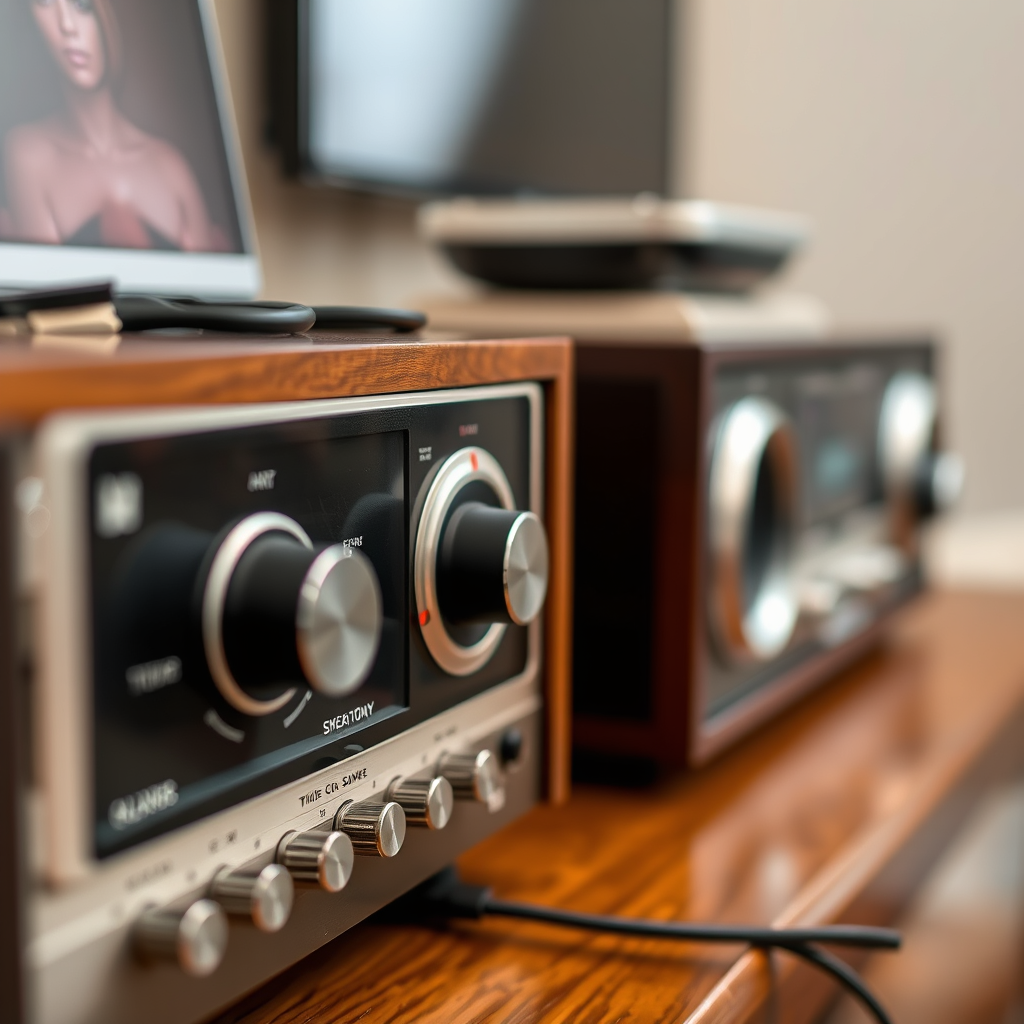
Streaming devices like Chromecast Audio or Amazon Echo Link can also breathe new life into your old stereo system. These devices connect to your stereo via RCA or AUX inputs and allow you to stream music from various services like Spotify, Apple Music, or even internet radio.
To set up a streaming device, begin by following the manufacturer’s instructions. Typically, you’ll connect the device to your stereo, power it on, and then set it up on your home Wi-Fi network using a dedicated app on your smartphone. Once connected, you can use your phone as a remote control to select songs and playlists, giving you the freedom to enjoy your music library without being tied down to your stereo.
Wi-Fi Streaming Solutions
If you’re looking for a more advanced solution, consider Wi-Fi-enabled audio receivers. These devices not only support streaming from various music services but also often allow for multi-room audio setups, enabling you to enjoy music throughout your home.
Research brands like Sonos or Denon, which offer Wi-Fi-enabled receivers that can connect to your existing stereo system. These devices typically have user-friendly apps that guide you through the setup process, making it easy to integrate your old stereo into a modern multi-room audio system. Additionally, with Wi-Fi streaming, you can expect superior sound quality and the ability to control playback from anywhere in your home.
Utilizing Smart Speakers
Smart speakers have become increasingly popular for their versatility and ease of use. Many smart speakers, like the Amazon Echo or Google Nest devices, come equipped with an auxiliary output. This means you can connect them directly to your old stereo, allowing you to stream music using voice commands.
Setting up a smart speaker with your stereo is as simple as plugging an AUX cable into the speaker’s output and the stereo’s input. Once connected, you can use voice commands to play your favorite songs, adjust the volume, or even ask for song recommendations, providing a hands-free experience that enhances your music enjoyment.
Connecting via Old-School Methods
For those who prefer a more traditional approach, consider using a computer or smartphone with a headphone jack. Simply connect one end of a standard AUX cable to the headphone jack of your device and the other end to the AUX input on your stereo. This method is straightforward and requires no additional technology, making it a reliable way to stream your favorite tunes.
Using this method might not provide the same level of convenience as Bluetooth or Wi-Fi solutions, but it gets the job done. Plus, it’s a great way to enjoy music from your device without investing in new technology.
Troubleshooting Common Issues
While streaming music to your old stereo system can be a breeze, you may encounter some common issues. Connectivity problems between devices can often stem from Bluetooth pairing issues or Wi-Fi network complications. Make sure both devices are within range and properly configured to connect.
Another common issue is sound quality. To optimize the sound, ensure that the volume levels on both your streaming device and stereo are appropriately set. If you experience lag during streaming, try reducing the distance between your devices or switching to a wired connection for more stable performance.
Summarizing the various ways to stream music to old stereo systems, you can easily revitalize your vintage audio experience. Whether through Bluetooth adapters, smart speakers, or traditional connections, there are numerous solutions tailored to your setup. With a bit of exploration and the right tools, you can enjoy all your favorite playlists and music services with the rich sound quality that only a classic stereo system can provide. Now it’s time to choose the method that suits you best and start enjoying your favorite tunes!
Frequently Asked Questions
What are the best ways to stream music to old stereo systems?
The best ways to stream music to old stereo systems include using Bluetooth adapters, Wi-Fi streaming devices, and RCA cables. Bluetooth adapters can easily connect to the auxiliary input of your stereo, while Wi-Fi streaming devices like Chromecast Audio or Amazon Echo Link can stream high-quality audio over your home network. Additionally, if your stereo has a headphone jack, you can use a 3.5mm to RCA cable to connect your smartphone or tablet directly for a wired solution.
How can I connect my smartphone to an old stereo system for streaming?
You can connect your smartphone to an old stereo system using several methods. The most straightforward way is to use a Bluetooth receiver that plugs into the stereo’s auxiliary port, allowing your smartphone to pair wirelessly. Alternatively, you can use a 3.5mm audio cable to connect your phone’s headphone jack directly to the stereo’s input. If your stereo has a USB port, check if it supports USB audio, as this can also be an option for streaming.
Why is it beneficial to stream music to an old stereo system?
Streaming music to an old stereo system revitalizes your existing audio equipment and enhances your listening experience without the need for costly upgrades. It allows you to enjoy high-quality digital music from various streaming services like Spotify and Apple Music while preserving the rich sound characteristics of vintage speakers. Moreover, it provides a convenient way to access your music library and playlists from the comfort of your smartphone or tablet.
Which streaming device is best for connecting to vintage stereo systems?
The best streaming device for connecting to vintage stereo systems largely depends on your specific needs and budget. Popular options include the Google Chromecast Audio for its ease of use and multi-room capabilities, the Amazon Echo Link for its voice control features, and the Audioengine B1 Bluetooth Music Receiver for high-fidelity sound. Each device offers unique features, so consider factors like connectivity options, sound quality, and compatibility with your existing setup when choosing the right one.
What do I need to consider before streaming music to my old stereo system?
Before streaming music to your old stereo system, consider the connectivity options available on your stereo, such as RCA inputs or auxiliary jacks. Additionally, evaluate the quality of your internet connection, as this will affect streaming performance. Understanding the audio quality you desire is also crucial—some streaming devices support higher resolutions than others. Finally, check the compatibility of any additional equipment you might need, such as adapters or cables, to ensure a seamless setup.
References
- Stereophonic sound
- https://www.howtogeek.com/764507/how-to-stream-music-to-an-old-stereo-system/
- https://www.cnet.com/tech/home-entertainment/how-to-stream-music-to-your-old-stereo/
- https://www.npr.org/sections/monkeysee/2017/12/01/567553117/how-to-stream-music-to-your-old-stereo
- https://www.pcmag.com/how-to/how-to-stream-music-to-your-old-stereo-system
- https://www.techhive.com/article/3214535/how-to-stream-music-to-your-legacy-stereo.html