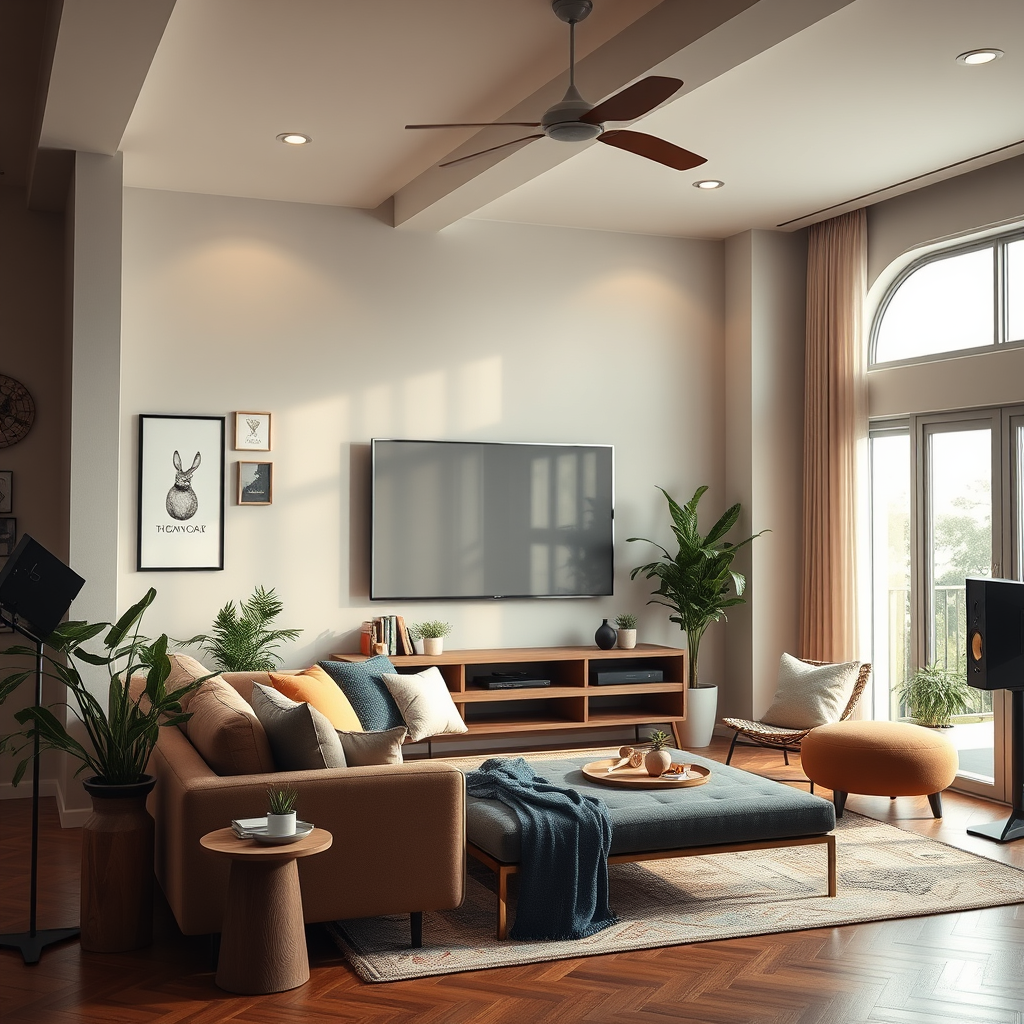

To sync different brands of speakers in a multi-room setup, you’ll need to utilize compatible streaming technologies and specific apps that facilitate inter-brand communication. This guide will walk you through the essential steps and considerations to achieve seamless audio synchronization across various speaker brands. With the right tools and techniques, you can create a cohesive sound environment that enhances your audio experience throughout your home.
Understanding Your Speaker Brands

The first step in syncing different brands of speakers is understanding the specific models and technologies in your setup. Identify the brands you own—such as Sonos, Bose, Google Nest, and Amazon Echo—and take note of their models. Each brand may support various communication protocols and streaming technologies that determine compatibility.
For instance, Sonos speakers are known for their robust multi-room capabilities, while Bose may rely on Bluetooth and Wi-Fi capabilities. Researching the specific features of each brand, including their supported streaming technologies like Bluetooth, Wi-Fi, or proprietary systems, is critical. This knowledge will inform your decisions moving forward and help you understand any limitations you may encounter.
Choosing the Right Streaming Protocol

Selecting the appropriate streaming protocol is essential for enabling communication between different speaker brands. Common protocols include AirPlay, Chromecast, and DLNA, each offering unique advantages.
– AirPlay: Developed by Apple, AirPlay is ideal for users within the Apple ecosystem. It allows for high-quality audio streaming and easy integration with iOS devices.
– Chromecast: Google’s Chromecast technology enables users to stream audio from their devices to compatible speakers, allowing for a seamless multi-room experience.
– DLNA: This protocol is often used for sharing media between digital devices on a local network, making it suitable for various brands and models.
Before finalizing your choice, ensure that your home network supports the selected protocol. A Wi-Fi network with adequate bandwidth and stability is critical for optimal performance, especially when connecting multiple devices simultaneously.
Utilizing Multi-Room Audio Apps
To facilitate multi-brand integration, explore dedicated multi-room audio apps. Applications like Sonos, HEOS, and Amazon Alexa enable users to sync various speaker brands effortlessly. Here’s a brief overview of their capabilities:
– Sonos App: This app is specifically designed to manage Sonos systems but also supports integration with select third-party speakers, providing an intuitive interface for controlling playback across multiple devices.
– HEOS App: Developed by Denon, the HEOS app allows users to connect and control several compatible speakers, including those from other manufacturers, offering flexibility in your audio setup.
– Amazon Alexa: With Alexa, you can control various smart speakers through voice commands, provided they are compatible with the Alexa ecosystem.
Before proceeding, verify that your chosen app is compatible with the brands you own. Each app typically offers comprehensive setup guides, ensuring a smooth integration process.
Top Multi-Room Audio Apps (2024)
| # | App | Supported Brands | Features | Best For |
|---|---|---|---|---|
| 1 | Sonos | Sonos, Bose, Google Home | Multi-room control, voice commands | Ease of Use |
| 2 | HEOS | Denon, Marantz, HEOS | High-resolution audio, multi-room | Audio Quality |
| 3 | Amazon Alexa | Echo, Sonos, Bose | Voice control, smart home integration | Smart Control |
| 4 | Google Home | Nest, Sonos, JBL | Voice commands, smart home integration | Smart Control |
| 5 | Roon | Various Brands | High-resolution audio, multi-room | Audiophiles |
| 6 | iTunes | Apple Devices | Music library integration, AirPlay | Apple Users |
| 7 | Spotify | Various Brands | Playlist management, multi-room play | Music Enthusiasts |
Setting Up Your Network
Before you start syncing your speakers, ensure that your Wi-Fi network is strong enough to support multiple connected devices simultaneously. A robust network helps prevent audio lag and interruptions, which can be frustrating during playback.
Position your speakers strategically throughout your home to optimize the Wi-Fi signal. Avoid placing them near walls or other electronic devices that may cause interference. Utilizing a Wi-Fi mesh system can further enhance coverage, ensuring that every room has a strong signal, which is vital for a smooth multi-room audio experience.
Adjusting Audio Settings
Once your speakers are connected, access the settings within your streaming app to adjust audio settings such as volume levels, equalization, and audio delay. These adjustments are crucial in achieving perfect synchronization among different speakers.
Testing playback across various rooms is essential to ensure a cohesive listening experience. Make small adjustments as needed, and utilize features such as “grouping” speakers in your app to streamline control over multiple devices, allowing for easier management of your audio environment.
Troubleshooting Common Issues
Despite careful planning, you may encounter connectivity issues, such as dropped signals or desynchronization between speakers. When this occurs, begin troubleshooting by checking your Wi-Fi connection and ensuring that all devices are on the same network.
If problems persist, consider checking for firmware updates on all devices. Keeping your speakers and apps updated can resolve many compatibility and connectivity issues. Additionally, restarting your router and speakers can often clear temporary glitches and restore proper function.
Exploring Alternatives for Better Integration
If syncing different brands of speakers proves too challenging, there are alternatives for achieving better integration. Consider using dedicated multi-room audio systems that support various brands and models. Systems like the Yamaha MusicCast or Logitech’s Squeezebox can bridge gaps between brands, providing a unified experience.
Another option is to research audio bridges or adapters that can facilitate connections between incompatible devices. These solutions can significantly simplify the process of creating a cohesive multi-room audio setup.
Comparison of Popular Audio Streaming Protocols
In summary, syncing different brands of speakers in a multi-room setup requires a systematic approach that begins with understanding your existing devices and their capabilities. By selecting the appropriate streaming protocols, utilizing compatible apps, and ensuring a robust network, you can create a seamless audio experience throughout your home. Should you encounter challenges, troubleshooting and exploring alternative solutions can provide additional avenues for achieving an integrated sound environment. Start your journey toward a harmonious listening experience today!
Frequently Asked Questions
How can I sync different brands of speakers in my multi-room audio setup?
To sync different brands of speakers in a multi-room audio setup, you can use a universal audio controller or a smart home hub that supports multiple brands. Many systems, like Sonos or Google Home, allow you to add various speakers from different brands and control them through a single app. Ensure that all speakers are compatible with the chosen hub to facilitate seamless integration.
What are the best wireless technologies for syncing multi-room speakers?
The best wireless technologies for syncing multi-room speakers include Wi-Fi, Bluetooth, and proprietary protocols like SonosNet. Wi-Fi offers higher audio quality and range, while Bluetooth is convenient for smaller setups but may suffer from lag. For the best performance and ease of use, consider systems that utilize Wi-Fi or dedicated mesh networks.
Why is there a delay when syncing different speaker brands?
A delay when syncing different speaker brands often occurs due to differences in audio processing times and the technologies used by each speaker. Each brand may have its own latency, which can create an echo effect or unsynchronized playback. To minimize this, try using speakers from the same brand or those specifically designed for multi-room setups.
Which multi-room audio systems support various speaker brands?
Multi-room audio systems like Amazon Alexa, Google Nest, and Apple AirPlay 2 support various speaker brands, allowing users to mix and match. Additionally, platforms such as Sonos offer compatibility with a wide array of third-party speakers, making them a versatile choice for diverse audio setups. Always check compatibility lists to ensure seamless integration.
What are the common challenges when syncing different brands of speakers?
Common challenges when syncing different brands of speakers include latency issues, lack of compatibility, and inconsistent audio quality. Each brand may have unique software and hardware characteristics that affect synchronization. To overcome these challenges, use a centralized system or controller designed for multi-brand support, which can help manage and sync playback effectively.
References
- Multi-room audio
https://en.wikipedia.org/wiki/Multi-room_audio - https://www.sciencedirect.com/topics/engineering/multi-room-audio
https://www.sciencedirect.com/topics/engineering/multi-room-audio - https://pubmed.ncbi.nlm.nih.gov/30255310/
https://pubmed.ncbi.nlm.nih.gov/30255310/ - https://www.nature.com/articles/s41598-019-50383-0
https://www.nature.com/articles/s41598-019-50383-0 - Google Scholar Google Scholar
https://scholar.google.com/scholar?q=sync+different+brands+of+speakers+multi-room+setup - Google Scholar Google Scholar
https://scholar.google.com/scholar?q=multi-room+audio+system+setup - Google Scholar Google Scholar
https://scholar.google.com/scholar?q=wireless+speaker+sync+technology - https://www.bbc.com/news/technology-43268831
https://www.bbc.com/news/technology-43268831 - https://www.theguardian.com/technology/2021/nov/18/best-multi-room-audio-system
https://www.theguardian.com/technology/2021/nov/18/best-multi-room-audio-system - https://www.nytimes.com/wirecutter/reviews/best-multi-room-audio-system/
https://www.nytimes.com/wirecutter/reviews/best-multi-room-audio-system/