
To convert any speaker into a wireless speaker, you can use Bluetooth adapters or Wi-Fi audio transmitters that connect seamlessly to your existing setup. This allows you to enjoy your favorite music without the hassle of wires. In this article, you’ll learn the best methods and devices to make your speakers wireless, enhancing your listening experience effortlessly. Whether you have a vintage speaker you love or a modern system, going wireless can breathe new life into your audio enjoyment.
Understanding the Basics of Wireless Audio
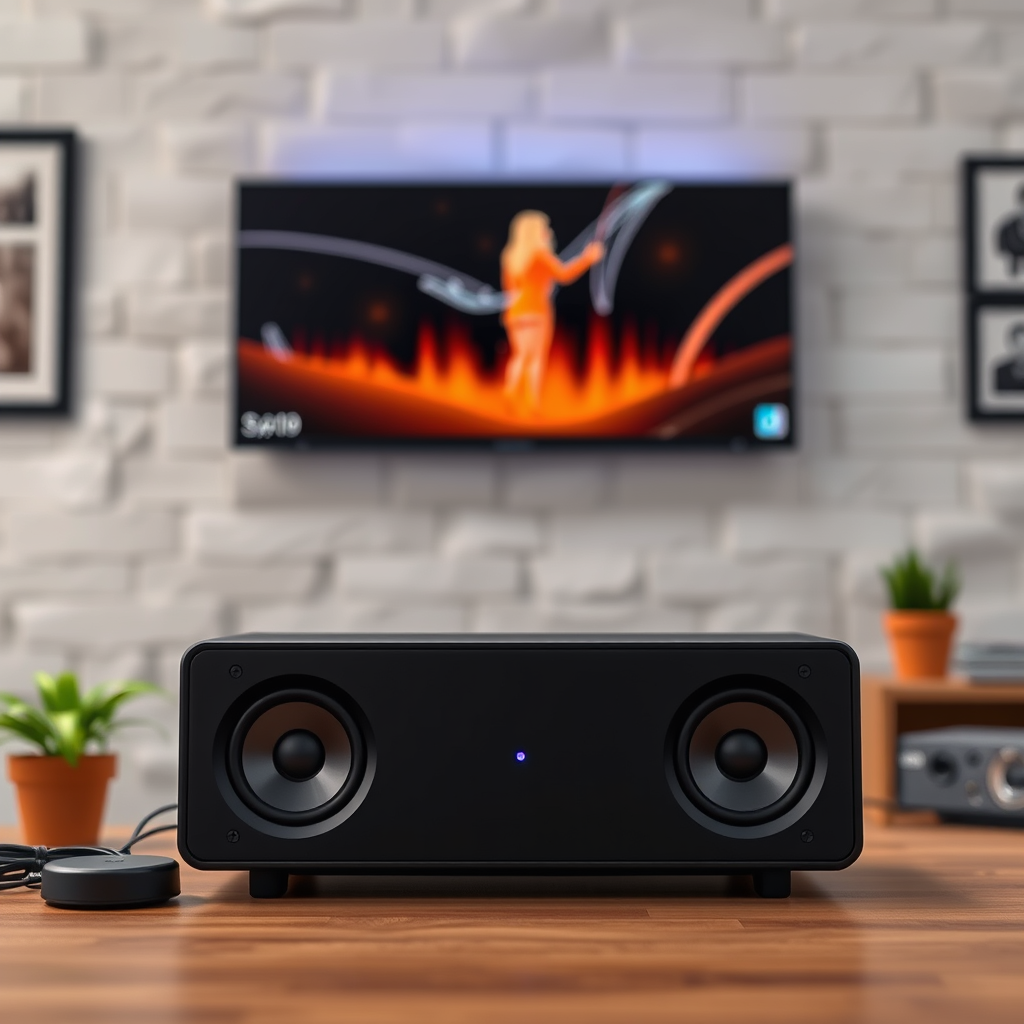
When considering how to make your speakers wireless, it’s essential to understand the two primary technologies involved: Bluetooth and Wi-Fi. Bluetooth is perfect for short-range audio streaming and is commonly found in portable speakers, headphones, and smartphones. It’s user-friendly and requires minimal setup. However, its range is typically limited to about 30 feet, and while the audio quality is decent, it may not meet the standards of audiophiles.
On the other hand, Wi-Fi audio connections provide a broader range and superior sound quality. They can stream audio across your home network, allowing you to enjoy high-fidelity sound without worrying about distance. This makes Wi-Fi ideal for whole-home audio systems or setups where you want to connect multiple speakers. The choice between Bluetooth and Wi-Fi ultimately depends on your specific needs, such as the size of your space and your audio quality preferences.
Choosing the Right Adapter
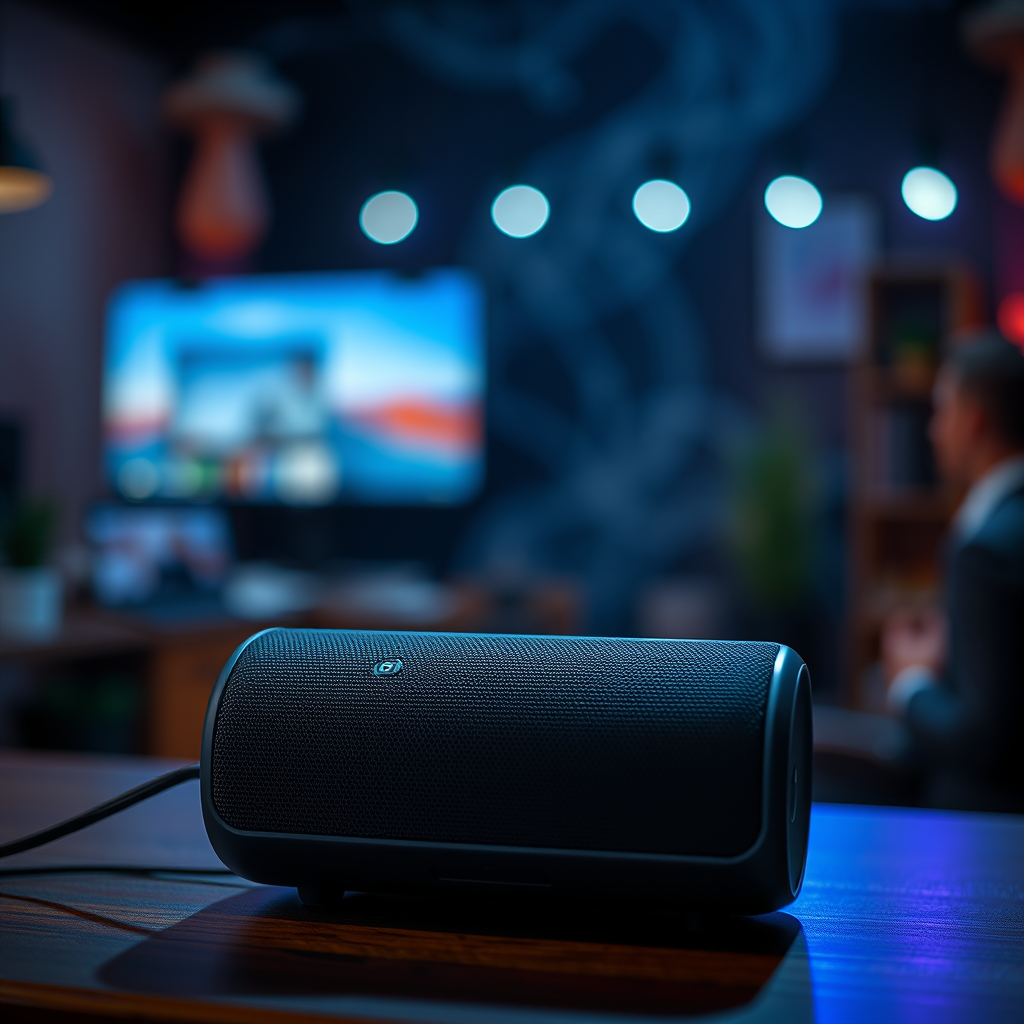
When it comes to selecting an adapter for your speakers, it’s crucial to know the key differences between Bluetooth and Wi-Fi options. Bluetooth adapters are compact and generally more affordable, making them a popular choice for casual listeners who want a quick fix. Look for models that support high-quality audio codecs like aptX or AAC to ensure better sound fidelity.
Wi-Fi audio transmitters, while typically more expensive, offer more extensive features such as multi-room audio, greater range, and superior sound quality. Some popular brands like Google Chromecast Audio (though discontinued, it can still be found) or Amazon Echo Link can turn your traditional speakers into smart audio systems.
When choosing an adapter, key features to consider include compatibility with your speaker type and the quality of the audio output. Additionally, check for features like low latency, which ensures that the sound syncs well with video if you’re using it for TVs or gaming.
Step-by-Step Guide to Connecting Your Speakers
Connecting your speakers to a Bluetooth adapter is a straightforward process. Here’s a simple walkthrough:
1. Choose Your Bluetooth Adapter: Select an adapter that suits your needs and plug it into the AUX input of your speaker.
2. Power On: Turn on the Bluetooth adapter, and it will typically enter pairing mode automatically.
3. Pairing: On your smartphone or other Bluetooth-enabled device, go to the Bluetooth settings and search for new devices. Select your adapter from the list.
4. Enjoy: Once connected, stream your favorite music wirelessly!
For Wi-Fi audio transmitters, the setup is slightly different:
1. Connect to Power and Speakers: Plug in your Wi-Fi audio transmitter to a power source and connect it to your speaker using an AUX cable.
2. Download the App: Many Wi-Fi transmitters come with companion apps. Download the app associated with your device.
3. Connect to Wi-Fi: Use the app to connect your transmitter to your home Wi-Fi network.
4. Link Your Music Services: Once connected, link your preferred music streaming services to the app.
5. Start Streaming: Now you can start streaming your music wirelessly through your speakers.
Troubleshooting Common Issues
While setting up your wireless speakers, you might encounter some hiccups. Here are a few common issues and their solutions:
– Connectivity Problems: If your device fails to connect to the adapter, ensure that it’s in pairing mode and that your Bluetooth device is within range. Sometimes, restarting both the adapter and the device can help resolve connectivity issues.
– Sound Quality Concerns: If you notice a drop in sound quality, check if your adapter supports high-quality audio codecs. Make sure there are no obstructions between your Bluetooth device and the adapter, as this can affect signal strength.
– Wi-Fi Connection Issues: If using Wi-Fi, ensure your network is stable. Reboot your router if needed, and check that your transmitter is connected to the correct network.
Enhancing Your Setup
To further improve your wireless audio experience, consider adding accessories that can enhance functionality and convenience. For instance, a power bank can be a great addition if you’re using a portable Bluetooth adapter, ensuring you can enjoy your music without interruption.
Speaker stands or mounts can help position your speakers for optimal sound distribution, making your listening experience even better.
Integrating smart home technology can also elevate your setup. Devices like Amazon Echo or Google Nest can allow for voice control, letting you play music hands-free or control the volume with simple voice commands. This not only adds convenience but also makes your audio experience more immersive.
Maintenance Tips for Longevity
To keep your speakers and adapters in top shape, regular maintenance is key. Here are some tips:
– Keep Them Clean: Dust and debris can affect sound quality. Regularly clean your speakers and adapters with a soft, dry cloth to prevent buildup.
– Proper Storage: If you’re not using your speakers often, store them in a cool, dry place to prevent damage from humidity or extreme temperatures.
– Firmware Updates: For Wi-Fi audio transmitters and smart adapters, regularly check for firmware updates. These updates can improve performance, fix bugs, and enhance security features.
By following these maintenance tips, you can ensure that your wireless audio setup serves you well for years to come.
By converting your speakers into wireless ones, you can enjoy a new level of freedom and convenience in your listening experience. Whether you choose a Bluetooth adapter for its simplicity or a Wi-Fi transmitter for its superior quality, you’ll find that the world of wireless audio is rich with possibilities. So assess your current speakers, explore the options available, and step into a wireless audio experience today!
Frequently Asked Questions
What devices do I need to convert a wired speaker into a wireless speaker?
To convert a wired speaker into a wireless speaker, you typically need a Bluetooth receiver or adapter. These devices connect to your speaker via the audio input (like AUX or RCA) and allow you to stream music from your smartphone, tablet, or computer wirelessly. Some popular options include Bluetooth receivers with built-in amplifiers or standalone adapters that simply plug in without additional power sources.
How can I ensure the best sound quality when converting a speaker to wireless?
To achieve the best sound quality when converting your wired speaker to a wireless setup, choose a high-quality Bluetooth receiver that supports advanced audio codecs like aptX or AAC. Additionally, position the receiver close to the speaker and minimize interference from other electronic devices to ensure a strong signal. Finally, regularly check for firmware updates for the receiver to maintain optimal performance.
Why should I convert my traditional speakers to wireless?
Converting traditional speakers to wireless provides several benefits, including increased flexibility and convenience. You can place your speakers anywhere in the room without worrying about tangled wires, and it allows for easy streaming from multiple devices without the hassle of physical connections. This upgrade can enhance your listening experience, making it easier to enjoy music in various spaces throughout your home.
What is the best Bluetooth adapter for converting speakers to wireless?
The best Bluetooth adapter for converting speakers to wireless often depends on your specific needs, but popular options include the Audioengine B1 and the TaoTronics Bluetooth 5.0 Transmitter and Receiver. Both devices offer excellent sound quality, easy setup, and compatibility with various speaker types. Always consider factors like range, battery life, and audio quality when selecting the right adapter for your speakers.
Which types of speakers can be converted into wireless speakers?
Most types of speakers, including bookshelf, floor-standing, and portable models, can be converted into wireless speakers as long as they have a compatible audio input. As long as the speaker has an AUX input or RCA connection, you can successfully use a Bluetooth adapter to make it wireless. However, passive speakers will require an external amplifier to work with the Bluetooth receiver effectively.
References
- Wireless
- https://www.hifiengine.com/manuals/denon/dra-800h.shtml
- https://www.lifewire.com/how-to-turn-a-wired-speaker-into-a-bluetooth-speaker-4173299
- https://www.cnet.com/how-to/how-to-make-any-speaker-bluetooth/
- https://www.techhive.com/article/3253280/how-to-turn-your-old-speakers-into-bluetooth-speakers.html
- https://www.makeuseof.com/tag/convert-old-speakers-bluetooth/