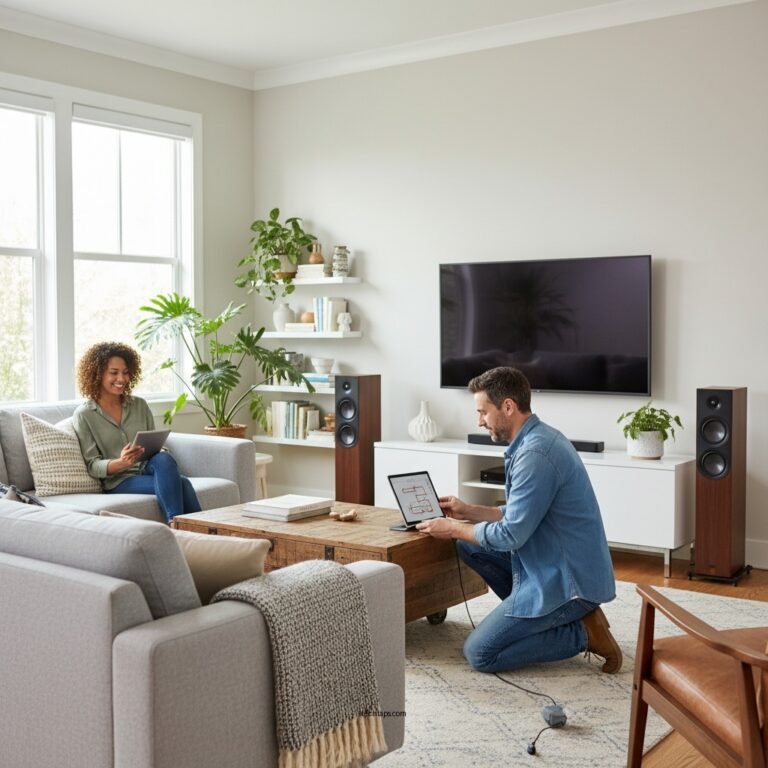

Upgrading your wireless audio system to support the latest standards can dramatically improve your listening experience. By selecting compatible components, optimizing your network, and ensuring your devices are up to date, you can enjoy superior sound quality and connectivity. This article will guide you through the steps to enhance your audio system, enabling you to take full advantage of the cutting-edge technology available today.
Understanding Wireless Audio Standards

The world of wireless audio systems is continually evolving, with several crucial standards currently in use, including Bluetooth, Wi-Fi, and AirPlay. Bluetooth remains popular for its ease of use and compatibility with a wide range of devices, but newer iterations like Bluetooth 5.0 offer improved range and sound quality. Wi-Fi-based systems, on the other hand, provide superior audio fidelity and are less prone to interference, making them ideal for high-resolution audio streaming.
AirPlay, developed by Apple, allows seamless streaming of audio content from Apple devices to compatible speakers, showcasing the importance of device compatibility in today’s multi-platform environment. Upgrading to these newer standards can provide numerous benefits, such as enhanced sound quality, greater range, and improved connectivity, allowing for a more immersive listening experience.
Assessing Your Current System
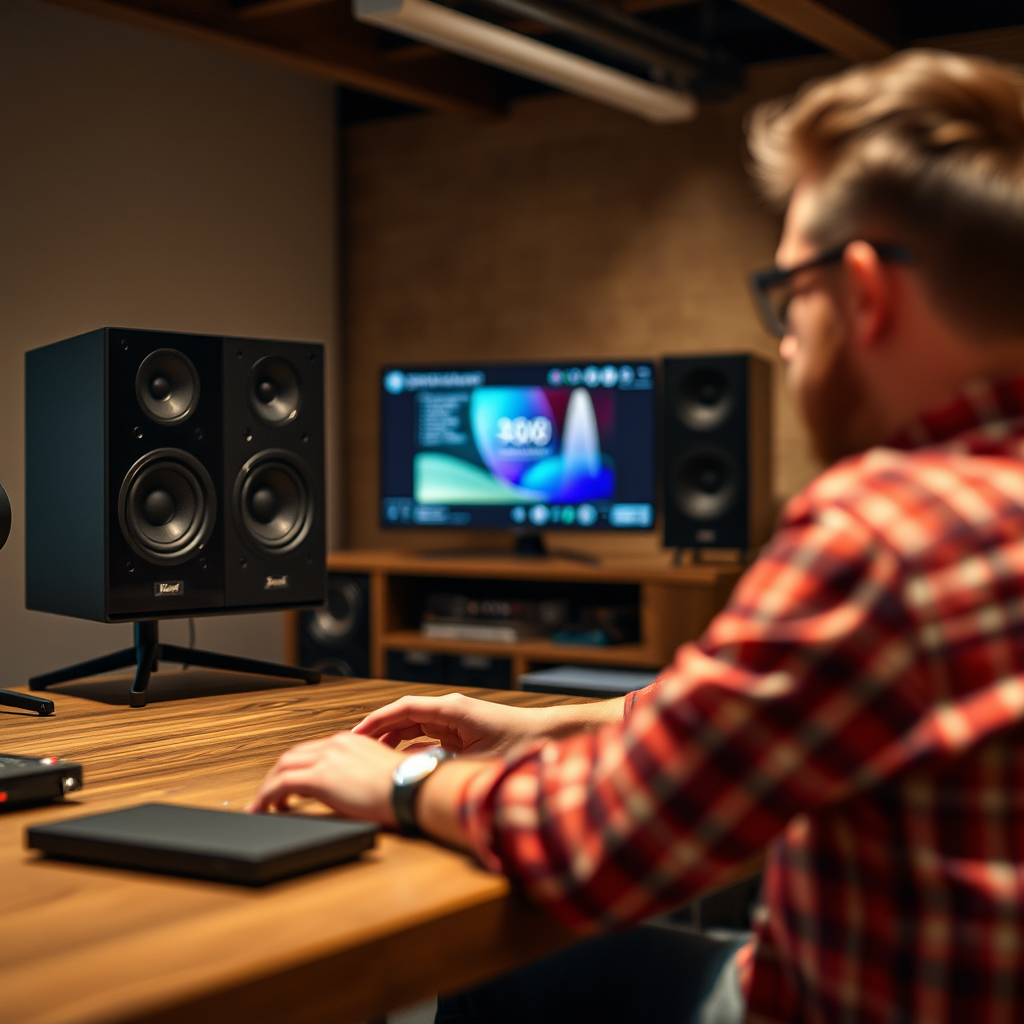
Before embarking on your upgrade journey, it is essential to evaluate your existing audio equipment and its capabilities. Take stock of your current devices, including speakers, receivers, and any additional components. Identify any limitations that may hinder compatibility with newer standards, such as outdated Bluetooth versions or lack of Wi-Fi support.
Additionally, consider the age and technology of your current devices. Older systems may not support the latest audio codecs or streaming technologies, which can limit your audio quality. Understanding your current setup will help you make informed decisions about what components need to be upgraded.
Selecting New Components
When it comes to upgrading your wireless audio system, choosing the right components is paramount. Focus on wireless speakers, receivers, and transmitters that support the latest standards, such as Bluetooth 5.0, Wi-Fi 6, or AirPlay 2. Some popular options include:
– Sonos One: A versatile smart speaker that supports both AirPlay 2 and voice control, ideal for multi-room audio setups.
– Bose Soundbar 700: A high-quality soundbar that offers superior sound and is compatible with Wi-Fi and Bluetooth streaming.
– Audioengine B2: A Bluetooth speaker that delivers rich sound quality and has Wi-Fi connectivity for high-resolution audio.
Reading reviews and checking specifications from reputable sources will help ensure you choose components that meet your audio needs without overspending. Establish a budget for your upgrades, keeping in mind that investing in high-quality components can yield significant long-term benefits.
Top Wireless Audio Components for 2024
| # | Component | Type | Connectivity | Price |
|---|---|---|---|---|
| 1 | Sonos One | Smart Speaker | Wi-Fi, Bluetooth | $199 |
| 2 | Bose Soundbar 700 | Soundbar | Wi-Fi, Bluetooth | $799 |
| 3 | Audioengine B2 | Bluetooth Speaker | Wi-Fi, Bluetooth | $399 |
| 4 | Sony SRS-XB43 | Portable Speaker | Bluetooth | $249 |
| 5 | Google Nest Audio | Smart Speaker | Wi-Fi, Bluetooth | $99 |
| 6 | Amazon Echo Studio | Smart Speaker | Wi-Fi, Bluetooth | $199 |
| 7 | JBL Charge 5 | Portable Speaker | Bluetooth | $179 |
Optimizing Your Network
To maximize the performance of your upgraded wireless audio system, optimizing your network is crucial. Start by enhancing your Wi-Fi coverage and performance to facilitate smooth audio streaming. Ensure your router is placed in a central location in your home to minimize obstacles that can interfere with the signal.
Network configurations also play a significant role in performance. Consider enabling Quality of Service (QoS) settings on your router to prioritize audio streaming over other types of traffic. If your home is large or has many obstructions, a mesh network or range extenders can provide better connectivity throughout your space, reducing latency and buffering during playback.
Updating Software and Firmware
Keeping your audio devices updated is vital for both performance and security. Most devices allow you to check for software and firmware updates via their respective apps or settings menus. Regular updates can introduce new features, improve compatibility, and fix bugs that might hinder performance.
When performing updates, follow the manufacturer’s instructions to ensure a smooth process. Back up your settings if applicable, and make sure your devices remain powered during the update to prevent any interruptions that could cause damage.
Testing and Fine-Tuning Your Setup
Once your upgrades are complete, testing and fine-tuning your audio system is essential. Assess audio quality by playing a range of music genres and checking the clarity, bass response, and overall sound profile. Adjust settings on your devices, such as equalizer presets, to tailor the sound to your preferences.
Conducting listening tests in different environments will help identify any remaining issues and allow you to make additional adjustments. Consider inviting friends or family to listen and provide feedback, as multiple perspectives can help you achieve the best sound possible.
Future-Proofing Your Audio System
As technology continues to advance, future-proofing your audio system is an important consideration. Look for components that support upcoming audio technologies like Dolby Atmos or high-resolution audio formats. Opting for devices that can easily integrate with new standards will ensure your system remains relevant for years to come.
Stay informed about new developments in wireless audio by following tech news, subscribing to industry journals, and visiting forums where audiophiles discuss their experiences. Choosing versatile components that can adapt to future changes will not only enhance your current experience but also secure your investment in the long run.
Audio Quality Ratings of Wireless Standards
Upgrading your wireless audio system can significantly enhance your listening experience. By understanding the latest standards, assessing your current setup, and making informed purchases, you’ll be well on your way to enjoying high-quality audio. Take the first step today by evaluating your system and exploring new technologies that can elevate your sound experience.
Frequently Asked Questions
What are the latest standards for wireless audio systems that I should consider upgrading to?
The latest standards for wireless audio systems include Bluetooth 5.0, Wi-Fi 6, and aptX HD. These advancements offer improved audio quality, reduced latency, and greater range, enhancing your overall listening experience. Upgrading to devices that support these standards can significantly elevate your sound performance and connectivity.
How can I determine if my current wireless audio system supports the latest standards?
To determine if your current wireless audio system supports the latest standards, check the specifications of your devices. Look for details on Bluetooth and Wi-Fi versions, as well as supported audio codecs like aptX or LDAC. If your system is more than a few years old, it may be time to consider an upgrade for optimal performance.
Why is upgrading my wireless audio system important for streaming music?
Upgrading your wireless audio system is crucial for streaming music because newer standards provide higher bitrate support and improved audio codecs, resulting in better sound quality. Additionally, advancements like Wi-Fi 6 enable more stable connections, allowing for smoother streaming without interruptions or buffering. This ensures you can enjoy your favorite tracks in the best possible clarity.
What is the best way to upgrade my existing wireless audio system?
The best way to upgrade your existing wireless audio system is to start by investing in a high-quality wireless receiver or speaker that supports the latest audio standards. Additionally, consider upgrading your source devices, such as smartphones or laptops, to models that support advanced streaming capabilities. Finally, ensure your home network is optimized for high-bandwidth streaming to get the most out of your upgrade.
Which brands offer the best wireless audio systems with the latest technology?
Some of the top brands offering wireless audio systems with the latest technology include Sonos, Bose, and JBL. These brands are known for their commitment to sound quality and innovative features, often incorporating support for Bluetooth 5.0 and Wi-Fi 6. Researching user reviews and testing sound quality can help you select a system that best fits your audio needs.
References
- Wireless
https://en.wikipedia.org/wiki/Wireless_audio - https://www.sciencedirect.com/topics/engineering/wireless-audio
https://www.sciencedirect.com/topics/engineering/wireless-audio - https://pubmed.ncbi.nlm.nih.gov/32108764/
https://pubmed.ncbi.nlm.nih.gov/32108764/ - https://www.bbc.com/future/article/20201020-how-to-upgrade-your-home-audio-system
https://www.bbc.com/future/article/20201020-how-to-upgrade-your-home-audio-system - https://www.theguardian.com/technology/2021/jun/15/how-to-upgrade-your-audio-system
https://www.theguardian.com/technology/2021/jun/15/how-to-upgrade-your-audio-system - https://www.reuters.com/article/us-tech-audio-standards-idUSKBN2A20D2
https://www.reuters.com/article/us-tech-audio-standards-idUSKBN2A20D2 - https://www.nature.com/articles/s41586-019-1698-6
https://www.nature.com/articles/s41586-019-1698-6 - Google Scholar Google Scholar
https://scholar.google.com/scholar?q=Upgrade+Your+Wireless+Audio+System - Google Scholar Google Scholar
https://scholar.google.com/scholar?q=Wireless+Audio+Standards+Upgrade - Google Scholar Google Scholar
https://scholar.google.com/scholar?q=How+to+Upgrade+Your+Wireless+Audio+System+to+Support+Latest+Standards