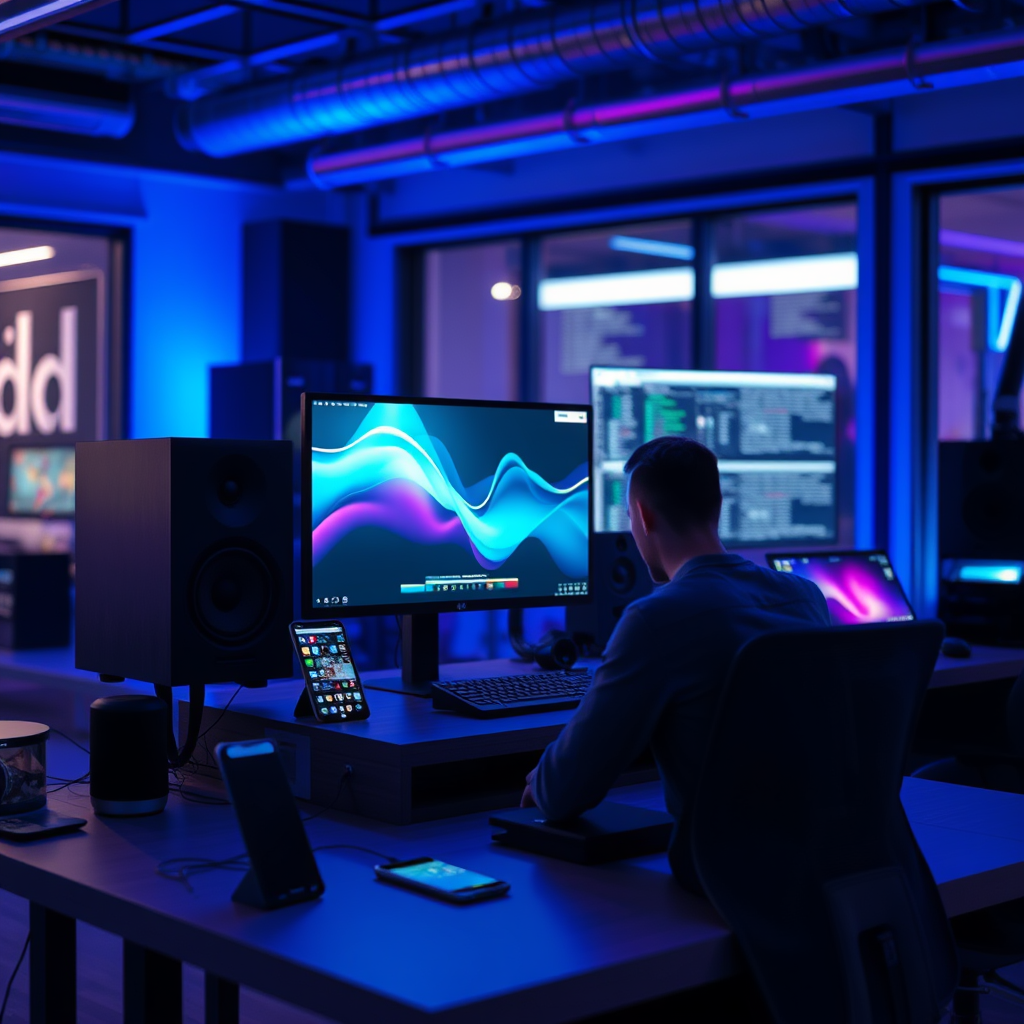

Using mobile apps is a highly effective way to customize and update your sound system, allowing you to tailor audio settings, manage devices, and access updates from the convenience of your smartphone. With the right applications, you can enhance your audio experience significantly, achieving optimal sound quality and seamless integration with your favorite devices. This article will guide you through the best practices for utilizing these apps to enhance your audio experience.
Understanding Your Sound System and Its Compatibility

Before diving into the world of mobile apps, it’s crucial to understand the components of your sound system. Common devices include speakers, receivers, amplifiers, and subwoofers. Each of these elements can vary significantly in terms of functionality and compatibility with mobile applications.
Start by identifying the specific models in your sound system. Once you know what devices you have, check the manufacturer’s website or user manual to determine if they support mobile app integration. Many modern sound systems are designed to work with apps that allow for remote control, customization, and updates—features that can greatly enhance your listening experience.
Choosing the Right Mobile Apps

Selecting the appropriate mobile apps for your sound system can greatly influence your audio experience. Begin by exploring popular apps specific to your sound system brand. For example, if you own Sonos speakers, the Sonos app offers comprehensive features for managing audio settings, creating playlists, and accessing various streaming services. Similarly, Bose offers the Bose Music app, which is designed to optimize the performance of their sound devices.
In addition to brand-specific apps, consider universal apps that work with multiple brands and systems. Apps like Spotify and Apple Music allow you to stream audio directly to compatible devices, while others like Audyssey and Dirac Live provide advanced room calibration features. Choosing the right app can help you maximize the capabilities of your sound system and ensure a tailored audio experience.
Customizing Audio Settings via Apps
Mobile apps provide an array of options for customizing audio settings to fit your preferences. Among the most valuable features are equalization (EQ) settings, which allow you to adjust bass, midrange, and treble frequencies to create a personalized sound profile. Many apps come with pre-set EQ profiles for different genres of music, but the ability to create your own custom settings can lead to a significantly improved listening experience.
Additionally, many apps offer room calibration features that automatically adjust settings based on the acoustics of your space. For example, the Sonos Trueplay feature uses your smartphone’s microphone to analyze your room and optimize the sound accordingly. These adjustments can make a substantial difference, especially in challenging acoustic environments.
Top Mobile Apps for Sound System Customization (2024)
| # | App Name | Compatibility | Features | User Rating |
|---|---|---|---|---|
| 1 | Sonos | Sonos Devices | Streaming, EQ, Trueplay | ★ ★ ★ ★ ★ |
| 2 | Bose Music | Bose Devices | Streaming, Sound Profiles | ★ ★ ★ ★ |
| 3 | Audyssey | Various | Room Calibration, EQ | ★ ★ ★ ★ ★ |
| 4 | Dirac Live | Various | Room Calibration, EQ | ★ ★ ★ ★ |
| 5 | Spotify | Various | Streaming, Playlists | ★ ★ ★ ★ ★ |
| 6 | Apple Music | Various | Streaming, Playlists | ★ ★ ★ ★ |
| 7 | Tidal | Various | High-Res Streaming | ★ ★ ★ ★ |
Updating Your Sound System Firmware
Regular updates are essential for maintaining the performance and security of your sound system. Many mobile apps allow you to check for firmware updates directly from your device. For instance, the Sonos app notifies users when a new update is available, simplifying the process of keeping the system current.
To check for updates, open the app and navigate to the settings or system information section. Here, you can find options for firmware updates. Keeping your system updated ensures that you benefit from the latest features, improvements, and security patches. Neglecting updates can lead to performance issues, compatibility problems, and even expose your system to security vulnerabilities.
Integrating Smart Features and Streaming Services
Most modern sound systems are equipped to integrate with popular streaming services, and mobile apps are the gateway to this functionality. With apps like Spotify, Apple Music, or Tidal, you can link your favorite music services directly to your sound system, enabling seamless playback across devices.
Moreover, many sound systems support voice control through virtual assistants like Amazon Alexa or Google Assistant. Setting up voice control features allows for hands-free operation, making it easier to adjust volume, switch tracks, or select playlists without needing to interact with your phone directly. This integration not only enhances convenience but also elevates the overall user experience.
Integration of Streaming Services in Sound Apps (2024)
Troubleshooting Common Issues with Mobile Apps
As with any technology, users may encounter issues while using mobile apps for their sound systems. Common connectivity problems include difficulties in connecting to Wi-Fi or Bluetooth. If your app fails to recognize your devices, try restarting both the app and the sound system, ensuring that they are on the same network.
If problems persist, resetting the app or the device can often resolve lingering issues. Most apps have a reset option in the settings menu, and many sound devices have a physical reset button. Additionally, consulting the app’s FAQ or support section can provide further guidance tailored to specific issues.
Tips for Maximizing Your Sound System Experience
To truly maximize your sound system experience, consider creating custom playlists and sound profiles tailored to different moods or activities. Many apps allow for the creation of multiple profiles, which can help adapt the sound settings based on whether you are watching a movie, listening to music, or hosting a gathering.
Engaging with community forums can also provide valuable user-generated tips and tricks. Enthusiasts often share their unique configurations and settings, which can inspire you to experiment and discover new audio possibilities. The more you engage with the tools at your disposal, the richer your audio experience will become.
By utilizing mobile apps, you can significantly enhance your sound system’s performance and tailor it to your preferences. From customizing audio settings to ensuring your system is updated, these tools provide a user-friendly way to optimize your listening experience. Start exploring the apps suited to your sound system today and unlock its full potential!
Frequently Asked Questions
How can I use mobile apps to customize my sound system settings?
Mobile apps provide a user-friendly interface to customize your sound system settings, allowing you to adjust equalizer settings, sound profiles, and speaker configurations. Many apps, such as Sonos or Yamaha MusicCast, offer intuitive controls that make it easy to tailor the audio output to your preference, enhancing your overall listening experience.
What are the best mobile apps for updating my sound system firmware?
Some of the best mobile apps for updating sound system firmware include the manufacturer-specific apps like Bose Connect, Denon HEOS, and JBL Connect. These apps not only alert you to available updates but also guide you through the update process, ensuring your sound system has the latest features and performance enhancements.
Why should I use a mobile app instead of a desktop application for my sound system?
Using a mobile app for your sound system offers the convenience of controlling audio settings from anywhere in your home, without needing to be tethered to a desktop. Mobile apps often provide a more streamlined and user-friendly experience, making it easier to make real-time adjustments and enjoy seamless multi-room audio.
Which sound system brands have the best mobile apps for customization?
Brands like Sonos, Bose, and Yamaha feature some of the best mobile apps for customizing sound systems. These apps provide extensive features, including personalized sound settings, multi-room audio control, and integration with music streaming services, allowing for a highly customizable audio experience.
How do I connect my mobile app to my sound system for the first time?
To connect your mobile app to your sound system, first ensure that both your smartphone and the sound system are on the same Wi-Fi network. Download the corresponding app for your sound system, follow the on-screen setup instructions, and select your device from the list of available options. Once connected, you can start customizing and updating your sound system settings.
References
- Sound system
https://en.wikipedia.org/wiki/Sound_system - https://www.ncbi.nlm.nih.gov/pmc/articles/PMC6223114/
https://www.ncbi.nlm.nih.gov/pmc/articles/PMC6223114/ - https://www.sciencedirect.com/science/article/pii/S2351978919300021
https://www.sciencedirect.com/science/article/pii/S2351978919300021 - https://www.bbc.com/future/article/20200128-how-digital-technology-is-changing-music
https://www.bbc.com/future/article/20200128-how-digital-technology-is-changing-music - https://www.theguardian.com/music/2020/jan/27/how-the-smartphone-changed-music
https://www.theguardian.com/music/2020/jan/27/how-the-smartphone-changed-music - https://www.reuters.com/article/us-technology-smartphones-music-idUSKBN1ZW1P3
https://www.reuters.com/article/us-technology-smartphones-music-idUSKBN1ZW1P3 - https://www.nature.com/articles/s41598-018-36725-5
https://www.nature.com/articles/s41598-018-36725-5 - Google Scholar Google Scholar
https://scholar.google.com/scholar?q=Mobile+Apps+for+Customizing+Sound+System - Google Scholar Google Scholar
https://scholar.google.com/scholar?q=Sound+System+Customization+Apps - Google Scholar Google Scholar
https://scholar.google.com/scholar?q=How+to+Update+Sound+System+Using+Mobile+Apps