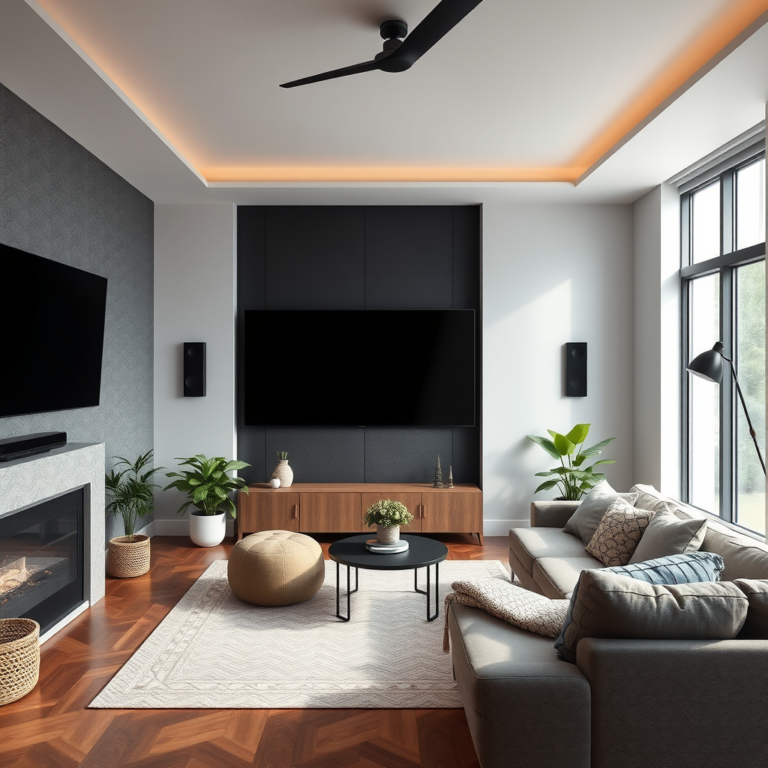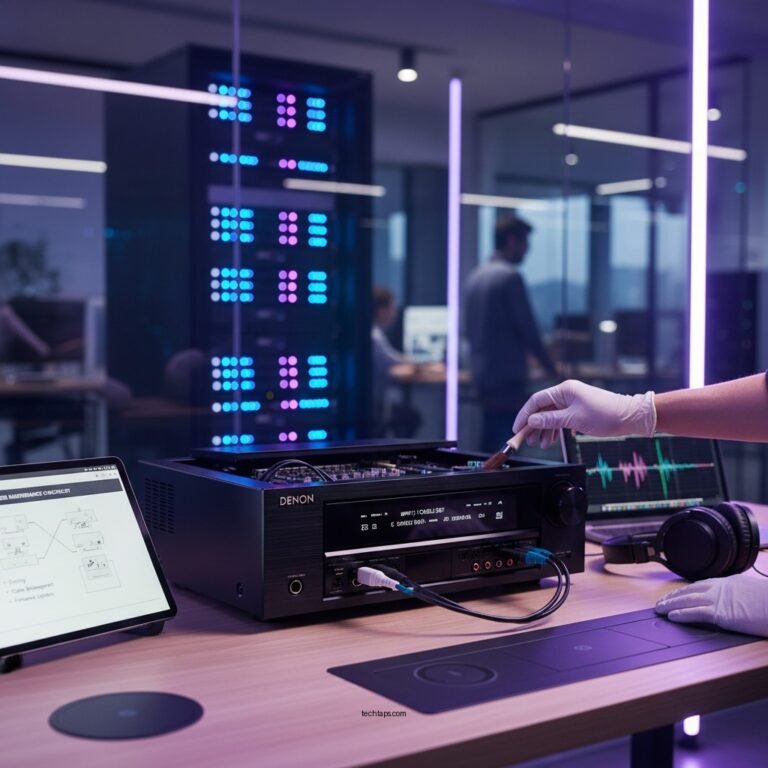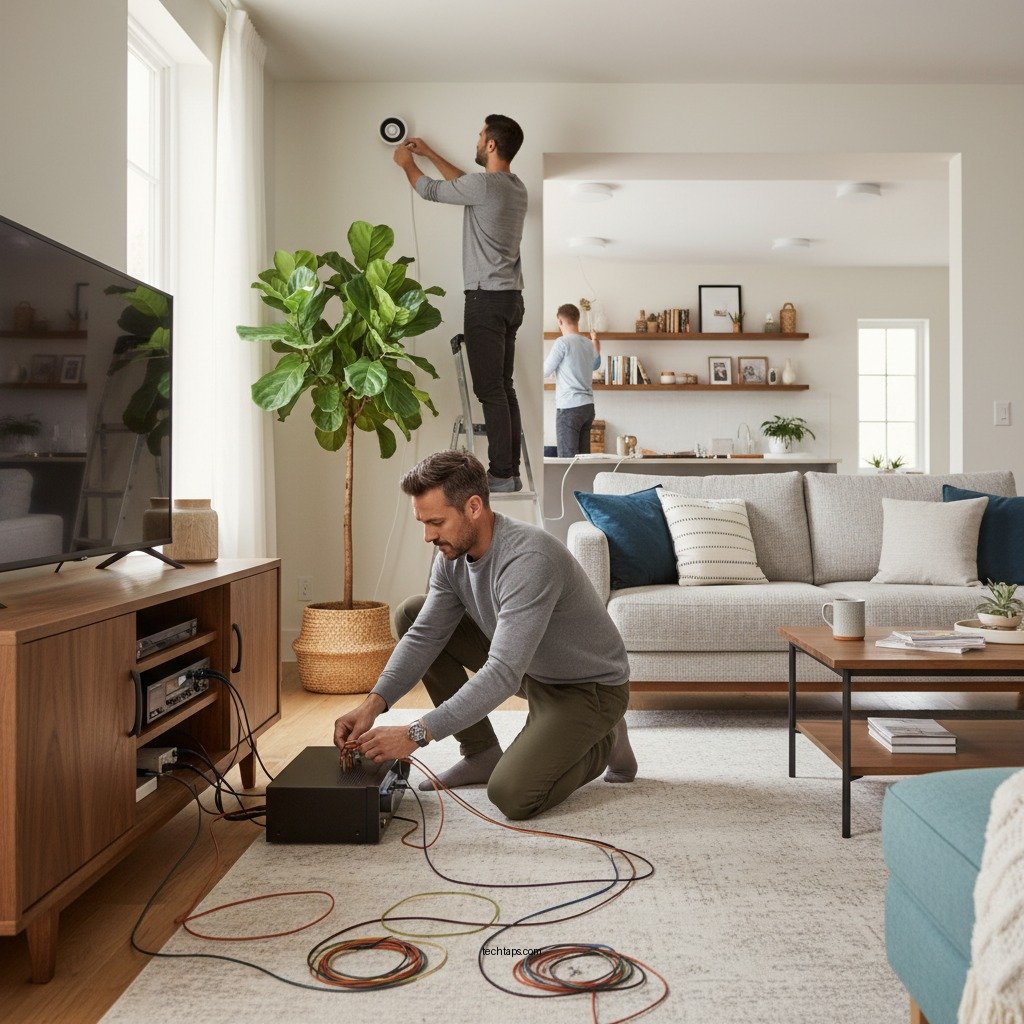

To wire a multi-room audio system in your home, you’ll need to carefully plan the layout of your rooms, select the right equipment, and follow systematic wiring techniques. This guide will walk you through the essential steps to create a seamless audio experience across multiple spaces in your house. By understanding the fundamentals of audio wiring and equipment selection, you can enhance your home’s audio experience and enjoy your favorite music or podcasts in any room.
Planning Your Multi-Room Audio System
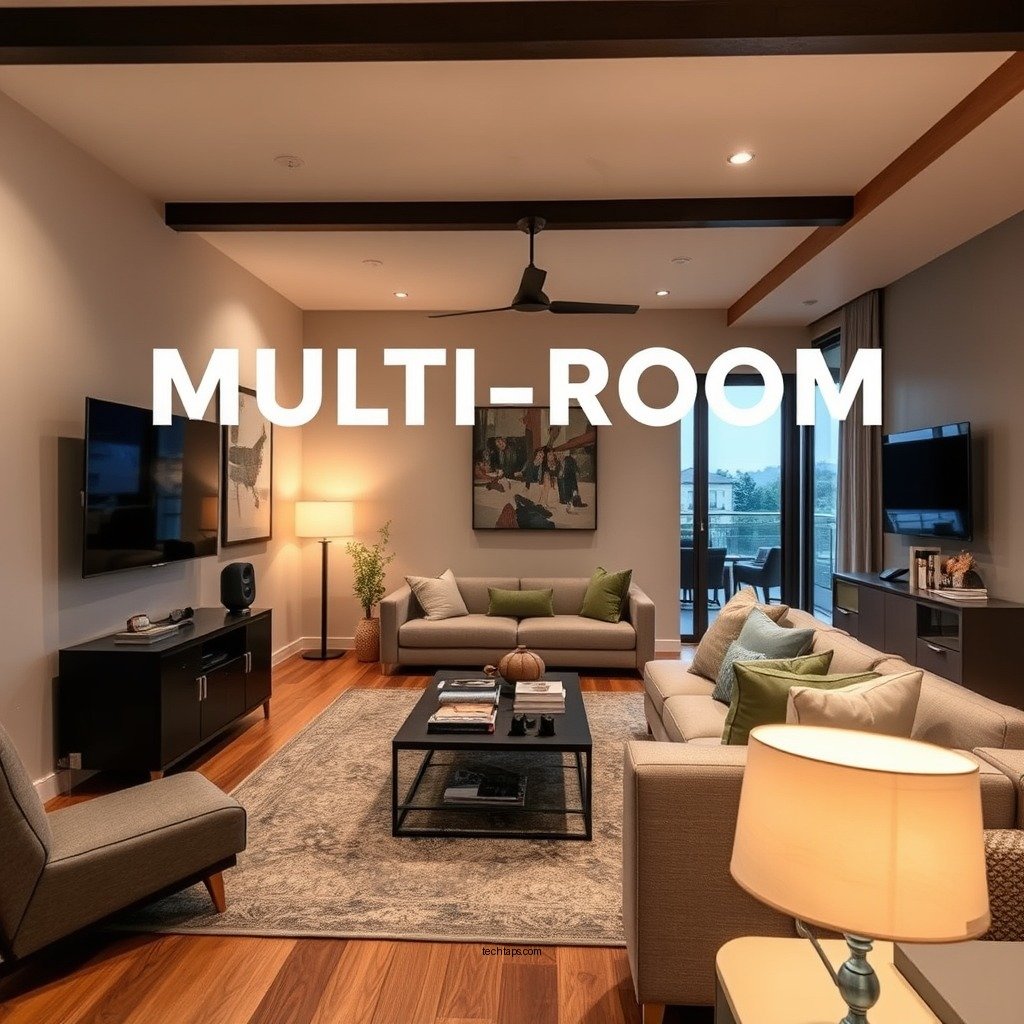
The first step to designing an effective multi-room audio system is to assess the areas you want to cover. Common spaces include living rooms, kitchens, bedrooms, and patios. Consider how you intend to use the audio system in each area. For example, you might want a high-quality sound system in your living room for entertaining guests, while a simpler setup in the kitchen might suffice for casual listening.
Next, determine the type of audio system that best suits your needs. Options include fully wired systems, wireless setups, or hybrid solutions that combine both technologies. Wired systems typically provide better sound quality and reliability, while wireless systems offer flexibility and ease of installation.
Once you’ve made these decisions, create a layout plan. This plan should include specific speaker locations and the routing paths for cables, ensuring that you maximize sound coverage without compromising aesthetics. Use graph paper or digital design tools to visualize the audio distribution throughout your home.
Choosing the Right Equipment
Selecting the right equipment is crucial for achieving optimal sound quality and functionality in a multi-room audio system. Begin by researching high-quality speakers that meet your space’s acoustic needs. Consider factors such as speaker size, wattage, and design. For larger rooms, you may want floor-standing speakers, while in smaller spaces, in-ceiling or in-wall speakers could be more appropriate.
Next, consider the audio control system or receiver that will manage your multi-room setup. Look for models that support multiple zones, allowing you to play different audio in different rooms simultaneously. Features such as smartphone compatibility, streaming service access, and voice control capabilities can significantly enhance user experience.
Finally, purchase the necessary wiring, connectors, and tools for installation. This may include speaker wire, HDMI cables, and various types of connectors. Ensure that the equipment you choose is compatible with each other, which will simplify both the installation process and future upgrades.
Running the Wiring
With your layout and equipment selected, the next phase is running the wiring. Decide on a central location for your audio equipment, such as a media closet or an entertainment center. This will serve as the hub from which you connect all the speakers throughout your home.
Run speaker wire from the central location to each designated speaker location, adhering to local electrical codes. Using high-quality wire will ensure that the sound quality is preserved. It is essential to use the correct gauge wire for your setup; typically, 16-gauge wire is suitable for most residential applications.
Label each wire at both ends for easy identification during installation. This simple step can save time and frustration when connecting the system later on.
Top 7 Multi-Room Audio Systems (2024)
| # | System | Number of Zones | Wireless | Rating |
|---|---|---|---|---|
| 1 | Sonos Amp | 32 | Yes | ★★★★☆ |
| 2 | Amazon Echo Link Amp | 16 | Yes | ★★★★☆ |
| 3 | Denon HEOS Drive | 4 | Yes | ★★★★★ |
| 4 | Yamaha MusicCast | 10 | Yes | ★★★★☆ |
| 5 | Google Nest Audio | 8 | Yes | ★★★★☆ |
| 6 | Bose SoundTouch | 20 | Yes | ★★★★☆ |
| 7 | Klipsch Stream | 6 | Yes | ★★★★☆ |
Connecting the System
Once all the wiring is in place, it’s time to connect the system. Begin by connecting the speakers to the audio control unit according to the manufacturer’s instructions. Make sure that you follow the correct wiring configurations to avoid damage to your equipment. Pay close attention to the polarity of the connections; typically, positive and negative terminals must match up to ensure optimal sound quality.
Ensure that all wiring is securely connected and properly insulated to prevent short circuits, which could damage your system. It’s advisable to use a multimeter to check connections before powering on the system.
After everything is connected, test the system to ensure that sound is delivered to all rooms. Play different audio tracks and check each speaker independently to confirm that they are functioning correctly.
Configuring the Audio Settings
Configuration is key to maximizing your multi-room audio experience. Use the audio control system’s interface to set up zones or groups for different rooms. Most modern systems allow you to control volume levels and audio sources for each zone individually.
Take time to adjust sound settings for each room to optimize audio quality based on room acoustics. For example, a large living room may require different settings compared to a small bathroom. Utilize equalizer settings to fine-tune the audio based on the unique characteristics of each space.
Additionally, consider implementing any additional features such as streaming services or voice control. Many modern audio control systems integrate seamlessly with popular streaming platforms, allowing you to access a world of music easily.
Troubleshooting Common Issues
Even with careful planning and installation, issues can arise with a multi-room audio system. If you experience sound issues or dead zones, start by checking connections and wiring. Loose or damaged wires can lead to poor sound quality or complete loss of audio.
Test each speaker individually to identify any faulty equipment. If a specific speaker isn’t working, swap it with a known working unit to confirm whether the issue lies with the speaker or the wiring.
If problems persist, consult the user manual or online forums for specific troubleshooting techniques related to your audio system. Many manufacturers offer robust customer support and resources to help resolve common issues.
Maintaining Your Multi-Room Audio System
Maintenance is essential for ensuring the longevity and performance of your multi-room audio system. Regularly check wiring and connections for any signs of wear and tear, especially in areas where cables may be exposed to foot traffic or environmental factors.
Updating software or firmware for your audio equipment is also crucial. Manufacturers frequently release updates that improve performance and add new features.
Lastly, keep your speakers and equipment clean. Dust and debris can accumulate over time, affecting audio quality. Use a soft, dry cloth for cleaning surfaces and avoid harsh chemicals that could damage the finish.
By following these steps, you can successfully wire a multi-room audio system that enhances your home entertainment experience. With proper planning, quality equipment, and careful installation, you’ll be able to enjoy music or audio throughout your entire home. Whether you’re a DIY enthusiast or looking to hire a professional, take the first step today and start creating your ideal audio environment.
Frequently Asked Questions
What are the essential components needed for wiring a multi-room audio system in my home?
The essential components for wiring a multi-room audio system include audio source devices (like a receiver or network player), speakers for each room, speaker wire, a control system, and possibly a zone amplifier. Additionally, you may need wall plates and connectors for a clean installation. Planning the layout and ensuring compatibility between components are crucial for optimal performance.
How do I choose the right speaker wire for my multi-room audio system?
When choosing speaker wire for your multi-room audio system, consider the gauge (thickness) of the wire, which affects resistance and sound quality. Generally, 14 or 16-gauge wire is suitable for most installations, with longer runs requiring thicker wire. Ensure the wire is rated for in-wall use if you plan to run it through walls or ceilings.
Why is a central control system important for a multi-room audio setup?
A central control system is important for a multi-room audio setup because it allows you to manage audio sources and playback settings across different rooms from a single interface. This enhances user convenience and enables seamless audio distribution throughout your home. A good control system can also integrate with smart home technology for added functionality.
What are the best practices for wiring speakers in different rooms?
The best practices for wiring speakers in different rooms include planning a clear layout that minimizes interference, using high-quality speaker wire, and ensuring proper impedance matching with your amplifier. Additionally, avoid running speaker wires parallel to electrical wires to reduce noise interference, and consider using conduit for added protection and organization.
Which tools do I need to successfully install a multi-room audio system?
To install a multi-room audio system successfully, you’ll need tools such as a wire stripper, a drill, a stud finder, a level, and a fish tape or wire puller for running wires through walls. Having a multimeter can also help test connections for continuity. Ensuring you have the right tools will streamline the installation process and lead to a more professional outcome.
References
- https://en.wikipedia.org/wiki/Home_audio_system
https://en.wikipedia.org/wiki/Home_audio_system - Synthesis of Information Related to Transit Problems | The National Academies Press
https://www.nap.edu/catalog/23358/home-audio-systems-and-their-impact-on-listening-environments - https://www.sciencedirect.com/topics/engineering/multi-room-audio
https://www.sciencedirect.com/topics/engineering/multi-room-audio - https://www.bbc.com/future/article/20201029-how-sound-waves-work
https://www.bbc.com/future/article/20201029-how-sound-waves-work - https://www.lsu.edu/eng/ce/news/2021/2021_10_22_audio.php
https://www.lsu.edu/eng/ce/news/2021/2021_10_22_audio.php - https://www.uw.edu/itconnect/learn/teaching-tools/multi-room-audio/
https://www.uw.edu/itconnect/learn/teaching-tools/multi-room-audio/ - Google Scholar Google Scholar
https://scholar.google.com/scholar?q=multi-room+audio+system+installation - Google Scholar Google Scholar
https://scholar.google.com/scholar?q=home+audio+system+design - Google Scholar Google Scholar
https://scholar.google.com/scholar?q=multi-room+audio+system+architecture - Google Scholar Google Scholar
https://scholar.google.com/scholar?q=How+to+Wire+a+Multi-Room+Audio+System+in+Your+Home