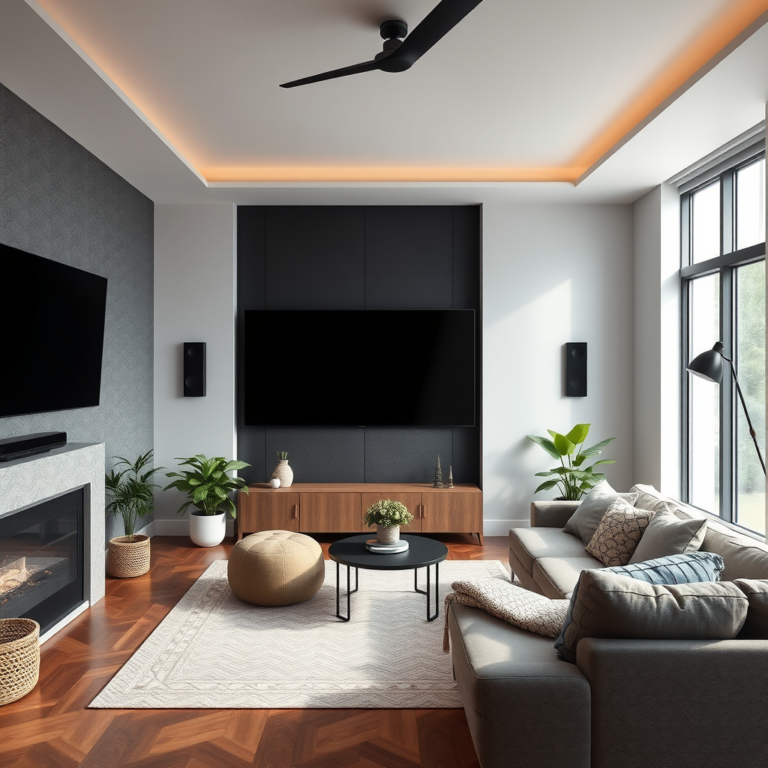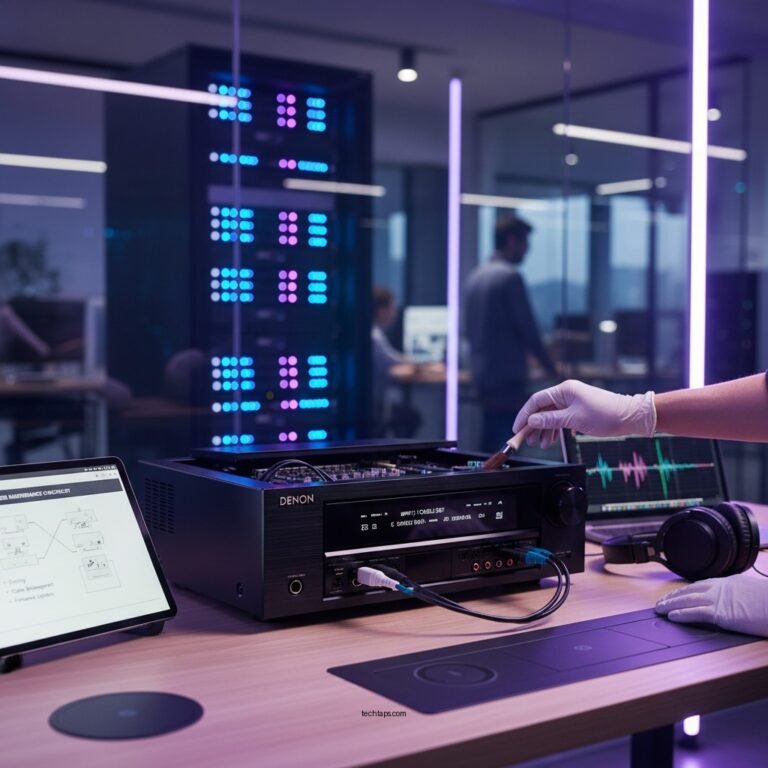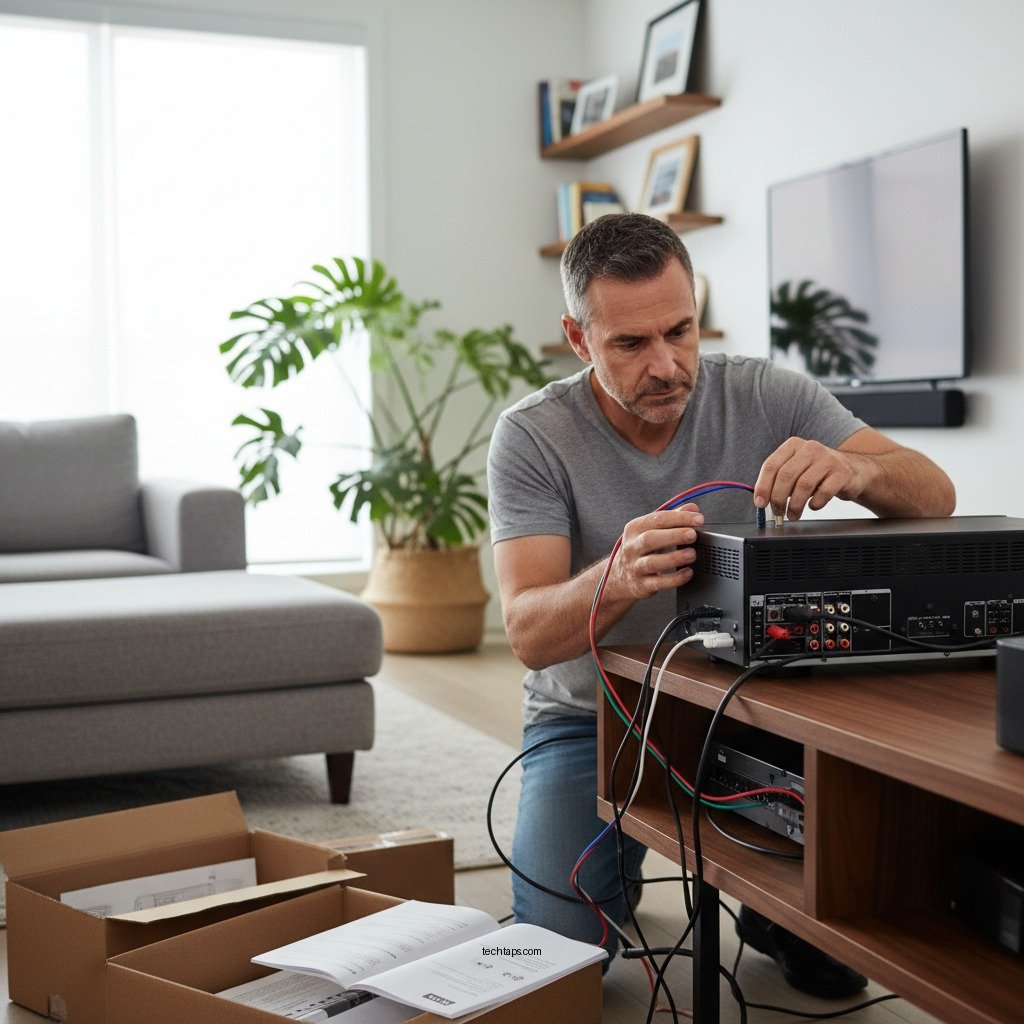

Installing an AV receiver is straightforward and can significantly enhance your home entertainment experience. This guide will walk you through the essential steps to set up your AV receiver, covering everything from selecting the right model to connecting your devices and fine-tuning audio settings for the best performance.
Understanding AV Receivers
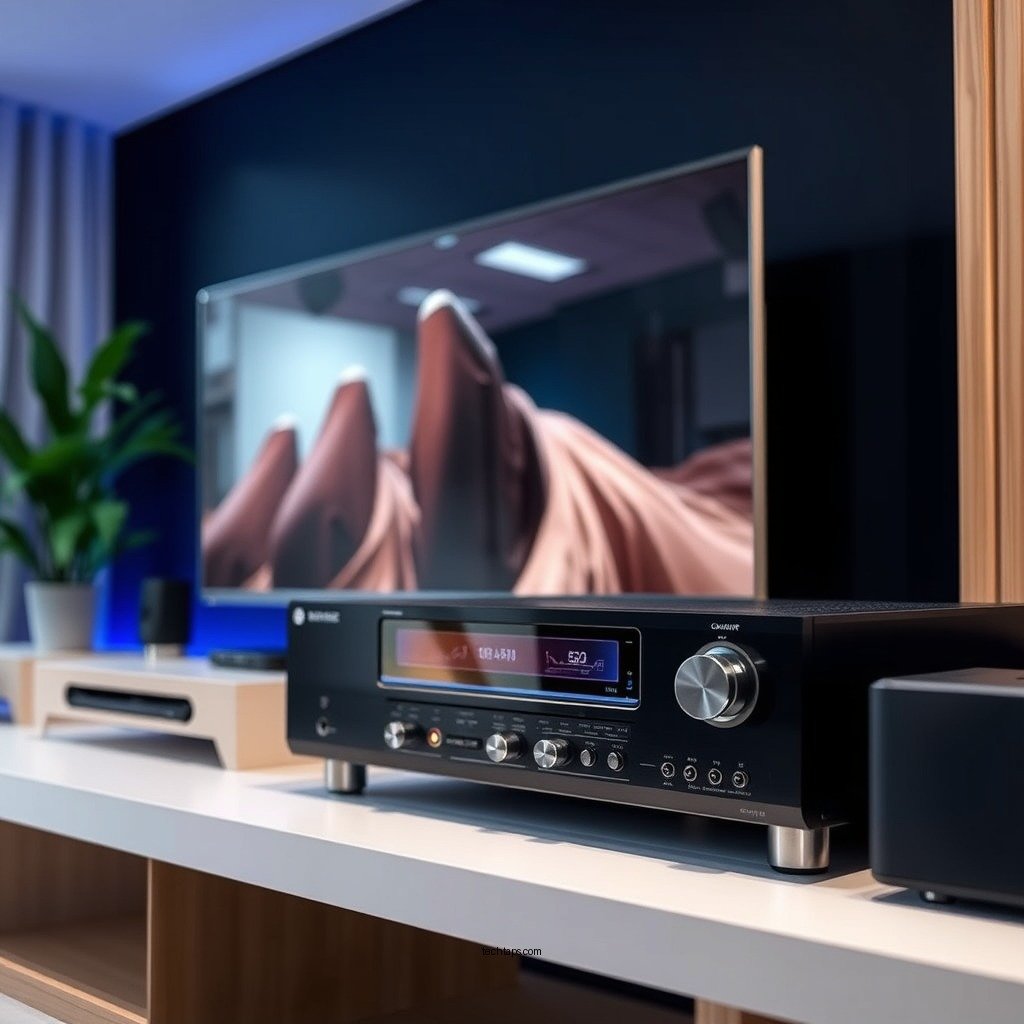
An AV (Audio/Video) receiver is a critical component in a home theater system, serving as the central hub for audio and video signals. It receives various inputs from devices such as Blu-ray players, gaming consoles, and streaming devices, processes these signals, and sends output to your speakers and television. The key functions of an AV receiver include amplification of audio signals, video switching, and support for surround sound formats.
The importance of an AV receiver in a home theater system cannot be overstated. It enhances the overall audio experience by providing clearer sound and supporting multiple channels to create a surround sound environment. Additionally, modern AV receivers come with features that allow for seamless integration with smart home technologies and advanced video formats such as 4K and HDR.
Choosing the Right AV Receiver
When selecting an AV receiver, several key features should be considered to ensure it meets your needs. First, evaluate the power output measured in watts per channel; this will determine how loud the receiver can drive your speakers. Next, consider the number of channels, which typically ranges from stereo (2 channels) to multi-channel configurations (5.1, 7.1, or even 9.2 channels). More channels allow for a more immersive audio experience.
Another important consideration is the receiver’s compatibility with modern audio and video formats, including Dolby Atmos and DTS:X for 3D sound. You should also assess the number and types of inputs and outputs available, such as HDMI, optical, and coaxial connections. Lastly, features like built-in streaming capabilities, Wi-Fi, and Bluetooth can enhance your receiver’s versatility.
| Feature | 2-Channel Receiver | 5.1-Channel Receiver | 7.1-Channel Receiver | 9.2-Channel Receiver |
|——————————|———————|———————–|———————–|———————–|
| Power Output (Watts/Ch) | 50 – 100 | 75 – 125 | 90 – 150 | 100 – 200 |
| Channels Supported | 2 | 5 | 7 | 9 |
| Dolby Atmos Compatibility | No | Yes | Yes | Yes |
| DTS:X Compatibility | No | Yes | Yes | Yes |
| HDMI Inputs | 2 | 4 | 6 | 8 |
| Zone 2/Zone 3 Capability | No | Yes | Yes | Yes |
| Streaming Features | No | Yes | Yes | Yes |
| Price Range | $200 – $400 | $400 – $800 | $800 – $1200 | $1200+ |
| Best For | Basic Systems | Family Rooms | Home Theaters | Audiophiles |
Preparing for Installation
Before you start the installation process, it’s essential to gather the necessary tools and materials. You will typically need an AV receiver, speaker wire, HDMI cables, optical cables, a power strip, and possibly a wall mount for your receiver. Basic tools such as a screwdriver, wire strippers, and a measuring tape can also be helpful.
Choosing the best location for your AV receiver is crucial for optimal performance. Ideally, the receiver should be placed in a well-ventilated area to prevent overheating. Additionally, ensure that it is centrally located to allow for easy access to all devices and speakers. Consider placing it within a media console or shelf, allowing for a clean, organized setup.
Connecting Your Devices
Once you have prepared your installation space, it’s time to connect your devices. Here’s a step-by-step guide to connecting common devices:
1. Connect your TV: Use an HDMI cable to connect the HDMI OUT port on the AV receiver to the HDMI IN port on your TV.
2. Connect your speakers: Use speaker wire to connect each speaker to the corresponding speaker outputs on the AV receiver. Make sure to maintain correct polarity (positive to positive, negative to negative).
3. Connect other devices: Connect your Blu-ray player, gaming console, or streaming device using HDMI cables to the designated HDMI IN ports on the receiver.
4. Connect a subwoofer: If using a subwoofer, connect it via the subwoofer (LFE) output on the AV receiver using an RCA cable.
5. Power up: Finally, plug your receiver into a power outlet and turn it on.
To maintain a clean setup, consider using cable ties or sleeves to organize and conceal cables. This not only enhances aesthetics but also reduces the risk of cable damage and tangling.
Configuring Audio Settings
After connecting all devices, configuring your audio settings is essential for optimal sound quality. Start with speaker calibration, which ensures that your speakers are balanced and properly positioned. Many AV receivers come with built-in calibration tools that utilize a microphone to measure sound levels and adjust settings accordingly.
Consider the acoustics of your room—furniture, wall materials, and room size can all impact sound quality. Adjust basic audio settings such as bass, treble, and surround levels to suit your preferences. If your receiver supports advanced sound formats like Dolby Atmos, ensure you enable these features for an enhanced audio experience.
Troubleshooting Common Issues
During the setup process, you may encounter some common issues. Here are a few frequent problems and their solutions:
1. No sound: Ensure that all connections are secure and that the receiver is set to the correct input source. Check the speaker connections and make sure the volume is turned up.
2. Connectivity issues: If your devices are not connecting, check your HDMI cables and ensure they are compatible with HDCP standards. A simple restart of the receiver or connected device can also resolve many connectivity issues.
3. Poor audio quality: Double-check your calibration settings and room acoustics. Adjust speaker levels and ensure that your speakers are correctly positioned for optimal sound.
Enhancing Your Home Theater Experience
To further enhance your home theater setup, consider adding accessories such as high-quality HDMI cables, which can improve video quality and reduce signal loss. Streaming devices like Roku or Apple TV can also provide access to a broader range of content.
Integrating smart home features with your AV receiver can elevate your experience. Many modern receivers offer compatibility with smart assistants like Amazon Alexa or Google Assistant, allowing you to control your audio and video setup with voice commands. Additionally, look into multi-room audio systems that let you enjoy your favorite music throughout your home.
By following these steps, you can successfully install an AV receiver that elevates your home entertainment experience. Ensure you take your time with each step, and don’t hesitate to refer back to this guide as needed. Start enjoying your new AV setup today!
Frequently Asked Questions
What tools do I need for installing an AV receiver?
To install an AV receiver, you’ll typically need a few essential tools, including a screwdriver, HDMI cables, speaker wire, and possibly a level for mounting. Additionally, having a cable management solution can help keep your setup tidy and organized. Make sure to check the manual for any specific installation requirements.
How do I connect my AV receiver to my TV?
To connect your AV receiver to your TV, first, use an HDMI cable to connect the HDMI OUT port on the receiver to an available HDMI IN port on your TV. If your TV doesn’t support HDMI, you can use optical or RCA cables, but HDMI is recommended for the best audio and video quality. Ensure you select the correct input on your TV to view the content.
Why is my AV receiver not producing sound?
If your AV receiver is not producing sound, check that all connections are secure and that the receiver is set to the correct input source. Additionally, verify that the speakers are properly connected and powered on. Sometimes, adjusting the volume or muting settings can resolve the issue as well.
What is the best way to position speakers for optimal sound with an AV receiver?
For optimal sound, position your front speakers at ear level, angled towards the listening area, and place the subwoofer in a corner or along a wall to enhance bass response. Surround speakers should be placed slightly above ear level and positioned to the sides or slightly behind the listening area. Experimenting with placement can greatly improve your audio experience.
Which settings should I adjust first when setting up my AV receiver?
When setting up your AV receiver, start by configuring the speaker settings, including the speaker size, distance, and crossover frequency, using the receiver’s setup menu. Next, adjust the audio calibration settings, often available through an automatic calibration feature, to ensure your system is optimized for your room’s acoustics. Finally, set your desired video resolution and input preferences for a seamless experience.
References
- https://www.crutchfield.com/S-3wB5T8bL3P/learn/how-to-setup-an-av-receiver.html
https://www.crutchfield.com/S-3wB5T8bL3P/learn/how-to-setup-an-av-receiver.html - How to set up an A/V receiver – Digital Trends
https://www.digitaltrends.com/home-theater/how-to-set-up-an-av-receiver/ - https://www.audiovideo101.com/av-receiver-installation-guide/
https://www.audiovideo101.com/av-receiver-installation-guide/ - https://www.lifewire.com/how-to-set-up-an-av-receiver-1846707
https://www.lifewire.com/how-to-set-up-an-av-receiver-1846707 - Google Scholar Google Scholar
https://scholar.google.com/scholar?q=Installing+an+AV+Receiver - Google Scholar Google Scholar
https://scholar.google.com/scholar?q=AV+Receiver+Installation+Guide - Google Scholar Google Scholar
https://scholar.google.com/scholar?q=Home+Theater+Setup+AV+Receiver - Google Scholar Google Scholar
https://scholar.google.com/scholar?q=Installing+an+AV+Receiver:+A+Complete+Beginner’s+Guide - Installing an AV Receiver: A Complete Beginner’s Guide – Search results
https://en.wikipedia.org/wiki/Special:Search?search=Installing+an+AV+Receiver:+A+Complete+Beginner’s+Guide - https://www.ncbi.nlm.nih.gov/search/research-articles/?term=Installing+an+AV+Receiver:+A+Complete+Beginner’s+Guide
https://www.ncbi.nlm.nih.gov/search/research-articles/?term=Installing+an+AV+Receiver:+A+Complete+Beginner’s+Guide