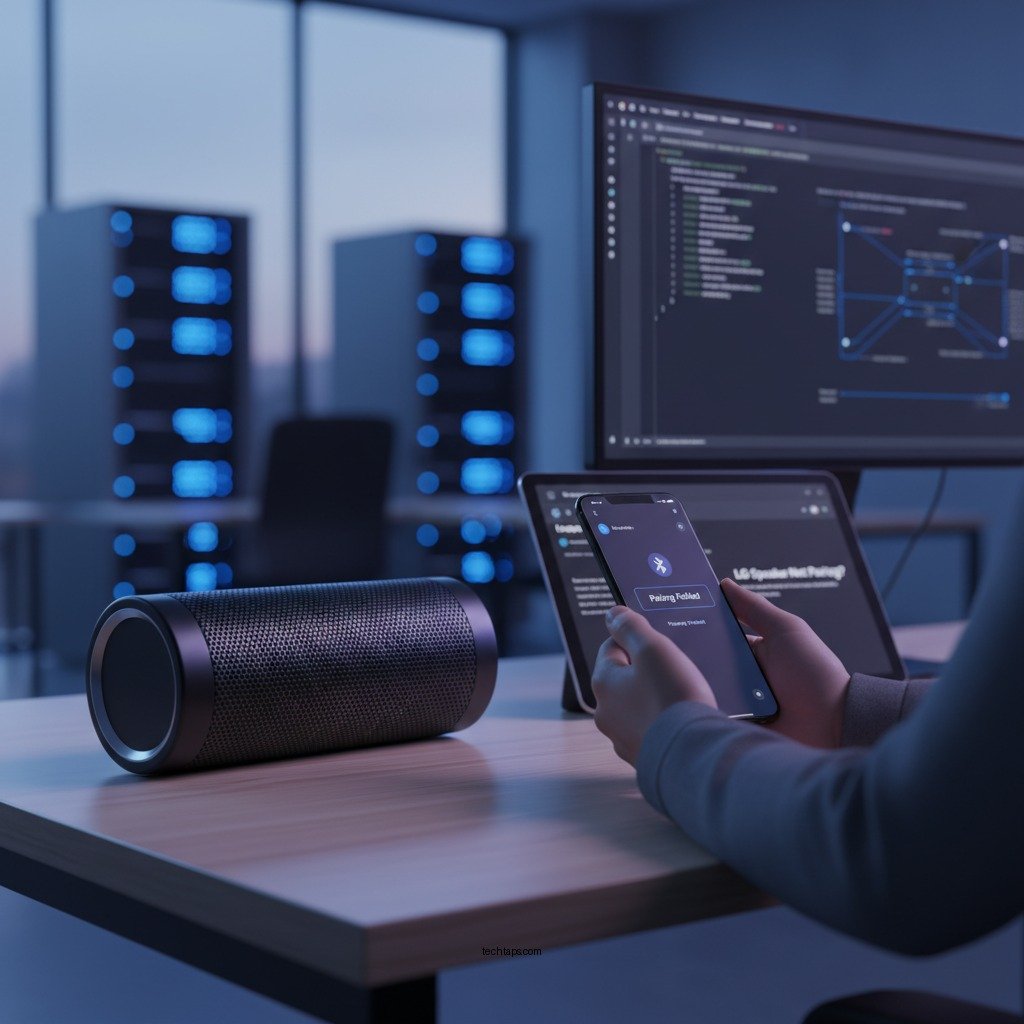

If your LG Bluetooth speaker isn’t pairing, don’t worry; there are several effective fixes you can try. By following a series of systematic troubleshooting steps, you can address common issues that prevent your devices from connecting seamlessly. This article will guide you through these steps, ensuring you return to enjoying your music without interruption.
Check Bluetooth Compatibility

Before diving into more complex troubleshooting, it’s essential to ensure that both your LG Bluetooth speaker and the device you’re trying to connect are compatible. Check the specifications of both devices to confirm that they support the same Bluetooth versions. For instance, if your LG speaker supports Bluetooth 5.0 and your smartphone is limited to Bluetooth 4.2, you may encounter pairing issues.
Additionally, ensure that Bluetooth is enabled on both devices. On your connecting device, navigate to the settings menu, find the Bluetooth option, and ensure it is turned on. Similarly, most LG speakers have a button or switch that activates Bluetooth mode. A quick glance at the user manual can provide specific instructions for your model.
Restart Devices
Sometimes, a simple restart can resolve connectivity issues. Start by powering off both your LG Bluetooth speaker and the device you’re trying to pair. Leave them off for about 10 seconds. This reset can clear temporary errors or glitches that may be causing the pairing failure. After waiting, turn both devices back on and attempt the pairing process again. This method is often effective and can save time compared to more complicated solutions.
Clear Bluetooth Cache
Cached data can sometimes cause problems with Bluetooth connections. On your connecting device, navigate to the Bluetooth settings and look for the list of previously paired devices. Find your LG speaker in that list and select the option to forget or remove it. After you’ve removed the speaker, restart your device to clear any residual Bluetooth cache. Once your device is back on, try to pair with your LG speaker again. This process should refresh the connection and potentially resolve the pairing issue.
Update Firmware
Outdated firmware can lead to compatibility issues between devices. To avoid this, check for firmware updates for both your LG Bluetooth speaker and the device you are using to connect. For the LG speaker, you can usually find firmware updates through the LG app or the official website. Similarly, ensure your smartphone or tablet is updated to the latest operating system version. Installing these updates can fix bugs or compatibility issues, improving the chances of a successful pairing.
Reset the Speaker
If previous steps haven’t solved the issue, performing a factory reset on your LG Bluetooth speaker might be necessary. This process restores the speaker to its original settings, erasing all previous pairings and configurations. Consult the user manual for specific instructions on how to perform a reset, as the method may vary depending on the model. After resetting, you can attempt to pair the speaker from scratch, which can often resolve persistent connectivity problems.
Check for Interference
Bluetooth operates on the 2.4 GHz frequency, which is also used by many other devices, such as Wi-Fi routers, microwaves, and cordless phones. To ensure a clear connection, try moving away from potential sources of interference. If possible, relocate to a different room or area, away from electronic devices. This can help establish a stronger connection between your LG Bluetooth speaker and the device you’re trying to pair.
Test with Another Device
To further isolate the problem, attempt to connect your LG Bluetooth speaker to a different device. This step can help determine whether the issue lies with the speaker or the original device. If the speaker pairs successfully with another device, the problem may be related to the initial device’s Bluetooth settings or hardware. Conversely, if it still fails to connect, the issue is likely with the speaker itself. This information can guide your next steps, whether that involves further troubleshooting or contacting customer support.
Top 7 LG Bluetooth Speakers by Features (2023)
| # | Speaker Model | Battery Life | Bluetooth Version | Water Resistance | Rating |
|---|---|---|---|---|---|
| 1 | LG XBOOM Go PL7 | 24 hours | 5.0 | IPX5 | ★★★★☆ |
| 2 | LG PK7 | 20 hours | 4.2 | IPX7 | ★★★★★ |
| 3 | LG XBOOM Go PL5 | 18 hours | 5.0 | IPX4 | ★★★★☆ |
| 4 | LG PK3 | 12 hours | 4.0 | IPX7 | ★★★☆☆ |
| 5 | LG XBOOM Go PL8 | 22 hours | 5.0 | IPX5 | ★★★★★ |
| 6 | LG XBOOM Go PL9 | 30 hours | 5.0 | IP67 | ★★★★★ |
| 7 | LG SPK8 | 15 hours | 4.2 | IPX4 | ★★★☆☆ |
By following these troubleshooting steps, you can effectively address the pairing issues with your LG Bluetooth speaker. Remember to check compatibility, clear cache, and consider potential interference. If you’re still having trouble, reach out to LG customer support for additional assistance. With these strategies, you can ensure your music experience remains uninterrupted, allowing you to fully enjoy the high-quality sound that LG Bluetooth speakers offer.
Frequently Asked Questions
Why won’t my LG Bluetooth speaker connect to my device?
There could be several reasons your LG Bluetooth speaker isn’t connecting, such as being out of range, the speaker being in pairing mode, or Bluetooth being disabled on your device. Ensure that your speaker is fully charged, within 30 feet of your device, and that Bluetooth is activated. Sometimes, restarting both the speaker and your device can also resolve connectivity issues.
How can I reset my LG Bluetooth speaker to fix pairing issues?
To reset your LG Bluetooth speaker, locate the reset button, usually found on the bottom or back of the device. Press and hold this button for about 10 seconds until you hear a confirmation sound. This will clear previous pairings, allowing you to start fresh with the connection process.
What do I do if my LG Bluetooth speaker keeps disconnecting?
If your LG Bluetooth speaker keeps disconnecting, check for interference from other Bluetooth devices or physical obstructions between the speaker and your device. Also, ensure that both devices have the latest firmware updates installed, as outdated software can lead to connectivity problems. Lastly, consider unpairing and re-pairing the devices to refresh the connection.
Which devices are compatible with my LG Bluetooth speaker?
Most LG Bluetooth speakers are compatible with a wide range of devices, including smartphones, tablets, laptops, and desktops that support Bluetooth technology. To ensure compatibility, check the specifications of your speaker and the Bluetooth version of your device. Generally, devices that support Bluetooth 4.0 or higher should work seamlessly with your LG speaker.
What should I do if my LG Bluetooth speaker won’t enter pairing mode?
If your LG Bluetooth speaker won’t enter pairing mode, first ensure that it is powered on and that Bluetooth is enabled on the device you’re trying to connect. Try holding down the Bluetooth or power button for a few seconds until you hear a pairing tone or see a flashing LED light. If it still doesn’t work, try resetting the speaker as this can sometimes resolve persistent issues.
References
- https://www.lifewire.com/how-to-fix-bluetooth-pairing-issues-4176220
https://www.lifewire.com/how-to-fix-bluetooth-pairing-issues-4176220 - https://www.nytimes.com/2020/12/01/technology/pairing-bluetooth-devices.html
https://www.nytimes.com/2020/12/01/technology/pairing-bluetooth-devices.html - https://www.bbc.com/news/technology-49158776
https://www.bbc.com/news/technology-49158776 - https://www.lifewire.com/bluetooth-not-working-on-your-device-4177710
https://www.lifewire.com/bluetooth-not-working-on-your-device-4177710 - Google Scholar Google Scholar
https://scholar.google.com/scholar?q=Bluetooth+Speaker+Pairing+Issues - Google Scholar Google Scholar
https://scholar.google.com/scholar?q=Bluetooth+Pairing+Troubleshooting+Steps - Google Scholar Google Scholar
https://scholar.google.com/scholar?q=LG+Bluetooth+Speaker+Not+Pairing?+Try+These+Fixes - LG Bluetooth Speaker Not Pairing? Try These Fixes – Search results
https://en.wikipedia.org/wiki/Special:Search?search=LG+Bluetooth+Speaker+Not+Pairing?+Try+These+Fixes - https://www.ncbi.nlm.nih.gov/search/research-articles/?term=LG+Bluetooth+Speaker+Not+Pairing?+Try+These+Fixes
https://www.ncbi.nlm.nih.gov/search/research-articles/?term=LG+Bluetooth+Speaker+Not+Pairing?+Try+These+Fixes