Skip to content
Wednesday, November 25, 2026
How to Fix NAT Problems on Nintendo Switch: Quick Steps
How to Fix Strict NAT on Xbox: Network Settings Guide
How to Fix Strict NAT on PlayStation: Step-by-Step Solutions
How to Optimize Router for Nintendo Switch: Better Connection

TechTaps

Technology at Fingertips

Newsletter
Random News
  • Display and Video
  • Sound and Music
  • General Tech
  • Monitor
  • Modem And Routers
  • Calculators
    • TV Size and Viewing Distance Calculator
    • Dead Pixel / Stuck Pixel Test Tool
  • Home
  • blinking online light

blinking online light

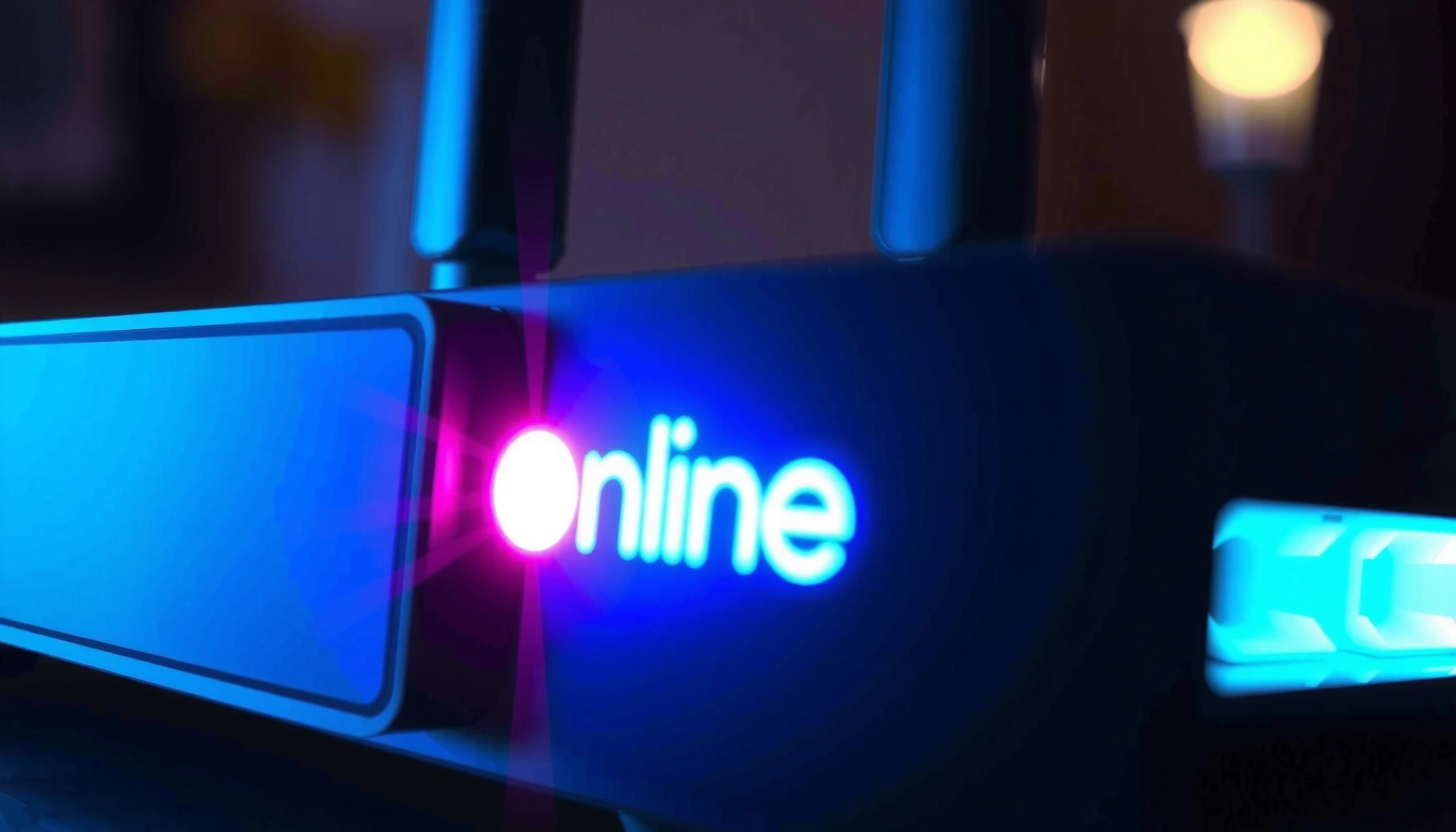
A blinking online light indicating network connectivity status and its meaning.
  • Modem And Routers

What Does a Blinking Online Light Mean?

John Abraham3 months ago015 mins

A blinking online light usually means your internet connection has an intermittent link or is actively trying to establish a session. If the light keeps blinking after power-up or during outages, it typically points to a modem/router connectivity problem—not normal operation. The rest of the article tells you how to identify the exact cause from…

Read Full News

Latest Release

  • Cutting-Edge Portable Displays and Air Cursor Screens
  • Devices Blending AR with Daily Tech: Trends for 2026
  • Wearables That Track Health Stats Independently from Phones
  • AI Fitness Wearables with Real-Time Coaching: Transform Your Workouts
  • Next-Gen Smart Rings for Monitoring Blood Pressure

Recent Posts

  • Step-by-step guide to fixing NAT problems on Nintendo Switch for better online gaming.
    How to Fix NAT Problems on Nintendo Switch: Quick Steps
  • Guide to fixing Strict NAT issues on Xbox with network settings adjustments.
    How to Fix Strict NAT on Xbox: Network Settings Guide
  • Step-by-step solutions for fixing Strict NAT issues on PlayStation consoles.
    How to Fix Strict NAT on PlayStation: Step-by-Step Solutions
  • Router optimization tips for improving Nintendo Switch connection quality.
    How to Optimize Router for Nintendo Switch: Better Connection
  • Image illustrating tips to optimize router settings for better Xbox ping and connection.
    How to Optimize Router for Xbox: Improve Ping and Connection
  • A person adjusting router settings for faster PlayStation connection and stability
    How to Optimize Router for PlayStation: Faster, More Stable Connection
  • Illustration showing how to prioritize Nintendo Switch traffic on a home network for optimal gaming experience.
    How to Prioritize Nintendo Switch Traffic on Your Network
  • About Us
  • Privacy Policy
  • Disclaimers
  • Terms and Conditions
  • Sitemap
  • Contact Us
Newsmatic - News WordPress Theme 2026. Powered By BlazeThemes.