
To successfully integrate your home theater with smart home devices, focus on compatibility, automation, and user-friendly control systems. This article will guide you through practical tips to create a cohesive entertainment experience that enhances both convenience and enjoyment. By prioritizing these elements, you can transform your viewing environment into a sophisticated, interconnected system that maximizes both functionality and enjoyment.
Understand Device Compatibility
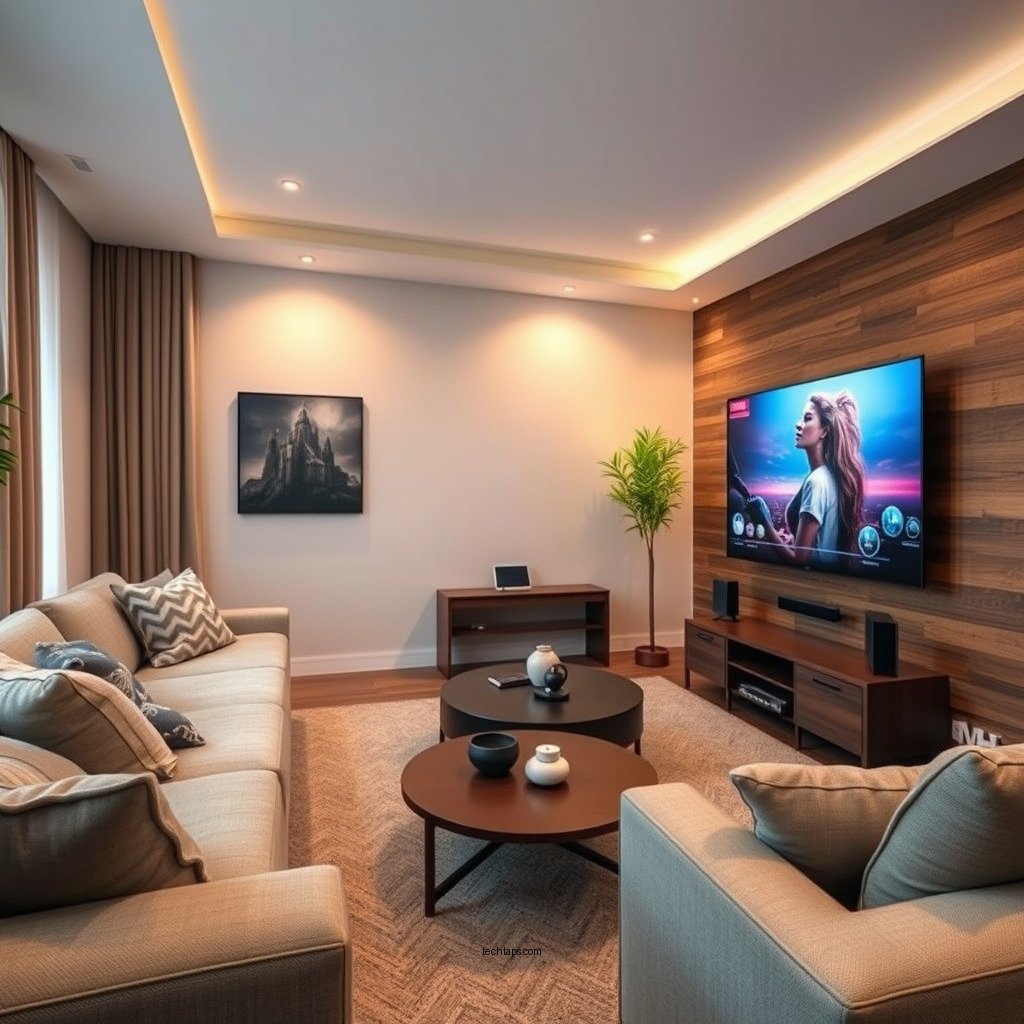
Before embarking on the integration of your home theater with smart home devices, it’s crucial to understand the compatibility of your existing equipment. Begin by researching whether your home theater system can communicate with popular smart home platforms such as Amazon Alexa, Google Assistant, or Apple HomeKit.
Also, verify if the devices you wish to incorporate support common communication protocols like Wi-Fi, Zigbee, or Z-Wave. This step is vital as it ensures that all components can work together seamlessly. For instance, if you own a smart TV that supports Google Assistant, you might want to consider sound systems that also integrate well with that assistant to create a unified control experience.
Optimize Your Network Setup
A robust network is the backbone of any smart home integration. Ensure that your Wi-Fi network is strong enough to support multiple devices without dropping. A weak signal can lead to frustrating delays, especially during critical moments in your favorite films or shows.
For larger homes, consider investing in a mesh Wi-Fi system. Mesh networks eliminate dead zones and maintain consistent internet speed throughout your home, which is essential for streaming high-definition content, controlling smart devices, and providing a smooth user experience.
Use a Universal Remote
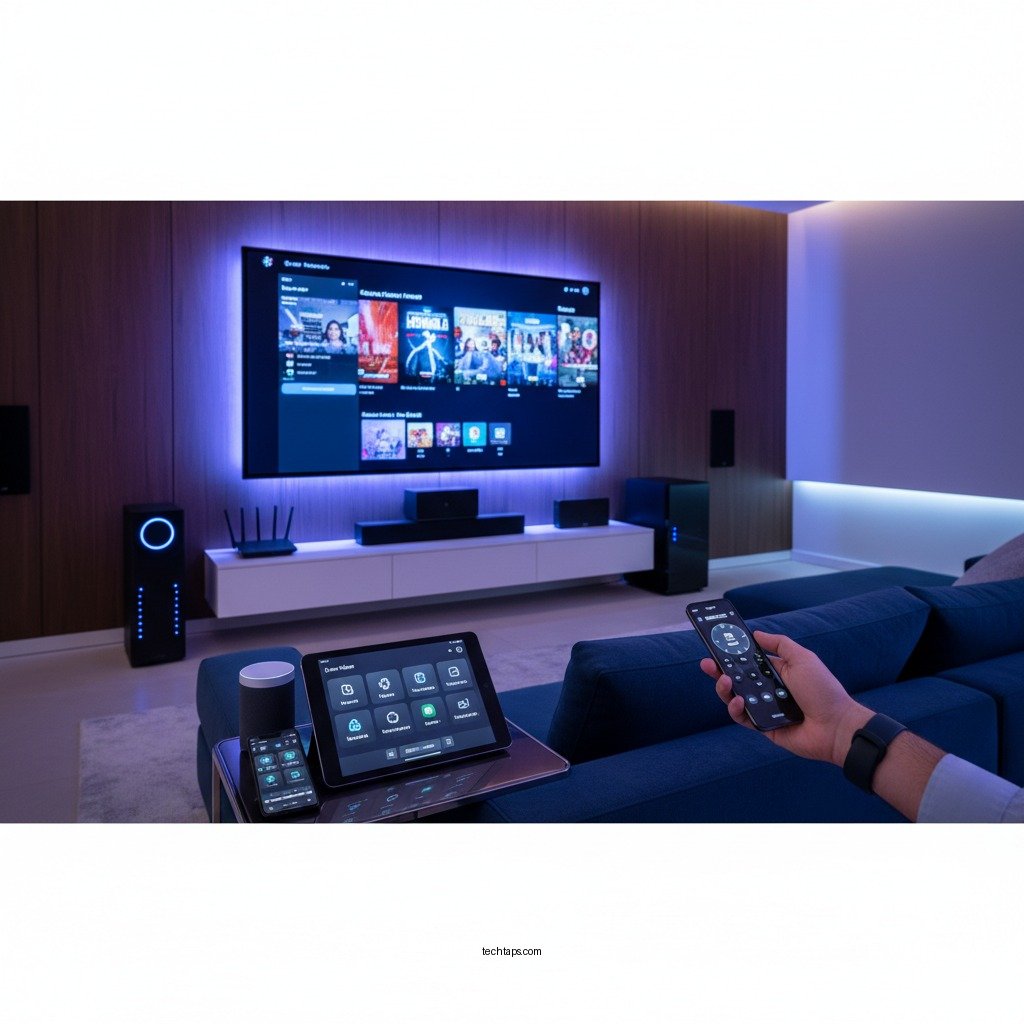
One of the biggest challenges in managing multiple devices is the clutter caused by numerous remotes. Investing in a universal remote can significantly simplify your setup. Look for remotes that come equipped with smart features, allowing you to program specific activities. For instance, a single button press could initiate a “Movie Night” scene that dims the lights, turns on the projector, and starts your favorite streaming service.
Many modern universal remotes also feature customizable screens that can display only the controls you need for each activity, reducing complexity and enhancing usability.
Set Up Voice Control
Voice control is one of the most convenient features of smart home integration. By incorporating voice assistants like Amazon Alexa or Google Assistant, you can control your home theater system hands-free. Imagine saying, “Start Movie Night,” and having your lights dim, the TV turn on, and your sound system come to life—all without lifting a finger.
Custom commands can be set up to streamline operations further. For example, you can program a command that not only turns on your devices but also adjusts the thermostat to the perfect temperature for movie-watching. This level of automation adds to the convenience and enjoyment of your home theater experience.
Automate Your Environment
Automation can significantly enhance your home theater setup. By using smart plugs and smart lighting, you can create automated scenes tailored to different activities. For example, set up a “Game Night” scene that turns on your gaming console, adjusts the lighting to a vibrant hue, and opens your smart curtains.
Additionally, consider scheduling devices to turn on or off at specific times. For example, you could program your projector to power on at 7 PM every Friday evening to ensure you’re ready for your weekend movie marathon. This proactive approach to managing your environment not only enhances your entertainment experience but also creates a cozy atmosphere that feels tailored to your preferences.
Regularly Update Your Devices
Keeping your smart devices updated is crucial for optimal performance and security. Manufacturers frequently release firmware updates that enhance functionality, add new features, and fix bugs. Regularly checking for updates ensures that you are taking full advantage of your devices’ capabilities and maintaining a secure network environment.
Set reminders to check for updates on a monthly basis or enable automatic updates where possible. This simple practice can save you from potential compatibility issues or security vulnerabilities down the line.
Troubleshoot Common Issues
Even with the best setup, issues may occasionally arise. Be prepared to troubleshoot connectivity problems, which are common when integrating various smart devices. Familiarize yourself with the support resources available for your specific devices, as many manufacturers provide troubleshooting guides and community forums to help you resolve issues efficiently.
Common issues may include devices not responding to commands or trouble connecting to your Wi-Fi network. In many cases, resetting the device or ensuring it is within range of your router can resolve the problem quickly.
Top Smart Home Devices for Home Theater Integration (2024)
| # | Device | Compatibility | Control Type | User Rating |
|---|---|---|---|---|
| 1 | Amazon Fire TV Stick 4K | Alexa | App / Voice | ★★★★☆ |
| 2 | Google Nest Hub | Google Assistant | App / Voice | ★★★★★ |
| 3 | Apple TV 4K | Siri | App / Voice | ★★★★☆ |
| 4 | Logitech Harmony Elite | Multiple | Remote / App | ★★★★☆ |
| 5 | Samsung SmartThings Hub | Zigbee, Z-Wave | App | ★★★★☆ |
| 6 | Philips Hue White and Color Ambiance | Alexa, Google Assistant | App / Voice | ★★★★★ |
| 7 | Sonos One | Alexa, Google Assistant | App / Voice | ★★★★★ |
Summarizing the key points, integrating your home theater with smart home devices can greatly enhance your viewing experience through better control and automation. Start by ensuring compatibility, optimizing your network, and utilizing smart assistants to create a seamless setup. For further improvements, consider investing in universal remotes and regularly updating your devices. Take action today and transform your home entertainment into a smart experience!
Frequently Asked Questions
What are the best smart home devices to integrate with my home theater system?
The best smart home devices for your home theater include smart speakers like Amazon Echo or Google Nest, smart TVs with built-in streaming capabilities, and smart remotes such as Logitech Harmony. Additionally, consider smart lighting systems like Philips Hue to enhance your viewing experience and smart plugs to control your devices remotely.
How can I control my home theater system with a smart home hub?
To control your home theater system with a smart home hub, first ensure your devices are compatible with the hub, such as Amazon Alexa, Google Assistant, or Apple HomeKit. Use the hub’s app to set up routines and commands, allowing you to control your TV, audio system, and lighting with voice commands or a single tap on your smartphone.
Why should I integrate my home theater with smart home technology?
Integrating your home theater with smart home technology enhances convenience, improves energy efficiency, and elevates your overall entertainment experience. With smart integration, you can automate your home theater setup, control devices remotely, and create a personalized atmosphere tailored to your viewing preferences.
Which smart lighting solutions work best for enhancing my home theater experience?
Smart lighting solutions like Philips Hue and LIFX are excellent for enhancing your home theater experience, allowing you to adjust brightness and color temperature according to your mood or the content you’re watching. These systems can be synchronized with your TV or movie playback, creating immersive effects that elevate your viewing experience.
How do I troubleshoot connectivity issues between my smart home devices and home theater system?
To troubleshoot connectivity issues, start by ensuring all devices are connected to the same Wi-Fi network and check for software updates on each device. If problems persist, try rebooting your router and devices, or consult the user manuals for specific troubleshooting steps. Additionally, consider using an Ethernet cable for a more stable connection between devices.
References
- https://www.lifewire.com/how-to-set-up-a-home-theater-system-1846654
https://www.lifewire.com/how-to-set-up-a-home-theater-system-1846654 - https://www.researchgate.net/publication/329927567_Smart_Home_Devices_and_Interoperability
https://www.researchgate.net/publication/329927567_Smart_Home_Devices_and_Interoperability - https://www.sciencedirect.com/topics/engineering/home-automation
https://www.sciencedirect.com/topics/engineering/home-automation - https://www.bbc.com/news/technology-55336084
https://www.bbc.com/news/technology-55336084 - Google Scholar Google Scholar
https://scholar.google.com/scholar?q=Integrating+Home+Theater+with+Smart+Home+Devices - Google Scholar Google Scholar
https://scholar.google.com/scholar?q=Home+Theater+Smart+Home+Integration+Tips - Google Scholar Google Scholar
https://scholar.google.com/scholar?q=Tips+for+Integrating+Your+Home+Theater+with+Smart+Home+Devices - Tips for Integrating Your Home Theater with Smart Home Devices – Search results
https://en.wikipedia.org/wiki/Special:Search?search=Tips+for+Integrating+Your+Home+Theater+with+Smart+Home+Devices - https://www.ncbi.nlm.nih.gov/search/research-articles/?term=Tips+for+Integrating+Your+Home+Theater+with+Smart+Home+Devices
https://www.ncbi.nlm.nih.gov/search/research-articles/?term=Tips+for+Integrating+Your+Home+Theater+with+Smart+Home+Devices