Experiencing muffled sound from your Sony sound system can be quite frustrating, but fortunately, it’s often a solvable issue. By following a systematic troubleshooting approach, you can identify the root cause of the muffled audio and implement the necessary fixes to restore high-quality sound. This guide will walk you through various troubleshooting steps, covering everything from checking connections to cleaning your equipment.
Check Connections and Cables
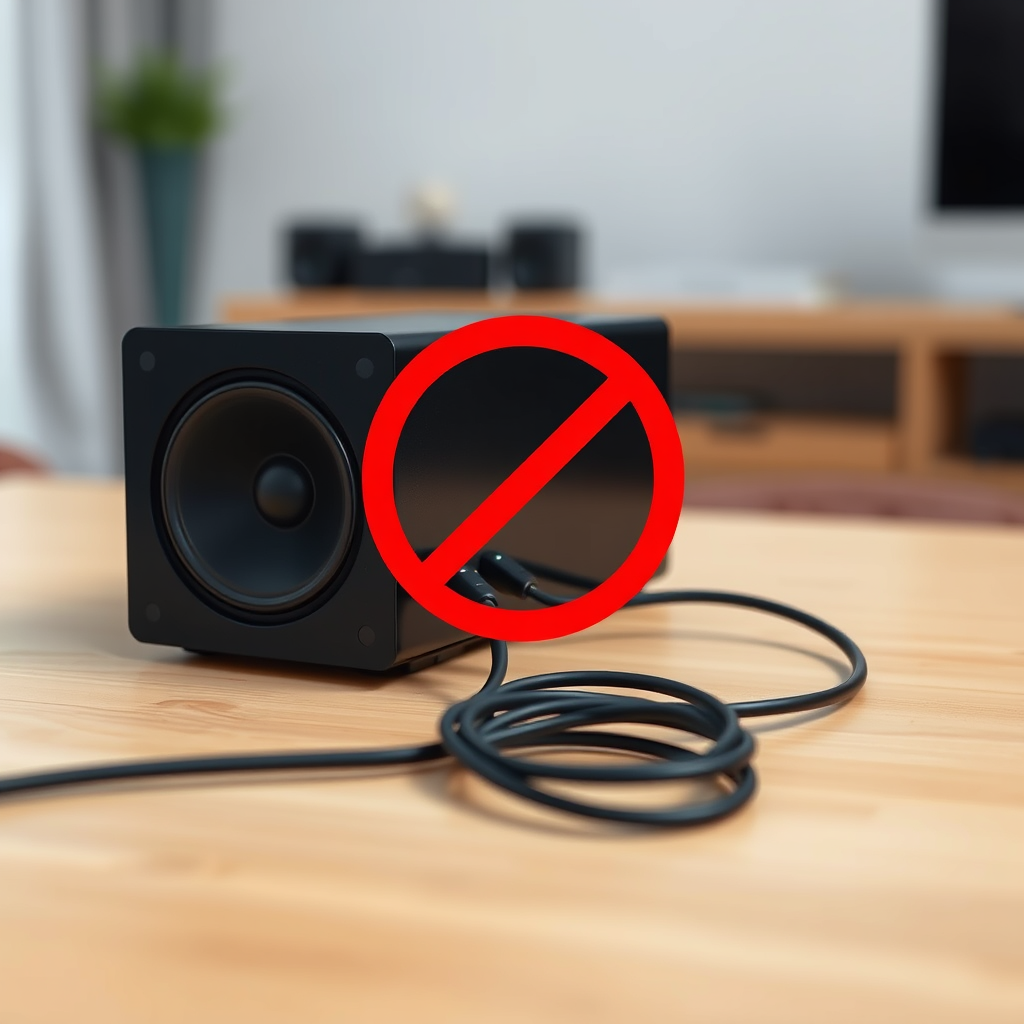
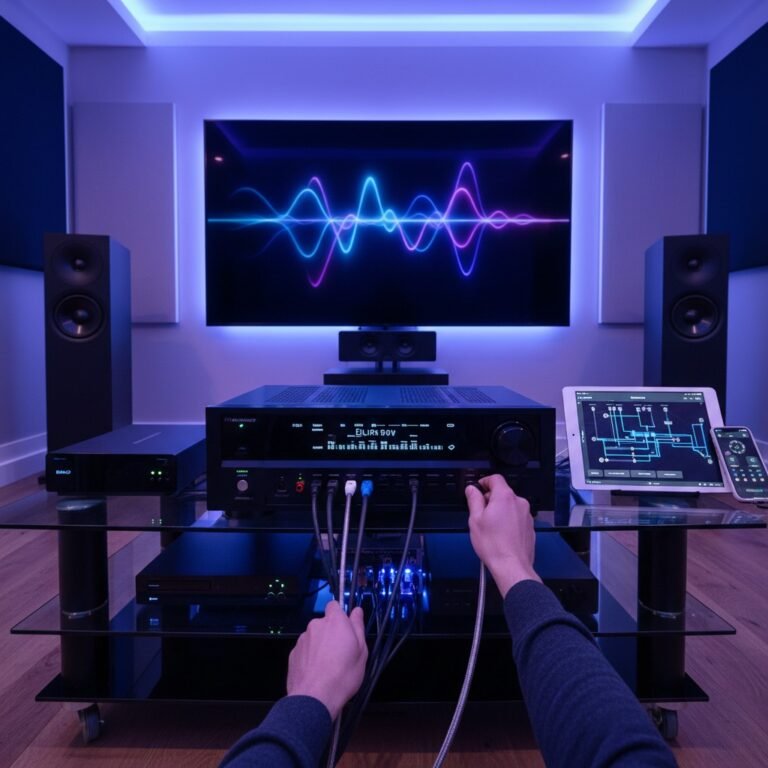
One of the most common causes of muffled sound in any audio system, including Sony sound systems, is improper or loose connections. Begin by ensuring that all audio cables are securely connected to both the sound system and the audio source. Loose connections can lead to poor sound quality, resulting in a muffled audio experience.
Next, inspect the cables for any signs of damage or wear. Frayed or broken cables can significantly impact sound clarity and quality. If you identify any faulty cables, consider replacing them with new ones. High-quality cables designed for audio use can help prevent further issues and ensure optimal sound performance.
Adjust Settings on Your Device
Your sound system’s settings play a crucial role in audio quality. Start by reviewing the equalizer settings. Improper equalizer adjustments can lead to an imbalance in sound frequencies, causing music and dialogue to sound muffled. Adjust the settings to enhance clarity, ensuring that the mid-range frequencies are well-represented.
If you have made custom audio settings in the past, it may be beneficial to reset the audio settings to their default values. Sometimes, custom configurations can inadvertently lead to sound issues. By reverting to the default settings, you can rule out any user-induced problems that might be affecting sound quality.
Examine Speaker Placement
The placement of your speakers can have a significant impact on sound clarity. Ensure that the speakers are positioned correctly and are not obstructed by furniture, walls, or other objects. Obstructions can cause sound waves to bounce off surfaces, leading to a muffled audio experience.
Experimenting with speaker height and angle can also yield improvements in sound projection and clarity. For instance, placing speakers at ear level when seated can enhance the listening experience, making audio clearer and more immersive. Don’t hesitate to adjust their positioning and test the sound quality after each change.
Common Causes of Muffled Sound in Sony Sound Systems
| # | Cause | Impact Level | Solution |
|---|---|---|---|
| 1 | Loose Connections | High | Secure all connections |
| 2 | Damaged Cables | High | Replace cables |
| 3 | Incorrect EQ Settings | Medium | Adjust EQ |
| 4 | Poor Speaker Placement | High | Reposition speakers |
| 5 | Source Issues | Medium | Test different sources |
| 6 | Firmware Bugs | High | Update firmware |
| 7 | Dust and Debris | Medium | Clean regularly |
Test with Different Audio Sources
To determine whether the muffled sound issue is source-specific, try playing various audio formats such as music, movies, or podcasts. Sometimes, the quality of the audio file or the streaming service can affect sound clarity. If only one source produces muffled sound, the issue may lie with that specific device rather than the sound system itself.
Additionally, connect other devices, like smartphones, tablets, or laptops, to your Sony sound system. If the audio quality improves with different devices, this indicates that the original source may have compatibility issues, audio file corruption, or a software problem.
Update Firmware and Software
Outdated firmware or software can lead to various issues, including audio problems. Check for any available firmware updates for your Sony sound system. Manufacturers often release updates that fix known issues and improve performance. To do this, consult the user manual or visit the official Sony support website for instructions on updating your device.
Moreover, ensure that all connected devices, such as TVs or streaming devices, are updated to their latest software versions. Compatibility issues arising from outdated software can contribute to muffled sound, so keeping everything current is essential for optimal performance.
Clean the Speakers and Surrounding Area
Cleaning your speakers and the surrounding area is often overlooked but can significantly enhance sound quality. Dust and debris can accumulate on speaker grills, affecting sound output. Regularly clean your speakers with a soft, dry cloth, and consider using a vacuum with a brush attachment to remove any dust from the surrounding area.
Pay special attention to the speaker grills, as obstructions here can muffle sound. Keeping your sound system clean not only improves performance but also extends the life of your equipment.
Consult the User Manual
For specific guidance on troubleshooting sound issues, refer to the troubleshooting section of the user manual that came with your Sony sound system. The manual often contains valuable information tailored to your model, including common problems and their solutions.
In addition to the manual, explore manufacturer support resources, including forums and FAQs. These platforms can provide insights from other users who may have experienced similar issues, offering additional troubleshooting tips that could help resolve your muffled sound problem.
Sony Sound System Popularity by Model (2024)
Conclusion
By following these troubleshooting steps, you can effectively identify and resolve the muffled sound issue with your Sony sound system. Starting with checking connections and cables, adjusting settings, and examining speaker placement can significantly improve audio quality. Don’t forget to test different audio sources, update firmware, and clean your speakers regularly. If problems persist, consider reaching out to Sony customer support or professional servicing for further assistance. With a little effort, you can restore your sound system’s performance and enjoy high-quality audio once again.
Frequently Asked Questions
What are the common causes of a Sony sound system producing muffled sound?
Common causes of muffled sound in a Sony sound system include incorrect speaker placement, damaged or loose speaker wires, and settings misconfiguration such as bass and treble levels. Additionally, a malfunctioning audio source or outdated firmware can also contribute to the issue. Checking these factors can help identify the root of the problem.
How can I troubleshoot my Sony sound system for muffled audio?
To troubleshoot muffled audio on your Sony sound system, start by checking all connections and ensuring that cables are securely attached. Next, adjust the EQ settings and ensure that the sound mode is set correctly for your content. If the problem persists, try resetting the sound system to factory settings to eliminate any configuration errors.
Why is my Sony sound system only producing muffled sound from one speaker?
If your Sony sound system is only producing muffled sound from one speaker, it may indicate a problem with that specific speaker or its connection. Check for loose wires or damaged cables leading to the speaker, and test the speaker with another audio source to determine if it’s faulty. If the issue remains, consider consulting a professional for repairs.
What is the best way to improve sound clarity on my Sony audio system?
To improve sound clarity on your Sony audio system, start by adjusting the equalizer settings to enhance mid and high frequencies while reducing excessive bass. Ensure that your speakers are positioned correctly and away from walls to minimize sound obstruction. Upgrading to higher quality cables can also help transmit clearer audio signals.
Which settings should I check if my Sony sound system sounds muffled during movies?
When experiencing muffled sound during movies on your Sony sound system, check the surround sound settings, as they can sometimes affect clarity. Ensure that the audio output is set to “PCM” or “Stereo” rather than “Bitstream” if you’re using a receiver. Additionally, verify that any sound enhancements, like Dolby Digital or DTS, are appropriately configured for your setup.
References
- Sound system
https://en.wikipedia.org/wiki/Sound_system - Google Scholar Google Scholar
https://scholar.google.com/scholar?q=Sony+sound+system+troubleshooting - https://www.sciencedirect.com/topics/engineering/sound-systems
https://www.sciencedirect.com/topics/engineering/sound-systems - https://www.ncbi.nlm.nih.gov/pmc/articles/PMC7361600/
https://www.ncbi.nlm.nih.gov/pmc/articles/PMC7361600/ - Google Scholar Google Scholar
https://scholar.google.com/scholar?q=muffled+sound+troubleshooting - https://www.bbc.com/news/technology-53767294
https://www.bbc.com/news/technology-53767294 - https://www.reuters.com/article/us-technology-audio-troubleshooting-idUSKBN2A40W4
https://www.reuters.com/article/us-technology-audio-troubleshooting-idUSKBN2A40W4 - https://www.nature.com/articles/s41598-019-48496-3
https://www.nature.com/articles/s41598-019-48496-3 - https://www.mayoclinic.org/patient-consumer/health-information/healthy-lifestyle/consumer-health/in-depth/audio-systems/art-20451674
https://www.mayoclinic.org/patient-consumer/health-information/healthy-lifestyle/consumer-health/in-depth/audio-systems/art-20451674 - https://www.theguardian.com/technology/2020/jun/16/audio-systems-sound-quality-issues
https://www.theguardian.com/technology/2020/jun/16/audio-systems-sound-quality-issues