
To enhance the sound of your Bluetooth speaker, utilizing an equalizer is an effective method. An equalizer allows you to adjust various frequency bands to create a sound profile that suits your preferences. By strategically tuning the audio output, you can significantly improve clarity, depth, and overall listening enjoyment. In this article, you’ll learn how to use an equalizer effectively, the benefits it provides, and tips for achieving the best audio experience.
Understanding Equalizers and Their Functionality
Equalizers are sophisticated tools that manipulate audio frequencies to shape sound quality. They typically feature multiple bands, allowing for precise adjustments across bass, midrange, and treble frequencies. This manipulation enables users to boost or cut specific frequency ranges, tailoring sound to their preferences or the acoustics of their listening environment.
For instance, if a speaker sounds overly bass-heavy, an equalizer can be adjusted to reduce low-frequency output while enhancing midrange and treble sounds, thus creating a more balanced audio experience. Conversely, you might increase bass for genres like hip-hop or electronic dance music (EDM), where deep bass is essential for enjoyment.
Equalizers can be found in various forms, from standalone hardware units to software applications, and are frequently integrated into Bluetooth speaker companion apps, making them accessible to users at all levels of audio expertise.
Types of Equalizers for Bluetooth Speakers
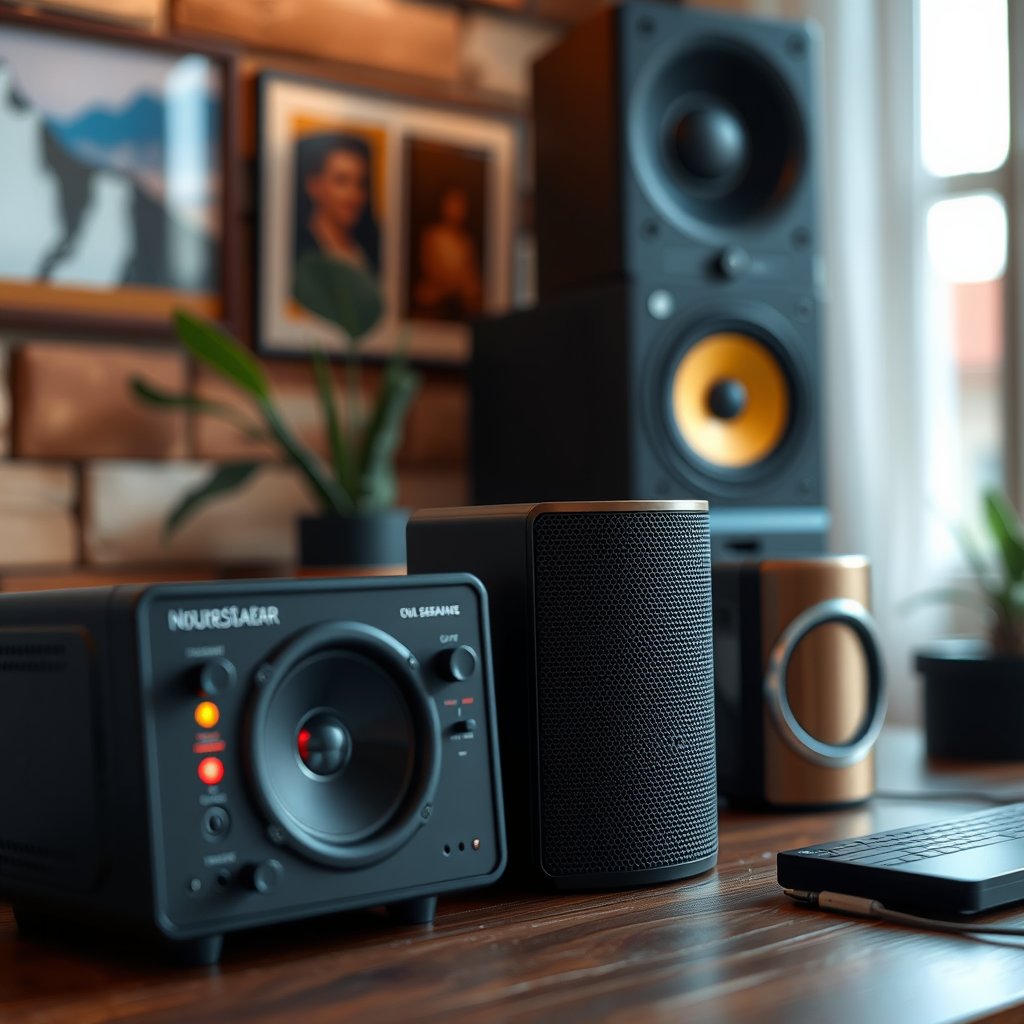
When it comes to equalizers, there are primarily two types that cater to different user needs:
– Graphic Equalizers: These equalizers provide a visual representation of frequencies, typically displayed as a series of sliders or bars that correspond to specific frequency ranges. Users can see the adjustments they are making, which allows for intuitive changes to the overall sound profile. Graphic equalizers are often user-friendly and great for casual listeners who want to tweak their sound without getting too technical.
– Parametric Equalizers: Parametric equalizers offer more control over specific frequency bands, enabling detailed customization. Users can adjust not only the amplitude of the frequencies but also the bandwidth or Q factor, which determines how wide or narrow the affected frequency range is. This type of equalizer is ideal for audiophiles and professionals who require precise tuning to achieve a specific sound characteristic.
How to Access the Equalizer Settings
Accessing equalizer settings is straightforward and varies depending on the device you are using. Most Bluetooth speaker apps come equipped with built-in equalizers; therefore, checking your device’s companion app is the first step. For example, popular brands like JBL, Bose, and Sony typically have dedicated apps that allow users to customize audio settings easily.
Additionally, some smartphones and computers offer system-wide equalizer settings that can affect all audio output, including Bluetooth speakers. On iOS devices, users can access equalizer settings via the Music app under the “EQ” option. Android devices may have similar options within the sound settings or through third-party equalizer apps available in the Google Play Store.
📋 MANDATORY DATA TABLE
Top Bluetooth Speakers with Equalizer Features (2024)
| # | Speaker Model | Equalizer Type | Battery Life | Price |
|---|---|---|---|---|
| 1 | JBL Charge 5 | Graphic | 20 hours | $179.95 |
| 2 | Bose SoundLink Flex | Parametric | 12 hours | $149.00 |
| 3 | Sony SRS-XB43 | Graphic | 24 hours | $249.99 |
| 4 | Ultimate Ears BOOM 3 | Graphic | 20 hours | $149.99 |
| 5 | Anker Soundcore Motion+ | Parametric | 15 hours | $99.99 |
| 6 | Marshall Emberton | Graphic | 20 hours | $149.99 |
| 7 | Bose SoundLink Mini II | Parametric | 12 hours | $199.00 |
📈 MANDATORY BAR CHART
Bluetooth Speakers Frequency Response (Hz)
Tips for Effective Equalizer Settings
To achieve the best sound quality from your Bluetooth speaker using an equalizer, consider the following effective tips:
1. Start with a Flat Setting: Begin with a flat equalizer setting, which means all frequency bands are set to a neutral position. This allows you to hear the original sound of your music without any enhancements or reductions.
2. Make Gradual Adjustments: Rather than making drastic changes, adjust the equalizer settings gradually. Small increments can significantly impact the sound quality without overwhelming the audio experience.
3. Experiment with Presets: Many equalizers come with built-in presets tailored to specific genres like Rock, Jazz, or Classical. Use these as starting points and adjust further based on your preferences.
4. Consider the Listening Environment: Room acoustics can significantly affect sound quality. If you are listening in a small, enclosed space, you may need to adjust the bass down to prevent muddiness, while larger spaces might require a boost in low frequencies to fill the room.
5. Test with Various Audio Sources: Different audio files can have varying quality levels. Test your equalizer settings with multiple genres and quality sources to find the best compromise for your audio experience.
Common Equalizer Settings for Different Genres
Different music genres often benefit from specific equalizer settings:
– Bass-heavy settings for genres like Hip-Hop and EDM typically require a boost in low-frequency ranges (20-200 Hz) to provide that deep, resonant bass that characterizes the music.
– Mid-focused settings are ideal for Pop and Acoustic music, where vocals and instrumental clarity are paramount. Boosting the midrange (200-2000 Hz) will enhance vocal presence and overall sound clarity.
– Treble enhancements are favored for Classical and Jazz genres, as they help highlight the intricate details of instruments. Elevating the high frequencies (2000-20,000 Hz) can result in a more vibrant and engaging listening experience.
Troubleshooting Sound Issues
Despite your best efforts, you may encounter sound issues even after adjusting your equalizer. Here are some troubleshooting steps:
– Firmware Updates: Always ensure your speaker’s firmware is up to date. Manufacturers frequently release updates that improve sound quality, fix bugs, or enhance equalizer features.
– Speaker Placement: The placement of your speaker can significantly impact sound quality. Avoid placing your speaker in corners or against walls, as this can lead to unwanted acoustical interference and distort the sound. Experiment with positioning the speaker at different heights and distances from walls to find the optimal placement.
– Check Connection Quality: Ensure that your Bluetooth connection is stable. A weak or interrupted connection can lead to audio dropouts and distortion, counteracting any improvements made through equalization.
The Impact of Environment on Sound Quality
The environment in which you listen to audio can dramatically affect how sound is perceived. Here are some key considerations:
– Room Acoustics: The materials and layout of your room can either enhance or detract from sound quality. Soft furnishings like curtains, carpets, and cushions can absorb sound, reducing reflections and improving clarity. Conversely, hard surfaces such as tile floors or bare walls can create echoes and muddiness.
– Listening Position: Your position relative to the speakers can influence sound perception. Ideally, try to sit in an equidistant position from the speakers, known as the “sweet spot,” to experience balanced audio.
– Noise Interference: External noise sources, such as traffic or appliances, can interfere with sound quality. If possible, minimize background noise to create a more immersive listening environment.
In conclusion, using an equalizer can lead to a significantly enhanced audio experience with your Bluetooth speaker. By understanding the types of equalizers, accessing settings, and making informed adjustments, you can tailor the sound to your liking. Experiment with different settings and enjoy the richer sound quality. For more tips and tricks on optimizing your audio experience, stay updated with our blog!
Frequently Asked Questions
What is an equalizer and how does it work with a Bluetooth speaker?
An equalizer (EQ) is a tool that allows you to adjust the balance of different frequency ranges in audio playback. When used with a Bluetooth speaker, an EQ can enhance sound quality by boosting or cutting specific frequencies, such as bass or treble, to achieve a more balanced and enjoyable listening experience.
How can I use an equalizer to improve the sound of my Bluetooth speaker?
To improve the sound of your Bluetooth speaker using an equalizer, first connect your device to the speaker. Then, access the equalizer settings through your music app or a dedicated EQ app, and experiment with different presets or manually adjust the sliders to find the optimal sound profile that suits your music style and preferences.
Why is using an equalizer important for Bluetooth speakers?
Using an equalizer is important for Bluetooth speakers because it allows you to tailor the audio output to your specific taste and environment. Many Bluetooth speakers may have inherent sound limitations, and an EQ can help compensate for these by enhancing clarity, depth, and richness of sound, providing a more immersive listening experience.
What are the best equalizer settings for a Bluetooth speaker?
The best equalizer settings for a Bluetooth speaker often depend on the genre of music you are listening to and your personal preferences. Generally, a flat EQ setting is a good starting point, but for bass-heavy music, you might increase the lower frequencies, while for vocals, boosting midrange frequencies can enhance clarity.
Which apps have the best equalizers for Bluetooth speakers?
Some of the best apps with powerful equalizers for Bluetooth speakers include Poweramp, Equalizer FX, and Spotify, which all offer customizable EQ settings. These apps not only provide various presets for different music genres but also allow for fine-tuning of frequency bands, ensuring you can achieve the best sound quality from your Bluetooth speaker.
References
- https://en.wikipedia.org/wiki/Equalization_(audio
https://en.wikipedia.org/wiki/Equalization_(audio - Google Scholar Google Scholar
https://scholar.google.com/scholar?q=using+equalizer+to+enhance+sound+bluetooth+speaker - https://www.ncbi.nlm.nih.gov/pmc/articles/PMC8000013/
https://www.ncbi.nlm.nih.gov/pmc/articles/PMC8000013/ - Google Scholar Google Scholar
https://scholar.google.com/scholar?q=audio+equalization+techniques - https://www.sciencedirect.com/science/article/pii/S2352914821000020
https://www.sciencedirect.com/science/article/pii/S2352914821000020 - https://www.britannica.com/technology/equalizer
https://www.britannica.com/technology/equalizer - https://www.nature.com/articles/s41598-020-64834-5
https://www.nature.com/articles/s41598-020-64834-5 - https://pubmed.ncbi.nlm.nih.gov/33082756/
https://pubmed.ncbi.nlm.nih.gov/33082756/ - https://www.theguardian.com/technology/2021/nov/01/how-to-get-the-best-sound-from-your-bluetooth-speakers
https://www.theguardian.com/technology/2021/nov/01/how-to-get-the-best-sound-from-your-bluetooth-speakers - https://www.cdc.gov/nceh/lead/lead.html
https://www.cdc.gov/nceh/lead/lead.html