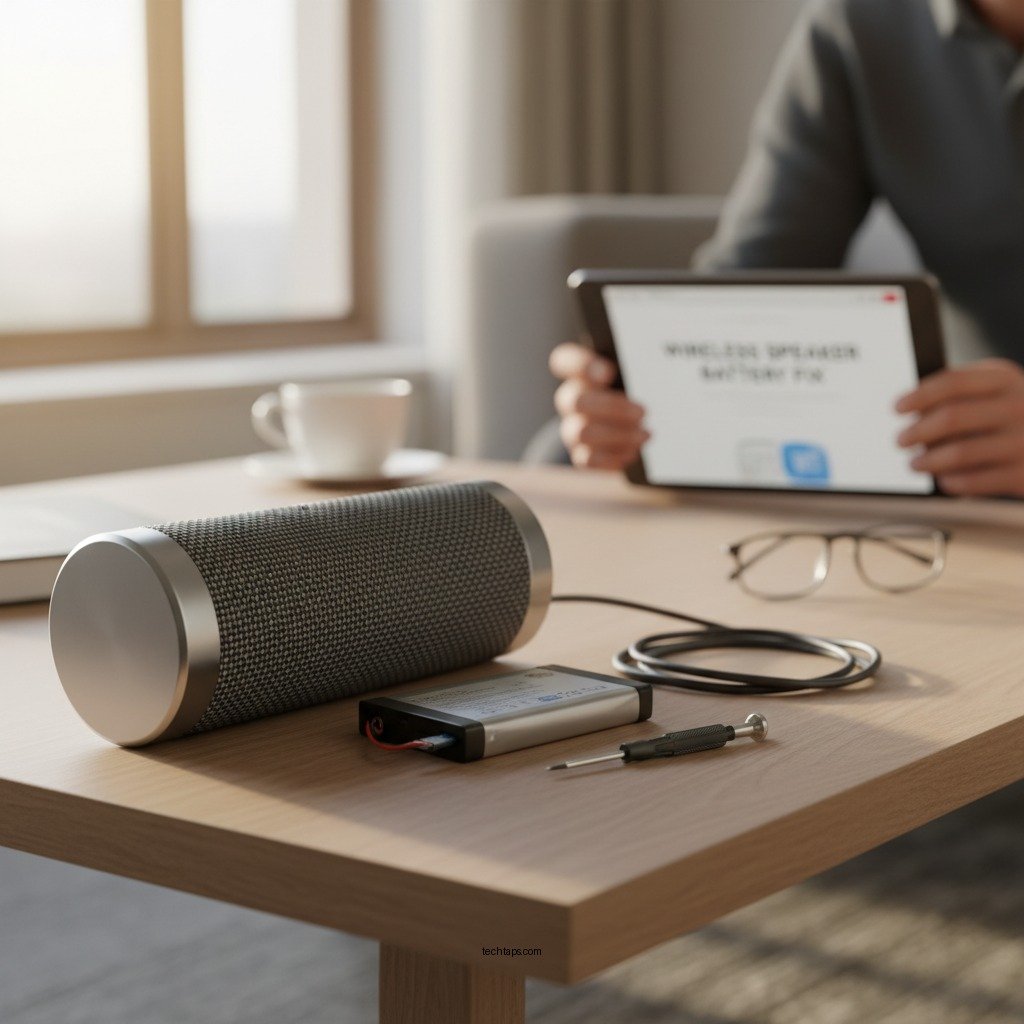

If your wireless speaker battery isn’t holding a charge, the first step is to troubleshoot the issue, which may involve checking the charging cable and port for damage. Additionally, resetting the speaker or updating its firmware can often resolve battery-related problems. In this article, we will guide you through various steps to diagnose the issue and explore potential solutions to restore your speaker’s functionality.
Check the Charging Cable and Port

The charging cable and port are crucial components in the charging process of your wireless speaker. If the battery is failing to hold a charge, your first action should be to inspect these parts thoroughly.
– Inspect the charging cable: Look for any visible frays, cuts, or kinks in the cable. Damage to the cable can disrupt the flow of electricity needed to charge the speaker. If the cable appears damaged, replacing it is a straightforward solution.
– Clean the charging port: Dust and debris can accumulate in the charging port, preventing a proper connection between the speaker and the charger. Use a soft, dry brush or compressed air to carefully clean the port. Ensure that no lint or particles remain, as this can obstruct the charging process.
If both the cable and port appear to be in good condition, you can proceed to the next troubleshooting steps.
Reset Your Wireless Speaker
Many electronic devices, including wireless speakers, can experience software glitches that affect their performance. A factory reset can often resolve these issues and restore the speaker to its original settings.
– Perform a factory reset: The procedure for resetting your speaker will vary depending on the model and manufacturer. Typically, this involves pressing and holding specific buttons for a set duration. Consult the user manual or the manufacturer’s website for detailed instructions tailored to your specific model.
– Check for issues after resetting: Once the reset is complete, test the speaker to see if the battery issue persists. If the speaker begins holding a charge again, it may have been a temporary software glitch. If not, further troubleshooting will be necessary.
Update Firmware
Keeping your wireless speaker’s firmware updated is essential for optimizing performance and fixing known issues, including battery problems.
– Check for firmware updates: Visit the manufacturer’s website or use their app to check for the latest firmware version available for your speaker. Often, manufacturers will release updates that enhance battery performance or address bugs that may cause charging issues.
– Follow the manufacturer’s guidelines: Updating the firmware is usually a straightforward process, but it’s important to follow the manufacturer’s instructions carefully to avoid any complications during the update.
Optimize Battery Usage
To prolong the battery life of your wireless speaker, consider implementing practices that minimize power consumption.
– Reduce volume and turn off features: Listening at a lower volume can significantly extend battery life. Additionally, features such as LED lighting or other visual indicators may drain the battery more quickly. Turning off these features during playback can help conserve power.
– Avoid overcharging: While many modern speakers have mechanisms to prevent overcharging, it’s still a good practice to unplug the speaker once it reaches a full charge. Leaving it plugged in continuously can lead to wear and tear on the battery over time.
Replace the Battery
If your wireless speaker continues to have issues holding a charge despite all troubleshooting efforts, it may be time to consider replacing the battery.
– If the battery is removable: Check if your speaker has a removable battery. In this case, you can purchase a replacement from the manufacturer or a trusted retailer. Make sure to verify compatibility with your specific model before purchasing.
– For built-in batteries: If your speaker has a built-in battery that is not user-removable, it is advisable to consult a professional technician for a safe battery replacement. Attempting to replace a built-in battery on your own may void the warranty or damage the speaker.
Explore Warranty and Support Options
Before making any significant decisions about repairs or replacements, it’s wise to explore your warranty and customer support options.
– Check warranty status: Many wireless speakers come with a limited warranty that covers defects in materials and workmanship. If your speaker is still under warranty, contact the manufacturer for potential free repairs or replacements.
– Contact customer support: If you’re unsure about the next steps, reaching out to customer support can provide you with valuable insights. They may guide you through additional troubleshooting steps or advise you on the best course of action based on your specific situation.
Consider Upgrading Your Speaker
If you have explored all troubleshooting options and your speaker is still not performing adequately, it may be time to consider an upgrade.
– Evaluate the age of your speaker: Wireless speaker technology continues to evolve, offering better battery technology and improved features. If your speaker is several years old, investing in a new model may provide you with enhanced performance and longer battery life.
– Research newer models: Before making a purchase, take the time to research newer speakers that offer better battery longevity, sound quality, and features that suit your needs. Read reviews and compare specifications to find a model that meets your expectations.
Top 7 Wireless Speakers by Battery Life (2024)
| # | Speaker Model | Battery Life (hrs) | Charging Time (hrs) | Price ($) |
|---|---|---|---|---|
| 1 | Bose SoundLink Revolve+ | 17 | 4 | $329 |
| 2 | JBL Charge 5 | 20 | 4.5 | $179 |
| 3 | Sony SRS-XB43 | 24 | 3 | $249 |
| 4 | Ultimate Ears BOOM 3 | 15 | 2.5 | $149 |
| 5 | Anker Soundcore Motion+ | 15 | 3 | $99 |
| 6 | Marshall Emberton | 20 | 4 | $149 |
| 7 | Apple HomePod Mini | 20 | 3 | $99 |
In conclusion, addressing charging issues can often resolve battery problems with your wireless speaker. By checking the charging cable and port, resetting the device, updating firmware, optimizing battery usage, and considering a battery replacement, you can extend the life of your speaker. However, if the battery fails to hold a charge consistently, consider upgrading to a newer model that offers improved technology and features. Taking these proactive steps will help you maintain an enjoyable audio experience without interruptions.
Frequently Asked Questions
What are the signs that my wireless speaker battery needs to be replaced?
Common signs that your wireless speaker battery may need replacement include a significant decrease in playback time, the speaker not charging fully, or the battery draining rapidly even when not in use. If you notice your speaker turns off unexpectedly or struggles to connect to power, it’s likely time for a new battery.
How can I extend the battery life of my wireless speaker?
To extend the battery life of your wireless speaker, keep the volume at moderate levels, avoid extreme temperatures, and turn off the speaker when not in use. Additionally, regularly updating the speaker’s firmware can improve battery efficiency and performance.
Why is my wireless speaker battery not holding a charge anymore?
A wireless speaker battery may stop holding a charge due to age, repeated full discharges, or exposure to high temperatures. Lithium-ion batteries, commonly used in wireless speakers, degrade over time, so it’s essential to maintain optimal charging habits to prolong their lifespan.
What is the best way to troubleshoot charging issues with my wireless speaker?
To troubleshoot charging issues, start by checking the charging cable and power source for any damage or malfunction. Clean the charging port of the speaker to remove any debris, and try a different charging cable or outlet. If the problem persists, it may indicate a failing battery that needs replacement.
Which replacement battery should I choose for my wireless speaker?
When selecting a replacement battery for your wireless speaker, it’s crucial to choose one that is compatible with your specific model. Look for batteries from reputable brands, and check reviews to ensure quality and safety. Always refer to the manufacturer’s recommendations for the best replacement options.
References
- Wireless speaker
https://en.wikipedia.org/wiki/Wireless_speaker - Page Not Found – Site Help – Mayo Clinic
https://www.mayoclinic.org/diseases-conditions/battery-life-in-electronic-devices/symptoms-causes/syc-20364269 - https://www.sciencedirect.com/topics/engineering/wireless-speaker
https://www.sciencedirect.com/topics/engineering/wireless-speaker - https://pubmed.ncbi.nlm.nih.gov/33164314/
https://pubmed.ncbi.nlm.nih.gov/33164314/ - https://www.bbc.com/news/technology-51134538
https://www.bbc.com/news/technology-51134538 - https://www.theguardian.com/technology/2020/jul/20/how-to-make-your-wireless-speaker-last-longer
https://www.theguardian.com/technology/2020/jul/20/how-to-make-your-wireless-speaker-last-longer - https://www.nytimes.com/2021/02/15/technology/personaltech/wireless-speakers-battery-life.html
https://www.nytimes.com/2021/02/15/technology/personaltech/wireless-speakers-battery-life.html - https://www.reuters.com/article/us-tech-battery-idUSKBN2A22N2
https://www.reuters.com/article/us-tech-battery-idUSKBN2A22N2 - Google Scholar Google Scholar
https://scholar.google.com/scholar?q=wireless+speaker+battery+issues - Google Scholar Google Scholar
https://scholar.google.com/scholar?q=wireless+speaker+battery+maintenance