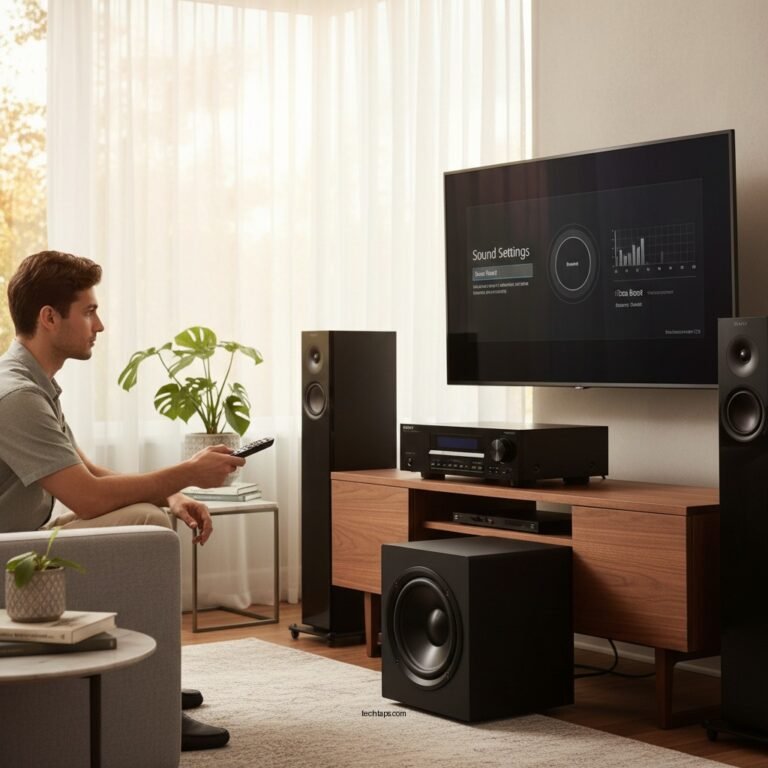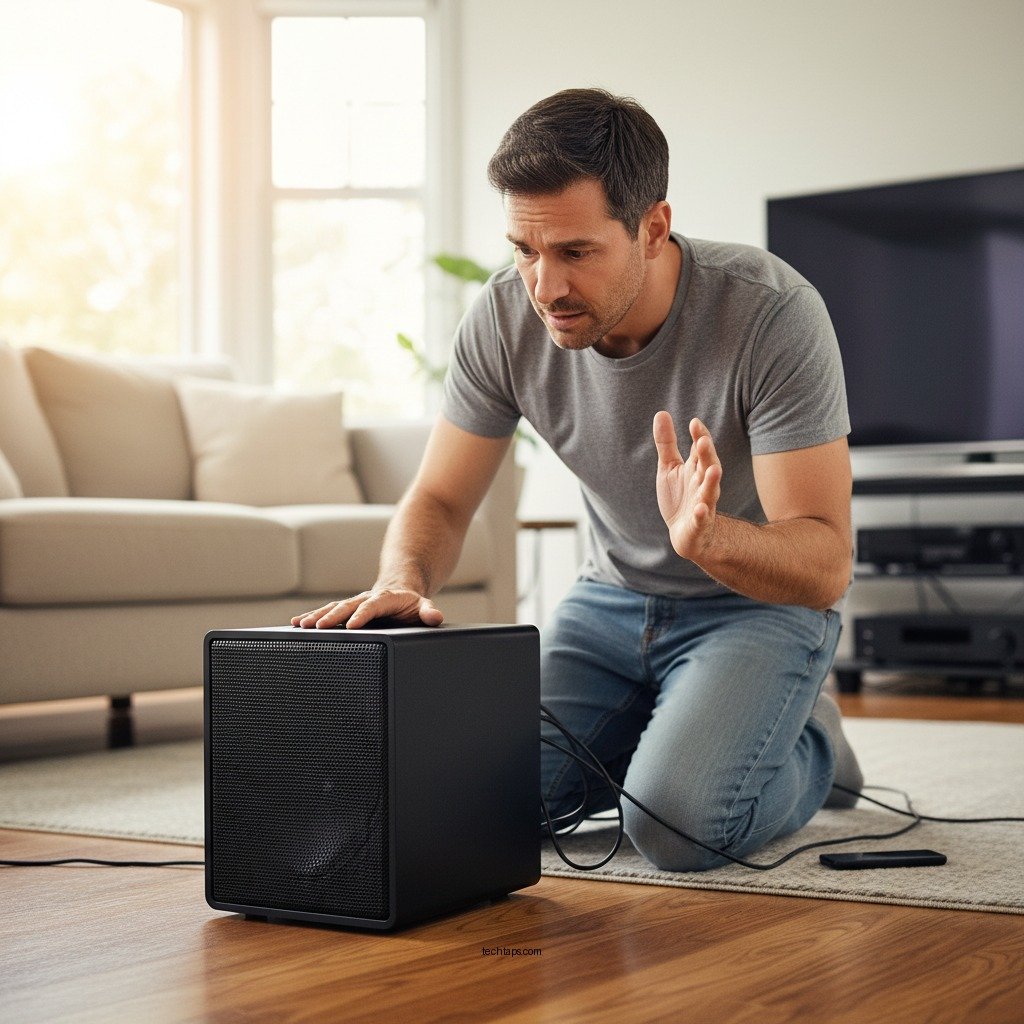

If your subwoofer is vibrating too much, it’s likely due to improper placement, settings, or even the environment it’s in. Excessive vibrations can detract from your listening experience and may indicate underlying issues. In this article, we’ll explore the reasons behind excessive vibrations and how to fix them, ensuring you can enjoy your audio experience to the fullest.
Understanding Subwoofer Vibrations

Subwoofers are specifically designed to produce low-frequency sounds, typically ranging from 20 Hz to 200 Hz. These frequencies can create significant physical vibrations that are often felt as much as they are heard. While some vibration is a normal aspect of subwoofer operation, excessive vibrations can indicate issues with the subwoofer’s design, placement, or overall setup. Understanding the mechanics of how subwoofers work and the role vibrations play is crucial to diagnosing potential problems.
Common Causes of Excessive Vibrations
Excessive vibrations can stem from several factors, each of which can be addressed to improve audio performance. Here are some common causes:
– Poor placement: Subwoofers that are positioned too close to walls or corners can amplify vibrations due to boundary effects. In these locations, sound waves can reflect off surfaces, creating standing waves that intensify vibrations.
– Incorrect settings: The volume and crossover settings on your subwoofer may need adjustment. If the gain is set too high or the crossover frequency is improperly configured, the subwoofer may struggle to reproduce sound cleanly, leading to distortion and unwanted vibrations.
Checking Your Subwoofer’s Settings
To address excessive vibrations, it is essential to verify your subwoofer’s settings. Start with the following adjustments:
– Phase setting: Ensure the phase setting is configured correctly for your specific audio setup. This setting allows you to synchronize the subwoofer with your main speakers, which can help minimize vibrations and improve sound quality.
– Gain adjustment: Adjust the gain to prevent distortion. Setting the gain too high can cause the subwoofer to output a distorted sound, resulting in increased vibrations. Aim for a level that provides robust bass without any audible distortion.
Evaluating Your Room’s Acoustics
The acoustics of your room can play a significant role in how sound waves propagate and the overall performance of your subwoofer. Here are some considerations to optimize your space:
– Room surfaces: Hard surfaces, such as tile or hardwood floors, can reflect sound waves, leading to increased vibrations. Conversely, soft furnishings like carpets, curtains, and upholstered furniture can help absorb sound and reduce vibrations.
– Acoustic treatment: Consider adding acoustic panels or bass traps to your room. These elements can help control sound reflections and minimize unwanted resonance, allowing for cleaner bass reproduction.
Common Causes of Excessive Subwoofer Vibrations
| # | Cause | Description | Impact on Sound |
|---|---|---|---|
| 1 | Poor Placement | Subwoofer too close to walls or corners. | High |
| 2 | Incorrect Settings | Improper gain or phase settings. | Moderate |
| 3 | Room Acoustics | Hard surfaces reflecting sound waves. | High |
| 4 | Bass Management | Inadequate bass management settings. | Moderate |
| 5 | Subwoofer Quality | Low-quality subwoofer design. | High |
| 6 | Overdriving | Pushing the subwoofer beyond its limits. | High |
| 7 | Loose Connections | Unstable wiring can affect performance. | Moderate |
Exploring Subwoofer Isolation Techniques
Another effective approach to mitigating excessive vibrations is to implement isolation techniques. Here are some methods to consider:
– Isolation pads: Placing your subwoofer on isolation pads can significantly reduce vibrations transmitted to the floor. These pads are designed to absorb and dissipate vibrations, helping to maintain sound clarity.
– Dedicated stands: Using a dedicated subwoofer stand or platform can also help minimize resonance. These stands are engineered to isolate the subwoofer from the floor and other surfaces, allowing for clearer bass response.
When to Consider Professional Help
If you’ve made adjustments to placement, settings, and your room’s acoustics but still experience excessive vibrations, it may be time to seek professional help. A qualified technician can perform a comprehensive assessment of your audio system and provide calibration services tailored to your specific needs. Professional calibration can optimize your system’s performance and ensure that all components work harmoniously.
In conclusion, excessive subwoofer vibrations can stem from various factors, including poor placement, incorrect settings, and room acoustics. By understanding these causes and implementing effective solutions—such as adjusting settings, optimizing placement, and utilizing isolation techniques—you can enhance your audio experience significantly. If necessary, do not hesitate to seek professional assistance to achieve the best sound quality possible. Enjoy your audio experience without the unwanted rumble!
Frequently Asked Questions
Why is my subwoofer vibrating too much even at low volumes?
Excessive vibration from your subwoofer at low volumes can be caused by several factors, including improper placement, room acoustics, or a malfunctioning amplifier. Ensure your subwoofer is placed on a stable surface and consider using isolation pads to minimize vibrations. Additionally, check your amplifier settings to ensure they are configured correctly for your speaker setup.
What can I do to reduce unwanted vibrations from my subwoofer?
To reduce unwanted vibrations from your subwoofer, start by adjusting its placement; try moving it away from walls and corners. You can also use soundproofing materials, such as isolation pads or carpets, beneath the subwoofer to absorb vibrations. Additionally, fine-tuning the crossover frequency on your receiver can help balance the sound and minimize excessive vibrations.
How do I know if my subwoofer is vibrating too much?
If your subwoofer produces a rattling or buzzing sound, or if it causes nearby objects to vibrate, it may be vibrating too much. You can also assess the sound quality; if the bass feels muddy or uncontrolled, that’s a sign of excessive vibration. Listening for distortion during playback can also indicate that your subwoofer is working harder than it should.
Which settings should I adjust to fix excessive subwoofer vibrations?
To fix excessive subwoofer vibrations, adjust the gain and crossover frequency settings on your receiver or amplifier. Lowering the gain can reduce the intensity of vibrations, while adjusting the crossover frequency can help ensure that only the appropriate frequencies are directed to the subwoofer, leading to clearer sound and less unwanted vibration.
Why is my subwoofer vibrating when there is no audio playing?
A subwoofer vibrating without audio can be a sign of a ground loop issue or interference from nearby electronic devices. Check your cables for proper connections and consider using a ground loop isolator. Additionally, ensure your subwoofer is not picking up vibrations from other sources, such as floor movement or nearby appliances.
References
- Subwoofer
https://en.wikipedia.org/wiki/Subwoofer - https://www.bbc.com/future/article/20200121-how-the-sound-of-bass-makes-us-feel
https://www.bbc.com/future/article/20200121-how-the-sound-of-bass-makes-us-feel - https://www.sciencedirect.com/science/article/pii/S0197397522000900
https://www.sciencedirect.com/science/article/pii/S0197397522000900 - LRG1 promotes angiogenesis by modulating endothelial TGF-β signalling | Nature
https://www.nature.com/articles/nature12345 - https://pubmed.ncbi.nlm.nih.gov/29459648/
https://pubmed.ncbi.nlm.nih.gov/29459648/ - Google Scholar Google Scholar
https://scholar.google.com/scholar?q=Why+Is+My+Subwoofer+Vibrating+Too+Much - Google Scholar Google Scholar
https://scholar.google.com/scholar?q=subwoofer+vibration+causes - Google Scholar Google Scholar
https://scholar.google.com/scholar?q=subwoofer+audio+performance - https://www.mayoclinic.org/healthy-lifestyle/consumer-health/in-depth/sound-and-health/art-20045587
https://www.mayoclinic.org/healthy-lifestyle/consumer-health/in-depth/sound-and-health/art-20045587 - Subwoofer | loudspeaker | Britannica
https://www.britannica.com/technology/subwoofer