
Experiencing muffled sound in your home theater system can be frustrating, but it’s often fixable with a few adjustments. Common causes include speaker placement, settings, and even room acoustics. This article will guide you through identifying the sources of the problem and provide solutions to enhance your audio experience.
Speaker Placement Issues
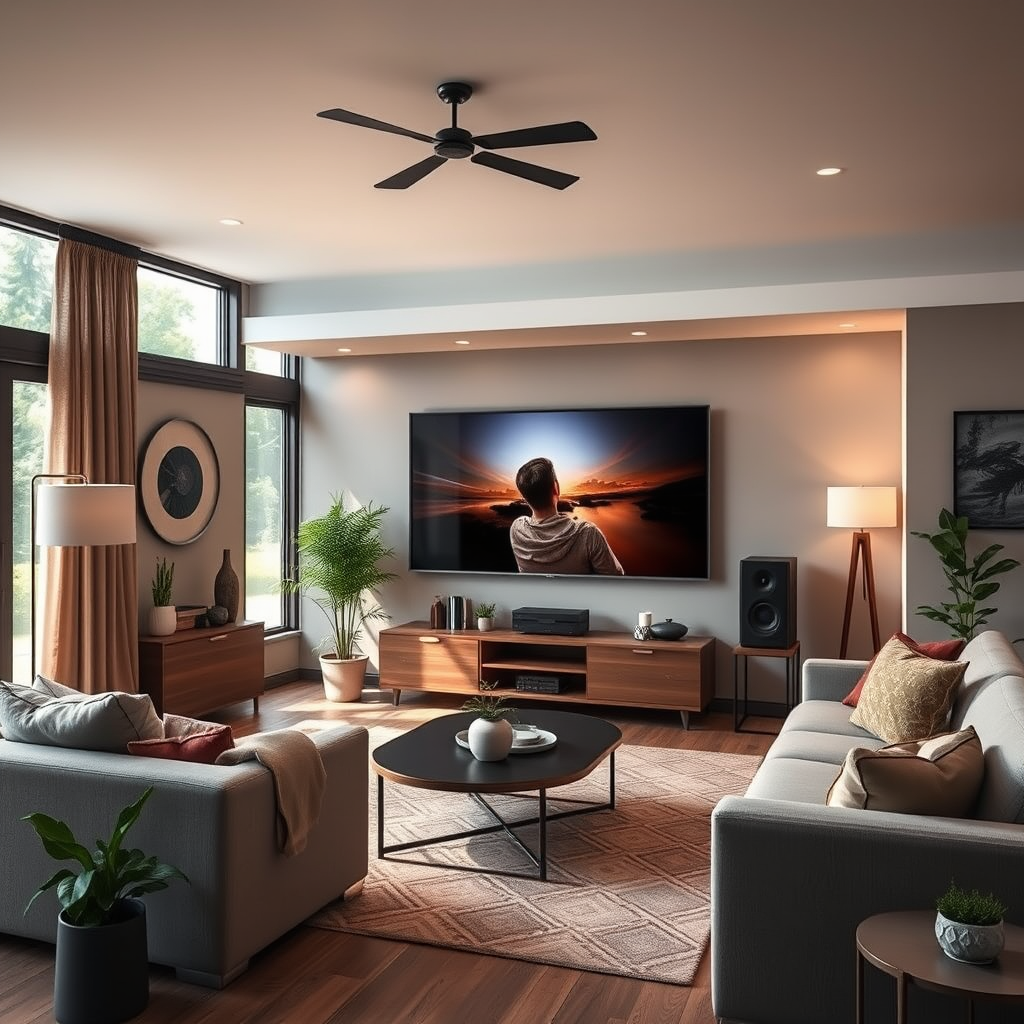
Correct speaker placement is crucial for achieving optimal sound quality in your home theater system. If speakers are not positioned correctly, sound can become distorted or muffled. Ideally, speakers should be placed at ear level and positioned in a way that promotes even sound dispersion throughout the room.
One common mistake is placing speakers too close to walls or corners. This can lead to excessive bass and a phenomenon known as “boundary interference,” which often muddles audio clarity. To improve sound quality, ensure that your speakers are at least a few inches away from walls and ideally positioned in a triangle formation with the listening area at the apex.
Moreover, pay attention to the orientation of the speakers. For example, if you have bookshelf speakers, they should be angled towards the listening area for better sound directionality. If you’re using a soundbar, it should be placed directly in front of the screen and at the same height as the TV to avoid sound reflections that can cause muddiness.
Incorrect Audio Settings
Another frequent cause of muffled sound is incorrect audio settings on your receiver or sound system. It’s essential to verify that your audio output settings align with the capabilities of your system. Many receivers have multiple audio formats; ensure you are using the one that best fits your setup, such as Dolby Digital or DTS.
Additionally, equalizer settings can significantly affect sound clarity. A common issue is having too much emphasis on lower frequencies, which can overshadow the mid-range and high frequencies essential for dialogue and detail. Adjust your equalizer to enhance mid-range frequencies, as these are crucial for vocal clarity. A balanced approach to bass, mid-range, and treble can help achieve clearer sound.
Room Acoustics
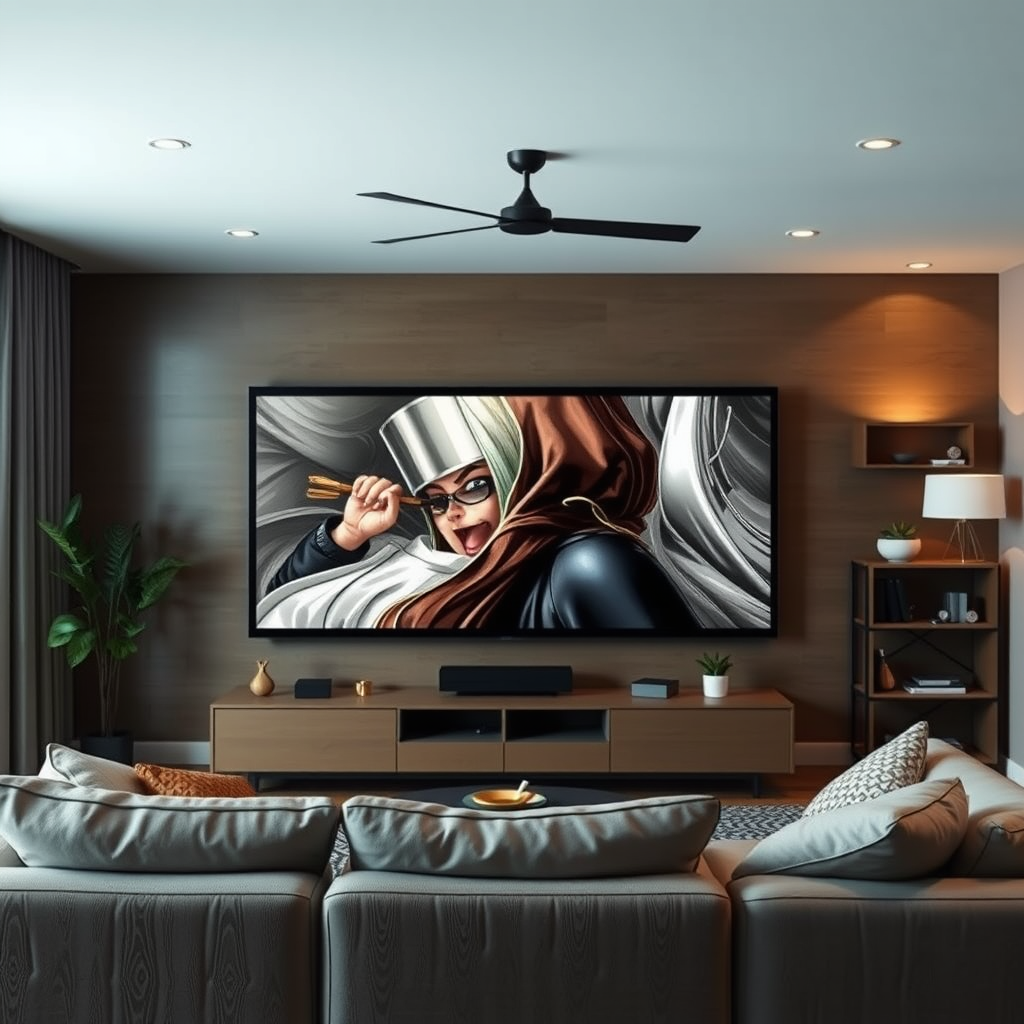
Room acoustics play a pivotal role in how sound is perceived. Factors such as wall materials, furniture, and the overall shape of the room can greatly influence audio quality. Hard surfaces like tile or hardwood can reflect sound waves, causing echoes that lead to muffled audio. Conversely, soft furnishings like carpets, curtains, and upholstered furniture absorb sound, leading to a more muted audio experience.
To improve your room’s acoustics, consider adding acoustic panels or sound-absorbing materials to your walls. Rugs or carpets can also help absorb sound, reducing echoes and improving clarity. The placement of furniture can also impact sound; try rearranging your space to see if it enhances the audio experience.
Top 7 Factors Affecting Home Theater Sound Quality
| # | Factor | Impact on Sound Quality | Solution |
|---|---|---|---|
| 1 | Speaker Placement | High | Reposition speakers away from walls |
| 2 | Audio Settings | Medium | Adjust equalizer for clarity |
| 3 | Room Acoustics | High | Add acoustic panels and rugs |
| 4 | Cable Connections | Medium | Secure and check cables |
| 5 | Speaker Quality | High | Upgrade to quality speakers |
| 6 | Firmware Updates | Low | Check for updates regularly |
| 7 | Testing and Troubleshooting | Medium | Perform regular sound tests |
Cable Connections and Quality
The integrity of your cable connections is another factor that can cause muffled sound. Loose or damaged cables can interrupt the signal, leading to poor audio quality. Always inspect all connections to ensure they are secure and undamaged. Pay particular attention to the speaker wire connections and ensure that they are firmly attached to both the speakers and the receiver.
If you find that your cables are old or of low quality, consider upgrading to high-quality cables. Poor-quality cables can introduce noise and reduce overall sound clarity. Shielded cables, for example, can minimize interference and enhance sound quality, ultimately leading to a more satisfying audio experience.
Speaker Quality and Compatibility
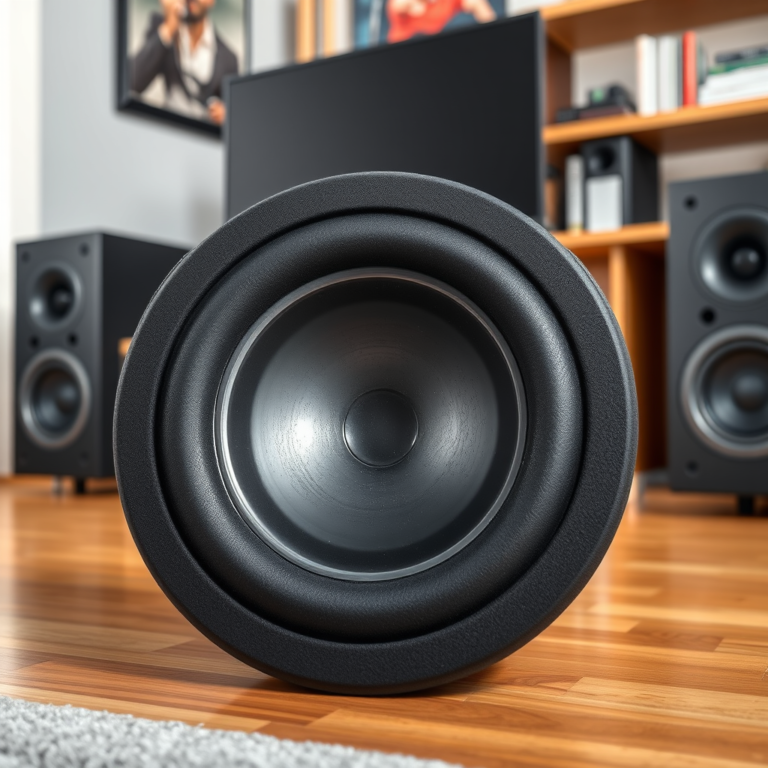
The quality and compatibility of your speakers with your receiver can dramatically impact sound quality. Mismatched equipment can lead to poor audio performance, including muffled sound. Evaluate your current speakers; if they are low-end models, it might be time to consider an upgrade. Investing in high-quality speakers can make a significant difference in audio clarity.
Additionally, ensure that your speakers are compatible with your receiver’s power output. Overloading or underpowering speakers can lead to distortion and muddiness. Always refer to the manufacturer’s specifications to ensure compatibility.
Firmware and Software Updates
Regular updates to your home theater system’s firmware or software can resolve bugs that may be causing audio issues, including muffled sound. Check the manufacturer’s website for any available updates and follow the instructions to install them. Once updated, it’s a good practice to reboot your system to ensure all changes take effect.
Updates can improve performance and may also introduce new features that enhance your audio experience. Failing to keep your system updated may result in missing out on these improvements.
Testing and Troubleshooting
If you are still experiencing muffled sound after making adjustments, it’s time to conduct a systematic test of your setup. Start by playing various types of audio content to identify whether the issue is consistent across all media or specific to certain types, such as movies or music.
Try isolating components of your system by testing them individually. For example, disconnect your receiver and connect your speakers directly to a different source. This can help pinpoint whether the issue lies with the receiver, the speakers, or the cables. Document your findings and proceed with adjustments based on your observations.
Common Causes of Muffled Sound in Home Theater Systems
By following these steps, you can effectively troubleshoot and resolve muffled sound in your home theater system. Whether it’s adjusting speaker placement or upgrading equipment, taking action will significantly enhance your audio experience. Explore these solutions, and enjoy clearer, more vibrant sound in your home theater setup!
Frequently Asked Questions
Why does my home theater system sound muffled during playback?
A muffled sound in your home theater system can result from several factors, including poor speaker placement, incorrect audio settings, or even acoustic issues in the room. Check to ensure that your speakers are positioned correctly and not obstructed by furniture or décor. Additionally, verify that your audio settings are optimized for the type of content you are watching, as improper settings can lead to unclear sound.
How can I improve the sound quality of my home theater system?
To enhance sound quality, start by adjusting your speaker placement for optimal acoustics, ensuring they are at ear level and away from walls. You can also experiment with different audio settings on your receiver, such as enabling surround sound modes or adjusting equalizer settings. Adding acoustic panels can further minimize sound reflections and improve clarity.
Which surround sound settings should I use to eliminate muffled audio?
To eliminate muffled audio, use settings like “Dolby Digital” or “DTS” on your receiver, as these formats are designed to enhance clarity in surround sound systems. Additionally, ensure that the speaker configuration matches your setup, whether it’s 5.1 or 7.1, and adjust the center channel volume to ensure dialogue is clear and distinct.
What common mistakes can cause muffled audio in a home theater system?
Common mistakes that lead to muffled audio include improper speaker placement, where speakers are too close to walls or corners, and incorrect audio settings that do not match your speaker layout. Additionally, using low-quality cables or failing to calibrate the system can contribute to unclear sound. Regularly check and update your system settings to avoid these pitfalls.
How can room acoustics affect the sound in my home theater system?
Room acoustics significantly impact sound quality, as hard surfaces can cause sound reflections that lead to muddiness, while soft furnishings can absorb sound and enhance clarity. If your room has bare walls or floors, consider adding rugs, curtains, or acoustic panels to minimize echoes and improve overall audio performance. Each room is unique, so testing different arrangements can help find the best sound.
References
- Home cinema
https://en.wikipedia.org/wiki/Home_theater - Google Scholar Google Scholar
https://scholar.google.com/scholar?q=Home+theater+system+sound+muffled+fix - Google Scholar Google Scholar
https://scholar.google.com/scholar?q=improving+home+theater+sound+quality - Google Scholar Google Scholar
https://scholar.google.com/scholar?q=acoustic+issues+in+home+theater+systems - https://www.audioholics.com/tweaks/muffled-sound-in-home-theater
https://www.audioholics.com/tweaks/muffled-sound-in-home-theater - Google Scholar Google Scholar
https://scholar.google.com/scholar?q=Why+Is+the+Sound+in+My+Home+Theater+System+Muffled,+and+How+to+Fix+It? - Why Is the Sound in My Home Theater System Muffled, and How to Fix It? – Search results
https://en.wikipedia.org/wiki/Special:Search?search=Why+Is+the+Sound+in+My+Home+Theater+System+Muffled,+and+How+to+Fix+It? - https://www.ncbi.nlm.nih.gov/search/research-articles/?term=Why+Is+the+Sound+in+My+Home+Theater+System+Muffled,+and+How+to+Fix+It?
https://www.ncbi.nlm.nih.gov/search/research-articles/?term=Why+Is+the+Sound+in+My+Home+Theater+System+Muffled,+and+How+to+Fix+It?