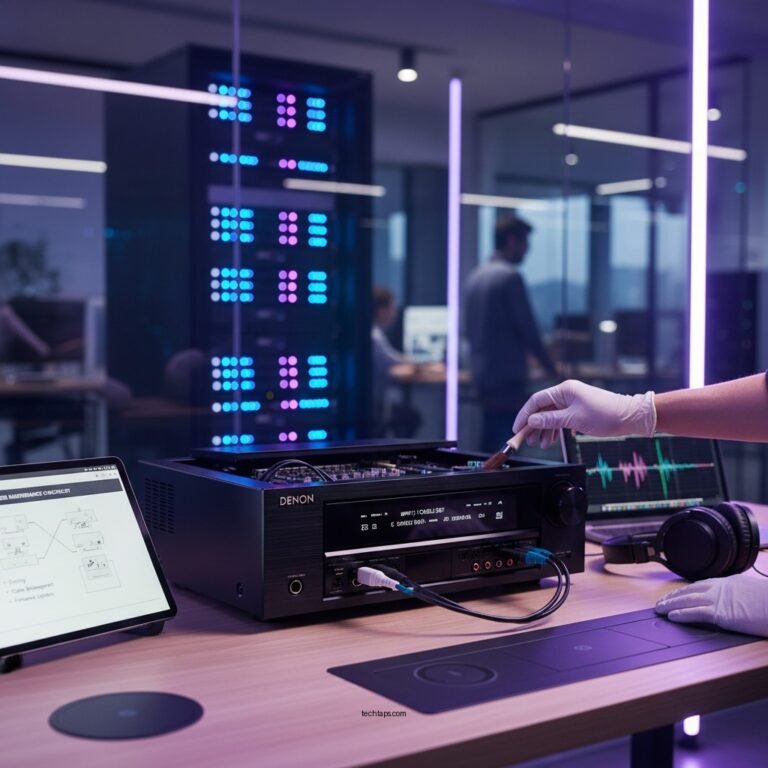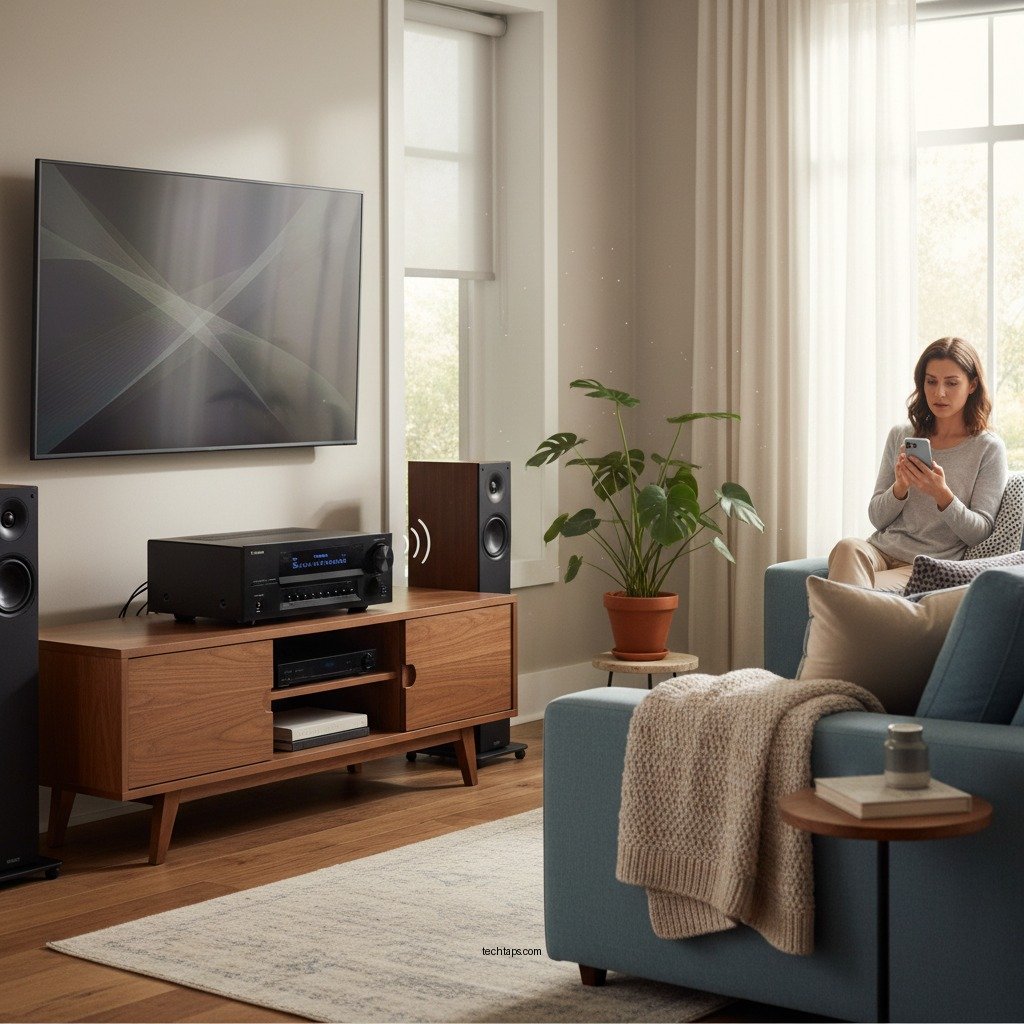

Experiencing a buzzing noise from your Yamaha home theater system can be frustrating, but there are several effective fixes you can try. Start by identifying common causes such as electrical interference or grounding issues, and then follow our detailed troubleshooting steps to restore your audio experience. With a few adjustments, you can eliminate that annoying buzz and enjoy your home theater system to its fullest.
Common Causes of Buzzing Noise
When you encounter a buzzing noise in your Yamaha home theater system, it is essential to first understand the potential culprits.
– Electrical Interference: This is one of the most frequent causes of unwanted noise in audio systems. Nearby appliances, such as refrigerators, microwaves, or even fluorescent lights, can emit electromagnetic interference that disrupts the audio signals. If your home theater system is situated close to such devices, try relocating it or turning off the appliance to see if the buzzing subsides.
– Ground Loop Issues: Ground loops occur when there are multiple grounding paths within an audio setup, leading to a difference in electrical potential. This can create a hum or buzz, especially when different components are connected to various power outlets. Ensuring that all equipment shares a common grounding point can help eliminate this issue.
Basic Troubleshooting Steps
Before diving into complex solutions, there are several basic troubleshooting steps you can undertake to address the buzzing noise.
– Check All Connections: It’s vital to ensure that all cables—both audio and power—are securely connected. Loose or damaged cables can lead to signal interference that manifests as buzzing. Inspect the cables for signs of wear, fraying, or corrosion, and replace any that appear compromised.
– Power Cycle Your System: Sometimes, temporary glitches can cause audio problems. To reset your system, turn it off, unplug it for a minute, and then plug it back in. This simple power cycle can clear minor electronic hiccups and restore normal functionality.
Adjusting Audio Settings
If basic troubleshooting doesn’t resolve the issue, you may need to explore your audio settings.
– Change Audio Output Settings: Most Yamaha home theater systems offer various audio output settings. Navigate to your system’s audio menu and experiment with different configurations, such as stereo, surround sound, or direct modes. Sometimes, specific settings can exacerbate interference issues.
– Disable Unused Features: Features like HDMI CEC (Consumer Electronics Control) or Bluetooth may introduce additional noise if they are not in use. Access the settings menu to disable any unnecessary features that could be contributing to the buzzing sound.
Inspecting Hardware Components
In some cases, the issue may lie within the hardware components themselves.
– Examine Speaker Connections: Inspect the speaker wires and connections for secure fitment and physical damage. Loose connections can easily generate buzzing noises. Additionally, ensure that the polarity of the connections is correct, as reversed connections can also lead to sound issues.
– Test with Different Speakers: If you suspect a particular speaker may be the source of the buzzing, swap it out with another speaker to see if the problem persists. This can help you identify whether the issue is localized to a specific unit or if it’s a broader system issue.
Using External Solutions
If internal adjustments do not yield results, consider implementing external solutions.
– Invest in a Power Conditioner: A power conditioner can filter out electrical noise from your power supply, enhancing overall audio quality. These devices help eliminate hums and buzzes caused by electrical interference and provide clean power to your audio equipment.
– Employ Isolation Pads: If the buzzing is due to vibrations from the floor or surrounding surfaces, placing isolation pads under your speakers can greatly reduce the transmission of these vibrations. This simple addition can improve sound quality and minimize unwanted noise.
Seeking Professional Help
If all else fails, it may be time to seek expert assistance.
– Consult the User Manual: Your Yamaha home theater system’s user manual often contains troubleshooting tips tailored to your specific model. Refer to the manual’s troubleshooting section for guidance that may address your issue more directly.
– Contact Yamaha Support: If the buzzing persists despite trying all suggested solutions, reaching out to Yamaha’s customer support can provide additional insights or service options. Their trained professionals can assist with diagnosing more complex issues that may not be easily resolved through basic troubleshooting.
Top 7 Yamaha Home Theater Models by Features (2024)
| # | Model | Channels | Power (W) | Price ($) | Rating |
|---|---|---|---|---|---|
| 1 | Yamaha RX-V6A | 7.2 | 100 | 649.95 | ★★★★☆ |
| 2 | Yamaha RX-V4A | 5.1 | 80 | 549.95 | ★★★★☆ |
| 3 | Yamaha A-S801 | 2.0 | 100 | 899.95 | ★★★★★ |
| 4 | Yamaha YAS-209 | 2.0 | 200 | 349.95 | ★★★★☆ |
| 5 | Yamaha TSX-B72 | 2.0 | 30 | 299.95 | ★★★☆☆ |
| 6 | Yamaha R-N803 | 2.0 | 100 | 649.95 | ★★★★☆ |
| 7 | Yamaha TSR-700 | 7.1 | 90 | 599.95 | ★★★★☆ |
In conclusion, if you’re dealing with a buzzing noise from your Yamaha home theater system, start by identifying common causes and trying basic troubleshooting steps. Adjusting audio settings, inspecting hardware, and considering external solutions can also help. If the problem continues, don’t hesitate to consult the user manual or seek professional assistance to restore your home theater experience. By following these strategies, you can enhance your audio enjoyment and ensure that your home theater setup performs optimally.
Frequently Asked Questions
What causes a Yamaha home theater system to make a buzzing noise?
A buzzing noise in a Yamaha home theater system can be caused by several factors, including electrical interference, faulty connections, or ground loop issues. It may also stem from speaker placement too close to other electronic devices or improper grounding in the system setup.
How can I eliminate buzzing noise from my Yamaha home theater system?
To eliminate buzzing noise, first check all cable connections to ensure they are secure and properly plugged in. Additionally, try rearranging the speakers to minimize interference from other electronics, and consider using a power conditioner to reduce electrical noise.
Why is my Yamaha receiver making a buzzing sound even when muted?
If your Yamaha receiver is making a buzzing sound while muted, the issue may be related to ground loops or interference from other devices connected to the same power source. You can try isolating the receiver by plugging it into a different outlet or using a ground loop isolator to resolve the issue.
What is the best way to troubleshoot buzzing noises in a Yamaha home theater system?
The best way to troubleshoot buzzing noises is to systematically eliminate potential sources of the problem. Start by disconnecting all external devices and connecting them one by one to identify the culprit. Additionally, check all cables and connections, and ensure that your audio settings are correctly configured.
Which cables should I inspect if my Yamaha home theater system is buzzing?
You should inspect all audio cables, including HDMI, optical, and speaker wires, as they can be prone to picking up interference. Look for any signs of damage or loose connections, and consider replacing low-quality cables with higher-quality options to reduce potential noise issues.
References
- https://www.audioholics.com/tutorials/how-to-fix-buzzing-noise-in-your-home-theater-system
https://www.audioholics.com/tutorials/how-to-fix-buzzing-noise-in-your-home-theater-system - https://www.lifewire.com/how-to-fix-a-buzzing-sound-system-3134668
https://www.lifewire.com/how-to-fix-a-buzzing-sound-system-3134668 - https://www.bbc.com/news/technology-59351545
https://www.bbc.com/news/technology-59351545 - https://www.sciencedirect.com/topics/engineering/sound-system
https://www.sciencedirect.com/topics/engineering/sound-system - Google Scholar Google Scholar
https://scholar.google.com/scholar?q=Yamaha+Home+Theater+System+Buzzing+Noise - Google Scholar Google Scholar
https://scholar.google.com/scholar?q=fix+buzzing+sound+system - Google Scholar Google Scholar
https://scholar.google.com/scholar?q=speaker+noise+interference+solutions - Google Scholar Google Scholar
https://scholar.google.com/scholar?q=Yamaha+Home+Theater+System+Making+Buzzing+Noise?+Try+These+Fixes - Yamaha Home Theater System Making Buzzing Noise? Try These Fixes – Search results
https://en.wikipedia.org/wiki/Special:Search?search=Yamaha+Home+Theater+System+Making+Buzzing+Noise?+Try+These+Fixes - https://www.ncbi.nlm.nih.gov/search/research-articles/?term=Yamaha+Home+Theater+System+Making+Buzzing+Noise?+Try+These+Fixes
https://www.ncbi.nlm.nih.gov/search/research-articles/?term=Yamaha+Home+Theater+System+Making+Buzzing+Noise?+Try+These+Fixes