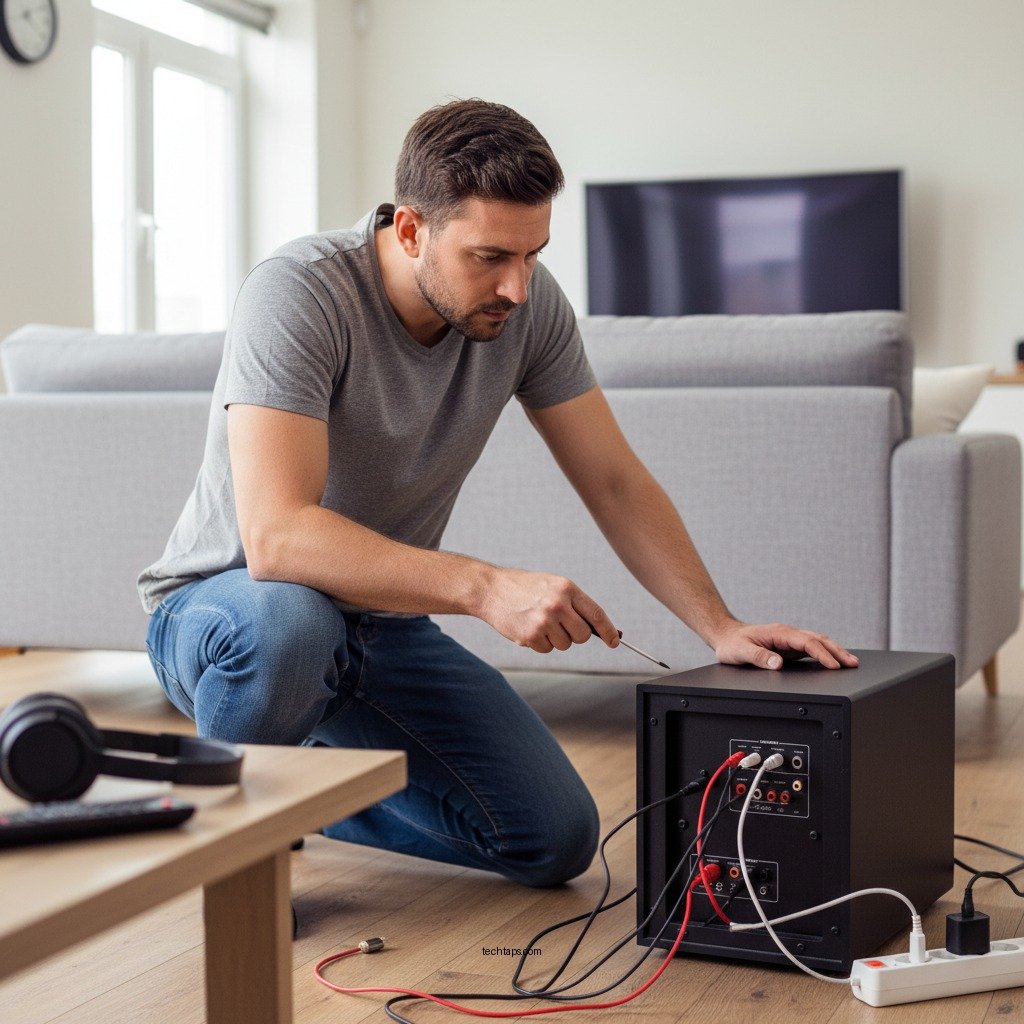

If your Yamaha subwoofer keeps cutting out, the first step is to check the power connections and settings. Loose cables, incorrect settings, or overheating can often be the culprits. Addressing these issues not only restores sound but also enhances the longevity of your audio equipment. In this article, we’ll explore common reasons for this problem and provide actionable solutions to get your subwoofer performing optimally once again.
Check Power Connections
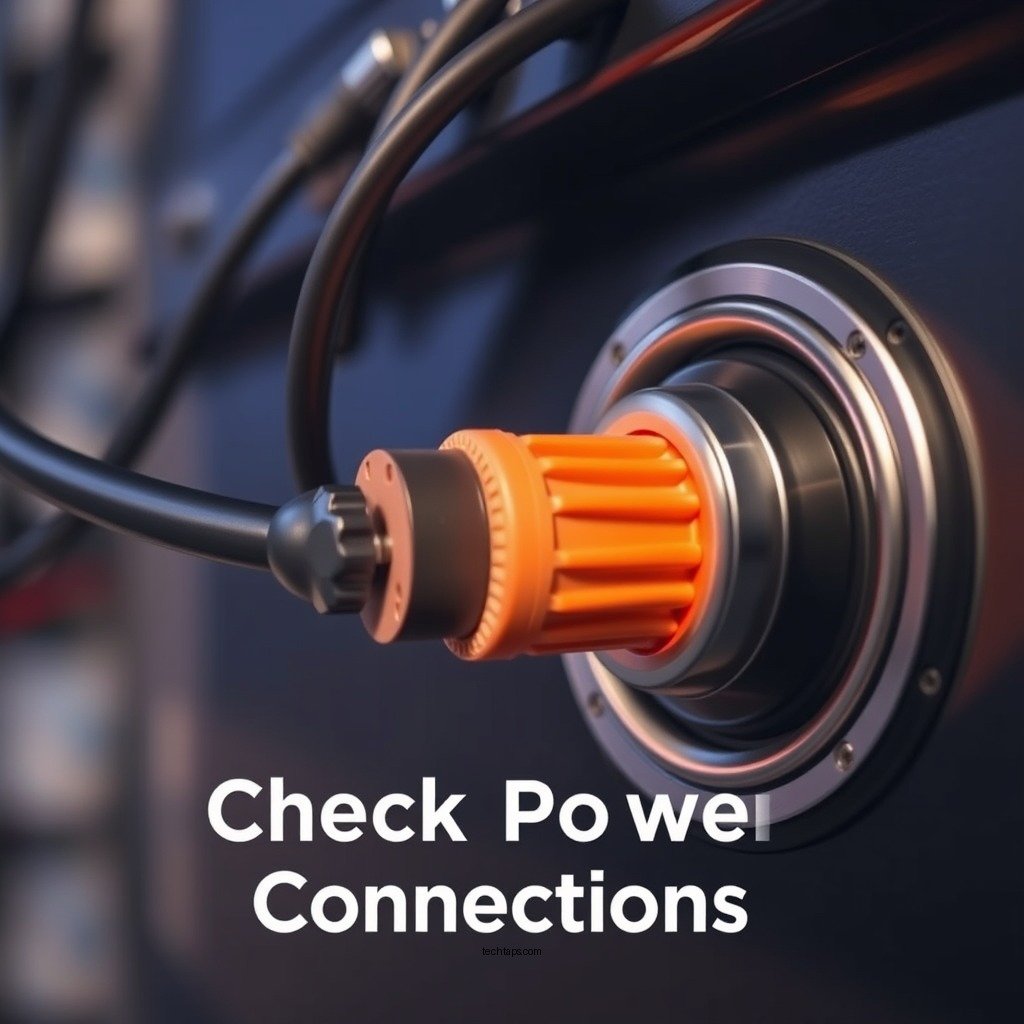
The first and most critical step in troubleshooting your Yamaha subwoofer is to check all power connections. A secure power connection is essential for reliable operation.
– Secure Connections: Make sure the power cable is firmly plugged into both the subwoofer and the electrical outlet. Sometimes, a loose plug may not provide enough power, causing the subwoofer to cut out intermittently.
– Inspect the Power Cord: Look for any visible signs of damage or wear on the power cord. Frayed wires or bent connectors can lead to power interruptions. If you notice any damage, replace the power cord to ensure uninterrupted service.
– Use a Different Outlet: If the power connection seems fine, try plugging the subwoofer into a different outlet to rule out any issues with the original power source.
Verify Input Settings
Input settings play a significant role in the performance of your Yamaha subwoofer. Incorrect configurations can lead to sound dropouts.
– Input Source Selection: Ensure that the input sources are correctly selected on both the subwoofer and the receiver. If the wrong source is selected (like trying to use a DVD input while playing a music stream), the subwoofer may not receive any signal.
– Mode Settings: Check that the subwoofer is set to the correct mode, whether it be LFE (Low-Frequency Effects) or Line Level, depending on your setup. Incorrect mode settings can prevent the subwoofer from effectively processing audio signals, leading to interruptions.
Inspect Speaker Wires
Another common issue that might cause your subwoofer to cut out is damaged or improperly connected speaker wires.
– Check for Damage: Inspect the speaker wires for any fraying or damage that could result in a poor connection. Damage to these wires can lead to audio dropouts, particularly during dynamic audio events.
– Secure Connections: Ensure that the speaker wires are tightly connected to both the subwoofer and the receiver or amplifier. Loose connections can lead to signal loss, causing your subwoofer to cut out unexpectedly.
Examine Overheating Issues
Overheating can significantly affect the performance and reliability of your Yamaha subwoofer.
– Ventilation: Ensure that the subwoofer has adequate ventilation. It should not be placed in a confined space, as this can lead to overheating, which may cause the device to shut down to prevent damage.
– Room Temperature: Monitor the room temperature where the subwoofer is located. Excessively high temperatures can impact performance. Additionally, avoid prolonged usage at high volumes, as this can generate excess heat.
Update Firmware and Settings
Sometimes, the solution to your subwoofer’s performance issues may lie in software updates or resetting settings.
– Firmware Updates: Check if your Yamaha subwoofer has any available firmware updates. Manufacturers often release updates to fix known issues and improve performance.
– Reset to Factory Settings: If the problem persists after trying other solutions, consider resetting the subwoofer to its factory settings. This can resolve any software glitches that could be causing the audio dropouts.
Test with Different Equipment
If you have tried all the above steps and your subwoofer continues to cut out, it may be beneficial to test it with different equipment.
– Different Receiver or Audio Source: Connect the subwoofer to a different receiver or audio source to rule out compatibility issues. This will help you identify whether the problem lies with the subwoofer itself or the original audio equipment.
– Try a Different Audio Cable: Sometimes, the issue might be related to the audio cable being used. Using a different cable can help verify if the original cable was at fault.
Seek Professional Assistance
If all else fails, it may be time to consult the professionals.
– Contact Yamaha Support: Reach out to the Yamaha support team for assistance. They can provide specific advice tailored to your model and situation.
– Consult a Technician: If you’re unable to resolve the issue on your own, consider taking your subwoofer to a qualified technician. They will have the tools and expertise to diagnose and fix more complex problems.
– Check Warranty: Don’t forget to refer to the warranty information to see if repairs or replacements are covered, which can save you money in the long run.
Common Issues for Yamaha Subwoofers (2024)
| # | Issue | Possible Cause | Solution | Severity |
|---|---|---|---|---|
| 1 | Power Issues | Loose connections | Secure all connections | Moderate |
| 2 | Input Settings | Incorrect mode | Adjust settings | High |
| 3 | Speaker Wires | Damaged wires | Replace wires | High |
| 4 | Overheating | Poor ventilation | Improve airflow | Moderate |
| 5 | Firmware Issues | Outdated software | Update firmware | Low |
| 6 | Testing Equipment | Compatibility issues | Test with different gear | Moderate |
| 7 | Professional Help | Unresolved issues | Contact support | High |
By addressing these common issues, you can prevent your Yamaha subwoofer from cutting out and enjoy uninterrupted audio. Check your connections, verify settings, and ensure proper ventilation to maintain optimal performance. If problems persist, don’t hesitate to reach out for professional help to get your subwoofer back in action. Ultimately, being proactive in maintenance and understanding your equipment can save time and enhance your overall listening experience.
Frequently Asked Questions
Why does my Yamaha subwoofer keep cutting out during playback?
A Yamaha subwoofer may cut out due to several reasons, such as poor connections, insufficient power supply, or overheating. Check all cable connections to ensure they are secure and that the power outlet is functioning properly. Additionally, if the subwoofer is placed in a confined space, it might overheat, causing it to shut down intermittently.
How can I troubleshoot my Yamaha subwoofer that keeps cutting out?
To troubleshoot a Yamaha subwoofer that keeps cutting out, start by checking the power and input connections for any loose wires. Next, ensure that the subwoofer is receiving adequate power and isn’t placed in an enclosed area that could cause overheating. You can also reset the subwoofer by unplugging it for a few minutes before plugging it back in.
What settings should I adjust to prevent my Yamaha subwoofer from cutting out?
To prevent your Yamaha subwoofer from cutting out, adjust the volume and crossover frequency settings on the subwoofer and your receiver. Lowering the subwoofer volume slightly or setting the crossover frequency to match your main speakers can reduce strain on the subwoofer, helping it operate more smoothly and reducing the chances of it cutting out.
Which power settings on my Yamaha subwoofer might lead to it cutting out?
The power settings on your Yamaha subwoofer that could lead to it cutting out include the auto power feature and the standby mode. If the auto power feature is set to engage too quickly, the subwoofer may turn off during quiet passages in the audio. Disabling this feature or adjusting the settings can help maintain consistent playback.
What are the best ways to enhance the performance of my Yamaha subwoofer and prevent cutting out?
To enhance the performance of your Yamaha subwoofer and prevent it from cutting out, ensure it is properly calibrated with your audio system for optimal settings. Position it away from walls or corners to improve airflow and reduce overheating. Additionally, consider using a dedicated power outlet to provide a stable power supply, ensuring the subwoofer operates effectively without interruptions.
References
- Subwoofer
https://en.wikipedia.org/wiki/Subwoofer - https://www.hindawi.com/journals/je/2020/6725071/
https://www.hindawi.com/journals/je/2020/6725071/ - https://pubmed.ncbi.nlm.nih.gov/32421876/
https://pubmed.ncbi.nlm.nih.gov/32421876/ - https://www.sciencedirect.com/topics/engineering/subwoofer
https://www.sciencedirect.com/topics/engineering/subwoofer - https://www.bbc.com/news/science-environment-49350201
https://www.bbc.com/news/science-environment-49350201 - https://www.theguardian.com/technology/2019/mar/07/what-is-a-subwoofer
https://www.theguardian.com/technology/2019/mar/07/what-is-a-subwoofer - https://www.nature.com/articles/s41598-018-37003-z
https://www.nature.com/articles/s41598-018-37003-z - https://www.sciencedirect.com/science/article/pii/S1877050917307859
https://www.sciencedirect.com/science/article/pii/S1877050917307859 - Google Scholar Google Scholar
https://scholar.google.com/scholar?q=Yamaha+subwoofer+cutting+out - Google Scholar Google Scholar
https://scholar.google.com/scholar?q=troubleshooting+subwoofer+issues