

To effectively protect your screens from scratches and damage, utilizing screen protectors, adopting careful handling techniques, and investing in quality cases are essential strategies. By implementing these methods, you can keep your devices looking new and functioning properly for longer. In this guide, we’ll explore each strategy in detail, ensuring you have all the tools and knowledge necessary to safeguard your screens.
Use High-Quality Screen Protectors

One of the most effective ways to shield your screens from scratches and potential cracks is to use high-quality screen protectors. Among the various options available, tempered glass protectors stand out for their superior resistance to both scratches and impacts. These protectors are made from chemically strengthened glass, which can absorb shock and withstand daily wear and tear. For example, if you accidentally drop your phone, a tempered glass screen protector can help prevent the screen underneath from shattering, saving you costly repairs.
On the other hand, film protectors are another option to consider, especially if you prefer something less noticeable. These are thinner and can provide decent protection against minor scratches. They may not be as durable as tempered glass, but they often come with anti-glare and anti-fingerprint features, enhancing the overall viewing experience. When choosing a protector, it’s important to select one that is compatible with your device model for a perfect fit, ensuring maximum coverage and protection.
Implement Safe Handling Practices
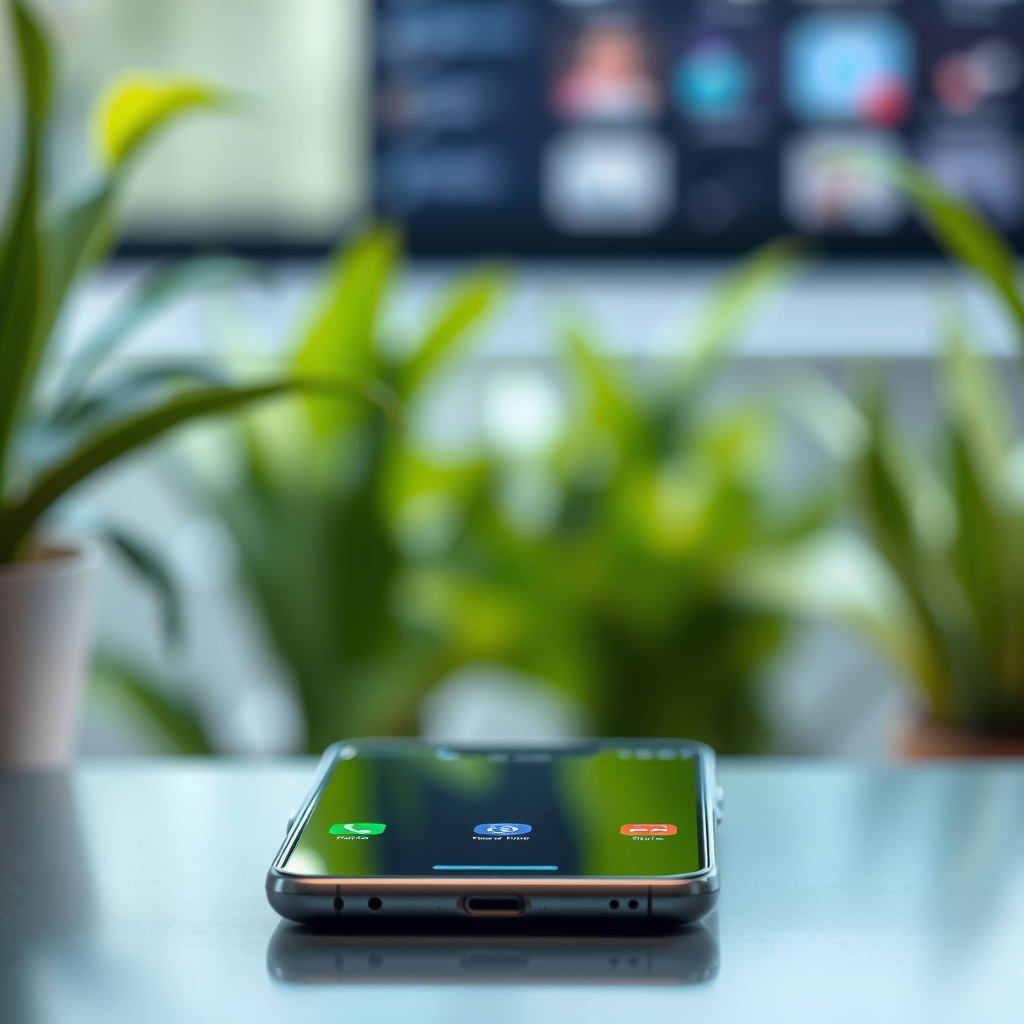
Implementing safe handling practices is crucial to reducing the risk of damage to your screens. One of the simplest yet most effective tips is to always use a microfiber cloth when cleaning your device’s screen. This material is designed to lift dust and grime without scratching the surface. Regularly cleaning your screen can help maintain clarity and prevent build-up that could lead to scratches over time.
When using your device, hold it with both hands to minimize the chances of drops and accidental impacts. This is especially important for larger devices like tablets and laptops. Additionally, consider using a pop socket or similar accessory for better grip, making it less likely that your device will slip from your hands. Remember, a little extra care in how you handle your devices can go a long way in preserving their screens.
Choose Protective Cases
Choosing the right protective case is another essential step in screen protection. Cases with raised edges are particularly beneficial, as they provide a buffer when your device is placed face down, preventing the screen from touching surfaces directly. Look for cases that are made from durable materials, such as silicone or rubber, which can absorb shock from accidental drops.
For those who are frequently on the go or tend to be a bit clumsy, investing in rugged cases designed specifically for shock absorption is wise. Brands like OtterBox and Spigen offer cases that can withstand significant drops and impacts, ensuring that your screen remains intact even in challenging situations. Remember, while aesthetics are important, functionality should be your top priority when selecting a case.
Store Devices Properly
Proper storage of your devices is equally important in preventing screen damage. Avoid placing your phone, tablet, or laptop in bags or pockets alongside sharp objects such as keys or coins, which can easily scratch the screen. If you frequently carry your devices in a bag, consider using a padded sleeve or dedicated compartment designed specifically for electronics.
Additionally, minimizing movement within your bag can help prevent scratches and other damage. Look for bags that have specific pockets for devices, allowing them to stay secure and separated from other items. This simple adjustment can save you from potential headaches and costly repairs in the long run.
Be Mindful of Environmental Factors
Environmental factors can also impact the longevity of your screens. For instance, exposure to direct sunlight can cause overheating, which may lead to screen damage or even internal component failure. To protect your devices, try to keep them out of direct sunlight whenever possible, especially during hot summer days.
Moreover, be cautious of extreme temperatures, whether it’s the cold of winter or the heat of summer. Rapid temperature changes can cause materials to warp or crack, leading to long-term damage. Store your devices in a climate-controlled environment whenever possible, and avoid leaving them in hot cars or in freezing conditions for extended periods.
Regular Maintenance and Inspections
Regular maintenance and inspections are vital for keeping your screens in top-notch condition. Make it a habit to frequently check your device for any signs of wear and replace screen protectors as needed. A protector that is scratched or cracked can compromise your screen’s protection and make it more vulnerable to further damage.
Additionally, ensure that you clean your screens regularly with appropriate cleaners. Using a solution specifically formulated for electronics can help maintain clarity and prevent the formation of scratches. A clean screen not only looks better but also improves your device’s functionality, making it easier to see and interact with.
Educate Yourself on Screen Care
Finally, staying informed about the latest screen protection technologies and trends can empower you to make the best choices for your devices. Technology is continually evolving, and new protective solutions are regularly introduced to the market. Whether it’s new film technologies that offer enhanced protection or innovative materials for cases, being aware of these advancements can help you choose the right products for your needs.
Additionally, familiarize yourself with the specific care instructions for your device’s screen type. Different screens may have unique requirements, such as particular cleaning solutions or handling techniques. By understanding how to care for your specific model, you can significantly enhance the longevity of your device.
By following these tips and strategies, you can significantly extend the life of your screens and keep them looking as good as new. Protecting your devices doesn’t have to be complicated; start implementing these methods today and enjoy peace of mind knowing your screens are safeguarded against everyday hazards. Remember, a little prevention goes a long way, ensuring that your devices serve you well for years to come.
Frequently Asked Questions
What are the best screen protectors for preventing scratches and damage?
The best screen protectors for preventing scratches and damage are typically made from tempered glass or high-quality plastic films. Tempered glass protectors offer superior protection against impacts and scratches due to their hardness and durability, while plastic film protectors are often thinner and lighter, providing a more seamless touch experience. When choosing a screen protector, look for options with high transparency and easy installation features to ensure you maintain the clarity of your screen.
How can I effectively clean my screen without causing scratches?
To effectively clean your screen without causing scratches, use a microfiber cloth specifically designed for electronic devices. Avoid using paper towels or rough fabrics that can create micro-abrasions. Lightly dampen the cloth with water or a screen-safe cleaner, and gently wipe the screen in circular motions. This method removes dirt and fingerprints while minimizing the risk of scratching your screen.
Why do screens get scratched so easily, and how can I prevent this?
Screens can get scratched easily due to the materials they are made from, which are often softer than the objects they come into contact with, such as keys or coins. To prevent scratches, consider using a screen protector, keeping your device in a protective case, and being mindful of where you place your device. Additionally, avoid placing your device face down on rough surfaces to minimize direct contact with abrasive materials.
What are some everyday habits that can help protect my screen from damage?
Everyday habits that can help protect your screen from damage include using a dedicated pouch or case for your device when not in use, avoiding placing your phone in pockets with keys or coins, and being cautious when setting your device down on hard surfaces. Additionally, regularly cleaning your screen with appropriate materials can prevent the buildup of dirt and debris that may cause scratches over time.
Which types of cases provide the best protection for screens against drops and impacts?
The best types of cases for protecting screens against drops and impacts are those that feature raised edges or lip designs, which help shield the screen when the device is placed face down. Cases made from durable materials like silicone or polycarbonate offer excellent shock absorption and impact resistance. Brands that specialize in rugged cases often provide additional features such as built-in screen protectors and reinforced corners, enhancing overall protection for your device.
References
- https://en.wikipedia.org/wiki/Scratch_resistance
- https://www.consumerreports.org/cro/news/2015/04/how-to-keep-your-smartphone-screen-scratch-free/index.htm
- https://www.nytimes.com/2019/10/23/smarter-living/how-to-keep-your-phone-screen-scratch-free.html
- https://www.livescience.com/34701-how-to-keep-your-phone-screen-scratch-free.html
- https://www.sciencedirect.com/topics/engineering/scratch-resistance
- https://www.theguardian.com/technology/2020/jan/22/how-to-protect-your-phone-from-scratches-and-drops
- https://www.purdue.edu/newsroom/releases/2020/Q1/protecting-smartphones-from-scratches-and-drops.html
- https://www.acs.org/content/acs/en/education/resources/highschool/chemistryclubs/chemistry-in-daily-life/screen-scratch-protection.html