To set up 3D audio for VR gaming, you’ll need to configure your audio settings correctly and use compatible hardware and software to create an immersive sound experience. 3D audio enhances the realism of your virtual environment, making every footstep, whisper, and explosion feel like it’s happening all around you. This guide will walk you through the essentials, ensuring you can fully enjoy the spatial audio features that enhance your virtual reality gaming.




Understanding 3D Audio
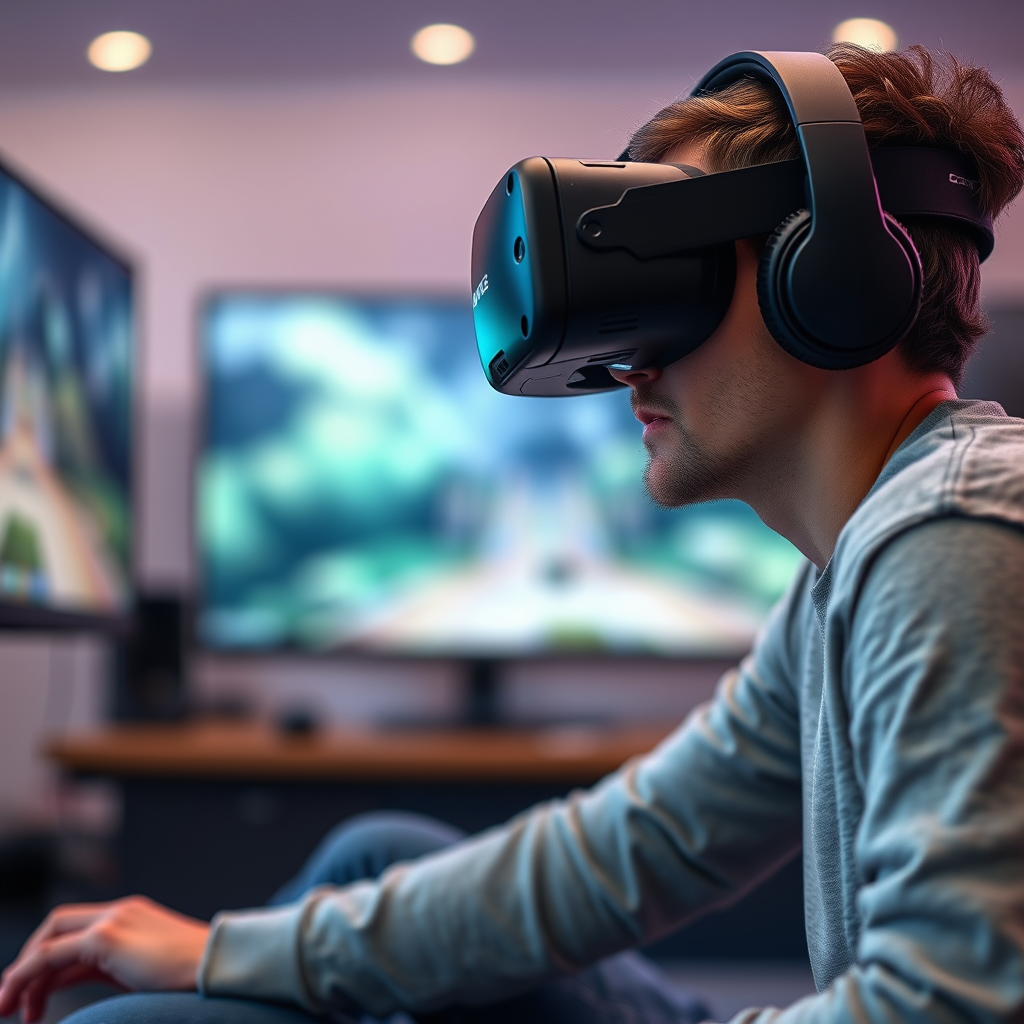
3D audio is a revolutionary technology that simulates sound coming from multiple directions, significantly enhancing immersion in virtual environments. Unlike traditional stereo sound, which typically provides audio from two fixed points, 3D audio creates a three-dimensional soundscape that offers depth and positional accuracy. This means you can hear sounds as if they are occurring all around you—above, below, and to the sides—making your gaming experience more lifelike.
For instance, imagine exploring a dense forest in a VR adventure game. With 3D audio, you’ll hear birds chirping overhead, leaves rustling to your right, and a distant waterfall to your left, allowing you to orient yourself in the virtual world. This layered audio experience not only adds to the atmosphere but can also provide gameplay advantages, such as identifying the direction of an approaching enemy or locating a hidden treasure based on audio cues.
Required Hardware
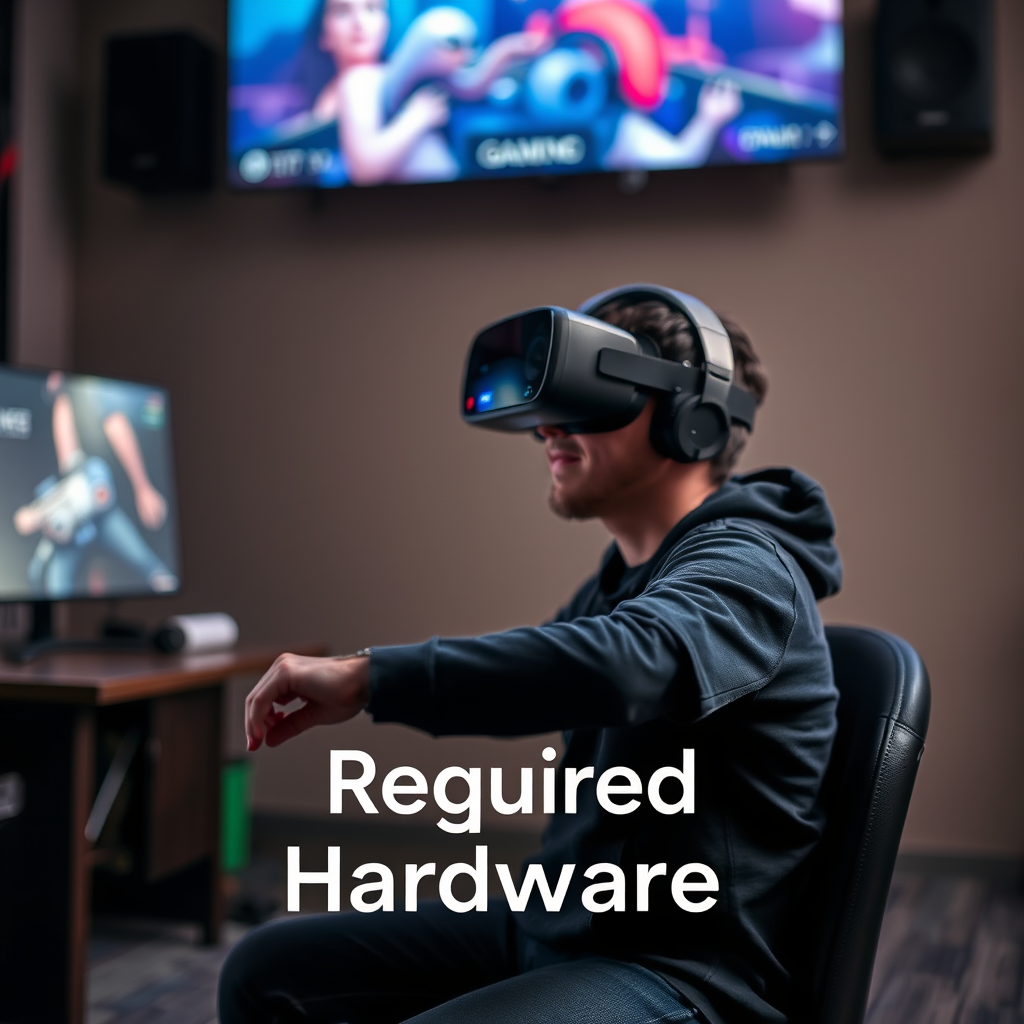
To fully take advantage of 3D audio, you’ll need specific hardware that supports these advanced features. Firstly, a compatible VR headset is essential. Headsets like the Oculus Quest 2, Valve Index, and HTC Vive Pro come equipped with built-in 3D audio capabilities. These devices are designed to deliver spatial audio effectively, ensuring you feel completely enveloped in the game.
In addition to a compatible headset, quality headphones or speakers designed for surround sound are vital for an optimal auditory experience. Look for headphones with surround sound technology, such as Dolby Atmos or DTS:X, which can provide enhanced positional accuracy. Brands like SteelSeries, Sennheiser, and HyperX offer excellent options tailored for gamers. If you prefer speakers, ensure they support surround sound configurations and are positioned correctly in your gaming area to create an immersive sound stage.
Software and Drivers
Once your hardware is set up, the next step is to ensure your software and drivers are up to date. Installing the latest audio drivers for your hardware is crucial for compatibility and performance. Check the manufacturer’s website for updates and follow their installation instructions carefully. This step can help prevent audio lag and distortion, ensuring smooth gameplay.
For software, you’ll want to use VR platforms that support 3D audio configurations, such as SteamVR or Oculus. These platforms provide built-in settings that allow you to enable and customize 3D audio features. Make sure to explore the audio settings within these platforms to familiarize yourself with the available options and enhancements. Keeping your software up to date will also help you take advantage of new features and improvements as they are released.
Configuring Audio Settings
With your hardware and software ready, it’s time to configure your audio settings for 3D audio. Access the audio settings in your chosen VR platform and enable the 3D audio features. This option may be labeled as “spatial audio” or “3D sound,” depending on the platform.
Next, you’ll want to adjust the sound options to match your preferences. Some games allow you to customize distance and spatial effects, which can significantly impact your experience. For instance, if you find sounds are too quiet or too loud at certain distances, experiment with the distance settings to find the sweet spot that feels natural. Additionally, consider tweaking the equalizer settings to balance different frequencies, making sure that dialogue, sound effects, and background music harmonize well for an immersive experience.
Testing Your Setup
After configuring your audio settings, it’s essential to test your setup with VR games known for their 3D audio capabilities. Titles like “Half-Life: Alyx,” “Echo VR,” and “Boneworks” are excellent choices to evaluate your configuration. As you play, pay attention to how well you can perceive the direction and distance of sounds. This is a great time to note any adjustments you may want to make based on your experience.
If you find that sounds are not as immersive as you’d like, revisit your audio settings. You might need to fine-tune the spatial audio features or adjust your hardware placement. Remember, achieving the best audio experience often requires a bit of trial and error, so don’t hesitate to experiment until you find what works best for you.
Troubleshooting Common Issues
Despite your best efforts, you may encounter some common audio issues during your gaming experience. If you experience audio lag or distortion, the first step is to check for software updates. Outdated drivers can often lead to audio problems, so make sure everything is up to date.
Additionally, verify that your audio output device is correctly set in your operating system’s sound settings. Sometimes, your system may default to a different audio device, leading to unexpected audio behavior. If you’re using a headset, ensure it’s properly connected and recognized by your system.
If problems persist, consider checking forums and community discussions for your specific VR headset or game. You may find that others have experienced similar issues and can offer solutions or workarounds.
Enhancing Your Experience
To take your 3D audio experience to the next level, explore additional audio software that can enhance your soundscapes. Programs like Razer Surround and Dolby Access can provide further customization options, allowing you to tweak your audio settings for specific games or environments.
Also, consider joining VR gaming communities to gain insights from fellow gamers. Platforms like Reddit, Discord, and specialized gaming forums can be treasure troves of tips and tricks for optimizing audio settings. Engaging with other VR enthusiasts can expose you to new ideas and solutions that can enhance your gaming experience.
By following these steps, you can effectively set up 3D audio for your VR gaming experience. A well-configured audio system will elevate your gameplay, making it more immersive and enjoyable. Don’t hesitate to experiment with different settings and hardware to find what works best for you! With the right setup, you’ll feel like you’re truly part of the virtual worlds you explore, making every gaming session a thrilling adventure.
Frequently Asked Questions
What is 3D audio and why is it important for VR gaming?
3D audio, also known as spatial audio, is a sound technology that creates a three-dimensional sound environment, making audio feel as though it is coming from specific locations around the user. In VR gaming, 3D audio is crucial as it enhances immersion, allowing players to identify the direction of sounds, such as footsteps or gunfire, which is vital for gameplay and overall experience. This realistic soundscaping makes the virtual environment more believable and engaging.
How do I set up 3D audio on my VR headset?
To set up 3D audio on your VR headset, start by ensuring your audio drivers are up to date and your VR system is properly configured. Most VR platforms, like Oculus Rift and HTC Vive, have built-in settings for enabling spatial audio; access the audio settings in your headset’s software and select options like “Enable Spatial Audio” or “3D Audio” depending on the system. Additionally, you may need to configure your game’s audio settings to take full advantage of 3D audio capabilities.
Which VR headsets support 3D audio and what are their features?
Popular VR headsets that support 3D audio include the Oculus Quest 2, HTC Vive Pro, and Valve Index. These headsets typically feature advanced audio technologies, such as positional audio and binaural sound, which enhance the immersive experience. The Oculus Quest 2, for instance, has integrated spatial audio, which does not require additional headphones, while the Valve Index offers high-fidelity audio through its headphone design, making sound details more pronounced.
What are the best audio settings for 3D audio in VR gaming?
The best audio settings for 3D audio in VR gaming often involve adjusting the spatial audio settings, enabling surround sound options, and fine-tuning volume levels to suit personal preferences. Users should also experiment with in-game audio settings to find the right balance between environmental sounds and dialogue. It’s important to set the audio output to the headset’s integrated speakers or connected surround sound system for optimal performance, ensuring that sound cues are clear and directional.
Why does my 3D audio sound distorted in VR games, and how can I fix it?
Distorted 3D audio in VR games can be caused by a variety of factors, including poor audio driver configurations, incompatible audio settings, or issues with the headset itself. To fix this, start by updating your audio drivers and ensuring that the VR headset firmware is also up to date. Additionally, check the game’s audio settings for options that might enhance sound quality, and consider testing different audio output devices to determine if the problem lies with the headset or your computer’s audio system.
References
- 3D audio effect
- news
- https://www.earlevel.com/main/3d-audio-in-virtual-reality/
- https://www.techradar.com/news/how-to-set-up-3d-audio-in-windows-10
- https://www.sciencedirect.com/science/article/abs/pii/S0079663418300170
- https://www.researchgate.net/publication/327916258_3D_audio_in_virtual_reality_the_past_present_and_future
- https://www.npr.org/sections/alltechconsidered/2016/05/25/479135936/the-sound-of-3d-audio-in-virtual-reality
- https://www.wired.com/story/the-future-of-3d-audio-in-gaming/
- https://www.oculus.com/blog/3d-audio-for-vr/