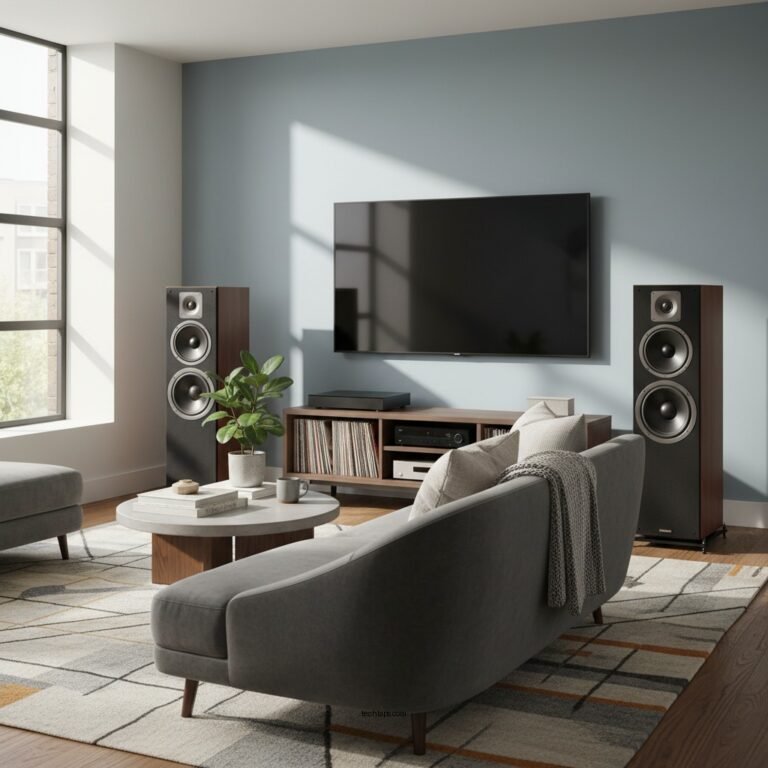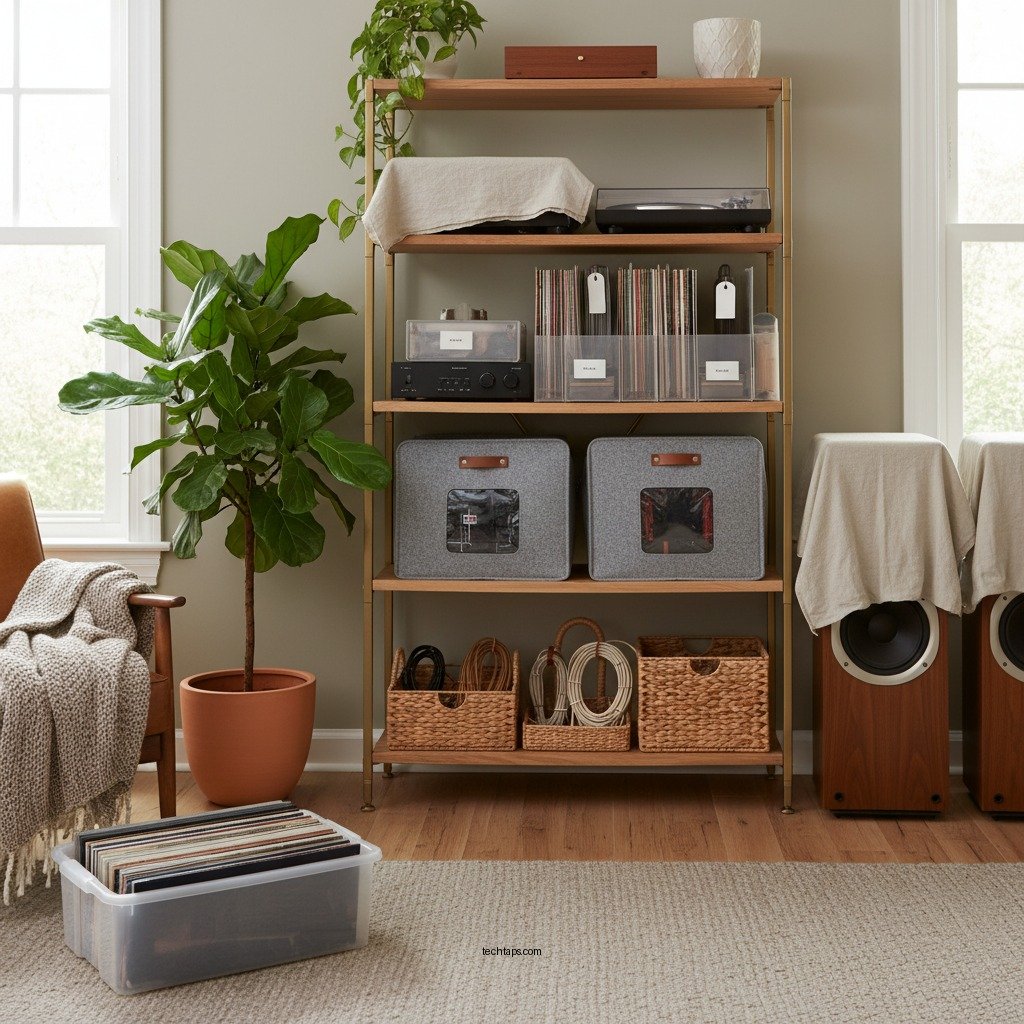

To properly store your home audio equipment during the off-season, ensure that you clean, protect, and store it in a suitable environment. Following these best practices will help maintain the quality and longevity of your gear, preventing damage from dust, humidity, and temperature fluctuations. By taking a few precautionary steps, you can ensure that your audio equipment remains in optimal condition, ready for use when you need it again.
Clean Your Equipment Thoroughly
Cleaning your audio equipment before storage is crucial to ensure its longevity and performance. Dust accumulation can create a range of issues, including interference with sound quality and damage to sensitive components. Start by carefully dusting all surfaces and connections using a soft microfiber cloth. For screens and glossy surfaces, a specialized cleaner designed for electronics can help maintain clarity and prevent streaking.
When cleaning speakers or other components, avoid using excessive moisture, which can seep into connections and damage internal circuitry. Instead, opt for dry cleaning methods or products explicitly labeled for audio equipment. Remember to also clean any remote controls or accessories, as these can harbor dust and grime, which might affect their functionality when you decide to use them again.
Choose the Right Storage Location
The environment in which you store your audio equipment plays a significant role in its preservation. Always opt for a cool, dry place away from direct sunlight. Excessive heat can warp and damage components, while direct sunlight can cause fading and discoloration.
Avoid areas prone to moisture, such as basements or near windows, which can lead to mold and mildew growth. Instead, consider using a climate-controlled space or a dedicated storage cabinet that can protect against environmental changes. Ideally, the storage area should maintain a consistent temperature and humidity level, which is essential for preventing damage to sensitive electronic components.
Use Protective Covers
Investing in protective covers for your audio equipment is an excellent way to shield it from dust and potential scratches during the off-season. Specialized dust covers or cases designed for your specific equipment will provide the best protection. Make sure that the covers are breathable to prevent moisture buildup inside, which could lead to corrosion or damage.
For larger equipment like speakers and amplifiers, consider using padded cases or custom-fitted covers that can guard against dust and physical impacts. Using protective covers not only prolongs the life of your audio equipment but also makes it easier to set up when you’re ready to use it again.
Top 7 Audio Equipment Brands for Storage Solutions (2024)
| # | Brand | Type | Price Range | Durability Rating |
|---|---|---|---|---|
| 1 | Pioneer | Speakers | $100 – $500 | ★★★★☆ |
| 2 | Yamaha | Receivers | $150 – $800 | ★★★★★ |
| 3 | Sony | Headphones | $50 – $400 | ★★★★☆ |
| 4 | Bose | Soundbars | $300 – $1,500 | ★★★★★ |
| 5 | Denon | Amplifiers | $200 – $1,200 | ★★★★☆ |
| 6 | Klipsch | Subwoofers | $150 – $600 | ★★★★☆ |
| 7 | Onkyo | Home Theaters | $400 – $1,800 | ★★★★★ |
Organize Cables and Accessories
Properly organizing cables and accessories is essential for easy access and to prevent damage. Use cable ties or organizers to keep cords untangled, which will make reassembly easier when you’re ready to set up your audio system again.
Consider labeling cables to simplify the setup process later on. For accessories like remotes, manuals, and connection cables, store them in a designated box or drawer. This not only keeps everything together but also reduces the risk of losing small items, ensuring that you have everything you need at your fingertips when the audio season begins again.
Monitor Humidity and Temperature
Maintaining a stable climate in your storage area is crucial for the protection of audio equipment. Fluctuations in humidity and temperature can lead to condensation, which is detrimental to electronic components. Consider investing in a dehumidifier or air conditioner to help regulate the environment, ensuring that it stays within a safe range.
It may also be beneficial to use a hygrometer to monitor humidity levels regularly. The ideal relative humidity for audio equipment storage is between 30% and 50%. Regularly checking the storage area for signs of humidity or temperature fluctuations can prevent potential issues before they arise.
Inspect Equipment Periodically
Even while stored, audio equipment should be inspected periodically. Schedule regular check-ins to assess the condition of your gear. Look for any signs of damage, wear, or potential issues that could escalate if left unaddressed.
This proactive approach not only helps in maintaining equipment health but also allows you to make repairs or replacements before you need to set everything up again. Ensure that dust covers are still intact and that no moisture has entered the storage area.
Prepare for Re-Setup
Before you bring your audio equipment back into regular use, it’s important to have a clear plan for reassembly. Create a checklist that includes each component of your audio system, ensuring that nothing is forgotten during the setup process.
Once everything is in place, take the time to test each piece of equipment individually. This will help confirm that everything is functioning correctly and allow you to address any issues before you dive into your first listening session of the season.
By following these best practices, you can ensure that your home audio equipment remains in excellent condition during the off-season. Taking the time to properly store and protect your gear will pay off when you’re ready to enjoy your favorite music again. Implementing these tips will preserve the quality of your audio experience, ensuring that it’s as enjoyable as ever when you return to it after a break.
Frequently Asked Questions
What are the best practices for cleaning audio equipment before storage?
Before storing your home audio equipment, it’s essential to clean it thoroughly to prevent dust and debris buildup. Use a microfiber cloth to gently wipe surfaces, and for speakers, consider using a soft brush attachment on your vacuum. Avoid using harsh chemicals that could damage the finish or internal components.
How should I prepare my audio equipment for long-term storage?
To prepare your audio equipment for long-term storage, ensure all devices are powered off and unplugged. Remove batteries from wireless devices to prevent corrosion, and wrap cables loosely to avoid tangling. Store items in their original boxes if possible, or use padded cases to protect them from moisture and temperature fluctuations.
Why is climate control important for storing audio equipment?
Climate control is crucial for storing audio equipment because extreme temperatures and humidity can damage sensitive components. Ideally, your storage area should maintain a stable temperature between 60°F and 75°F, with humidity levels around 30-50%. This environment helps prevent rust, mold, and deterioration of electronic parts.
Which storage solutions are best for protecting home audio equipment?
The best storage solutions for home audio equipment include dedicated audio racks, padded cases, or original packaging. Ensure the storage area is dry and dark, using silica gel packs to absorb excess moisture. Avoid stacking heavy items on top of your audio gear to prevent physical damage.
What common mistakes should I avoid when storing audio equipment?
Common mistakes to avoid when storing audio equipment include neglecting cleaning, storing in damp basements or attics, and failing to protect against dust and pests. Additionally, avoid wrapping cables tightly or leaving batteries inside devices. Taking these precautions will help maintain the longevity and performance of your audio gear.
References
- Audio equipment
https://en.wikipedia.org/wiki/Audio_equipment - https://www.sciencedirect.com/topics/engineering/audio-equipment
https://www.sciencedirect.com/topics/engineering/audio-equipment - https://www.britannica.com/topic/audio-equipment
https://www.britannica.com/topic/audio-equipment - https://www.nytimes.com/2020/04/15/realestate/moving-storing-audio-equipment.html
https://www.nytimes.com/2020/04/15/realestate/moving-storing-audio-equipment.html - https://www.theguardian.com/music/2021/jun/05/how-to-store-your-vinyl-records-in-summer
https://www.theguardian.com/music/2021/jun/05/how-to-store-your-vinyl-records-in-summer - https://www.reuters.com/technology/audio-equipment-storage-tips-2021-08-15/
https://www.reuters.com/technology/audio-equipment-storage-tips-2021-08-15/ - https://www.ncbi.nlm.nih.gov/pmc/articles/PMC7937569/
https://www.ncbi.nlm.nih.gov/pmc/articles/PMC7937569/ - Google Scholar Google Scholar
https://scholar.google.com/scholar?q=Best+Practices+for+Storing+Home+Audio+Equipment - Google Scholar Google Scholar
https://scholar.google.com/scholar?q=Storing+Audio+Equipment+Safely - Google Scholar Google Scholar
https://scholar.google.com/scholar?q=Audio+Equipment+Maintenance+and+Storage+Best+Practices