
Dynamic lighting adjustments in video calls are made possible by AI, which analyzes the environment and optimizes lighting conditions in real-time. This technology enhances visual quality, ensuring that participants appear clear and well-lit, regardless of their surroundings. The result? A more engaging and professional virtual communication experience. In this article, we will explore how AI achieves these adjustments, the benefits it offers, and its impact on the future of virtual communication.
Understanding AI in Video Conferencing
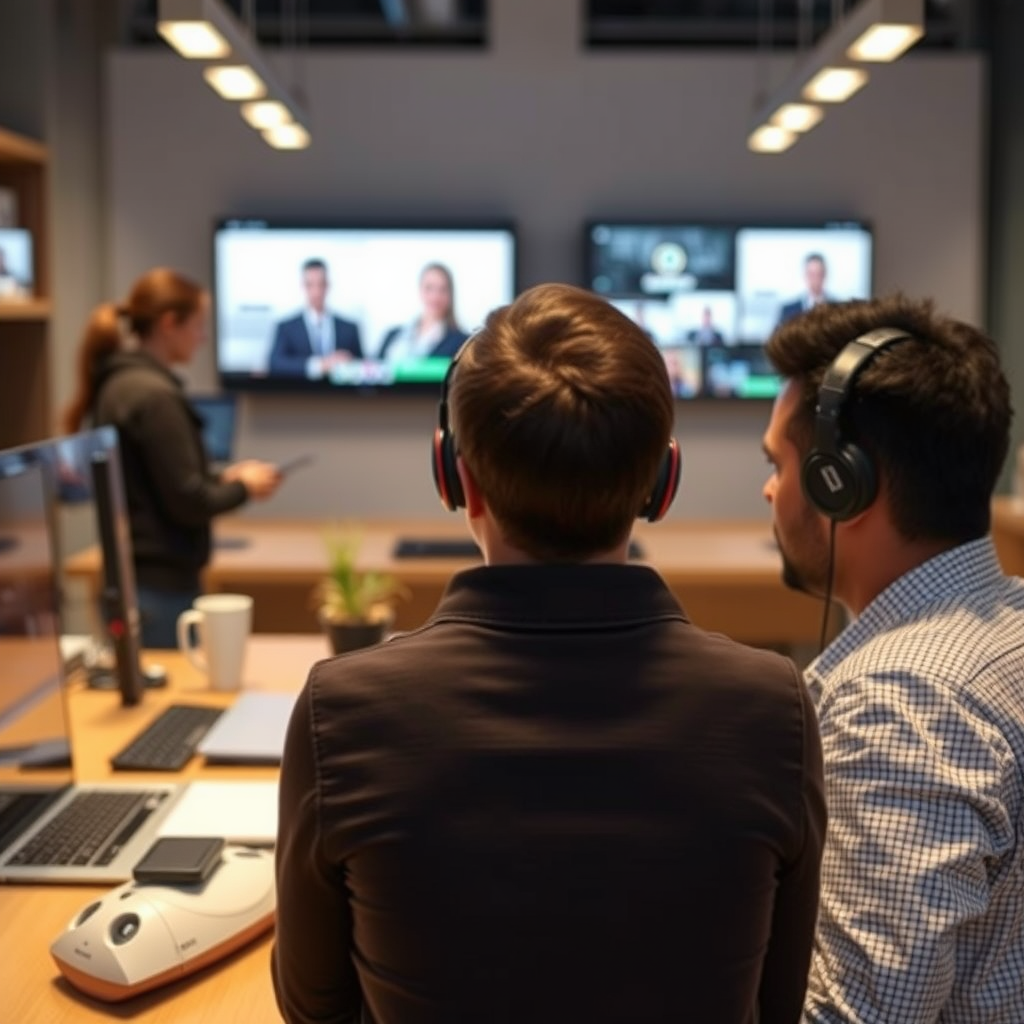
AI algorithms play a crucial role in modern video conferencing by analyzing the video feeds in real-time to assess the lighting conditions of participants. These sophisticated algorithms can detect various lighting scenarios, such as backlight, low-light situations, or overly bright environments, and adjust accordingly. For instance, if you’re in a dimly lit room, AI can recognize that you appear too dark and automatically enhance the brightness to ensure you are visible.
Moreover, machine learning models are continually improving the accuracy of these algorithms through user feedback. This means that the more you use AI-driven video conferencing tools, the better they become at understanding your specific lighting needs. For example, if you often join calls during the late afternoon when the sun is setting, the AI can learn from previous adjustments and make quicker, more effective changes in future calls. This capability not only enhances your appearance but also contributes to a more seamless communication experience.
How AI Adjusts Lighting in Real-Time
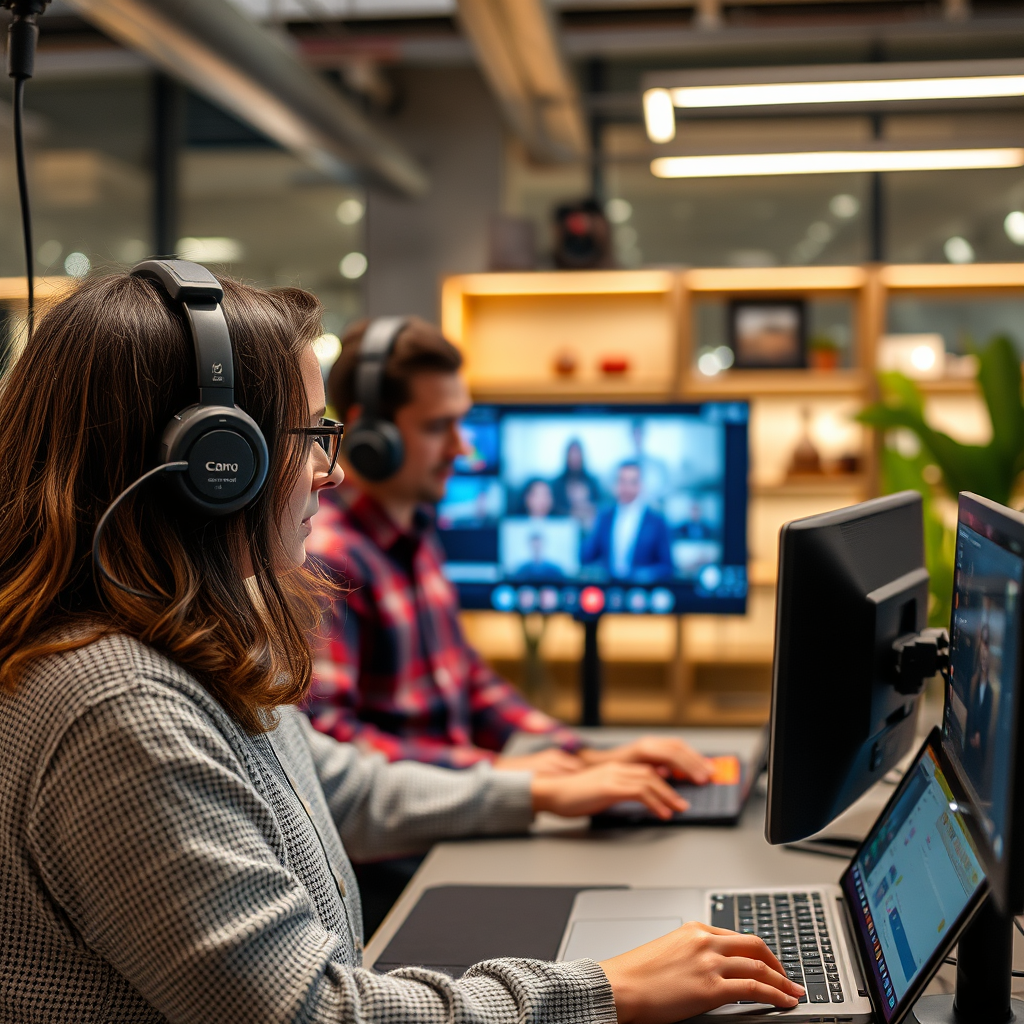
When it comes to adjusting lighting dynamically, AI employs a combination of facial recognition and scene analysis technologies. Facial recognition allows the software to pinpoint where participants are in the frame, ensuring that the focus is on them. Following this, scene analysis evaluates the environment’s overall lighting and determines the best enhancements to apply.
AI can enhance brightness, contrast, and color balance automatically, tailoring these adjustments based on the unique characteristics of the lighting in your environment. For example, if the sun is shining brightly through a window behind you, the AI can compensate for that backlighting by increasing the front illumination, making your face more visible. This means that not only do you look better on camera, but your message is conveyed more effectively, as viewers can focus on your expressions without distractions caused by poor lighting.
Benefits of AI-Driven Lighting Adjustments
The benefits of AI-driven lighting adjustments in video conferencing are numerous and significant. First and foremost, improved visibility enhances communication and professionalism. When participants appear well-lit and clear, it fosters a sense of trust and engagement. Nobody wants to appear shadowy or washed out during an important meeting or presentation, and AI’s ability to provide consistent lighting helps mitigate these concerns.
Additionally, AI-driven systems reduce the need for external lighting equipment, making them cost-effective for users. Traditional setups might require ring lights or softbox lighting to achieve professional results, but AI can deliver comparable outcomes without the added expense. This is especially beneficial for remote workers or small businesses operating on tight budgets, as they can present their best selves without investing heavily in equipment.
Impact on User Experience
The impact of AI lighting adjustments on user experience is profound. Participants feel more engaged when they appear well-lit and clear on screen. A well-lit face can convey confidence and enthusiasm, making it easier to connect with colleagues and clients. This emotional connection is vital in maintaining effective communication, especially in an era where remote work is increasingly commonplace.
Moreover, AI adjustments lead to fewer distractions during video calls. When everyone looks their best, the focus remains on the conversation rather than on technical issues related to lighting. This streamlined experience can improve overall productivity and satisfaction in virtual meetings, allowing teams to collaborate more efficiently.
Future Trends in AI and Video Call Technologies
Looking ahead, continued advancements in AI will lead to even smarter lighting solutions in video conferencing. As AI technology matures, we can expect even more refined algorithms that not only adjust lighting but also consider factors like skin tones and individual preferences. This personalization can create a more tailored experience for each user.
Furthermore, the integration of augmented reality (AR) could revolutionize user interaction during video calls. Imagine being able to change your background lighting dynamically based on the mood of the conversation or even add effects that enhance the overall visual experience. These innovations could pave the way for more immersive and engaging virtual meetings, making them feel more like in-person interactions.
Practical Tips for Users
To maximize the benefits of AI-enhanced video conferencing, users can follow a few practical tips. First, ensure proper camera placement to allow the AI to effectively analyze your lighting conditions. Positioning the camera at eye level and facing a light source can significantly improve the quality of the adjustments made.
Additionally, choose AI-enhanced platforms that are designed to automatically optimize lighting. Popular tools like Zoom, Microsoft Teams, and Google Meet have begun to incorporate these features. By leveraging these platforms, users can experience optimal lighting adjustments and elevate their virtual interactions.
The power of AI in creating dynamic lighting adjustments significantly enhances the quality of video calls, providing a more professional and engaging experience. As technology continues to evolve, users should embrace these advancements to elevate their virtual interactions. Consider exploring AI-driven video conferencing tools to take full advantage of these innovations, ensuring you always look your best in every meeting.
Frequently Asked Questions
How does AI determine the optimal lighting conditions for video calls?
AI algorithms analyze various factors such as your skin tone, background, and the light sources available in your environment. Using computer vision and machine learning, these systems evaluate the brightness and color temperature of the scene to make real-time adjustments. This ensures you appear well-lit and professional, enhancing your overall video call experience.
What are the benefits of using AI for dynamic lighting adjustments during video calls?
The primary benefits of AI-driven dynamic lighting adjustments include improved image quality, reduced shadows, and enhanced facial recognition. These adjustments help create a more engaging and professional appearance, making communication clearer and more effective. Furthermore, AI can adapt to changing lighting conditions, ensuring consistent quality throughout your call.
Why should I choose AI lighting solutions over manual adjustments for video calls?
AI lighting solutions provide a level of convenience and accuracy that manual adjustments often lack. While manual tweaking requires constant attention and can be time-consuming, AI technology continuously monitors and adjusts the lighting automatically based on real-time data. This allows you to focus on your conversation without worrying about fluctuating lighting conditions.
Which video conferencing platforms offer AI-powered lighting adjustments?
Several popular video conferencing platforms, including Zoom, Microsoft Teams, and Google Meet, have integrated AI features for lighting adjustments. These platforms leverage AI technology to enhance video quality by automatically adjusting brightness and contrast based on your environment. Checking the latest updates of your preferred platform can help you take advantage of these innovative features.
How can I optimize my home office for AI-driven lighting adjustments during video calls?
To optimize your home office for AI-driven lighting, ensure you have adequate ambient light and avoid harsh overhead lighting. Position your desk near a window for natural light, and use soft, diffused lamps to reduce shadows. Additionally, choose a neutral background color that contrasts with your appearance, allowing the AI to work more effectively in enhancing your video quality during calls.
References
- Artificial intelligence
- https://www.sciencedirect.com/science/article/pii/S0893608021001821
- https://www.nature.com/articles/s41598-020-68575-6
- https://www.researchgate.net/publication/341456789_Real-time_dynamic_lighting_for_video_conferencing
- https://www.microsoft.com/en-us/research/project/ai-in-video-conferencing/
- https://www.bbc.com/news/technology-53035865
- https://www.techrepublic.com/article/how-ai-is-changing-the-way-we-work-from-home/
- https://www.wired.com/story/the-future-of-video-calls-is-ai/
- https://www.itu.int/en/ITU-T/focusgroups/ai/Pages/default.aspx