
To get the best audio performance from your AV receiver, start by properly calibrating your system and selecting the right speaker placement. This ensures that your audio setup is optimized for your specific room and listening preferences. Achieving high-quality sound in your home theater or stereo system is not just about purchasing the most expensive equipment; it requires thoughtful planning and execution. In this article, we’ll explore essential tips and techniques to enhance your AV experience and maximize your audio setup’s performance.
Optimize Your Room Acoustics
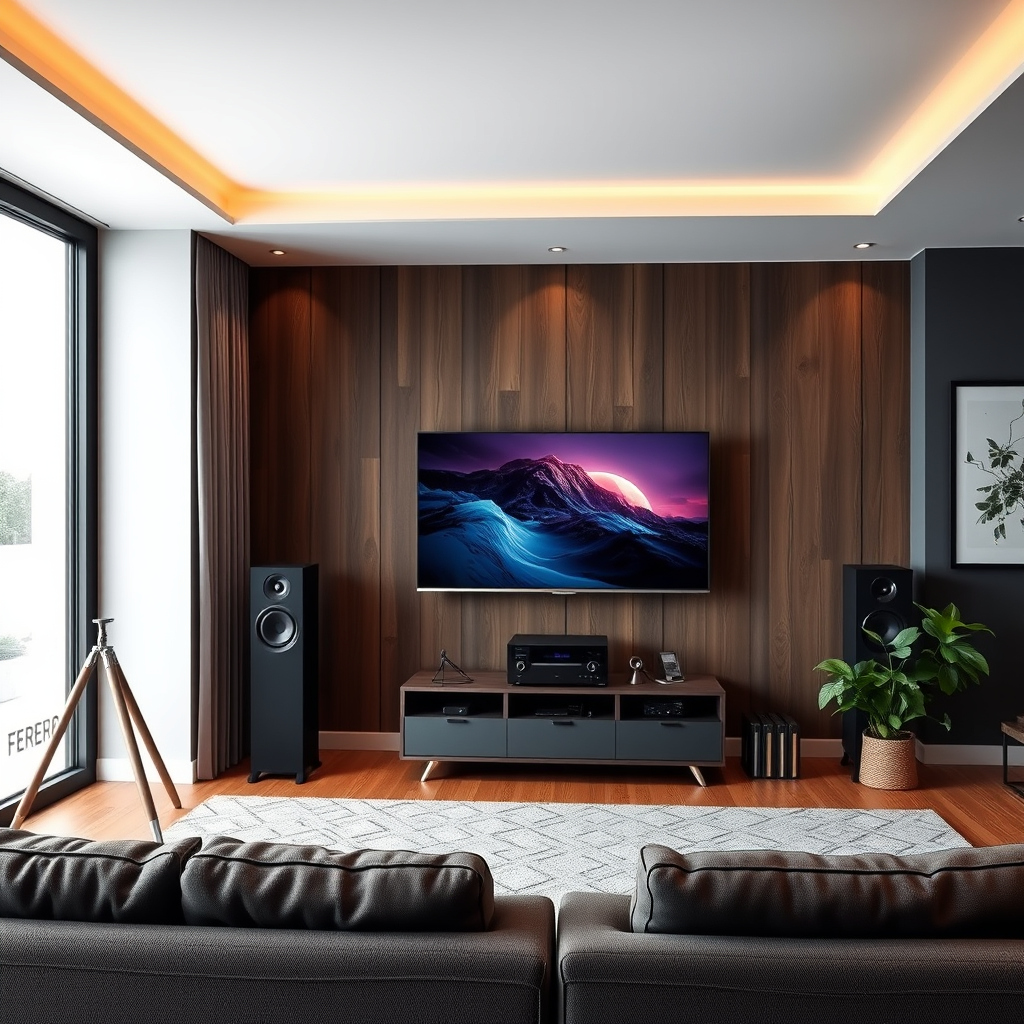
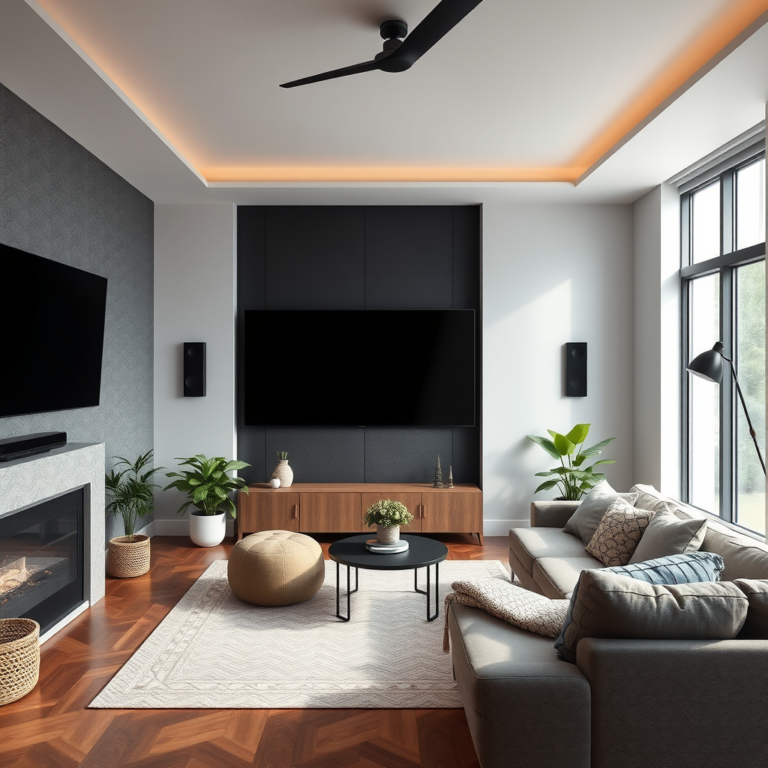
The acoustics of your room significantly affect how sound is perceived. Room shape, size, and the materials used in construction can create problematic areas that lead to sound distortion, such as echoes or dead spots. To optimize your room acoustics, start by assessing the layout. Identify reflective surfaces, such as large windows or bare walls, which can disrupt sound clarity.
To mitigate these issues, consider utilizing acoustic panels or soft furnishings. Acoustic panels can be strategically placed on walls to absorb sound and reduce echo. Soft furnishings, such as carpets, curtains, and upholstered furniture, can also help to dampen sound reflections, leading to improved clarity. For instance, a thick rug can absorb low frequencies, while heavy drapes can help manage mid- and high-range sounds.
Additionally, consider adding bass traps in corners where low frequencies tend to accumulate. These solutions will not only enhance the audio experience but also create a more inviting atmosphere in your space.
Proper Speaker Placement
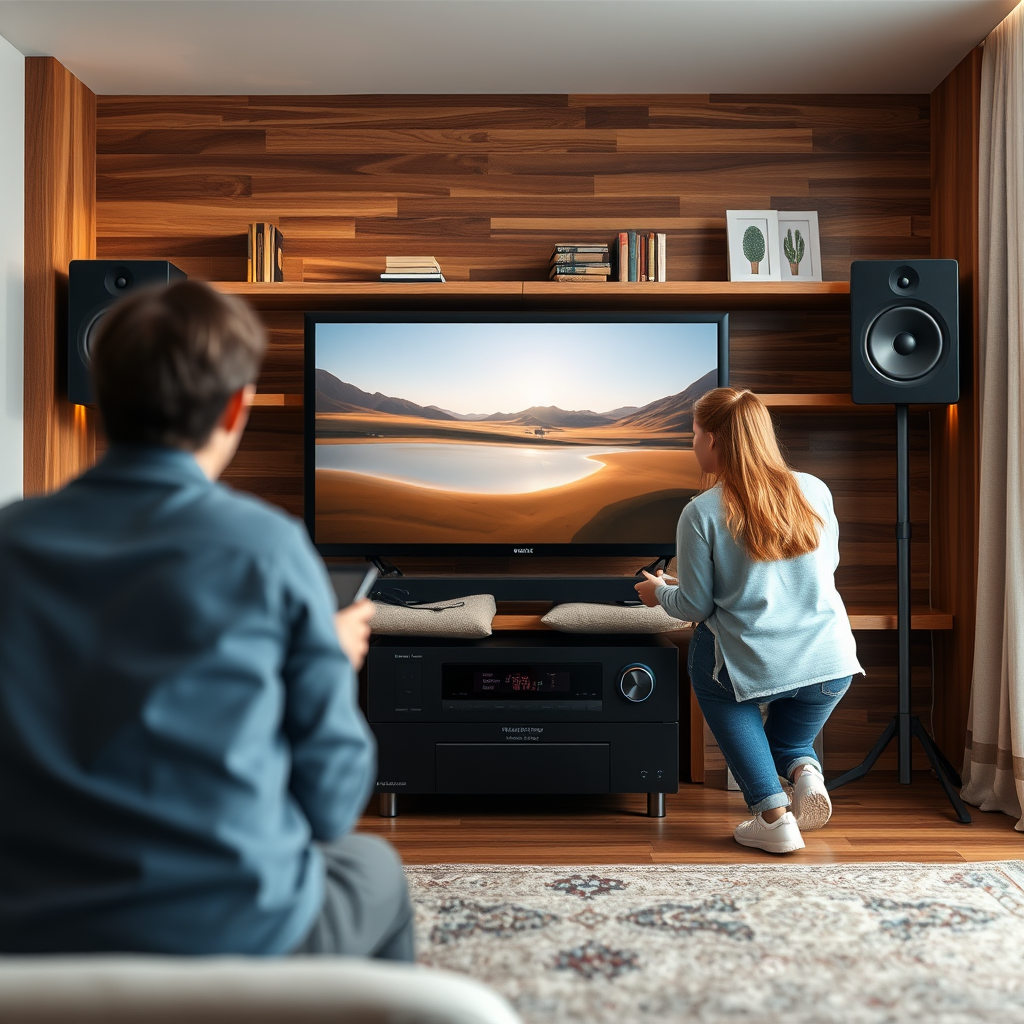
Positioning your speakers correctly is crucial for achieving an immersive audio experience. Ideally, speakers should be placed at ear level when seated, ensuring the listener is in the optimal sound path. A common configuration is to place the front speakers about 30 degrees apart from one another, with the center speaker aligned with the main listening position.
Equidistance from the primary listening area is equally important. For surround sound setups, the rear speakers should be positioned slightly behind and to the sides of the listener, ideally at a height of about 1.5 to 2 feet above ear level. Experimenting with speaker angles and distances can create a more immersive soundstage. For example, angling the speakers inward towards the listener can enhance stereo imaging, making it easier to pinpoint sound sources.
Don’t forget to consider the importance of subwoofer placement. A subwoofer can be placed in different locations to find the “sweet spot” where bass sounds are most pronounced and balanced throughout the room.
Calibrate Your AV Receiver
Calibration is a vital step in ensuring your AV receiver delivers the best possible sound. Most modern AV receivers come equipped with built-in automatic calibration systems. These systems utilize microphones to measure sound output and adjust settings accordingly, taking into account your room’s specific characteristics.
After running the automatic calibration, consider fine-tuning settings manually for a more personalized audio experience. Focus on adjusting levels for each speaker, ensuring that dialogue is clear and sound effects are balanced. Pay attention to distance settings, as incorrect distances can lead to timing issues between speakers, resulting in a less cohesive audio experience.
Regularly revisiting the calibration settings can also help maintain optimal performance, especially if you rearrange furniture or make changes to your audio setup.
Top 7 Features of AV Receivers for Audio Performance (2024)
| # | Feature | Importance Rating | User Satisfaction | Price Range |
|---|---|---|---|---|
| 1 | Automatic Calibration | ★★★★★ | 90% | $300-$800 |
| 2 | Multi-Zone Capability | ★★★★☆ | 85% | $400-$900 |
| 3 | 4K/8K Support | ★★★★☆ | 88% | $500-$1200 |
| 4 | Dolby Atmos Support | ★★★★★ | 95% | $600-$1500 |
| 5 | Wireless Connectivity | ★★★★☆ | 80% | $300-$700 |
| 6 | Streaming Services Integration | ★★★★☆ | 82% | $400-$900 |
| 7 | High-Resolution Audio Support | ★★★★★ | 90% | $500-$1300 |
Connect Quality Cables
The quality of the cables used in your AV setup can significantly impact audio performance. Investing in high-quality HDMI and speaker cables ensures optimal signal transfer and minimizes interference. Using cables that are too long can degrade sound quality, as the signal may weaken over distance.
For HDMI connections, look for high-speed cables that support the latest audio and video formats, including 4K and HDR. For speaker cables, select gauge sizes appropriate for the distance between your receiver and speakers. Generally, a lower gauge number indicates a thicker wire, which can carry more power, especially for longer distances.
Additionally, ensure that all connections are secure and free of corrosion. Regularly check cables for wear and tear, as damaged cables can lead to audio dropouts or degraded sound quality.
Utilize Surround Sound Settings
Surround sound technology has evolved significantly, offering various sound modes designed to enhance the listening experience. Explore options available on your AV receiver, such as stereo, surround, and night mode, to find the best fit for your content.
For example, Dolby Atmos provides a three-dimensional audio experience, allowing sounds to move around the listener in a more immersive way. This technology is particularly effective for films and video games where directional audio plays a crucial role.
Additionally, take advantage of audio presets tailored for different types of media. For instance, some receivers offer “movie” modes that enhance dialogue clarity and sound effects, while “music” modes may provide a warmer, more natural sound profile.
Regularly Update Firmware
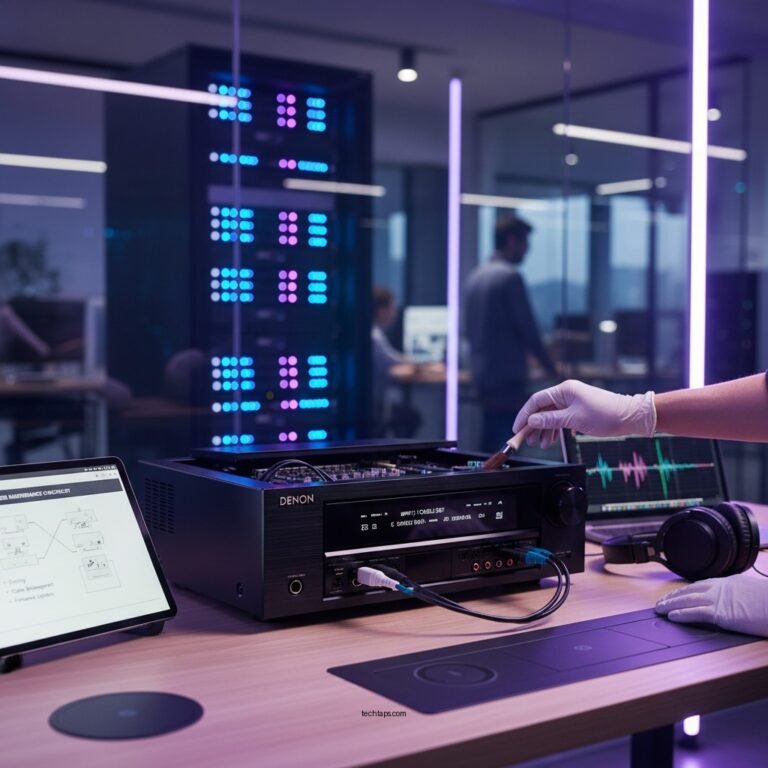
Keeping your AV receiver’s firmware up to date is essential for maintaining optimal performance. Manufacturers frequently release firmware updates that enhance functionality, fix bugs, and improve audio processing capabilities.
To check for updates, navigate to the settings menu of your AV receiver. Many devices can download updates directly over the internet, while others may require manual installation via a USB drive.
Regularly checking for updates ensures that you can access the latest features and improvements, ultimately enhancing your overall audio experience.
Experiment with Streaming Services
With the rise of streaming services, selecting platforms that offer high-quality audio formats is vital for achieving the best listening experience. Services like Tidal, Qobuz, and Amazon Music HD provide lossless audio options, allowing you to fully utilize your AV receiver’s capabilities.
When choosing a streaming service, consider the audio formats available. Look for platforms that support high-resolution audio, as these formats preserve details lost in standard compressed formats.
In addition, many streaming services now offer curated playlists and recommendations based on your listening habits, providing an opportunity to discover new music and enhance your audio experience.
Audio Formats Supported by Major Streaming Services (2024)
Achieving the best audio performance from your AV receiver involves a combination of strategic planning and ongoing management. By optimizing room acoustics, choosing appropriate speaker placements, calibrating your system, utilizing quality cables, and exploring modern streaming options, you can significantly enhance your audio experience. Don’t forget to keep your firmware updated and regularly assess your setup to adapt to any changes in your environment. Start making these adjustments today and enjoy the full potential of your AV system!
Frequently Asked Questions
What are the key factors that affect audio performance in an AV receiver?
The audio performance of an AV receiver is influenced by various factors including the quality of the amplifier, the type of audio processing technology used, and the speaker compatibility. Additionally, room acoustics, speaker placement, and the use of calibration tools can significantly impact sound quality. Ensuring that your AV receiver is paired with high-quality speakers and properly configured is crucial for optimal audio performance.
How can I optimize speaker placement for the best audio performance?
To optimize speaker placement for the best audio performance, position your front speakers at ear level and form an equilateral triangle with your listening position. Avoid placing speakers too close to walls or corners, as this can lead to unwanted bass booms and reflections. Experimenting with different placements and using acoustic panels can help enhance the overall sound quality.
Why is room calibration important for audio performance in an AV receiver?
Room calibration is important for audio performance because it adjusts the receiver’s output to account for the unique acoustics of your space. This process helps to correct issues such as speaker distance, frequency response, and sound delays, ensuring that the audio experience is balanced and immersive. Many modern AV receivers come with built-in calibration tools that make this process straightforward and effective.
What is the best audio format to use for optimal performance with my AV receiver?
The best audio format for optimal performance with your AV receiver is typically lossless formats like Dolby TrueHD or DTS-HD Master Audio, as they provide the highest quality sound without compression. For streaming, formats like Dolby Atmos and Auro-3D can enhance the immersive audio experience. Always check your receiver’s specifications to ensure compatibility with your chosen audio formats.
Which settings should I adjust on my AV receiver for improved audio quality?
To improve audio quality, adjust settings such as the crossover frequency, speaker sizes, and distance settings in your AV receiver’s setup menu. Additionally, enable features like dynamic range control or room correction to further enhance sound performance. Experimenting with these settings based on your room’s acoustics and your personal preferences can lead to a more satisfying audio experience.
References
- Broadcast radio receiver
https://en.wikipedia.org/wiki/Audio_receiver - https://www.sciencedirect.com/topics/engineering/audio-receivers
https://www.sciencedirect.com/topics/engineering/audio-receivers - Google Scholar Google Scholar
https://scholar.google.com/scholar?q=Audio+Performance+AV+Receiver - https://www.bbc.com/future/article/20200915-how-to-get-the-best-sound-from-your-tv
https://www.bbc.com/future/article/20200915-how-to-get-the-best-sound-from-your-tv - https://www.nature.com/articles/s41598-020-67956-8
https://www.nature.com/articles/s41598-020-67956-8 - Google Scholar Google Scholar
https://scholar.google.com/scholar?q=AV+Receiver+Sound+Quality - https://www.ncbi.nlm.nih.gov/pmc/articles/PMC6425529/
https://www.ncbi.nlm.nih.gov/pmc/articles/PMC6425529/ - https://www.pugetsound.edu/about/administration/office-of-the-president/academic-affairs/
https://www.pugetsound.edu/about/administration/office-of-the-president/academic-affairs/ - https://www.cdc.gov/healthyplaces/healthypeople/2020/
https://www.cdc.gov/healthyplaces/healthypeople/2020/ - https://www.theguardian.com/technology/2021/may/05/how-to-make-your-tv-sound-better-using-an-av-receiver
https://www.theguardian.com/technology/2021/may/05/how-to-make-your-tv-sound-better-using-an-av-receiver